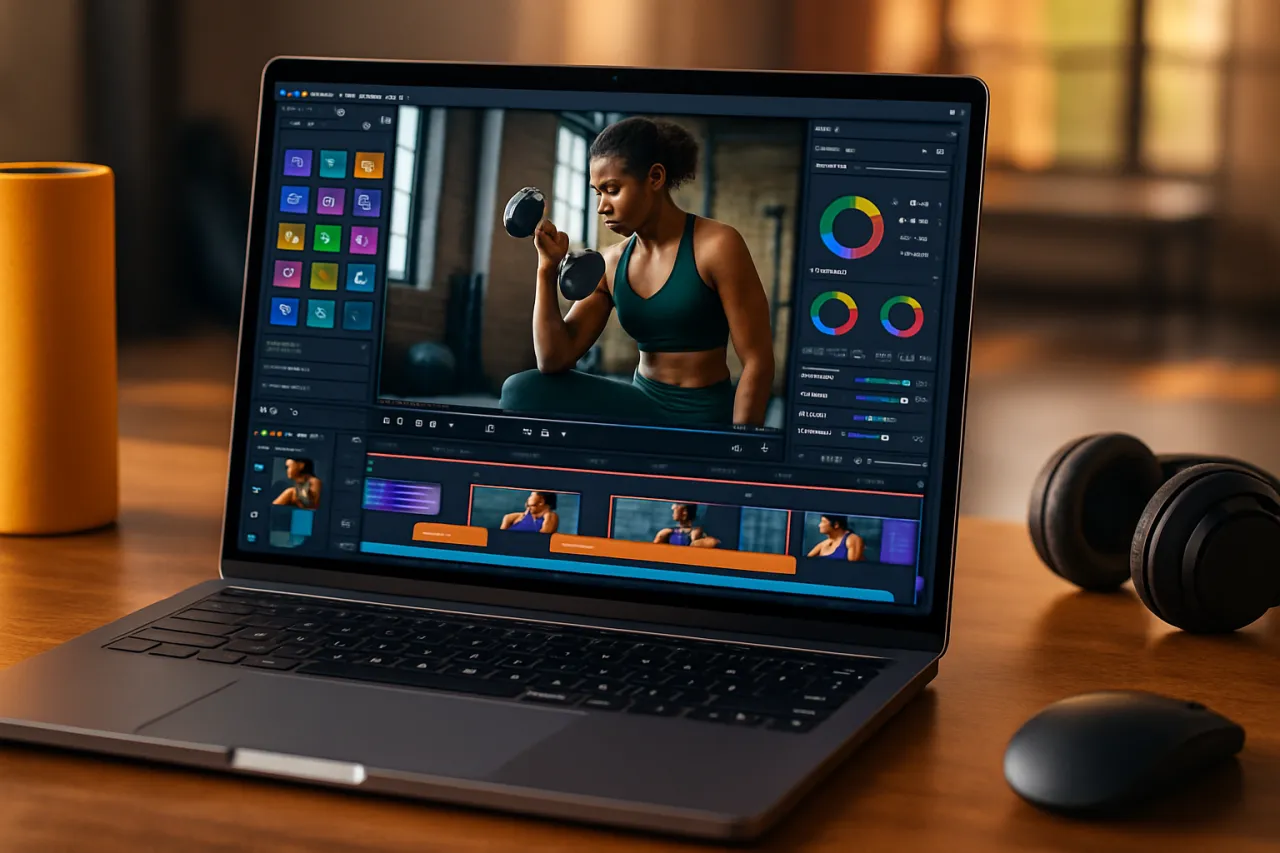
Top Video Editing Software for Fitness Trainers in 2026
Introduction
As the fitness industry continues to evolve, the presence of quality video content has never been more crucial for trainers looking to engage with their audience. With a growing emphasis on online classes and social media marketing, fitness trainers are now more than ever tasked with creating compelling workout videos that not only demonstrate exercises but also inspire and motivate clients. However, video editing can often be a daunting task, especially for those who may not have extensive technical skills.
In this guide, we will discuss some of the top video editing software options available for fitness trainers in 2026. We will explore key features, pricing, and usability to help you make informed decisions on which tools can best enhance your video production workflow. From trimming clips to adding dynamic transitions and even integrating music, having the right software can greatly influence the quality of your final product.
What Is Video Editing Software?
Video editing software is a digital tool designed to manipulate and enhance video footage. This software allows users to cut, arrange, and modify video clips, add effects, and create a polished final product. For fitness trainers, this means the ability to produce high-quality workout videos, promotional content, and instructional material that can be shared across various platforms.
Why It Matters
In the competitive landscape of fitness training, high-quality video content can set you apart from others. Engaging videos not only showcase your expertise but also help build a personal brand and foster a connection with clients. Choosing the right video editing software is essential for executing your creative vision effectively while minimizing production time. By leveraging user-friendly tools, trainers can focus more on content creation rather than struggling with complex software.
Best Software for Fitness Trainers
1. Adobe Premiere Pro
Overview
Adobe Premiere Pro is a professional-grade video editing software widely used in the industry. Its robust features offer advanced editing capabilities suitable for creating high-quality content.
Strengths
- Extensive editing tools
- Supports a wide range of file formats
- Integrates seamlessly with other Adobe products
Limitations
- Steeper learning curve for beginners
- Subscription-based pricing may be costly for some
Best for
Trainers looking for advanced features and professional-level edits.
Pricing overview
Monthly subscription starts at around $20.99.
2. Final Cut Pro
Overview
Final Cut Pro is Apple's flagship video editing software, known for its intuitive interface and powerful editing tools tailored for Mac users.
Strengths
- Magnetic Timeline allows for easy content manipulation
- Fast rendering and exporting speeds
- Excellent support for 4K and HDR content
Limitations
- Only available for Mac users
- Higher upfront cost compared to other options
Best for
Trainers who are Apple users and prefer an intuitive editing experience.
Pricing overview
One-time purchase of approximately $299.99.
3. Filmora
Overview
Filmora is a user-friendly video editing software designed for beginners and those who want to create videos quickly without a steep learning curve.
Strengths
- Easy to navigate interface
- Variety of pre-built templates and effects
- Regular software updates and new features
Limitations
- Limited advanced features compared to professional software
- Watermark on videos in the free version
Best for
Trainers who need an accessible tool for quick video production.
Pricing overview
Subscription plans start at $39.99 per year.
4. Camtasia
Overview
Camtasia is specifically designed for screen recording and video editing, making it an excellent choice for trainers who create instructional content.
Strengths
- Screen recording capabilities
- User-friendly interface tailored for beginners
- Great for creating tutorial videos
Limitations
- Less suitable for complex editing tasks
- Higher price point for a single license
Best for
Trainers focusing on educational and instructional video content.
Pricing overview
One-time payment of $249.00.
5. Hypotenuse
Overview
Hypotenuse is an emerging platform that focuses on simplifying video editing for social media and online platforms.
Strengths
- AI-driven features for quick edits
- Social media optimization tools
- Ideal for short-form content
Limitations
- Still developing advanced features
- Less known than some competitors
Best for
Trainers who prioritize quick edits and social media content.
Pricing overview
Starts at $12 per month, with a free trial available. For more information, check out Hypotenuse.
How to Choose the Right Solution
When selecting video editing software, consider the following:
- Ease of Use: Choose software that matches your technical skills.
- Features: Assess what features are most important for your type of content.
- Budget: Factor in whether you prefer a subscription model or a one-time purchase.
- Support and Resources: Look for software that offers tutorials and customer support.
Common Mistakes
- Overlooking the importance of user-friendly interfaces can lead to frustration.
- Neglecting to check system requirements may result in compatibility issues.
- Focusing too much on advanced features without considering basic needs.
Frequently Asked Questions
1. What should I look for in video editing software?
Consider ease of use, features, and pricing, along with your specific editing needs.
2. Is free video editing software worth it?
Free software can be useful for beginners, but they often come with limitations such as watermarks or fewer features.
3. Can I use mobile video editing apps for my fitness videos?
Yes, many mobile apps are effective for creating quality videos on the go, but they may lack advanced features.
4. How important is video quality for fitness trainers?
High-quality video enhances professionalism and helps engage your audience more effectively.
5. Are there any tools specifically for social media video editing?
Yes, tools like Hypotenuse focus on optimizing content specifically for social media platforms.
Conclusion
In conclusion, the right video editing software can significantly enhance the quality of your fitness videos, making them more engaging and professional. Whether you opt for advanced tools like Adobe Premiere Pro or user-friendly options like Filmora, consider your specific needs and how much time you want to invest in learning the software. By avoiding common pitfalls and carefully evaluating your choices, you can create impactful workout videos that resonate with your audience.
About the Author
Startup Advisor
With a background in E-commerce, Michelle Carter brings hands-on expertise to evaluating the latest E-commerce tools. She has reviewed hundreds of SaaS products for startups and enterprises alike.