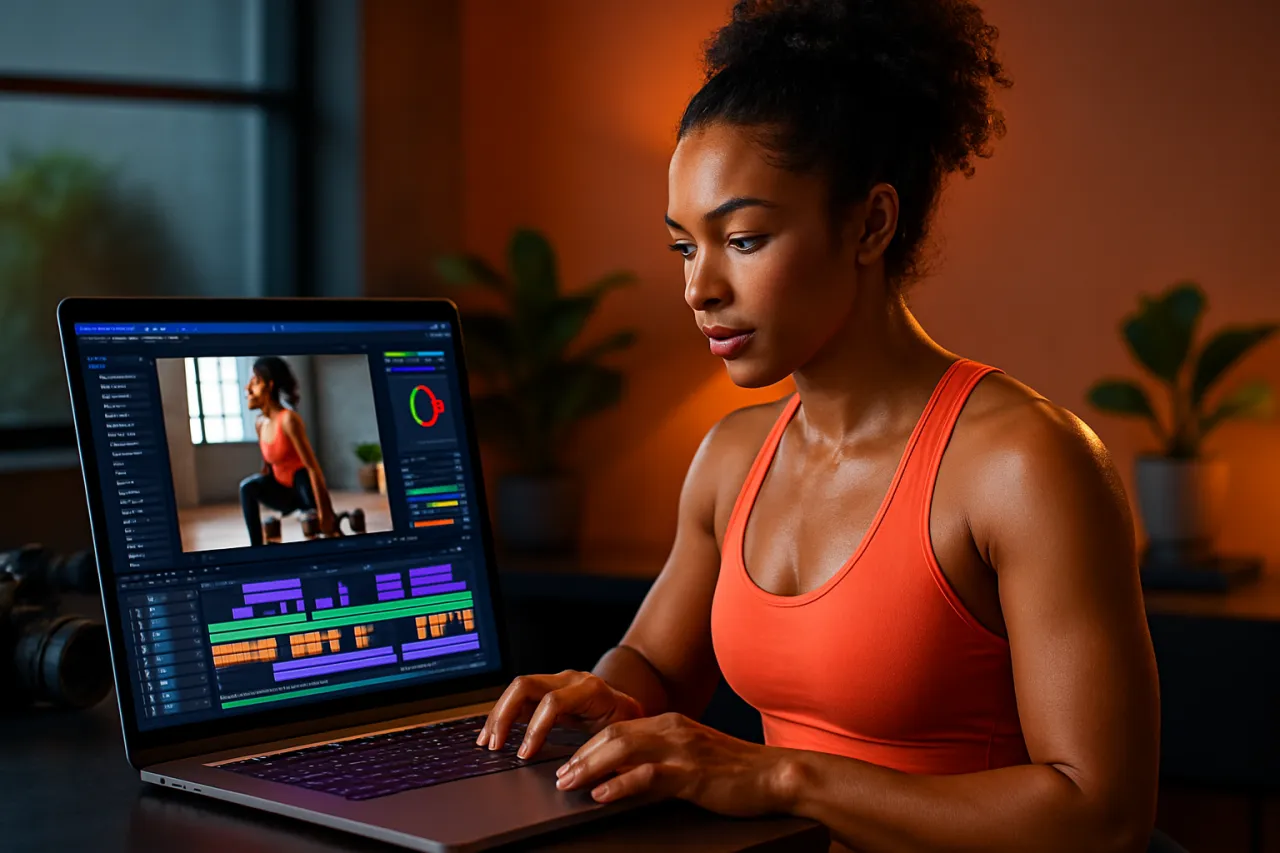
Top Video Editing Tools for Fitness Instructors: Elevate Your Content
Introduction
Creating high-quality video content is crucial for fitness instructors who want to engage their audience and stand out in a crowded market. With the rise of social media and online fitness classes, the demand for polished video content has never been higher. Unfortunately, many instructors struggle with the technical aspects of video editing, limiting their ability to produce professional-looking results.
In this article, we will explore the top video editing tools tailored specifically for fitness instructors. Whether you're editing workout tutorials, promotional videos, or social media clips, these tools will help you elevate your content to new heights. You'll learn the strengths and limitations of each tool, making it easier to select the right fit for your video editing needs.
What Are Video Editing Tools?
Video editing tools are software applications that allow users to manipulate video footage, add effects, and create a cohesive story from raw clips. For fitness instructors, these tools can be particularly helpful for enhancing the visual appeal of their workout videos, adding instructional graphics, and improving overall production quality.
With various options available, choosing the right video editing tool can make a significant difference in your content's effectiveness and professionalism.
Why It Matters
In the fitness industry, the quality of your video content can significantly influence your brand's perception. High-quality videos not only attract more viewers but also help in building trust and credibility with your audience. Additionally, engaging videos can lead to increased retention rates for your instructional content, ultimately contributing to your business growth. Understanding which video editing tools can best support your creative vision is essential for standing out in a competitive landscape.
Best Video Editing Tools for Fitness Instructors
1. Adobe Premiere Pro
Overview
Adobe Premiere Pro is a professional-grade video editing software widely used in the industry. It offers a comprehensive set of tools for video editing, color correction, and audio mixing.
Strengths
- Extensive feature set for advanced editing
- Supports various formats and resolutions
- Integration with Adobe Creative Cloud apps
Limitations
- Steeper learning curve for beginners
- Subscription-based pricing can be costly
Best for
Instructors looking for a professional editing solution to create high-quality, polished videos.
Pricing overview
Monthly subscription starting around $20.99.
2. Final Cut Pro
Overview
Final Cut Pro is Apple's professional video editing software, known for its user-friendly interface and powerful features tailored for Mac users.
Strengths
- Magnetic Timeline for easy editing
- Fast performance on Mac devices
- Advanced color grading tools
Limitations
- Mac-only availability limits accessibility
- One-time purchase can be a high upfront cost
Best for
Fitness instructors who use Mac and want a powerful, yet intuitive editing experience.
Pricing overview
One-time purchase at $299.99.
3. Camtasia
Overview
Camtasia is an all-in-one screen recorder and video editor designed for creating tutorials and educational content.
Strengths
- User-friendly interface ideal for beginners
- Great for screen recordings and instructional videos
- Built-in templates and assets for faster editing
Limitations
- Limited advanced editing options compared to industry standards
- Higher price point for basic features
Best for
Instructors creating instructional videos and online courses who prefer a straightforward editing process.
Pricing overview
One-time purchase around $249.
4. Filmora
Overview
Filmora is a user-friendly video editing software that offers a range of creative features, making it accessible for beginners and semi-professionals.
Strengths
- Drag-and-drop interface for easy navigation
- Extensive library of effects and transitions
- Affordable pricing options
Limitations
- Limited advanced editing features compared to high-end software
- Watermark on exported videos in the free trial
Best for
New fitness instructors looking for an easy-to-use tool that still offers creative flexibility.
Pricing overview
Annual subscription costs around $39.99.
5. InVideo
Overview
InVideo is an online video editing tool that allows users to create professional-quality videos quickly using templates.
Strengths
- Cloud-based for easy access from any device
- Thousands of customizable templates
- Good for social media content and quick edits
Limitations
- Limited features compared to desktop software
- Requires a stable internet connection
Best for
Fitness instructors who need to create quick, engaging social media videos without extensive editing experience.
Pricing overview
Free version available; premium plans start at $15 per month.
How to Choose the Right Solution
When selecting a video editing tool, consider the following evaluation criteria:
- User Experience: Look for an intuitive interface that aligns with your skill level.
- Features: Assess the types of editing features you need, such as color grading, transitions, and audio mixing.
- Compatibility: Ensure the software is compatible with your operating system and hardware.
- Budget: Determine your budget and look for tools that offer good value for your money.
- Support and Resources: Check for available tutorials and customer support options to assist you in learning the tool.
Common Mistakes
Many fitness instructors make common mistakes when editing their videos, such as:
- Overloading videos with effects, making them distracting.
- Neglecting audio quality, which can detract from the overall viewing experience.
- Failing to plan content structure, resulting in a disorganized final product.
- Not optimizing video formats for different platforms, leading to poor playback.
Frequently Asked Questions
1. What video editing tool is best for beginners?
Filmora is highly recommended for beginners due to its user-friendly interface.
2. Can I edit videos on my phone?
Yes, tools like InVideo offer mobile-friendly options for editing on the go.
3. What features should I prioritize for fitness videos?
Look for tools with good audio editing, transitions, and text overlay options to enhance instructional content.
4. Are there free video editing tools available?
Yes, options like DaVinci Resolve and the free version of InVideo can be great starting points.
5. How long does it take to learn video editing?
The learning curve varies, but many users become comfortable with basic editing within a few hours of practice.
Conclusion
Choosing the right video editing tool is essential for fitness instructors looking to create engaging and professional content. From advanced software like Adobe Premiere Pro to user-friendly options like Filmora, there are tools available for every skill level and budget. By understanding the strengths and limitations of each, you can select a solution that aligns with your goals and helps you connect with your audience more effectively.
About the Author
AI Tools Researcher
A seasoned ai tools researcher, Imran Akhtar focuses on making tech accessible to everyday users. He covers Video Editing tools, comparisons, and buying guides on Softedin.