Top Video Editing Tools for Fitness Instructors
Introduction
In the ever-evolving world of fitness, video content has become essential for instructors looking to engage their audience. Whether you're sharing a quick workout tip on social media or creating full-length classes for your online platform, high-quality video is key to capturing attention. However, navigating the myriad of video editing software options can be overwhelming, especially for instructors who may not have a background in video production.
This article will guide fitness instructors through the best video editing tools available in 2026. We will explore the features that matter most, compare user-friendly options, and highlight budget-friendly solutions to help you create professional-looking fitness videos without breaking the bank.
What Are Video Editing Tools for Fitness?
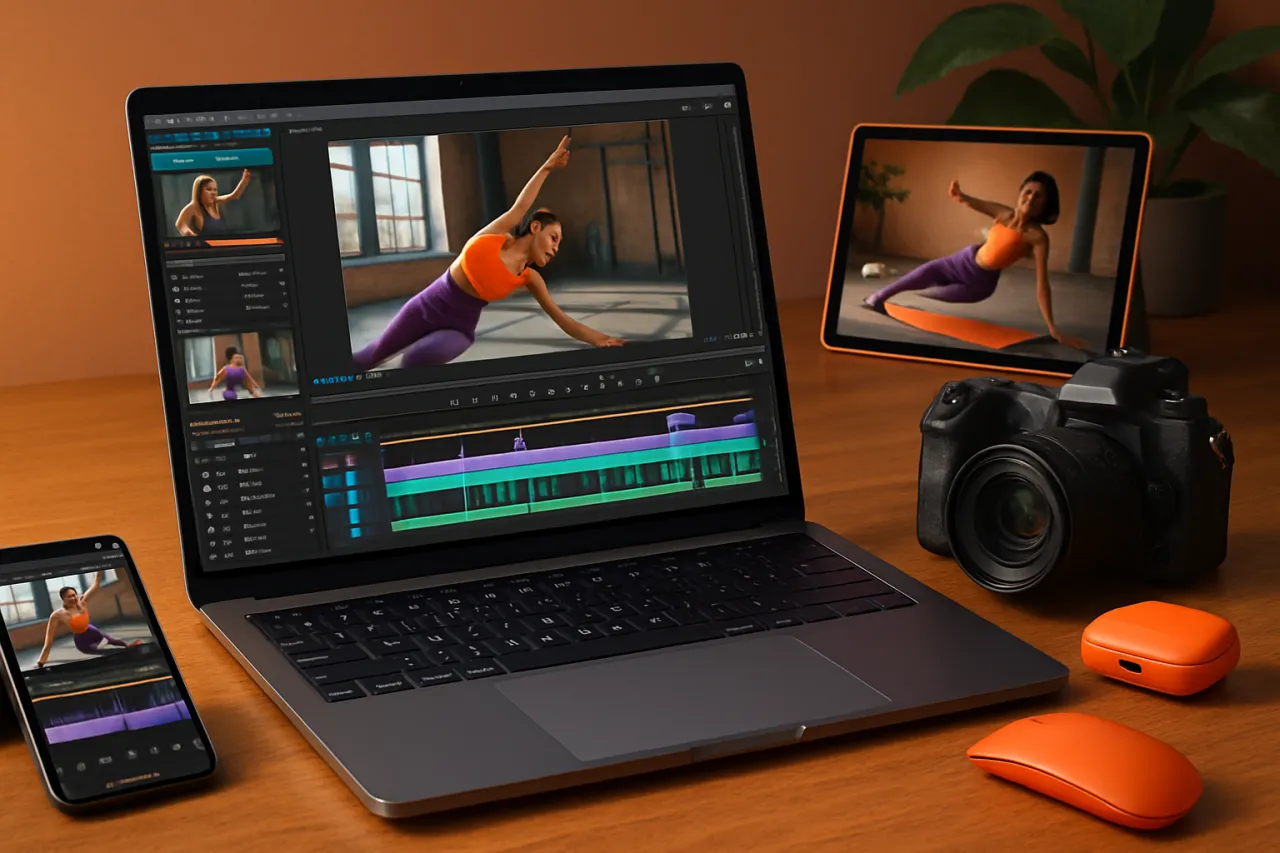
Video editing tools are software applications designed to allow users to manipulate and enhance video footage. For fitness instructors, these tools can help create engaging workout videos, tutorials, or promotional content that resonates with viewers. The right software can streamline the editing process, enabling instructors to focus more on their fitness content rather than the technical aspects of video production.
Why It Matters
With video content being more popular than ever, fitness instructors need to stand out. Quality video editing not only enhances the visual appeal of your content but also improves viewer retention. The right tools can help you add effects, trim unnecessary footage, and deliver polished, professional results that can elevate your brand. Moreover, user-friendly software can significantly reduce the learning curve, allowing instructors to produce high-quality videos even without prior editing experience.
Best Software / Methods / Strategies
1. DaVinci Resolve
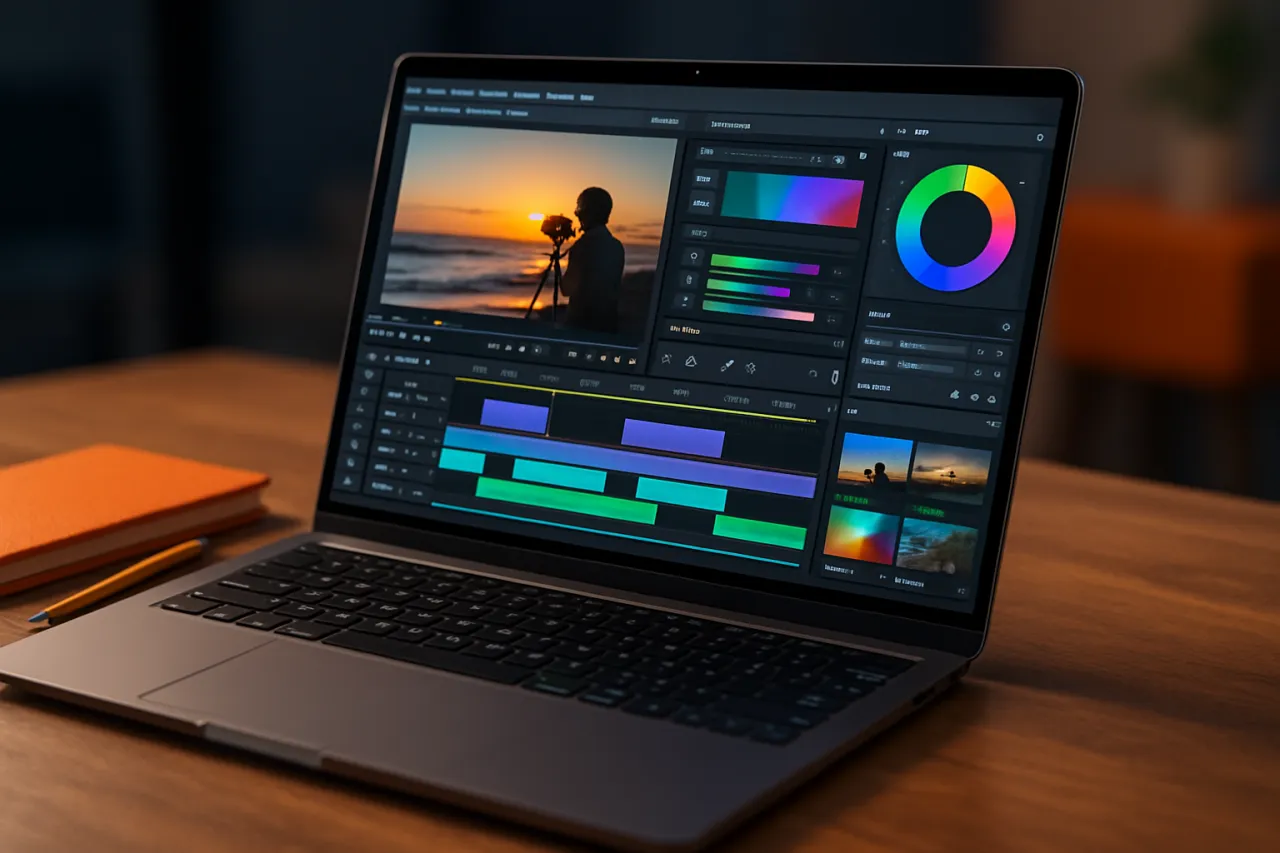
Overview: DaVinci Resolve is a professional-grade video editing tool that offers a free version packed with features. It combines video editing, color correction, visual effects, and audio post-production.
Strengths:
- Comprehensive toolset for advanced editing.
- Excellent color grading capabilities.
- Free version available with essential features.
Limitations:
- Steeper learning curve for beginners.
- Requires a more powerful computer to run smoothly.
Best for: Instructors looking to create high-quality, cinematic-style videos.
Pricing overview: Free version available; paid version starts at $295.
2. Adobe Premiere Pro
Overview: Adobe Premiere Pro is a widely-used video editing software that provides powerful editing tools and is favored by professionals in various fields.
Strengths:
- Industry-standard software with extensive features.
- Seamless integration with other Adobe products.
- Regular updates with new features.
Limitations:
- Subscription-based pricing can be costly in the long run.
- Can be overwhelming for beginners due to its complexity.
Best for: Instructors who want a comprehensive editing suite and are willing to invest in their craft.
Pricing overview: Monthly subscription starts around $20.99.
3. iMovie
Overview: iMovie is a user-friendly video editing software available for Mac users, making it a good choice for instructors who prefer simplicity.
Strengths:
- Intuitive interface for quick edits.
- Good selection of templates and effects.
- Free for Mac users.
Limitations:
- Limited features compared to professional software.
- Not available for Windows users.
Best for: Beginners or instructors who need to produce videos quickly without complex editing.
Pricing overview: Free for macOS and iOS users.
4. Filmora
Overview: Filmora is designed for beginners and semi-professionals, offering a simple interface with plenty of features to create engaging videos.
Strengths:
- User-friendly drag-and-drop interface.
- A variety of built-in effects and music tracks.
- Great for social media content creation.
Limitations:
- Lacks some advanced features found in professional software.
- Watermark on videos in the free version.
Best for: Instructors looking for an easy entry point into video editing without needing advanced skills.
Pricing overview: One-time fee of $69.99 for a lifetime license or a subscription model starting at $39.99 per year.
How to Choose the Right Solution
When selecting the right video editing tool, consider the following factors:
- Skill Level: Assess your comfort with technology and video editing. Beginners may prefer simpler tools like iMovie or Filmora, while experienced users might opt for DaVinci Resolve or Premiere Pro.
- Budget: Determine how much you're willing to spend. Many tools offer free versions or trials, allowing you to test before committing.
- Features: Identify the specific features you need, such as color grading, audio editing, or special effects. Make sure the software you choose accommodates your requirements.
- Compatibility: Ensure the software is compatible with your operating system and hardware.
Common Mistakes
- Overcomplicating Edits: Beginners often try to use every feature available, leading to cluttered and confusing videos. Start simple and build your skills over time.
- Ignoring Audio Quality: Good video editing isn’t only about visuals; poor audio can detract significantly from your content. Invest time in editing audio or using quality microphones.
- Neglecting Branding: Consistency in style, colors, and fonts can enhance your brand’s identity. Maintain a cohesive look across all videos to strengthen your brand recognition.
Frequently Asked Questions
1. What is the best video editing tool for beginners?
Filmora and iMovie are excellent options for those new to video editing.
2. Can I edit videos on my phone?
Yes, many editing tools like iMovie and FilmoraGo offer mobile versions for easy video editing on the go.
3. How can I make my fitness videos more engaging?
Incorporate graphics, music, and clear calls to action. Editing software can help you add these elements easily.
4. Do I need professional editing skills to use these tools?
No, many tools are designed for users of all skill levels, with tutorials and user-friendly interfaces.
5. What features should I look for in video editing software?
Look for features like easy trimming, audio editing, effects, and the ability to export in various formats.
Conclusion
Choosing the right video editing tool can significantly impact your ability to connect with your audience as a fitness instructor. By evaluating your needs, skill level, and budget, you can find the best software for creating engaging videos that showcase your expertise. Whether you go for a professional option like DaVinci Resolve or a user-friendly choice like Filmora, the key is to start creating and refining your skills over time. Remember, the best video editing tool is one that empowers you to share your passion for fitness with the world.
About the Author
Software Reviewer
A seasoned software reviewer, Aaron Roberts focuses on making tech accessible to everyday users. He covers Video Editing tools, comparisons, and buying guides on Softedin.