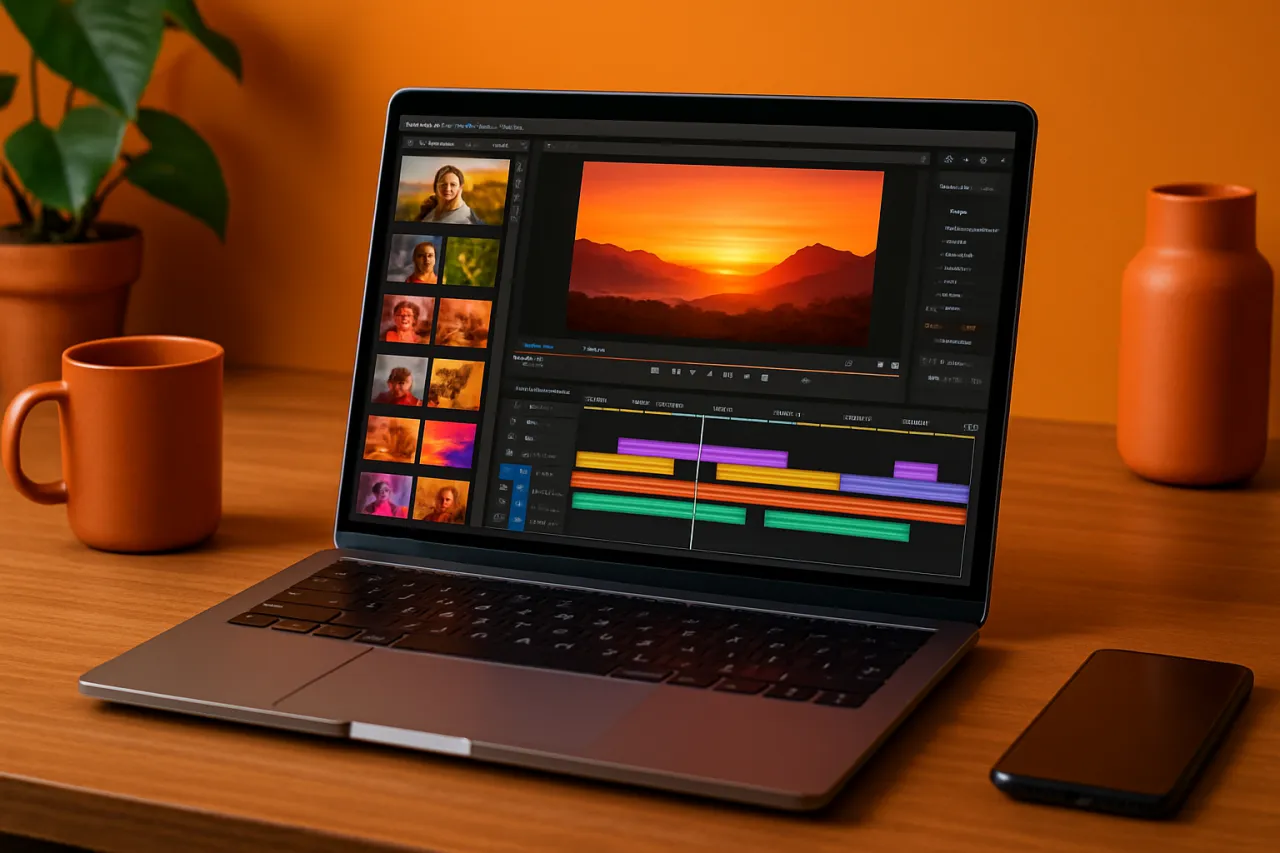
Top Video Editing Tools for Social Media Managers in 2026
Introduction
In the fast-paced world of social media, engaging video content has become a cornerstone of effective marketing strategies. Social media managers are constantly on the lookout for quick and efficient video editing solutions that can help them meet the ever-increasing demands of their audience. With the right tools, creating professional-quality videos can be streamlined, making it easier to deliver captivating content across various platforms.
This article explores some of the top video editing tools available in 2026, focusing on features, strengths, and limitations. Whether you're looking to create short clips for Instagram Stories, informative videos for Facebook, or polished content for YouTube, this guide will help you make informed decisions.
What Is Video Editing Software?
Video editing software refers to applications that allow users to manipulate video footage by cutting, arranging, and enhancing it to create a finished product. These tools can range from basic mobile apps to advanced desktop software, catering to different skill levels and production needs. For social media managers, the ideal video editing tool should be user-friendly, feature-rich, and capable of producing high-quality output tailored for various social platforms.
Why It Matters
With video content projected to account for a significant portion of online traffic, having access to the right video editing tools is crucial for social media managers. Engaging videos can help increase brand visibility, drive user interaction, and enhance overall marketing effectiveness. As trends evolve and platforms introduce new features, staying updated with the best video editing software can keep your content fresh and appealing.
Best Video Editing Tools for Social Media Managers
1. Adobe Premiere Pro
Overview
Adobe Premiere Pro is a professional-grade video editing software that offers a wide array of features suitable for social media content creation.
Strengths
- Robust editing features with multi-track editing.
- Extensive effects and transitions library.
- Seamless integration with other Adobe Creative Cloud apps.
Limitations
- Steeper learning curve for beginners.
- Subscription-based pricing can add up.
Best for
Experienced editors looking for comprehensive tools and capabilities.
Pricing overview
Starts at approximately $20.99/month with a Creative Cloud subscription.
2. Filmora
Overview
Filmora is an intuitive video editing tool known for its user-friendly interface and powerful features tailored for social media.
Strengths
- Drag-and-drop functionality simplifies the editing process.
- Offers a variety of built-in templates and effects.
- Supports 4K video editing.
Limitations
- Limited advanced features compared to professional software.
- Watermark on free version.
Best for
Beginner to intermediate users wanting quick and effective editing solutions.
Pricing overview
Offers a free version; paid plans start at $39.99/year.
3. InVideo
Overview
InVideo is an online video editing platform designed specifically for marketers and content creators, making it ideal for social media managers.
Strengths
- Template-driven approach accelerates content creation.
- Cloud-based, allowing access from anywhere.
- Integrates with stock footage and music libraries.
Limitations
- Limited offline capabilities.
- Advanced features may require a learning period.
Best for
Marketers looking for a quick, web-based solution with template support.
Pricing overview
Free plan available; premium plans start at $15/month.
4. Kapwing
Overview
Kapwing is a collaborative online video editing tool that caters to social media managers needing quick edits and team collaboration.
Strengths
- User-friendly interface with collaborative features.
- Supports a variety of media types including GIFs and images.
- No software download required.
Limitations
- Limited editing features compared to downloadable software.
- Free version has watermark.
Best for
Teams needing a collaborative editing environment.
Pricing overview
Free plan available; paid plans start at $24/month.
5. Canva Video Editor
Overview
Canva's Video Editor allows users to create engaging videos using a simple drag-and-drop interface, ideal for social media posts.
Strengths
- Easy-to-use templates and design tools.
- Integrates with Canva’s graphic design features.
- Offers extensive stock media library.
Limitations
- Limited advanced video editing features.
- May not suffice for professional video editing needs.
Best for
Social media managers focused on creating visually appealing content quickly.
Pricing overview
Free tier available; Pro plan starts at $12.99/month.
How to Choose the Right Solution
When selecting a video editing tool, consider the following criteria:
- Ease of Use: Look for user-friendly interfaces that minimize the learning curve.
- Features: Evaluate the tools available for editing, effects, and integrations with other platforms.
- Collaborative Options: If you work with a team, tools that allow for real-time collaboration can enhance productivity.
- Cost: Determine your budget and consider whether a subscription model or one-time payment fits your needs better.
- Platform Compatibility: Ensure the software works on your preferred operating system or is available as a web-based solution.
Common Mistakes
Social media managers often make several mistakes when selecting video editing tools:
- Overlooking Compatibility: Not all tools are compatible with every device or operating system. Always check prior to making a commitment.
- Ignoring Team Needs: If working with a team, ensure the chosen tool supports collaboration and shared access.
- Focusing Solely on Price: While budget is important, prioritizing features and ease of use often leads to better long-term satisfaction.
Frequently Asked Questions
1. What features should I look for in video editing tools?
Look for features like multi-track editing, effects and transitions, template availability, and integration with other content tools.
2. Is there a free video editing tool suitable for social media?
Yes, tools like Filmora and Kapwing offer free versions that are suitable for basic video editing tasks.
3. Can I collaborate with my team using video editing tools?
Many tools like Kapwing and InVideo offer collaborative features, making it easy for teams to work together on video projects.
4. How important is mobile compatibility?
With the rise of mobile content consumption, having a mobile-friendly video editing tool can be a significant advantage for social media managers.
5. Are there tools that integrate with social media platforms?
Yes, many video editing tools offer direct sharing options to social media platforms, streamlining the content distribution process.
Conclusion
Choosing the right video editing tool is essential for social media managers aiming to produce high-quality, engaging content efficiently. Tools like Adobe Premiere Pro and Filmora offer robust features for more experienced users, while platforms like InVideo and Kapwing cater to those needing quicker solutions. By evaluating your needs, considering collaboration options, and avoiding common pitfalls, you can find the ideal software that enhances your social media strategy without overwhelming your workflow.
About the Author
Software Reviewer
A seasoned software reviewer, Hassan Baig focuses on making tech accessible to everyday users. He covers Cybersecurity tools, comparisons, and buying guides on Softedin.