

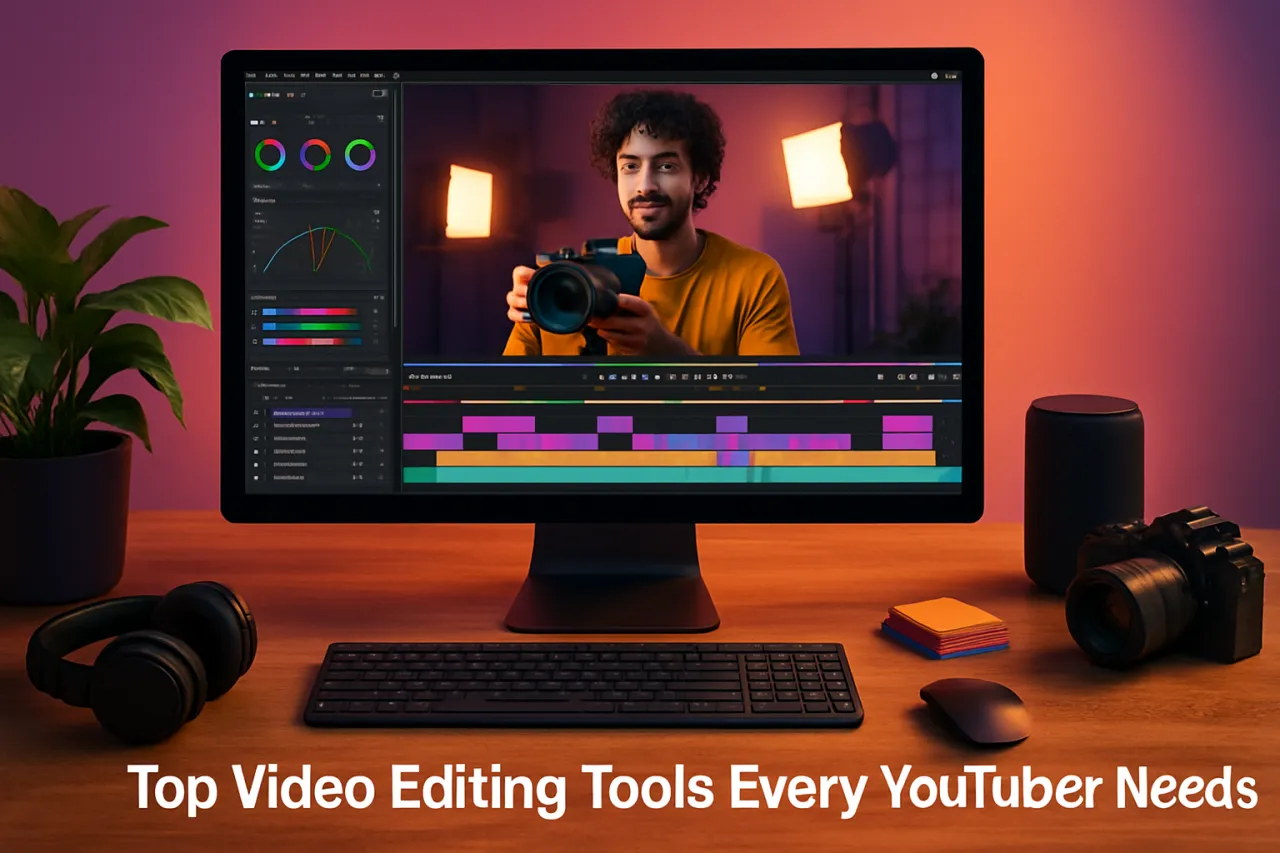
Top Video Editing Tools Every YouTuber Needs
Introduction
In the ever-evolving landscape of YouTube, high-quality video content is more crucial than ever. With millions of creators vying for attention, the right video editing tools can make all the difference in producing eye-catching, professional-looking videos. Whether you’re just starting out or you’re an established content creator, having the best tools at your disposal not only enhances your video quality but also streamlines your workflow.
This article highlights essential video editing tools that every YouTuber should consider. We’ll explore various features, user-friendliness, pricing, and insights from successful YouTubers to help you make informed decisions. By the end, you’ll have a comprehensive understanding of the tools that can transform your video editing process.
What Is Video Editing?
Video editing is the process of manipulating and rearranging video footage to create a new work. It involves cutting segments (trimming), re-sequencing clips, and adding effects, transitions, and sound to improve the narrative flow or visual appeal. With the rise of platforms like YouTube, video editing has become a crucial skill for content creators aiming to engage their audience effectively.
Why It Matters
As a YouTuber, your content's quality can determine your success. Engaging videos not only attract viewers but also encourage subscriptions and shares, which are vital for growth on the platform. Investing in reliable video editing tools allows you to refine your storytelling, enhance visuals, and maintain a professional standard that resonates with your audience.
Best Video Editing Tools for YouTubers
1. Adobe Premiere Pro
- Overview: Adobe Premiere Pro is a professional-grade video editing software widely used in the industry. It offers a comprehensive set of features for video editing, including multi-camera editing, motion graphics, and audio mixing.
- Strengths: Highly customizable, extensive editing capabilities, integrates well with other Adobe Creative Cloud apps.
- Limitations: Steep learning curve for beginners, subscription-based pricing may not be ideal for everyone.
- Best for: Professional creators looking for advanced features and flexibility.
- Pricing overview: Monthly subscription starts around $20.99.
2. Final Cut Pro
- Overview: Final Cut Pro is Apple's professional video editing software, known for its intuitive interface and powerful features, including magnetic timeline and 360-degree video editing.
- Strengths: Fast rendering speeds, seamless integration with macOS, user-friendly interface.
- Limitations: Only available for macOS, the one-time purchase price can be high.
- Best for: Mac users seeking a robust editing tool.
- Pricing overview: One-time purchase of $299.99.
3. DaVinci Resolve
- Overview: DaVinci Resolve is a versatile video editing software that combines editing, color correction, visual effects, and audio post-production in a single application.
- Strengths: Professional-grade color correction tools, free version available, good for both beginners and advanced users.
- Limitations: Can be resource-intensive, requires a strong computer for optimal performance.
- Best for: Creators interested in color grading and a complete post-production solution.
- Pricing overview: Free version available; paid version is $295.
4. Filmora
- Overview: Filmora is a user-friendly video editing software that caters to beginners and semi-professional editors. It offers a range of effects, transitions, and templates.
- Strengths: Simple interface, drag-and-drop functionality, and a variety of built-in effects.
- Limitations: Limited advanced features compared to professional-grade software.
- Best for: New YouTubers looking to create videos quickly without a steep learning curve.
- Pricing overview: Monthly subscription starts at $19.99; one-time purchase available starting at $69.99.
5. Videoleap
- Overview: Videoleap is a mobile video editing app that allows users to edit videos on-the-go. It's perfect for quick edits and social media content.
- Strengths: Intuitive mobile interface, various editing tools, and effects.
- Limitations: Limited to mobile devices, features may not be as robust as desktop applications.
- Best for: YouTubers who need to edit videos quickly from their smartphones. Check Videoleap here.
- Pricing overview: Free version available; Pro version starts at $4.99/month.
How to Choose the Right Solution
When selecting video editing tools, consider the following criteria:
- Skill Level: Choose a tool that matches your expertise. Beginners should look for user-friendly software, while advanced users may prefer professional-grade applications.
- Features: Identify what features are crucial for your videos, such as multi-camera editing, color correction, or motion graphics.
- Budget: Consider your budget for software. Free tools are excellent for starters, while subscription-based or one-time purchase options may offer more advanced features.
- Compatibility: Ensure the software is compatible with your operating system and hardware.
Common Mistakes
- Ignoring Tutorials: Many newcomers skip learning resources, which can hinder their editing skills. Spend time watching tutorials to maximize your tool's potential.
- Overusing Effects: It’s tempting to use all available effects, but this can distract from your content. Focus on enhancing your story instead.
- Neglecting Audio: Poor audio quality can ruin a video, so always pay attention to sound editing and background music.
Frequently Asked Questions
1. What is the best video editing software for beginners?
Filmora and Videoleap are great options for beginners due to their intuitive interfaces.
2. Can I use free video editing software?
Yes, tools like DaVinci Resolve and the free version of Filmora offer robust features without cost.
3. How much should I spend on video editing software?
It depends on your needs. Free tools are available, but professional software can range from $20 to $300.
4. Is mobile video editing effective?
Yes, apps like Videoleap allow for effective editing, especially for quick social media content.
5. What features should I look for in video editing software?
Look for features like ease of use, effects, audio editing capabilities, and export options that suit your needs.
Conclusion
Choosing the right video editing tools is essential for anyone serious about creating quality content on YouTube. Evaluate your needs, skill level, and budget to find the best software for your situation. Remember, the right tools can enhance your creativity and efficiency, allowing you to focus on what truly matters—creating engaging content for your audience.
About the Author

Engineering Manager
To contribute towards the strategic goals and objectives of an organization, specifically in the IT sector, by utilizing my knowledge in the concerned field.


