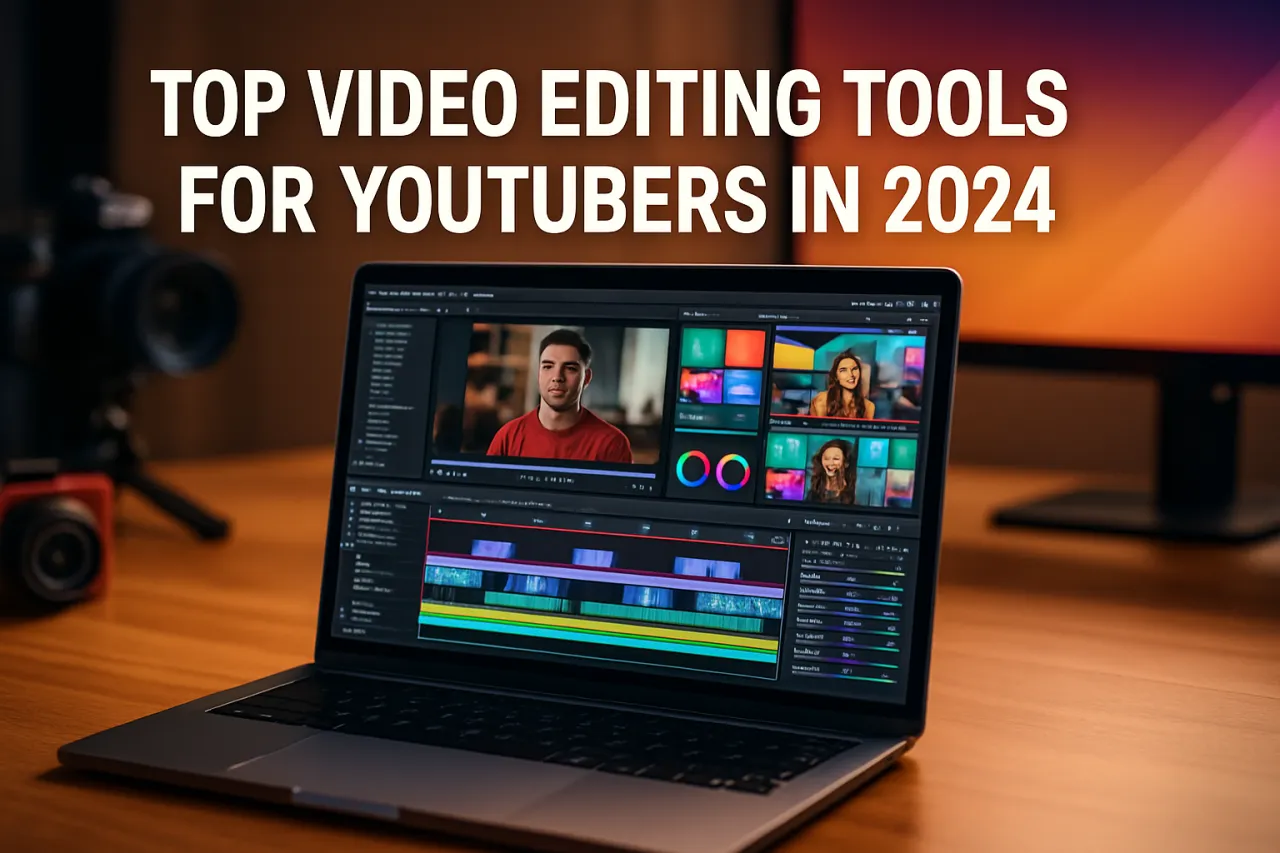
Top Video Editing Tools for YouTubers in 2024
Introduction
Creating engaging video content for YouTube is no small feat. With millions of creators vying for attention, having the right video editing tools can make a world of difference. In 2024, the landscape of video editing software continues to evolve, offering a plethora of options tailored to meet the diverse needs of YouTubers.
In this article, we’ll explore the best video editing tools available this year, highlighting their key features and how they can enhance your content creation process. Whether you're a beginner looking to edit your first video or a seasoned pro seeking advanced capabilities, this guide will help you navigate the options available to elevate your YouTube game.
What Is Video Editing Software?
Video editing software allows users to manipulate video footage and create polished final products. This includes cutting, rearranging, and enhancing video clips, adding effects, and incorporating audio tracks. For YouTubers, efficient video editing software is crucial for producing high-quality content that resonates with viewers.
Why It Matters
The right video editing tool can significantly impact the quality of your videos and, ultimately, your channel's success. With so many options available, understanding what each tool offers can save you time and help you make an informed decision based on your specific needs. From user-friendly interfaces to advanced editing features, the right software can streamline your workflow and enhance your creativity.
Best Software / Methods / Strategies
1. Adobe Premiere Pro
- Overview: Adobe Premiere Pro is a professional-grade video editing software widely used by YouTubers and filmmakers alike.
- Strengths: It offers a comprehensive set of editing tools, multi-camera editing, advanced color grading, and seamless integration with other Adobe products.
- Limitations: The learning curve can be steep for beginners, and it requires a subscription, which can be pricey for casual users.
- Best for: Professional YouTubers and those who need advanced editing features.
- Pricing overview: Plans start at around $20.99/month for individuals.
2. Final Cut Pro
- Overview: Final Cut Pro is Apple's professional video editing software, favored for its powerful features and intuitive interface.
- Strengths: Fast rendering speeds, magnetic timeline, and a range of advanced effects make it popular among Mac users.
- Limitations: Only available for macOS, which limits accessibility for Windows users.
- Best for: Mac users looking for a robust editing suite.
- Pricing overview: One-time purchase of $299.99.
3. DaVinci Resolve
- Overview: DaVinci Resolve is a professional video editing tool that also excels in color correction and audio post-production.
- Strengths: It offers a free version with many advanced features, including multi-user collaboration.
- Limitations: The interface can be overwhelming for newcomers, and some advanced features require the paid version.
- Best for: Those seeking a powerful free option and professionals needing advanced color grading tools.
- Pricing overview: Free version available; the paid Studio version costs $295.
4. Filmora
- Overview: Filmora is designed for beginners and casual users who want to edit videos quickly without sacrificing quality.
- Strengths: User-friendly interface, a wide range of templates, and built-in effects make it accessible.
- Limitations: Limited advanced features compared to professional software, and watermarks on the free version.
- Best for: Beginners and YouTubers looking for easy editing solutions.
- Pricing overview: Subscription starts at $19.99/month or a one-time fee of $69.99.
5. HitFilm Express
- Overview: HitFilm Express is a free video editing software that combines editing and visual effects capabilities.
- Strengths: Offers a wide array of features and is great for creators looking to add special effects to their videos.
- Limitations: Some features are only available through paid add-ons, and it can be resource-intensive.
- Best for: YouTubers interested in VFX and advanced compositing techniques.
- Pricing overview: Free version available; additional features can be purchased through add-ons.
How to Choose the Right Solution
Selecting the right video editing software depends on various factors, including your editing experience, the types of videos you create, and your budget. Here are some key considerations:
- Skill Level: Beginners might prefer user-friendly software like Filmora, while experienced editors may gravitate towards Adobe Premiere Pro.
- Features Needed: Consider what features are essential for your projects—color grading, effects, or audio editing.
- Budget: Determine how much you’re willing to spend. Free options like DaVinci Resolve are great, but premium software often provides additional features.
Common Mistakes
- Overlooking Hardware Requirements: Ensure your computer meets the software’s requirements to avoid performance issues.
- Not Exploring Tutorials: Most software comes with tutorials; taking advantage of these can significantly improve your editing skills.
- Ignoring Backup Options: Always back up your projects to prevent loss of work.
Frequently Asked Questions
- What is the best free video editing software for YouTubers? DaVinci Resolve and HitFilm Express are excellent options.
- Do I need advanced editing skills to use Adobe Premiere Pro? While it’s user-friendly for professionals, beginners may require time to learn the interface.
- Can I use video editing software on a tablet? Some software like FilmoraGo offers mobile options, but desktop versions typically provide more features.
- How do I improve my video editing skills? Practicing regularly and watching tutorials can help enhance your skills.
- What features should I look for in video editing software? Important features include timeline editing, color correction tools, and audio editing capabilities.
Conclusion
In 2024, YouTubers have a wealth of options when it comes to video editing software. Each tool has its strengths and limitations, catering to different needs and skill levels. By understanding what you need from your editing software, you can make an informed decision that enhances your video content.
Whether you choose a professional suite like Adobe Premiere Pro or a beginner-friendly platform like Filmora, the right tool can help bring your creative vision to life. Start exploring these options today to find the best fit for your YouTube journey.
About the Author
UX Researcher
Maryam Cheema is a ux researcher with 11+ years of experience reviewing and testing Video Editing software. She helps businesses find the right digital tools to scale their operations.