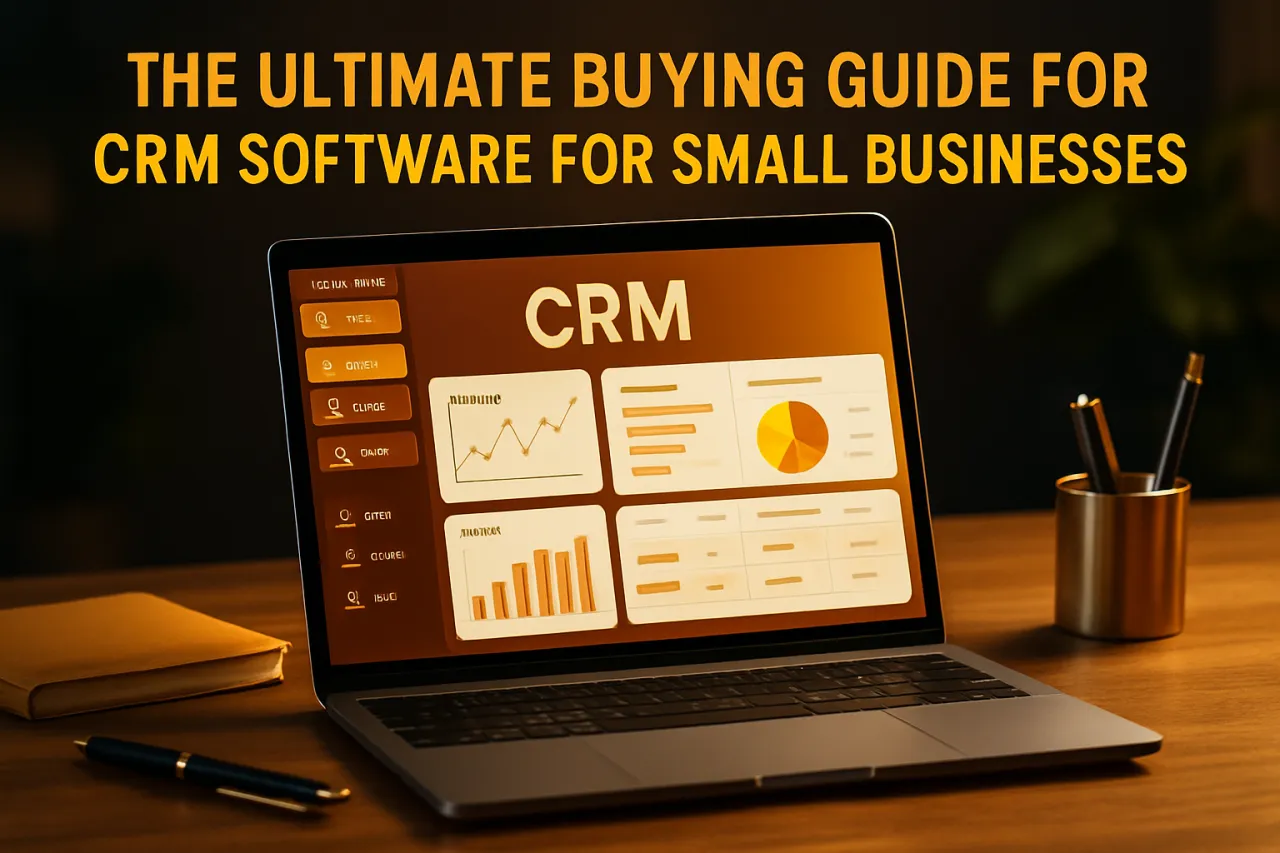
The Ultimate Buying Guide for CRM Software for Small Businesses
Introduction
Choosing the right CRM software is a pivotal decision for small businesses aiming to enhance customer relationships and streamline operations. The right CRM can not only help manage customer interactions but also improve sales processes, customer service, and overall business efficiency. However, selecting the right solution amidst the sheer number of options can be overwhelming. This guide will walk you through essential features to look for, common pitfalls to avoid, and provide a comparison of some of the best CRM options available for small businesses in 2026.
What Is CRM Software?
CRM, or Customer Relationship Management software, is a technology that helps businesses manage their interactions with current and potential customers. By collecting and analyzing customer data throughout the customer lifecycle, CRM software aims to improve customer service relationships and assist in customer retention and satisfaction. It encompasses various functionalities such as contact management, sales tracking, productivity tools, and analytics, enabling businesses to make informed decisions based on customer behavior and preferences.
Why It Matters
For small businesses, effective customer relationship management is crucial. With limited resources, small businesses must prioritize customer engagement to foster loyalty and drive sales. CRM software not only simplifies the management of customer data but also provides insights that can lead to improved strategies and processes. Investing in the right CRM can ultimately contribute to growth and sustainability in a competitive market.
Best Software / Methods / Strategies
1. HubSpot CRM
- Overview: HubSpot CRM is a popular choice for small businesses due to its free tier and scalability. It offers essential CRM features and integrates well with HubSpot's marketing and sales tools.
- Strengths: User-friendly interface, robust marketing automation features, free plan available.
- Limitations: Advanced features may require payment, which can be expensive as you scale.
- Best for: Startups and small businesses seeking an intuitive and cost-effective solution.
- Pricing overview: Free for basic features, with paid plans starting at $45/month.
2. Zoho CRM
- Overview: Zoho CRM is a comprehensive solution that caters to small and medium businesses. It provides a wide range of features including sales automation, marketing automation, and customer support.
- Strengths: Highly customizable, affordable pricing, strong integration options.
- Limitations: Can have a steep learning curve for new users.
- Best for: Businesses looking for customization and flexibility.
- Pricing overview: Plans start at $14/user/month.
3. Salesforce Essentials
- Overview: Salesforce Essentials is designed specifically for small businesses, offering a simplified version of the powerful Salesforce platform.
- Strengths: Extensive feature set, strong analytics, and reporting capabilities.
- Limitations: Can be pricey for small businesses as they grow; some users may find it overly complex.
- Best for: Businesses with plans for rapid growth and needing advanced features.
- Pricing overview: Starts at $25/user/month.
4. Pipedrive
- Overview: Pipedrive is a sales-focused CRM that emphasizes pipeline management, making it ideal for sales teams.
- Strengths: Visual sales pipeline, easy to use, excellent mobile app.
- Limitations: Limited features for marketing and customer service.
- Best for: Sales-driven businesses.
- Pricing overview: Plans start at $15/user/month.
5. Freshsales
- Overview: Freshsales by Freshworks integrates sales, marketing, and customer support features into one platform, designed for small businesses.
- Strengths: AI-based insights, built-in phone and email, user-friendly interface.
- Limitations: Some features may not be as robust as competitors.
- Best for: Businesses wanting an all-in-one solution.
- Pricing overview: Free tier available; paid plans start at $15/user/month.
How to Choose the Right Solution
When selecting CRM software for your small business, consider the following criteria:
- Specific Needs: Identify what features are most critical for your business, such as sales automation, customer service, or marketing tools.
- Budget: Determine how much you are willing to spend. Look for solutions that scale with your business to avoid future costs.
- Ease of Use: Opt for a CRM that your team can adopt quickly without extensive training.
- Integration: Ensure the CRM can integrate with other tools you use, such as email marketing software or project management tools.
- Customer Support: Evaluate the level of customer support provided; responsive support can be crucial during the setup and beyond.
Common Mistakes
Many businesses make mistakes when choosing CRM software. Here are a few to avoid:
- Overcomplicating Choices: Small businesses often choose overly complex systems that offer more features than they need, leading to frustration and inefficiency.
- Ignoring User Experience: Prioritizing features over usability can result in low adoption rates among staff.
- Neglecting Future Needs: Failing to consider future growth can lead to outgrowing the chosen CRM and incurring migration costs later.
Frequently Asked Questions
1. What is the average cost of CRM software for small businesses?
The cost of CRM software varies widely based on features and provider, typically ranging from free options to around $150 per user per month.
2. Can CRM software help with marketing?
Yes, many CRM solutions come with built-in marketing automation features, allowing you to manage campaigns and leads effectively.
3. How long does it take to implement CRM software?
Implementation times can vary, but many small businesses can set up basic CRM systems in a few days to several weeks, depending on complexity.
4. Is CRM software necessary for small businesses?
While not mandatory, CRM software can significantly enhance customer relationship management and business efficiency, making it highly beneficial.
5. What features should I prioritize in a CRM?
Focus on features that align with your business goals, such as contact management, sales automation, reporting tools, and user interface.
Conclusion
Choosing the right CRM software is a significant step for any small business. By understanding your needs, evaluating potential solutions, and avoiding common pitfalls, you can select a CRM that not only meets your current requirements but also supports your future growth. Remember, the best CRM is one that enhances your workflow, improves customer relationships, and aligns with your business strategies without overwhelming your team.
About the Author
Tech Blogger
Sana Javed is a tech blogger with 8+ years of experience reviewing and testing Email Marketing software. She helps businesses find the right digital tools to scale their operations.