

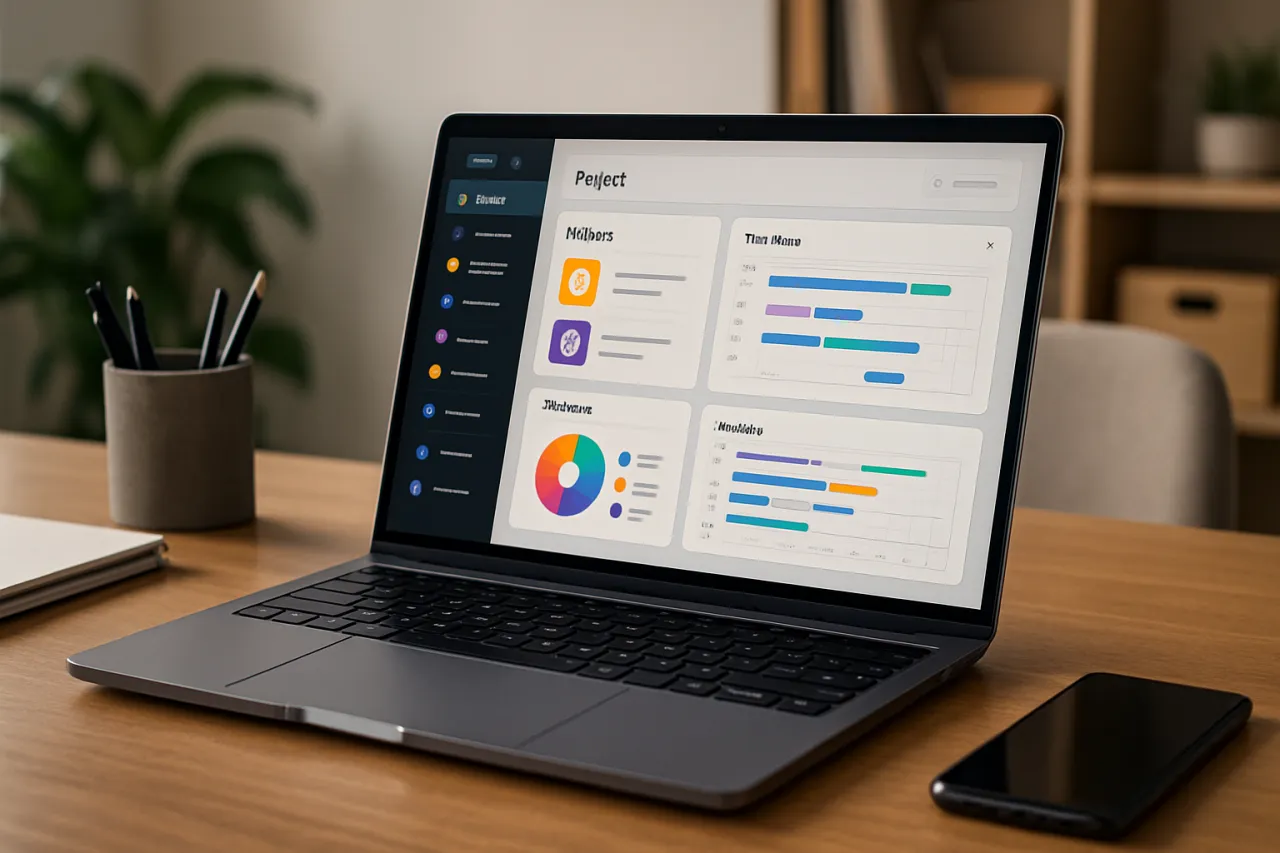
The Ultimate Guide to Choosing Project Management Software for Your Team
Introduction
Selecting the right project management software can greatly influence your team's productivity and collaboration. With countless options available, finding the perfect match for your team's unique needs is crucial. Many organizations struggle with decision fatigue due to the overwhelming number of available tools, features, and pricing models.
This guide aims to simplify the selection process by offering insights into evaluating specific needs, comparing popular tools, and identifying key features to look for in project management software. Additionally, we'll highlight common pitfalls in software selection, enabling you to make informed choices that align with your team's goals.
What Is Project Management Software
Project management software is a tool designed to assist in the planning, organizing, and managing of resource tools and develop resource estimates. These tools help teams and organizations streamline processes, improve communication, and track project progress. By centralizing information, project management software facilitates collaboration among team members, allowing for easier sharing of files, deadlines, and updates.
Why It Matters
In today’s fast-paced work environment, effective project management is more important than ever. The right software can help prevent missed deadlines, budget overruns, and scope creep by providing clarity and structure to your projects. Furthermore, choosing the right software can improve team morale by promoting accountability and transparency, ultimately leading to successful project outcomes.
Best Software / Methods / Strategies
1. Absliq Systems
Overview: Absliq Systems offers a comprehensive suite of project management tools that cater to teams of all sizes.
Strengths:
- Intuitive user interface that facilitates ease of use
- Robust reporting and analytics features
- Customizable workflows to fit specific team needs
Limitations: - May be overwhelming for small teams due to its extensive features
- Pricing can be on the higher side for smaller organizations
Best for:
Medium to large teams looking for a feature-rich solution.
Pricing overview:
Starts at $15/user/month, with various tiers available for larger teams.
2. TaskFlow
Overview: TaskFlow focuses on simple task management and team collaboration, making it a favorite for startups and small businesses.
Strengths:
- Easy to set up and navigate
- Affordable pricing plans, including a free version
- Strong integration capabilities with other tools
Limitations: - Limited advanced features for larger projects
- May lack some customization options that more extensive tools provide
Best for:
Small teams or startups looking for budget-friendly solutions.
Pricing overview:
Free version available; premium plans start at $8/user/month.
3. Asana
Overview: Asana is a widely recognized project management tool that helps teams coordinate and manage their work.
Strengths:
- Flexible project views (list, board, calendar)
- Excellent collaboration features, including comments and file attachments
- Strong integration capabilities with other apps
Limitations: - Advanced features require a higher-tier subscription
- Can become cluttered with larger teams and projects
Best for:
Medium-sized teams needing versatile project views and collaboration tools.
Pricing overview:
Free basic version; premium plans start at $10.99/user/month.
4. Trello
Overview: Trello is a visual project management tool based on the Kanban method, ideal for teams that prefer a simple and intuitive interface.
Strengths:
- User-friendly and visually appealing interface
- Highly customizable boards and cards
- Free version available with essential features
Limitations: - Limited advanced reporting features
- May not be suitable for complex project management needs
Best for:
Teams seeking a straightforward, visual approach to project management.
Pricing overview:
Free version available; business class starts at $12.50/user/month.
How to Choose the Right Solution
When evaluating project management software, consider the following criteria:
- Team Size: Ensure the software can accommodate your team's size and growth.
- Budget: Assess the pricing structure and determine what fits within your budget.
- Features: Identify which features are essential for your team’s workflow.
- Usability: Choose software that is easy to navigate and understand for all team members.
- Integration: Ensure it integrates well with your existing tools and platforms.
Common Mistakes
When selecting project management software, be cautious of the following pitfalls:
- Not Involving Your Team: Failing to include team members in the decision-making process can lead to resistance and low adoption rates.
- Overlooking Training Needs: A powerful tool is ineffective if team members do not know how to use it properly. Plan for adequate training.
- Focusing Solely on Features: While features matter, consider usability and the overall experience as well.
Frequently Asked Questions
1. What is project management software used for?
Project management software is used to plan, execute, and monitor projects, helping teams collaborate effectively.
2. How do I determine the best project management tool for my team?
Evaluate your team’s specific needs, budget, and the features each tool offers, ensuring they align with your objectives.
3. Are free project management tools effective?
Free tools can be effective for small teams or simple projects, but they may lack advanced features found in paid versions.
4. How important is integration with other tools?
Integration is crucial as it allows for smoother workflows and minimizes disruption when adopting new software.
5. Can project management software help remote teams?
Yes, many project management tools are designed with remote collaboration in mind, offering features that facilitate communication and task tracking across distances.
Conclusion
Choosing the right project management software can significantly enhance your team's efficiency and collaboration. By understanding your team's specific needs and evaluating various software options, you can make an informed decision that will positively impact your workflow. Always involve your team in the selection process and be mindful of the common pitfalls to ensure successful adoption. The right tool is one that not only fits your current needs but also grows with your team and projects over time.
About the Author
Digital Marketing Expert
Nadia Hussain brings 8 years of industry experience to every review. Specializing in No-Code Tools, She cuts through the marketing noise to deliver honest, practical insights.
