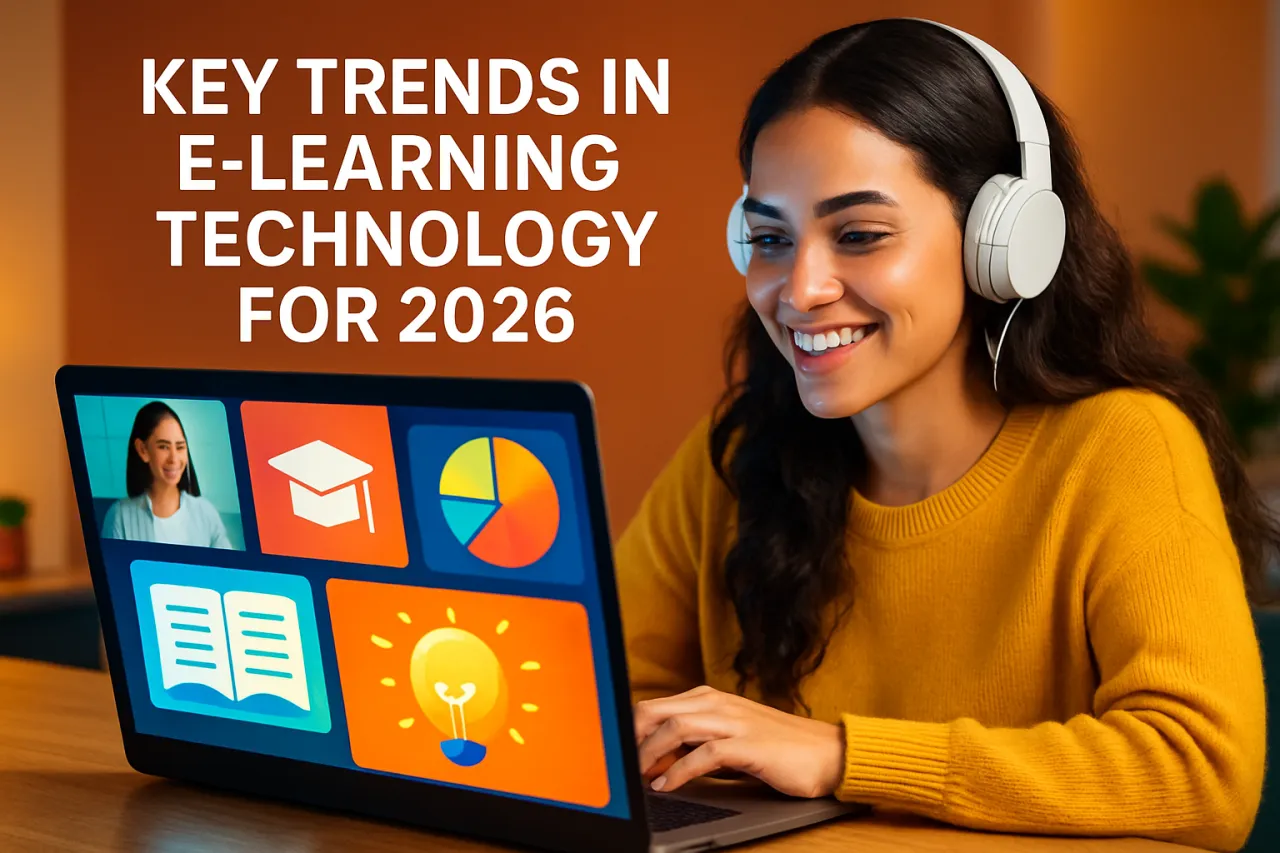
How to Use Video Conferencing Tools for Effective Remote Learning
Introduction
The shift to remote learning has transformed the educational landscape, bringing both challenges and opportunities for educators and students alike. As classrooms move online, effective video conferencing tools have become crucial for maintaining engagement and fostering collaboration among students. In this article, we will explore how educators can utilize these tools effectively to enhance remote learning experiences.
Remote learning offers flexibility, but it also requires innovative strategies to keep students engaged. Video conferencing tools can bridge the gap created by physical distance, allowing for real-time interaction, discussions, and feedback. This guide will provide an overview of popular video conferencing tools, highlight essential features for educators, and offer practical tips to improve remote lessons.
What Are Video Conferencing Tools?
Video conferencing tools are software applications that allow users to communicate and collaborate via video, voice, and chat over the internet. These tools enable real-time interaction, making them ideal for remote learning environments where face-to-face communication is not possible.
Many video conferencing applications come equipped with features such as screen sharing, breakout rooms, and chat functionalities, which enhance the learning experience by allowing teachers to present materials dynamically and facilitate group work.
Why It Matters
Understanding how to use video conferencing tools effectively is essential for educators navigating remote learning. These tools not only provide a platform for delivering lessons but also play a vital role in fostering a sense of community among students. Engaging lessons can lead to better retention of information and overall academic performance. By mastering these tools, educators can create a more interactive and supportive learning environment, crucial for student success.
Best Software / Methods / Strategies
Zoom
- Overview: Zoom has become one of the most widely used video conferencing tools for education. It offers features like virtual backgrounds, breakout rooms, and interactive polls.
- Strengths: User-friendly interface, high video quality, and robust engagement features make it suitable for various educational settings.
- Limitations: The free version has a 40-minute limit on group meetings, which may be restrictive for longer classes.
- Best for: Schools and universities looking for versatile video conferencing solutions.
- Pricing overview: Free for basic use; paid plans start at $149.90 per year per user.
Microsoft Teams
- Overview: Microsoft Teams integrates with Office 365, making it a strong choice for institutions already using Microsoft tools. It supports video calls, file sharing, and collaborative workspaces.
- Strengths: Seamless integration with Microsoft applications and strong collaboration features.
- Limitations: Can be overwhelming for new users due to its extensive features.
- Best for: Institutions heavily invested in the Microsoft ecosystem.
- Pricing overview: Free version available; paid plans start at $5 per user per month.
Google Meet
- Overview: Google Meet is part of Google Workspace and offers a straightforward platform for video conferencing. It allows users to join meetings directly from Google Calendar or Gmail.
- Strengths: Easy to use, integrates well with other Google services, and allows for live captions.
- Limitations: Lacks some advanced features found in other platforms, such as breakout rooms (though this may change with updates).
- Best for: Educators using Google Workspace looking for simplicity.
- Pricing overview: Free for Google account holders; paid plans start at $6 per user per month.
Cisco Webex
- Overview: Webex is a comprehensive solution with features tailored to educational environments, including polling, quizzes, and extensive security measures.
- Strengths: Strong security features and support for large meetings.
- Limitations: Can be complex for less tech-savvy users.
- Best for: Larger educational institutions and organizations prioritizing security.
- Pricing overview: Free for basic use; paid plans start at $13.50 per month.
How to Choose the Right Solution
When selecting a video conferencing tool for remote learning, consider the following criteria:
- User Interface: Look for an intuitive design that minimizes the learning curve for both educators and students.
- Features: Determine which features are essential for your teaching style and student engagement, such as breakout rooms or interactive tools.
- Integration: Consider how well the tool integrates with existing educational software and platforms your institution uses.
- Support and Resources: Ensure the tool offers adequate support, tutorials, and resources to help educators maximize its potential.
Common Mistakes
Educators should avoid several pitfalls when using video conferencing tools for remote learning:
- Neglecting Engagement: Failing to use interactive features can lead to disengaged students. Incorporate polls, quizzes, and discussion prompts.
- Ignoring Time Zones: When scheduling classes, be mindful of students in different time zones to ensure inclusivity.
- Overloading Content: Keep lessons concise and focused. Long sessions can lead to fatigue and reduced attention.
Frequently Asked Questions
1. What are the key features to look for in video conferencing tools for education?
Look for features like screen sharing, breakout rooms, recording capabilities, and interactive tools (polls, quizzes).
2. How can I keep students engaged during remote lessons?
Utilize interactive features, encourage discussions, and vary your teaching methods to maintain interest.
3. Are there free video conferencing tools available?
Yes, tools like Zoom, Google Meet, and Microsoft Teams offer free versions with limited features.
4. How do I choose the best video conferencing tool for my class?
Consider your institution's needs, the tool's features, ease of use, and integration with existing systems.
5. What common mistakes should I avoid when using video conferencing for teaching?
Avoid neglecting engagement, overloading lessons, and failing to consider students' time zones.
Conclusion
Utilizing video conferencing tools effectively is essential for successful remote learning. By choosing the right platform, leveraging its features, and avoiding common pitfalls, educators can create an engaging and supportive learning environment. As remote education continues to evolve, staying informed and adaptable will help instructors meet the needs of their students. For further tools that enhance video content, consider exploring AI Video Cut and Ask Layla. For a comprehensive list of options, check out our guide on the Best Video Conferencing Tools for Educational Institutions.
About the Author
Software Reviewer
A seasoned software reviewer, Nathan Lee focuses on making tech accessible to everyday users. He covers Video Editing tools, comparisons, and buying guides on Softedin.