

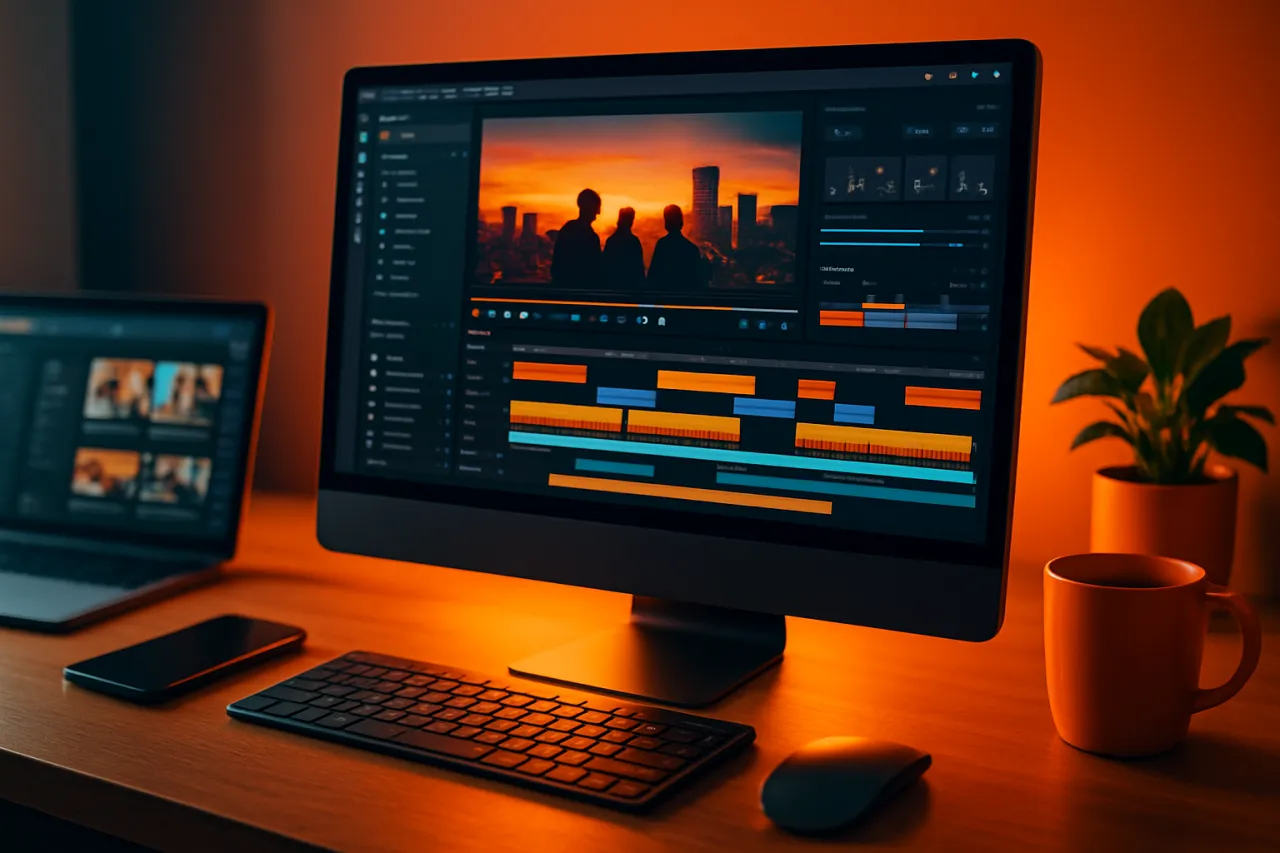
Top Video Editing Software for Social Media Managers in 2026
Introduction
In today's fast-paced digital landscape, social media managers are constantly tasked with creating engaging content that stands out. Video has become a cornerstone of effective online marketing, making video editing software essential for content creation. However, with so many options available, it can be challenging to determine which tools are truly worth your time and investment.
This article will compare several top video editing software solutions catering specifically to social media managers. We will focus on ease of use, features, pricing, and real user experiences. By the end, you will have a clearer understanding of which video editing tools can help streamline your content creation process and optimize your videos for maximum impact on social media platforms.
What Is Video Editing Software?
Video editing software allows users to manipulate and enhance video footage to create polished and professional-looking content. These tools range from basic applications suitable for beginners to advanced programs that offer complex editing features. For social media managers, the right video editing software can mean the difference between a mediocre post and a stunning visual that captures attention and drives engagement.
Why It Matters
With video content expected to account for over 80% of all online traffic by 2026, social media managers must utilize efficient and effective video editing software. The ability to quickly edit and optimize videos for different platforms can significantly improve a brand's visibility and engagement rates. Understanding the specific needs of your audience and tailoring your content accordingly is crucial for success in this competitive landscape.
Best Software / Methods / Strategies
1. InVideo
- Overview: InVideo is a user-friendly video editing platform designed for marketers and social media managers. It offers thousands of templates, making it easy to create engaging videos quickly.
- Strengths: Extensive template library, intuitive interface, and built-in media library.
- Limitations: Some advanced features are locked behind a paywall.
- Best for: Beginners and those looking to create quick, professional-looking videos.
- Pricing overview: Plans start at $15/month for basic features, with premium options available.
2. Kinovi
- Overview: Kinovi is a comprehensive video editing platform that caters to both novices and professionals. It offers powerful editing tools and collaboration features.
- Strengths: Great for team collaboration, advanced editing capabilities, and a seamless user experience.
- Limitations: The learning curve may be steep for new users.
- Best for: Teams and agencies needing robust editing and collaboration tools.
- Pricing overview: Free tier available; paid plans start at $29/month.
3. Adobe Premiere Rush
- Overview: Adobe Premiere Rush is a streamlined version of Adobe Premiere Pro, designed for social media content creators. It allows for quick video edits on desktop and mobile devices.
- Strengths: Integration with Adobe Creative Cloud, powerful editing tools, and multi-device capabilities.
- Limitations: Subscription-based pricing can be costly for casual users.
- Best for: Users familiar with Adobe products looking for mobile editing options.
- Pricing overview: Starts at $9.99/month.
4. Instories
- Overview: Instories specializes in creating social media stories with attractive templates and easy editing tools.
- Strengths: Focus on story formats, easy-to-use interface, and suitable for quick edits.
- Limitations: Limited to story formats and lacks advanced editing features.
- Best for: Social media managers focusing on Instagram and Snapchat stories.
- Pricing overview: Free tier available; premium features start at $7/month.
How to Choose the Right Solution
When selecting video editing software, consider the following criteria:
- Ease of use: Look for software that matches your skill level. A steep learning curve can slow down your content creation process.
- Features: Ensure the software offers the specific features you need, such as templates, effects, and collaboration tools.
- Pricing: Compare pricing plans to find a solution that fits your budget without compromising on essential features.
- Platform compatibility: Ensure the software is compatible with the devices you use, especially if you need mobile editing capabilities.
Common Mistakes
Social media managers often make the following mistakes when using video editing software:
- Overcomplicating edits: Keep edits simple and focused on the message. Excessive effects can distract from the content.
- Neglecting optimization: Always optimize video dimensions and formats for specific social media platforms to avoid quality loss.
- Ignoring analytics: Use insights from previous video performance to inform future content strategies.
Frequently Asked Questions
-
What is the best video editing software for beginners?
InVideo is an excellent choice for beginners due to its user-friendly interface and template library. -
Can I edit videos on my phone?
Yes, tools like Adobe Premiere Rush offer mobile editing capabilities. -
Is it worth investing in premium video editing software?
Premium software often provides advanced features and better support, which can enhance your content quality. -
How do I optimize my videos for social media?
Use the correct dimensions, ensure high quality, and include captions for accessibility. -
What features should I look for in video editing software?
Look for templates, collaboration tools, and easy export options for social media platforms.
Conclusion
Choosing the right video editing software is crucial for social media managers aiming to create engaging content. By understanding the strengths and limitations of various tools like InVideo, Kinovi, Adobe Premiere Rush, and Instories, you can make an informed decision that fits your workflow and enhances your video marketing strategy. Remember to focus on ease of use, necessary features, and pricing to find a solution that meets your needs without overspending.
About the Author
Tech Blogger
A seasoned tech blogger, Amanda Jackson focuses on making tech accessible to everyday users. She covers Email Marketing tools, comparisons, and buying guides on Softedin.