Top Video Editing Tools for Social Media Managers in 2026
Introduction
In today’s fast-paced digital landscape, social media managers are tasked with creating eye-catching video content that captures audience attention. With over 82% of online content expected to be video by 2026, the need for effective video editing tools has never been greater. But with countless options available, selecting the right tool can feel overwhelming. This article will dissect the best video editing tools tailored for social media managers, focusing on their features, pricing, and user feedback to help you make an informed decision.
What Are Video Editing Tools?
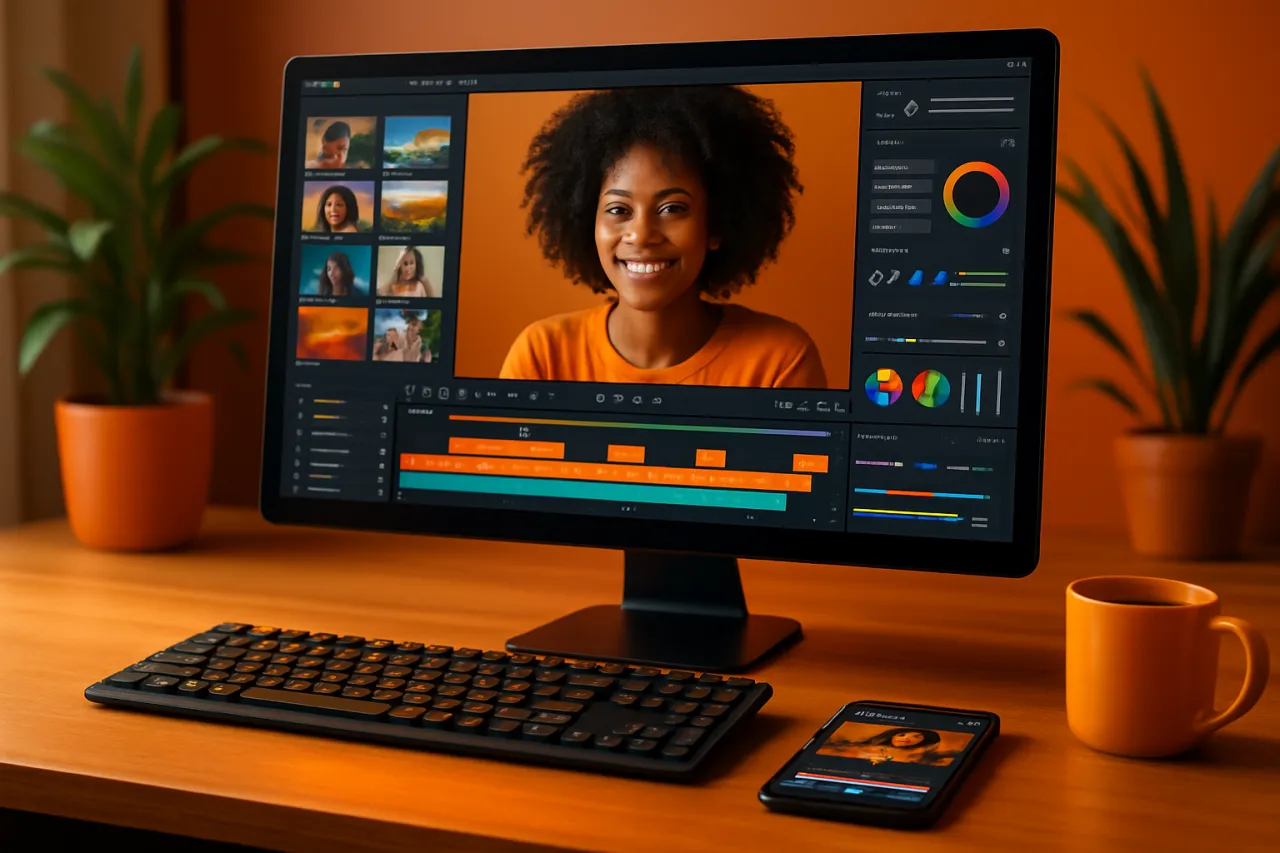
Video editing tools are software applications that allow users to manipulate and enhance video footage. These tools come equipped with various features such as trimming, merging, adding effects, and adjusting audio, all aimed at creating polished video content. For social media managers, these tools are essential for producing engaging videos that resonate with their audience and fit the distinct formats and requirements of different social platforms.
Why It Matters
With the rise of video content on platforms like Instagram, TikTok, and YouTube, having the right video editing tools can significantly impact your social media strategy. These tools not only help in creating visually appealing content but also streamline the editing process, allowing social media managers to meet tight deadlines while maintaining quality. Understanding the available options is crucial for optimizing your workflow and enhancing audience engagement.
Best Video Editing Tools for Social Media Managers
1. Adobe Premiere Pro
Overview: Adobe Premiere Pro is a professional-grade video editing software favored by many creatives. Its robust suite of features makes it suitable for complex video projects.
Strengths:
- Comprehensive editing tools for detailed work
- Extensive effects and transitions library
- Integration with other Adobe products
Limitations:
- Steep learning curve for beginners
- Requires a subscription, which can be costly
Best for: Professionals and agencies needing advanced editing capabilities.
Pricing overview: Monthly subscription starting around $20.99.
2. Final Cut Pro
Overview: Final Cut Pro is Apple’s advanced video editing software, optimized for macOS users. It offers powerful editing features along with a user-friendly interface.
Strengths:
- Magnetic timeline for intuitive editing
- High-performance rendering and processing
- Excellent for color grading and visual effects
Limitations:
- Only available on Mac
- One-time purchase can be a substantial upfront cost
Best for: Mac users seeking a professional editing solution without recurring fees.
Pricing overview: $299.99 one-time purchase.
3. Filmora
Overview: Filmora is a user-friendly video editing tool ideal for beginners and intermediate users. It offers a balance of powerful features and simplicity.
Strengths:
- Simple drag-and-drop interface
- A wide range of effects and transitions
- Affordable pricing options
Limitations:
- Limited advanced features compared to professional tools
- Watermark on videos in the free version
Best for: Beginners or social media managers looking for quick edits.
Pricing overview: Free version available; paid plans start at $39.99 per year.
4. InVideo
Overview: InVideo is an online video creation tool that enables users to make videos from customizable templates, perfect for social media use.
Strengths:
- Extensive template library tailored for social media
- Easy-to-use interface for quick edits
- Built-in stock media library
Limitations:
- Limited functionality compared to desktop software
- Subscription needed for watermark-free videos
Best for: Quick social media content creation without design skills.
Pricing overview: Free version available; paid plans start at $15 per month.
5. CapCut
Overview: CapCut is a mobile video editing app that has gained popularity for its accessibility and wide range of features. It allows for seamless editing on-the-go.
Strengths:
- User-friendly for mobile editing
- Good selection of effects and filters
- Free to use with no watermark
Limitations:
- Limited features compared to desktop applications
- Mobile-based, which may not suit all editing styles
Best for: Social media managers needing to edit videos quickly from mobile devices.
Pricing overview: Free with optional in-app purchases.
How to Choose the Right Solution
When selecting a video editing tool, consider the following criteria:
- Skill level: Choose a tool that matches your expertise, whether you're a beginner or an experienced editor.
- Budget: Assess your budget and look for tools that offer the best value for your needs.
- Platform compatibility: Ensure the software is compatible with your operating system (Windows, Mac, or mobile).
- Feature set: Identify the features that are most important for your social media content, such as effects, templates, or collaboration tools.
- User feedback: Look for reviews and testimonials to gauge the satisfaction of other users.
Common Mistakes
Avoid these pitfalls when choosing your video editing tool:
- Ignoring your needs: Always select software that aligns with your specific requirements.
- Overlooking user reviews: Failing to check user feedback can lead to poor choices.
- Choosing based on hype: Don’t fall for marketing buzz; instead, focus on practical features and usability.
Frequently Asked Questions
1. What are the essential features to look for in video editing tools?
Look for features like ease of use, effects and transitions, audio editing capabilities, and export options tailored for social media.
2. Are there any free video editing tools available?
Yes, options like CapCut and Filmora offer free versions with limited features.
3. How can I edit videos for different social media platforms?
Most tools allow you to set the video aspect ratio according to platform specifications, ensuring your content looks great everywhere.
4. Can I use video editing tools on my mobile device?
Absolutely! Many editing tools, such as InVideo and CapCut, are designed for mobile use.
5. How do I improve my video editing skills?
Practice regularly, explore online tutorials, and experiment with different tools to find your style.
Conclusion
Video editing is a crucial aspect of social media management that can significantly enhance audience engagement. By choosing the right tool—one that fits your needs and workflow—you can streamline your content creation process. Whether you’re a professional looking for advanced software like Adobe Premiere Pro or a beginner seeking user-friendly options like Filmora or CapCut, there's a perfect tool out there for you. Embrace the power of video and elevate your social media strategy today!
About the Author
Software Analyst
Rebecca Collins is a software analyst with 5+ years of experience reviewing and testing Productivity software. She helps businesses find the right digital tools to scale their operations.