Overview
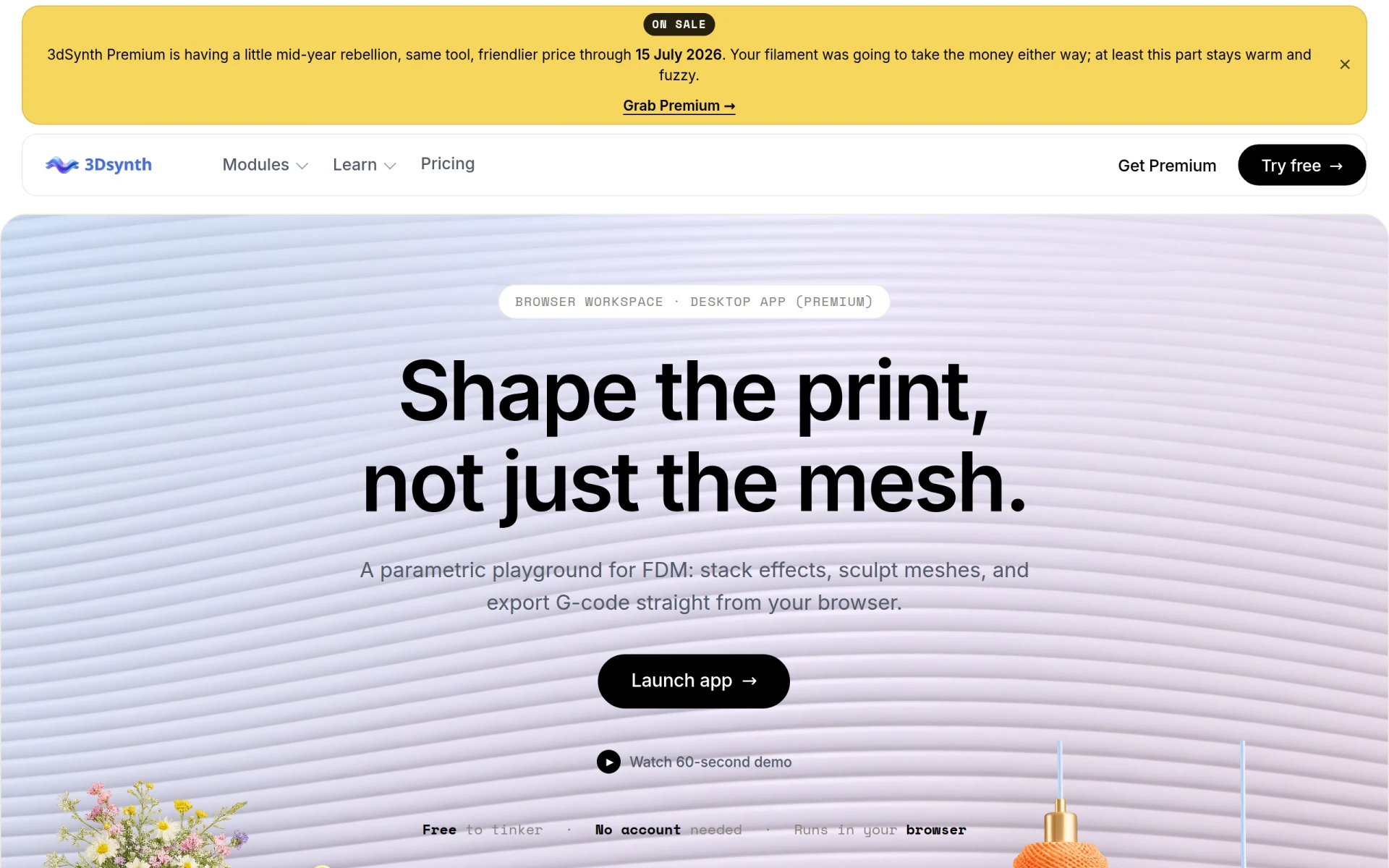
3dSynth is an innovative browser-based design tool specifically tailored for makers and 3D printing enthusiasts. Its primary purpose is to simplify the process of creating parametric prints, enabling users to manipulate designs in real-time and generate G-code or STL files directly from their browser. This tool addresses common challenges faced by 3D printing users, such as the complexities of mesh sculpting and the need for customized print settings. By providing a user-friendly interface and powerful features, 3dSynth streamlines the design process and enhances the printing experience.
Key Features
- Browser-based workspace for easy access and usability
- Parametric design capabilities allowing for detailed customization
- Supports vase-mode G-code generation for specific print types
- STL file generation from Mesh Sculptor for flexible design options
- Node and block approach for modular design manipulation
- Fabric path and hex layout tools for intricate design creation
- 3D preview of models to visualize designs before printing
- Ability to export G-code or STL files for direct use with 3D printers
Benefits
The practical advantages of using 3dSynth are numerous. First, its ease of access via a browser means users can start designing without the need for extensive installations or account setups. This lowers the barrier to entry for both novice and experienced makers. The parametric design capabilities allow users to create unique prints tailored to their needs, saving time and resources. The 3D preview feature helps avoid costly mistakes by allowing users to visualize their designs before printing, thus reducing material waste. Overall, 3dSynth enhances the creative process and improves the overall efficiency of 3D printing projects.
Common Use Cases
3dSynth is ideal for various practical applications. For hobbyists creating custom parts for personal projects, the tool enables easy manipulation of designs to fit specific requirements. Designers working on prototypes can benefit from the quick turnaround of custom STL files. Educational institutions teaching 3D design can use 3dSynth as a hands-on tool for students to learn about parametric modeling. Additionally, businesses looking to produce small batches of custom components can utilize the software to streamline their design and production processes. Lastly, makers participating in community projects can collaborate effectively using the shared workspace features of 3dSynth.
Who Should Use It
3dSynth is best suited for 3D printing enthusiasts, hobbyists, educators, and small businesses engaged in custom design work. Its accessible interface makes it a good fit for beginners who may find traditional CAD software intimidating. However, it may not be the best option for professional designers who require advanced features and integration with comprehensive CAD systems. Users looking for extensive collaboration tools or enterprise-level features may also find limitations in 3dSynth.
Pricing Overview
3dSynth offers a free version for basic use and a Premium version available at a friendly price point through July 2026. Specific pricing details are not provided, encouraging users to visit the website for the most accurate and updated information.
Conclusion
In summary, 3dSynth is a versatile and user-friendly design tool that caters to a wide range of 3D printing needs. Its parametric design capabilities, ease of access, and ability to visualize prints in 3D before exporting make it a valuable resource for makers of all skill levels. While it may have some limitations for advanced users, the benefits it provides to hobbyists and educators make it a worthwhile option for those looking to enhance their 3D printing experience.