CredOps
Contact for Pricing
CredOps is a password manager designed to enhance security through streamlined credential management.
 A
A
AccessGuard is a secure password manager that allows users to create encrypted memos that automatically delete after being read or upon expiry.

AccessGuard is a password manager designed to enhance user privacy and security by allowing the creation of private memos that are encrypted in the browser before being uploaded to the server. Its primary purpose is to provide a platform for securely sharing sensitive information without the need for user accounts, tracking, or advertisements. This tool solves the problem of securely transmitting and storing important notes and passwords while ensuring that sensitive information does not linger longer than necessary.
AccessGuard provides practical advantages by ensuring that sensitive information is encrypted on the user's device, which means that even the service provider cannot access the content. This focus on privacy can help organizations and individuals mitigate risks associated with data breaches. Additionally, the automatic deletion feature minimizes the chances of sensitive information being exposed or misused. The elimination of account creation and tracking enhances user convenience and security, making it easier for users to manage their private memos without the risk of their data being mishandled.
A freelance consultant might use AccessGuard to send sensitive project notes to a client, ensuring that the information is secured and deleted after reading. A small business owner could utilize the tool to share sensitive login credentials for a financial application with their accountant, avoiding the risks of email transmission. A college student may prefer to use AccessGuard to share study notes with classmates without creating an account, ensuring their information is temporary and protected.
AccessGuard is ideal for individuals and small teams that prioritize privacy and need a simple solution for sharing sensitive information without the complexities of traditional password managers. It is particularly well-suited for freelancers, consultants, and small business owners. However, larger organizations with more complex security needs and those requiring advanced features such as team collaboration or integration with other tools may find it less fitting.
Pricing information is not available on the official website.
AccessGuard offers a straightforward and secure solution for managing sensitive information through encrypted memos. Its emphasis on privacy, automatic deletion, and ease of use makes it a valuable tool for individuals and small businesses. However, it may not meet the needs of larger organizations or users looking for a comprehensive password management system. Users should consider their specific needs and security requirements when evaluating AccessGuard against other options available in the market.
CredOps is a password manager designed to enhance security through streamlined credential management.
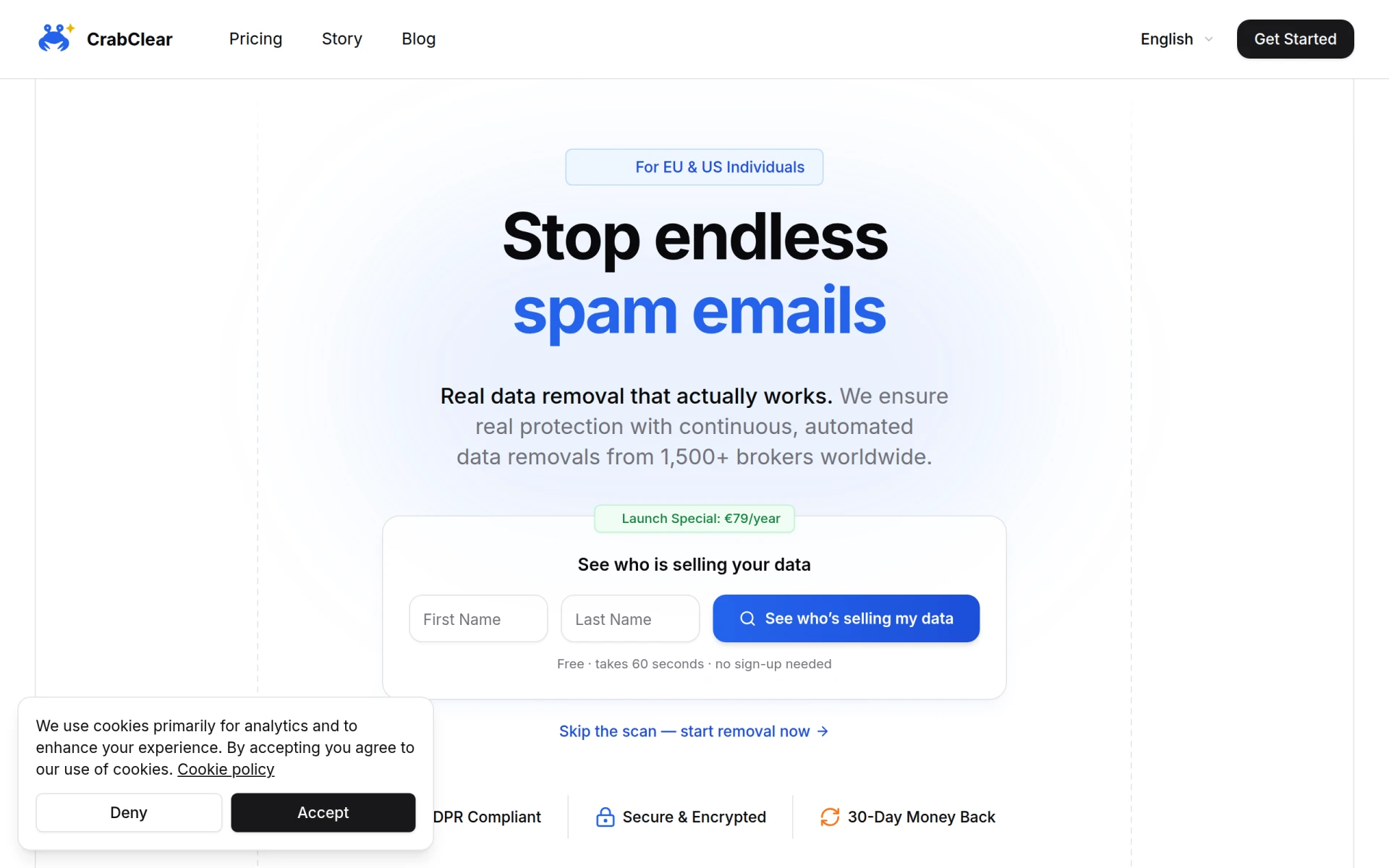
CrabClear helps users remove personal data from over 1,500 data broker sites, ensuring privacy and control over personal information.
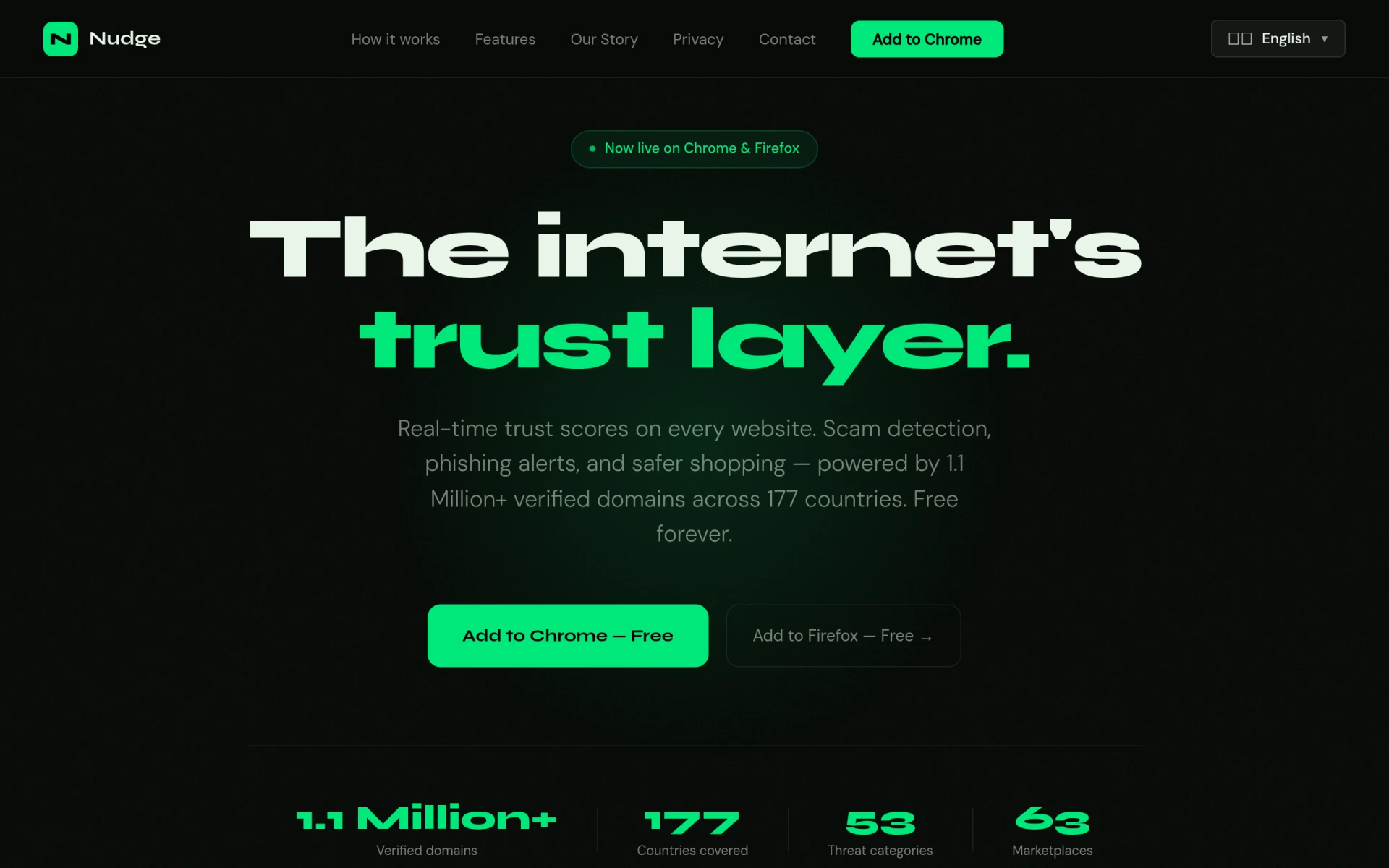
Nudge provides real-time trust scores for websites, helping users identify scams and phishing attempts easily.
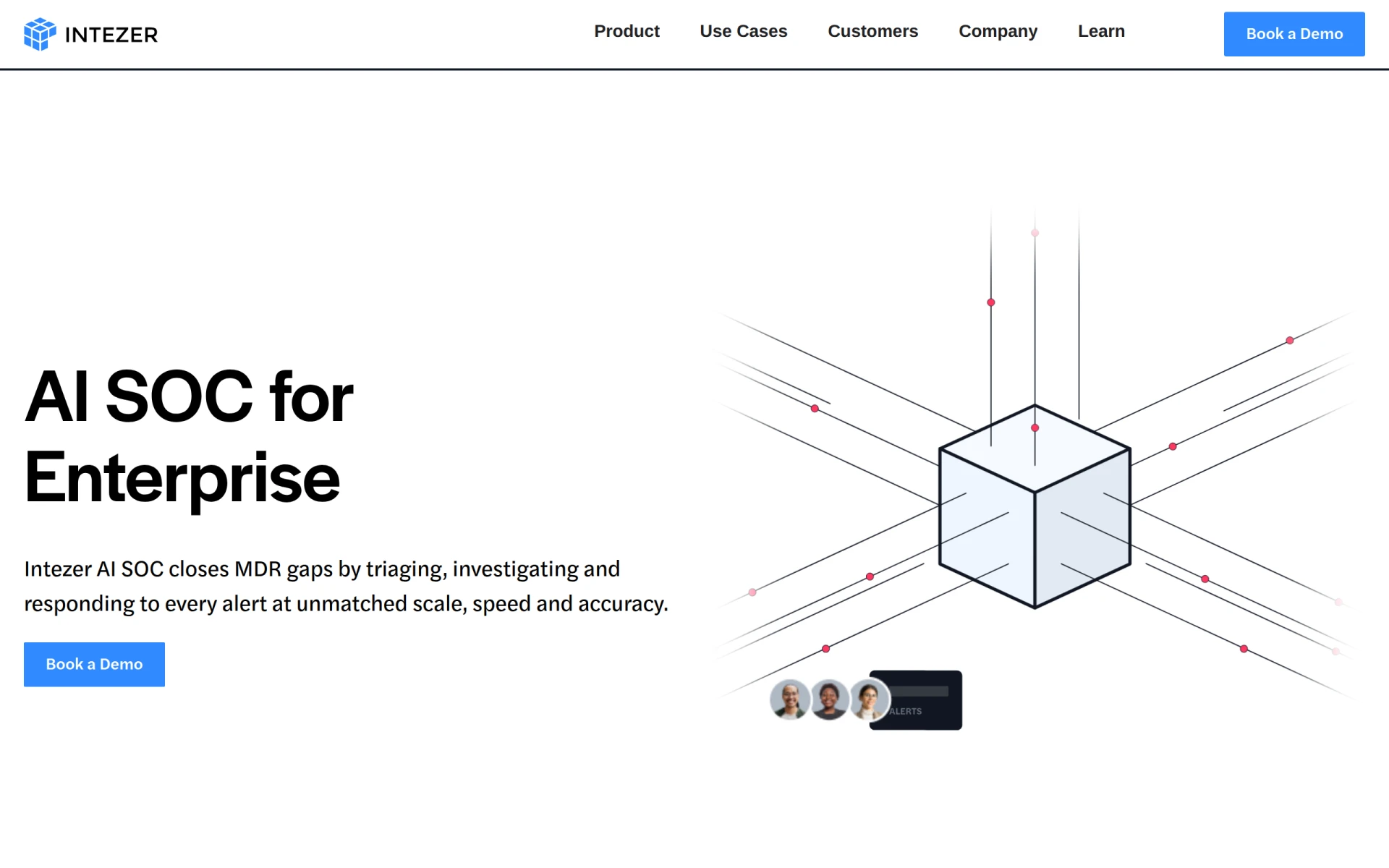
Intezer offers AI-driven SOC solutions that ensure every alert is investigated at forensic depth, enhancing security for enterprises.
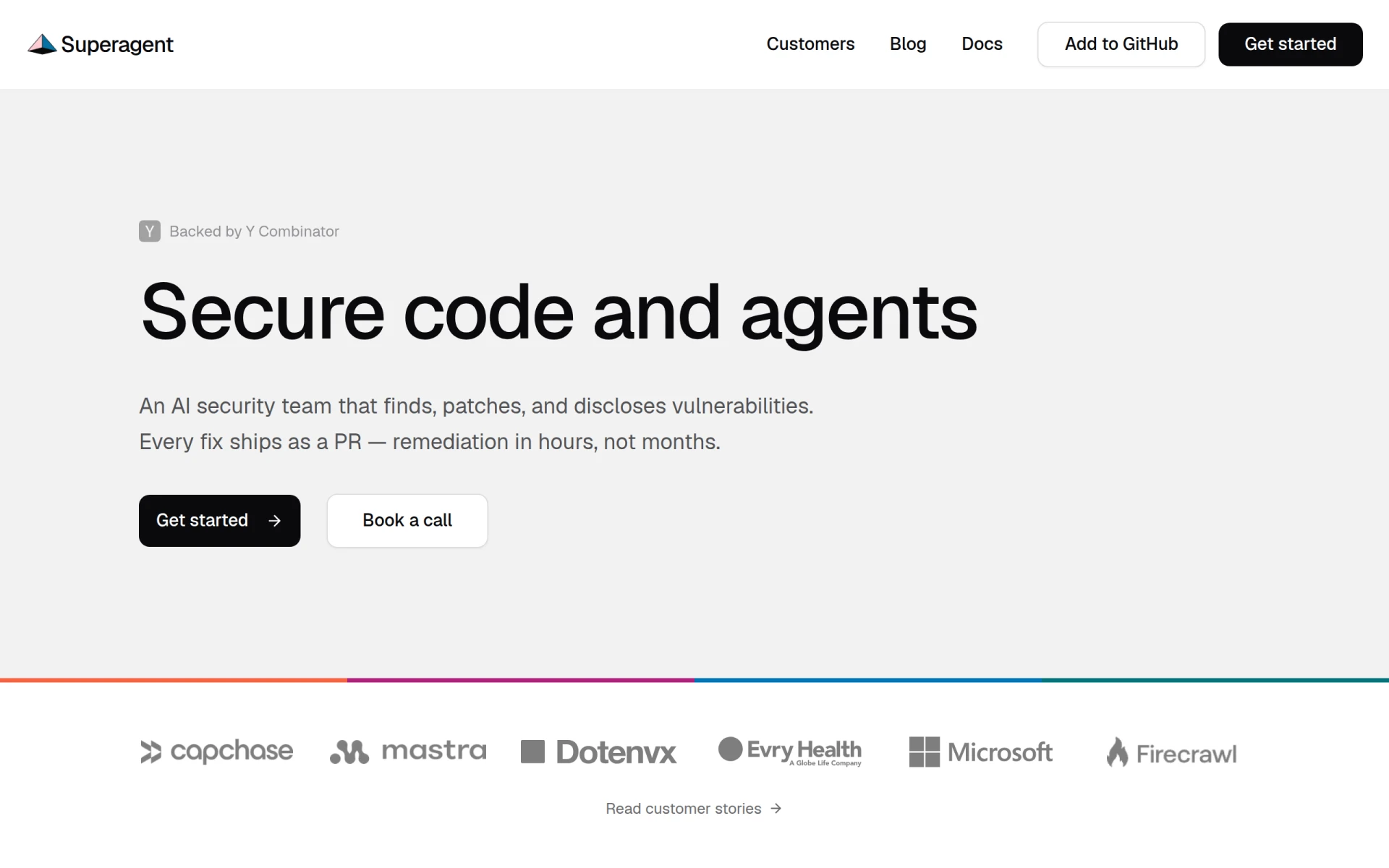
Superagent is an AI-driven security tool that identifies, patches, and discloses vulnerabilities in software quickly and effectively.
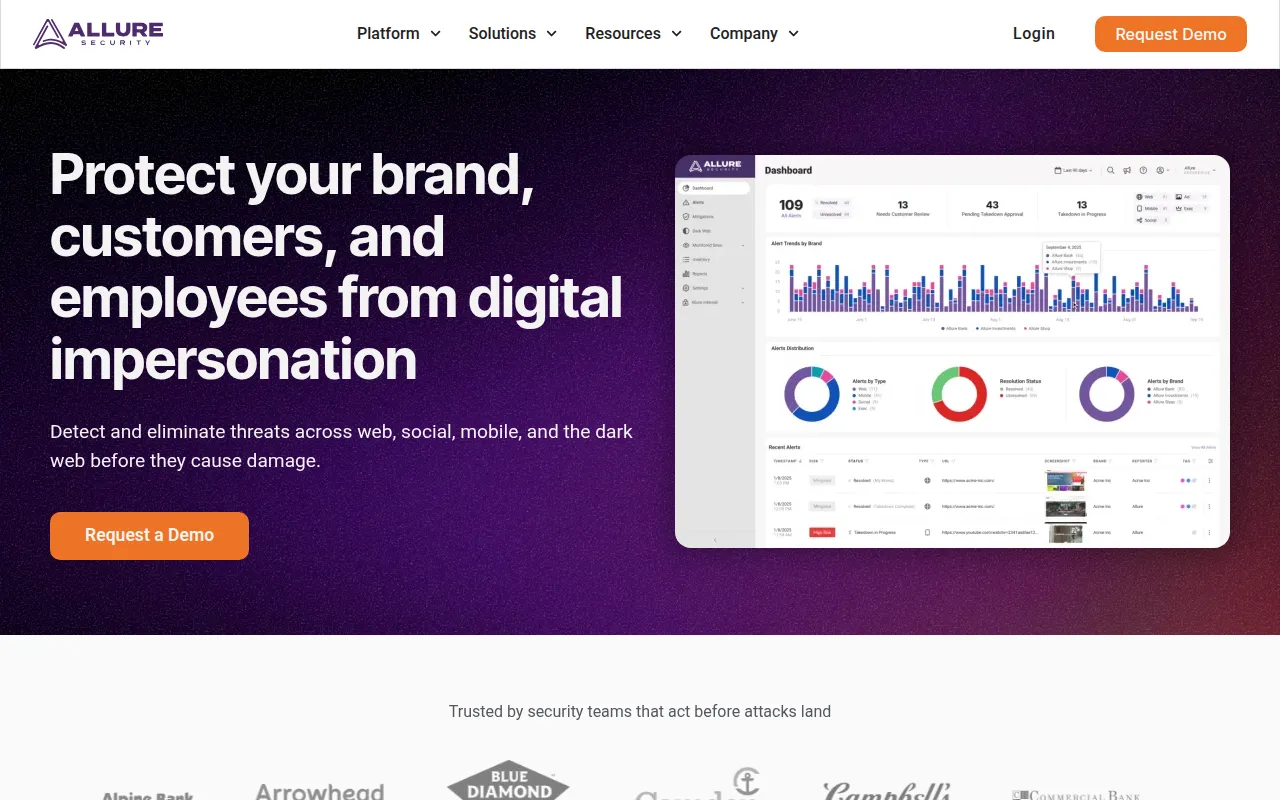
Allure Security Technology provides AI-powered brand protection against phishing and digital impersonation threats.
Weekly roundup of new AI tools, launches, and trending software. No spam — unsubscribe anytime.
No credit card required · Cancel anytime
Weekly roundup of new AI tools, launches, and trending software. No spam — unsubscribe anytime.
No credit card required · Cancel anytime