CueGrowth
Freemium
CueGrowth is a growth marketing tool designed to enhance user engagement and conversion through tailored marketing strategies.
 A
A
Ads Library Saver is a Chrome extension that allows users to save ads from various platforms directly to Google Sheets and Drive.

Ads Library Saver is a Chrome extension designed for marketers and advertisers. Its primary purpose is to enable users to save advertisements from various platforms such as Facebook, TikTok, YouTube, Instagram, and LinkedIn directly to Google Sheets and Google Drive. This tool addresses the common issue of manually capturing ad content, which can be time-consuming and tedious, allowing users to quickly compile an ad swipe file for reference or analysis.
Ads Library Saver offers practical advantages for marketers, including significant time savings by automating ad capturing. Users can focus on analyzing and strategizing rather than manually compiling ads. The integration with Google Sheets allows for easy organization and sharing of ad data, enhancing collaboration within teams. Additionally, the tool’s emphasis on privacy ensures that user data remains secure and controlled by the user.
Marketers can utilize Ads Library Saver to track competitors' advertising strategies by easily saving their ads for later analysis. Freelancers may use it to build a portfolio of effective ads for their clients. Small businesses can benefit from quickly gathering inspiration for their own ad campaigns. Digital advertising agencies can maintain a comprehensive repository of ad creatives from multiple platforms to refine their strategies. Additionally, educators in marketing can use the tool to demonstrate real-world ad examples in classroom settings.
Ads Library Saver is ideal for digital marketers, advertising professionals, and social media managers who regularly analyze ads across various platforms. It is also suitable for freelancers and small business owners looking to streamline their ad research process. However, it may not be the best fit for individuals or organizations that do not actively engage in online advertising or do not require extensive ad tracking.
Pricing information is not available at this time, so potential users should visit the official website for the latest updates.
Ads Library Saver is a practical tool for marketers seeking to simplify the process of ad collection. With its focus on privacy and ease of use, it allows users to compile ad data efficiently. While the lack of pricing information and advanced features may limit its appeal to some, it remains a valuable resource for those looking to enhance their ad research capabilities.
CueGrowth is a growth marketing tool designed to enhance user engagement and conversion through tailored marketing strategies.
CreativeOps AI is an AI-driven marketing tool designed to optimize creative processes and enhance campaign performance.
CreatiVault is an AI-driven marketing intelligence platform designed for cross-border e-commerce insights.
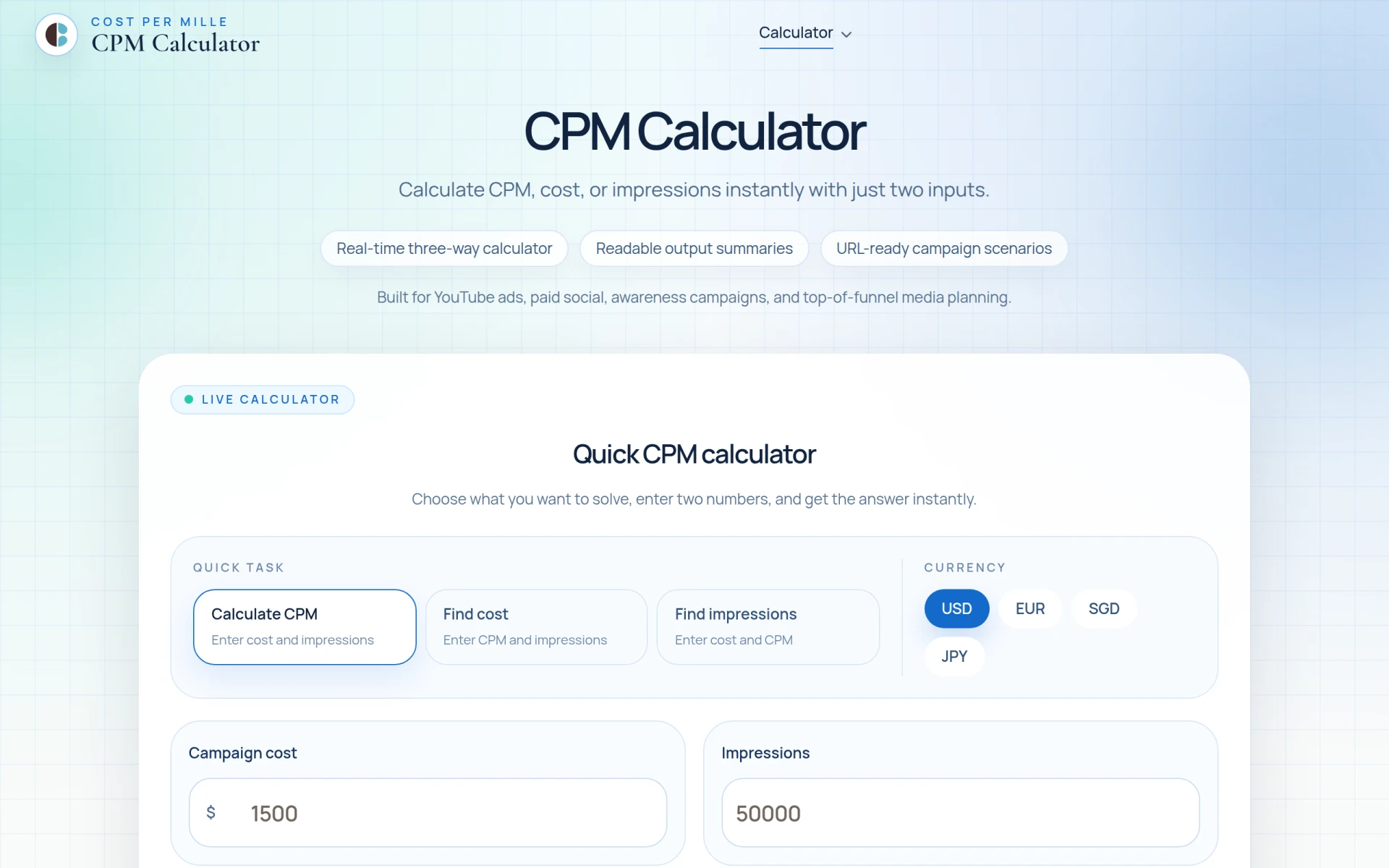
CPM Calculator is a free tool for calculating CPM, cost, and impressions quickly and easily.
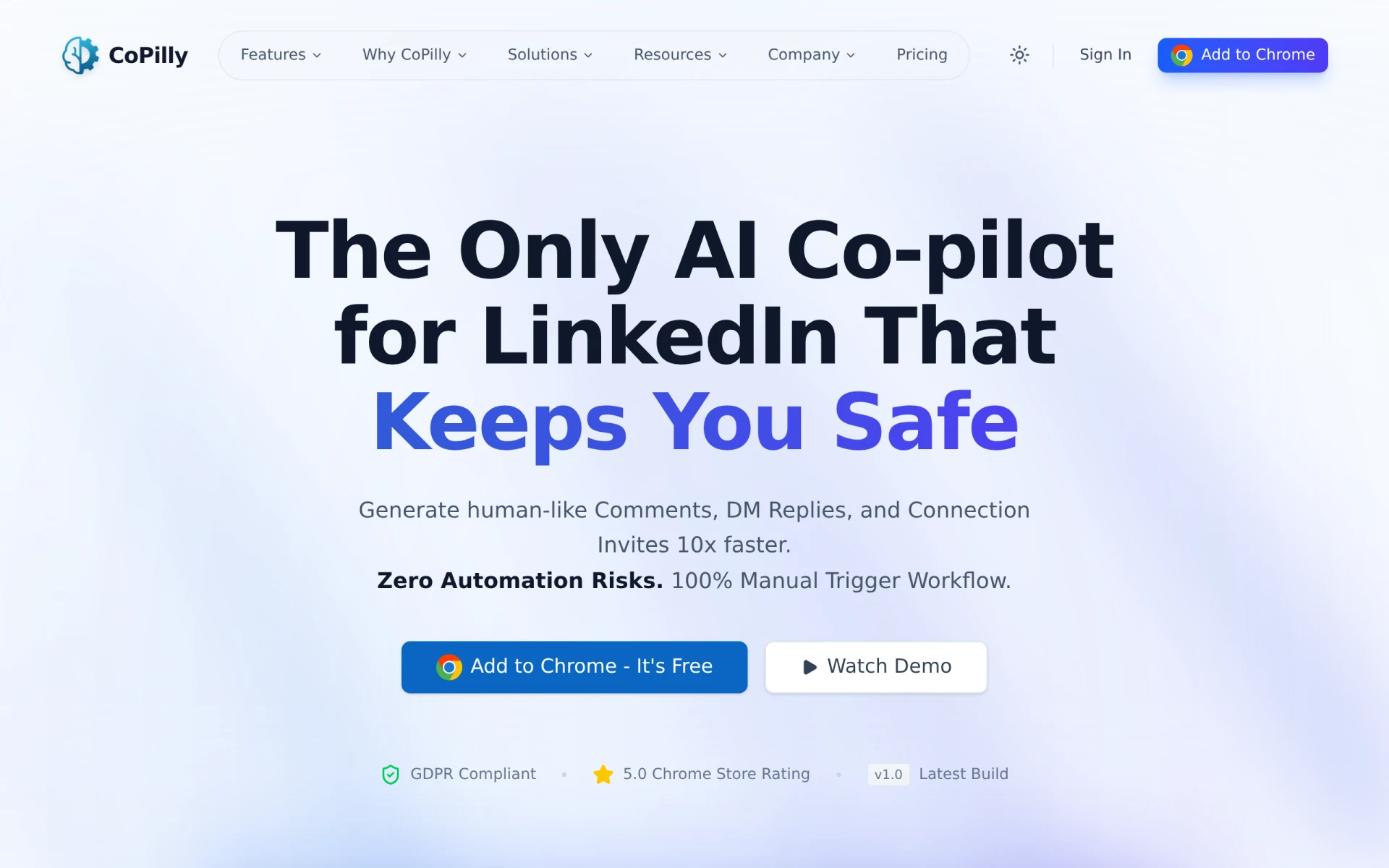
CoPilly is an AI writing tool designed to generate human-like comments, DM replies, and connection invites for LinkedIn users.
The easiest graphic design platform. Create stunning designs for social media, presentations, and marketing materials.
Weekly roundup of new AI tools, launches, and trending software. No spam — unsubscribe anytime.
No credit card required · Cancel anytime
Weekly roundup of new AI tools, launches, and trending software. No spam — unsubscribe anytime.
No credit card required · Cancel anytime