CredOps
Contact for Pricing
CredOps is a password manager designed to enhance security through streamlined credential management.
 A
A
Afina Browser is an anti-detection browser designed for managing isolated profiles and enhancing online privacy.
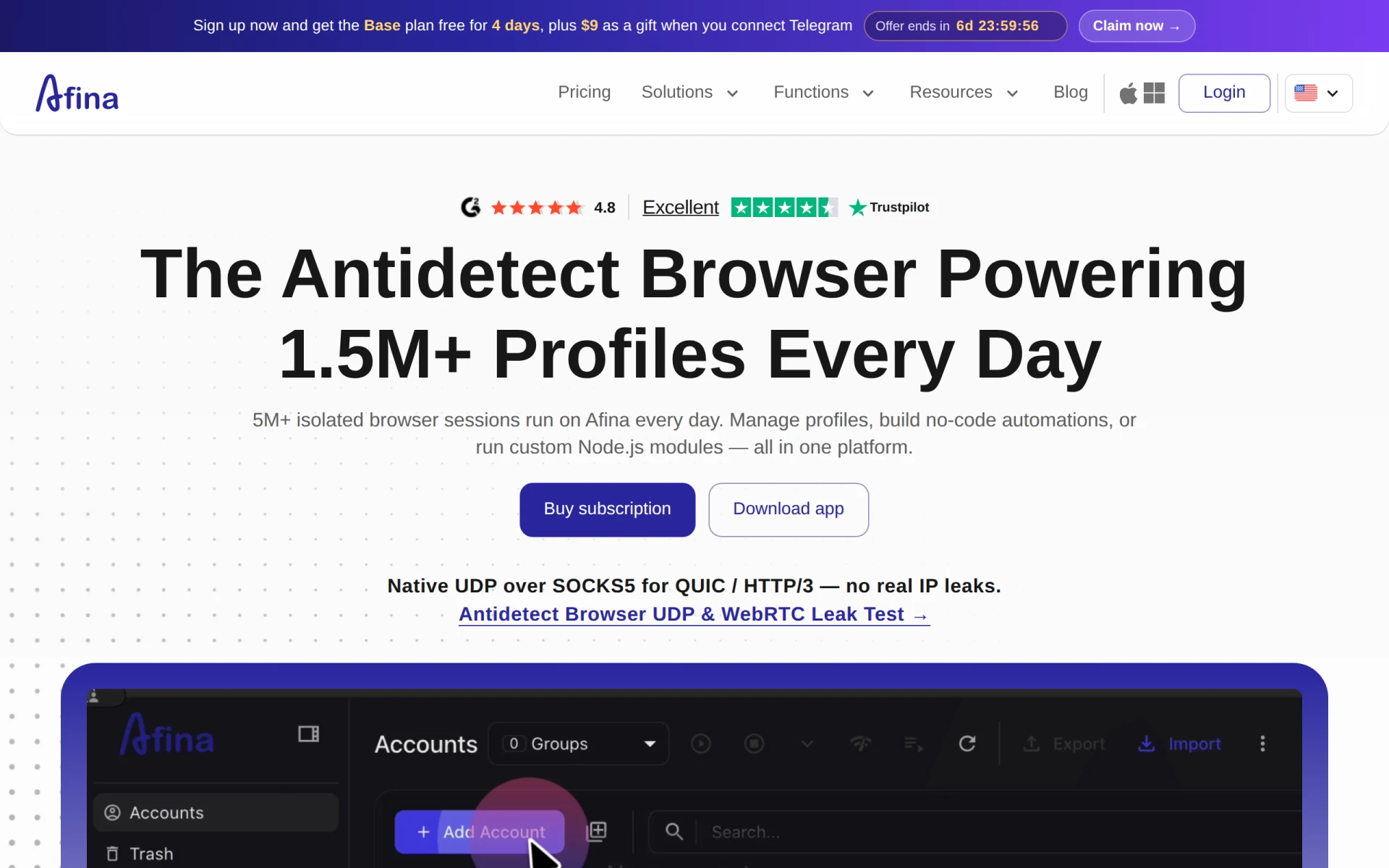
Afina Browser is an anti-detection browser that provides users with isolated profiles, allowing for enhanced privacy and security during web browsing. Its primary purpose is to facilitate secure multi-account management and automate structured workflows without leaving identifiable traces. This tool addresses common problems such as IP address leaks, cookie tracking, and session stability, making it suitable for users who need to maintain privacy while accessing multiple accounts or managing online activities.
Afina Browser offers practical advantages such as improved online privacy and security, which are crucial for users engaging in sensitive activities. By allowing the creation of isolated profiles, users can manage multiple accounts securely without risking data leakage. The automation features save time and reduce manual effort, making it easier to handle complex workflows. Additionally, the robust proxy support helps in bypassing geographical restrictions and enhances anonymity.
Users often deploy Afina Browser in various situations, such as:
Afina Browser is ideal for digital marketers, freelancers, developers, and privacy advocates who require secure browsing and account management. However, it may not be the best fit for casual users who do not need advanced privacy features or for those who prefer simpler browsing solutions without added complexity.
Pricing details are not explicitly available. Users are encouraged to visit the official website for the most accurate and up-to-date information.
Afina Browser stands out as a specialized tool for users seeking enhanced online privacy and multi-account management capabilities. While it offers significant benefits through its unique features, prospective users should evaluate if their needs align with the software's capabilities. For those serious about maintaining anonymity and managing multiple online identities, Afina Browser could be a valuable asset in their toolkit.
CredOps is a password manager designed to enhance security through streamlined credential management.
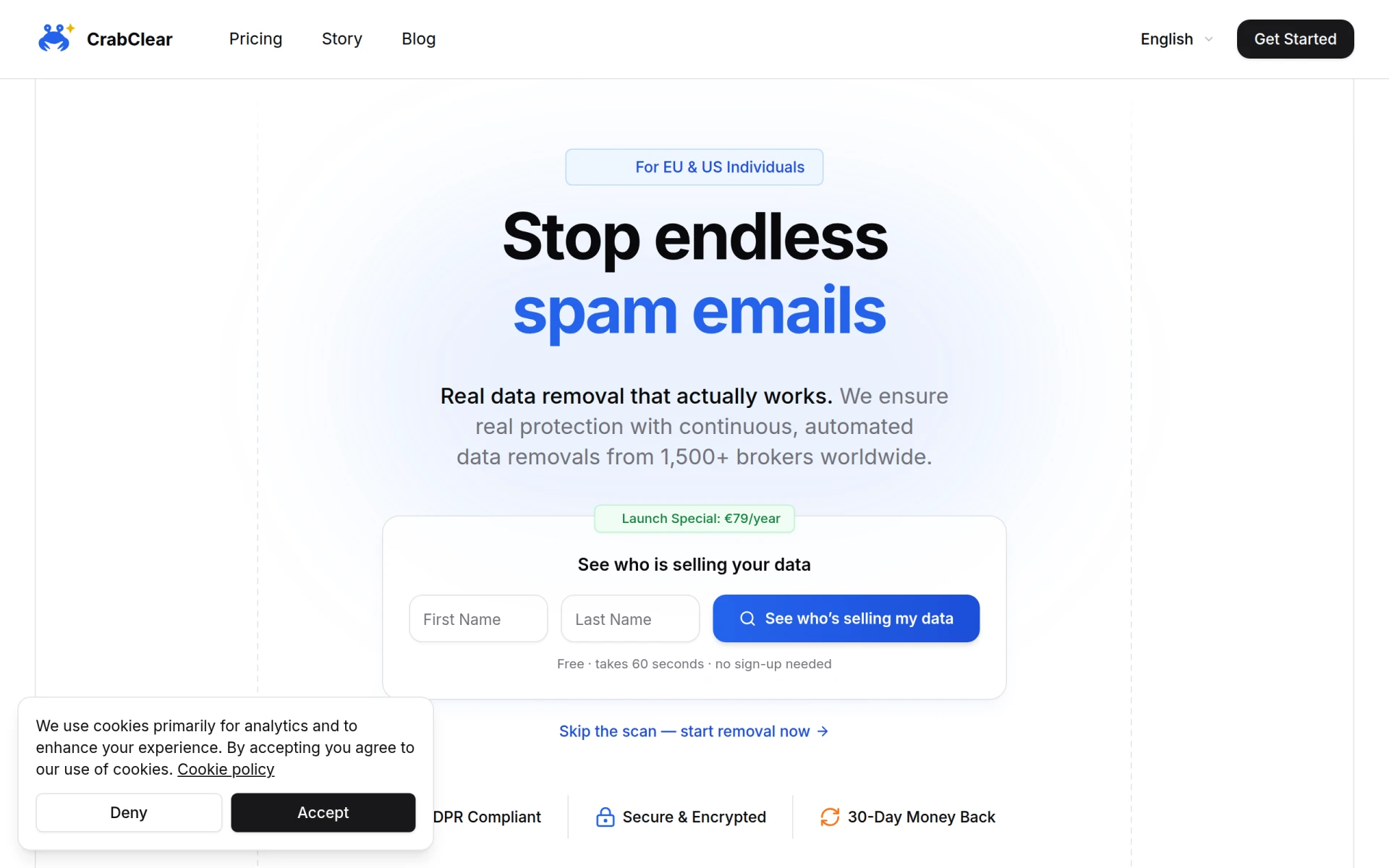
CrabClear helps users remove personal data from over 1,500 data broker sites, ensuring privacy and control over personal information.
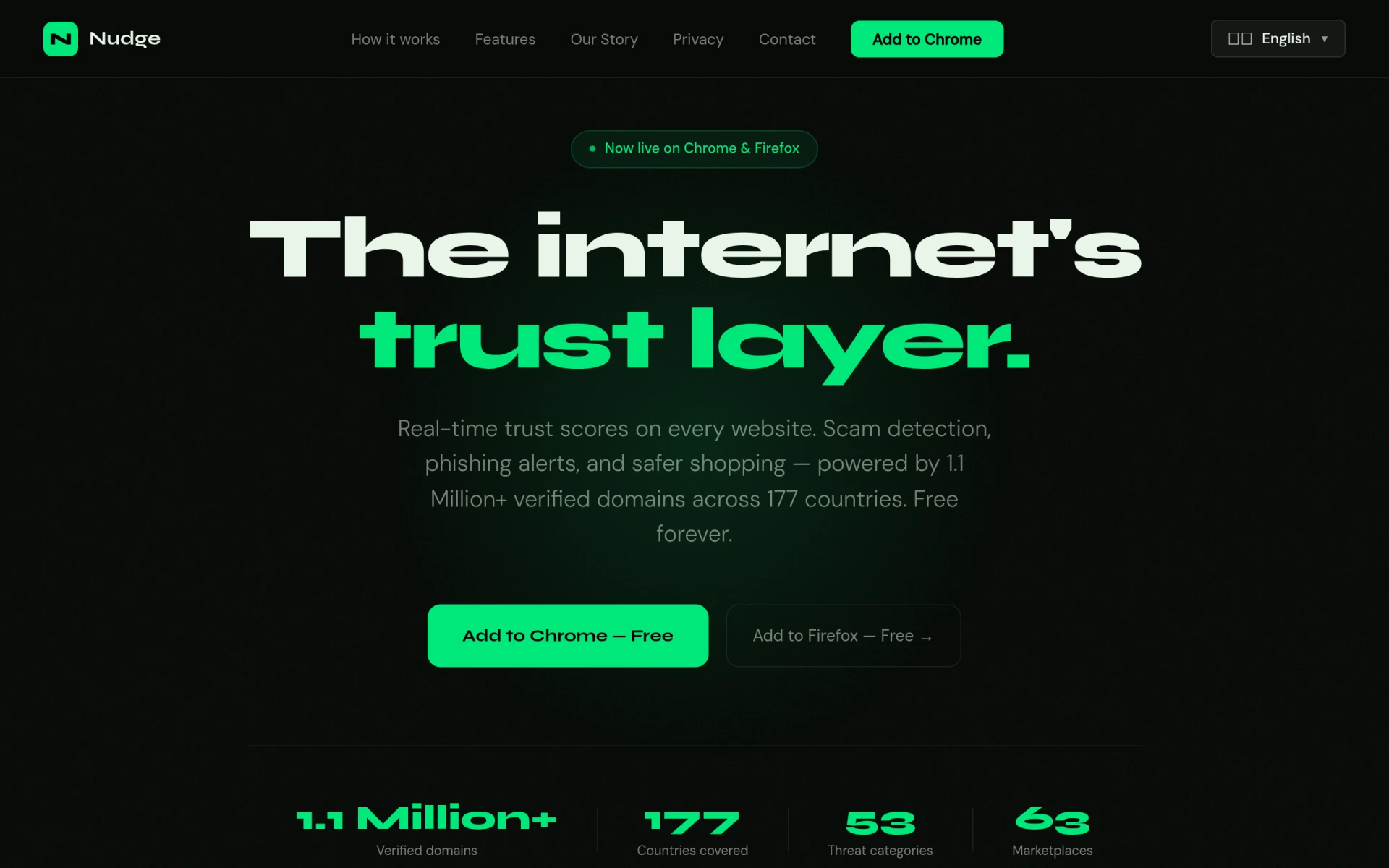
Nudge provides real-time trust scores for websites, helping users identify scams and phishing attempts easily.
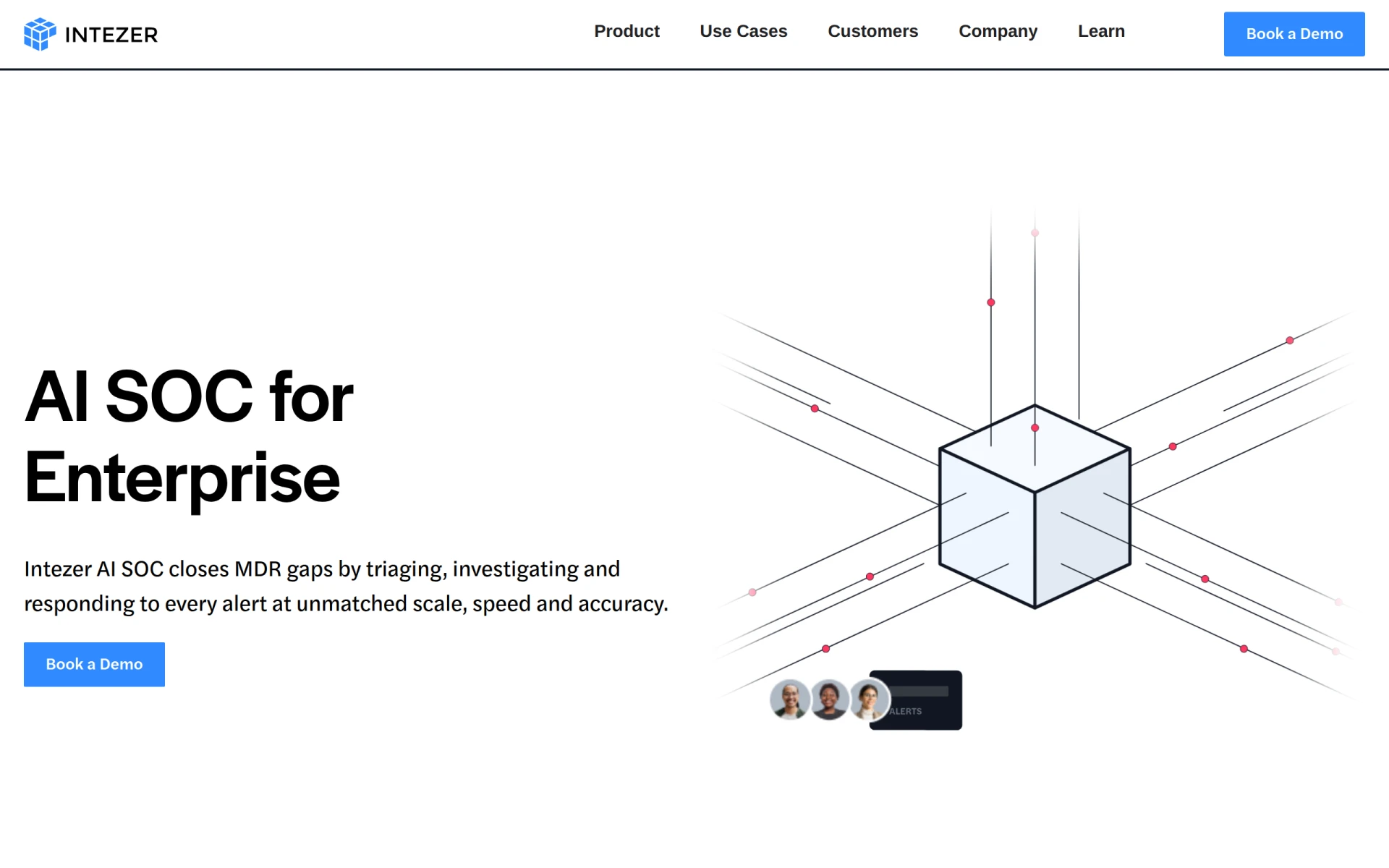
Intezer offers AI-driven SOC solutions that ensure every alert is investigated at forensic depth, enhancing security for enterprises.
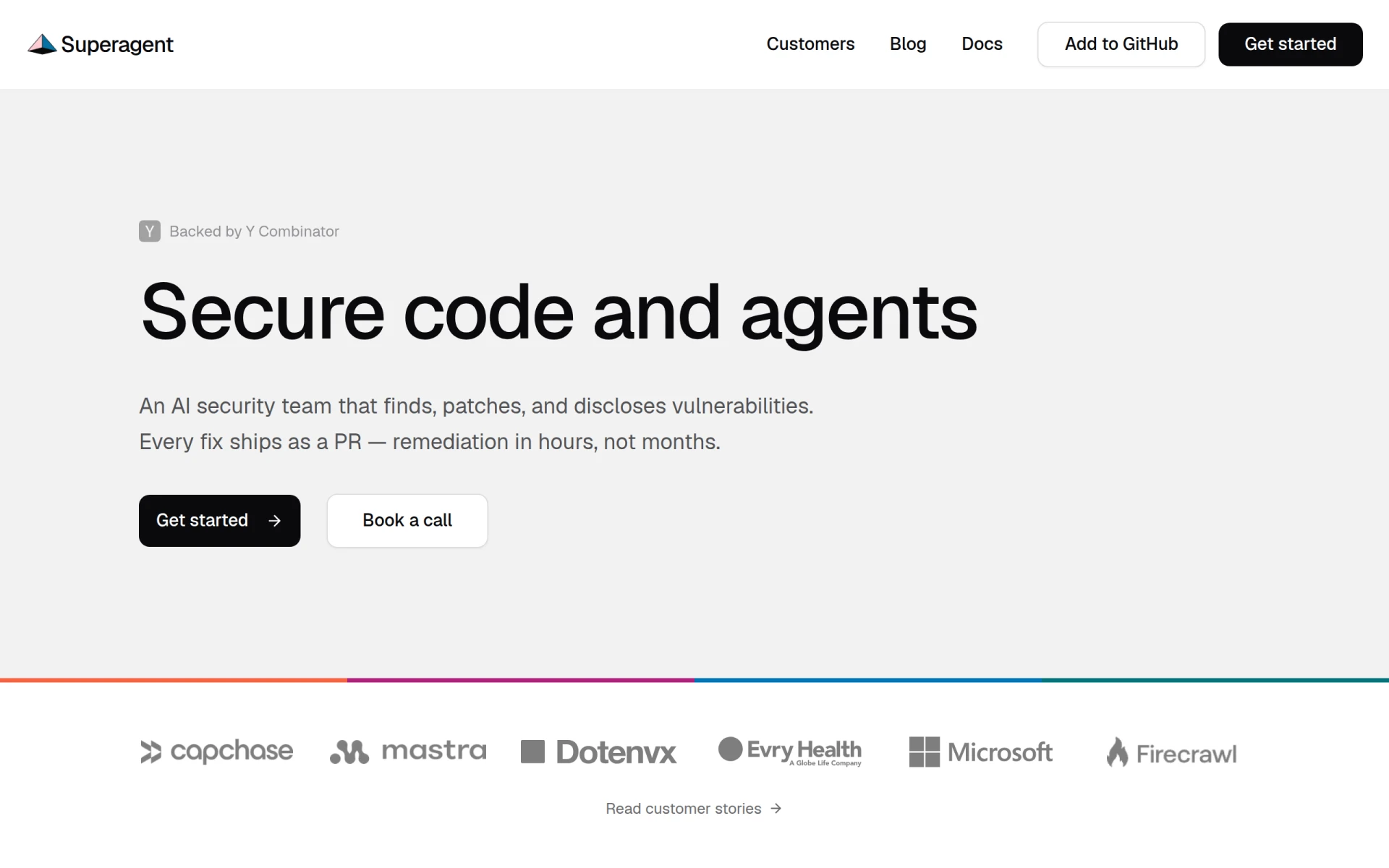
Superagent is an AI-driven security tool that identifies, patches, and discloses vulnerabilities in software quickly and effectively.
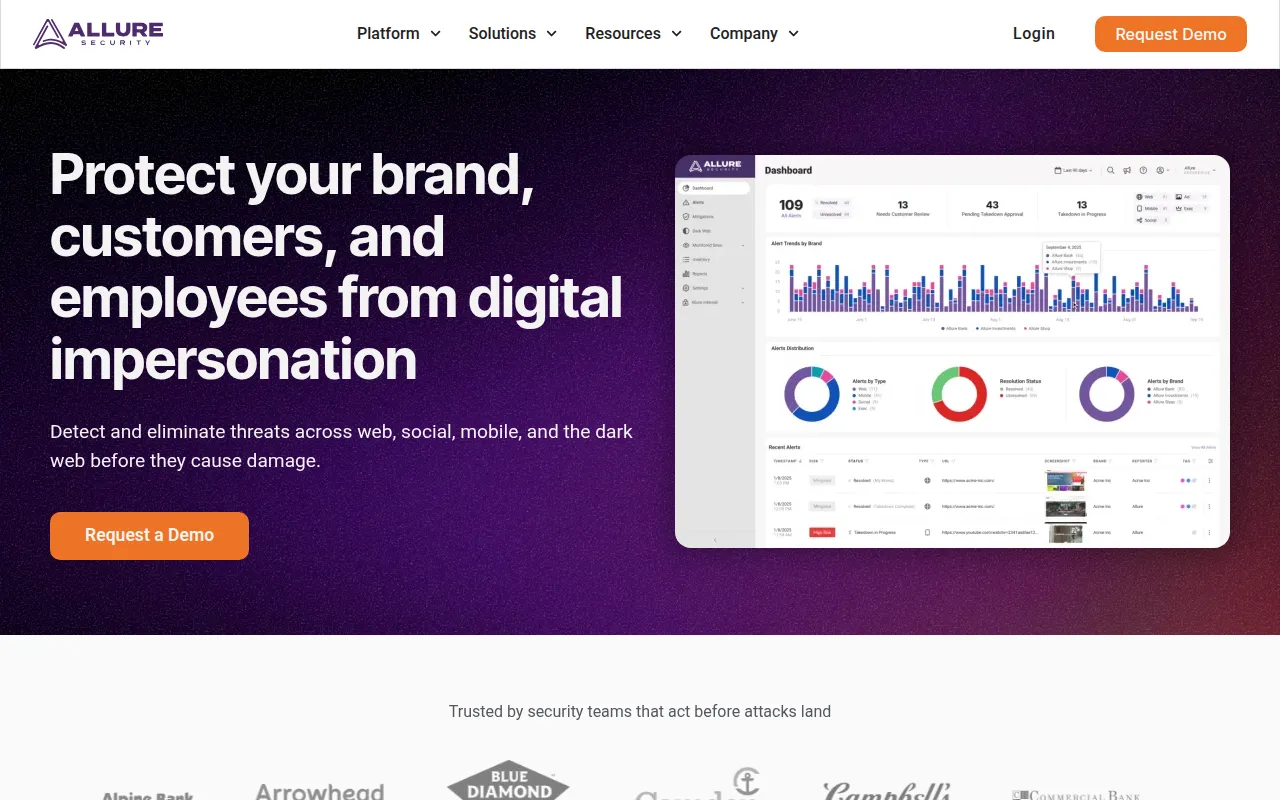
Allure Security Technology provides AI-powered brand protection against phishing and digital impersonation threats.
Weekly roundup of new AI tools, launches, and trending software. No spam — unsubscribe anytime.
No credit card required · Cancel anytime
Weekly roundup of new AI tools, launches, and trending software. No spam — unsubscribe anytime.
No credit card required · Cancel anytime