
Creed
Free
AI
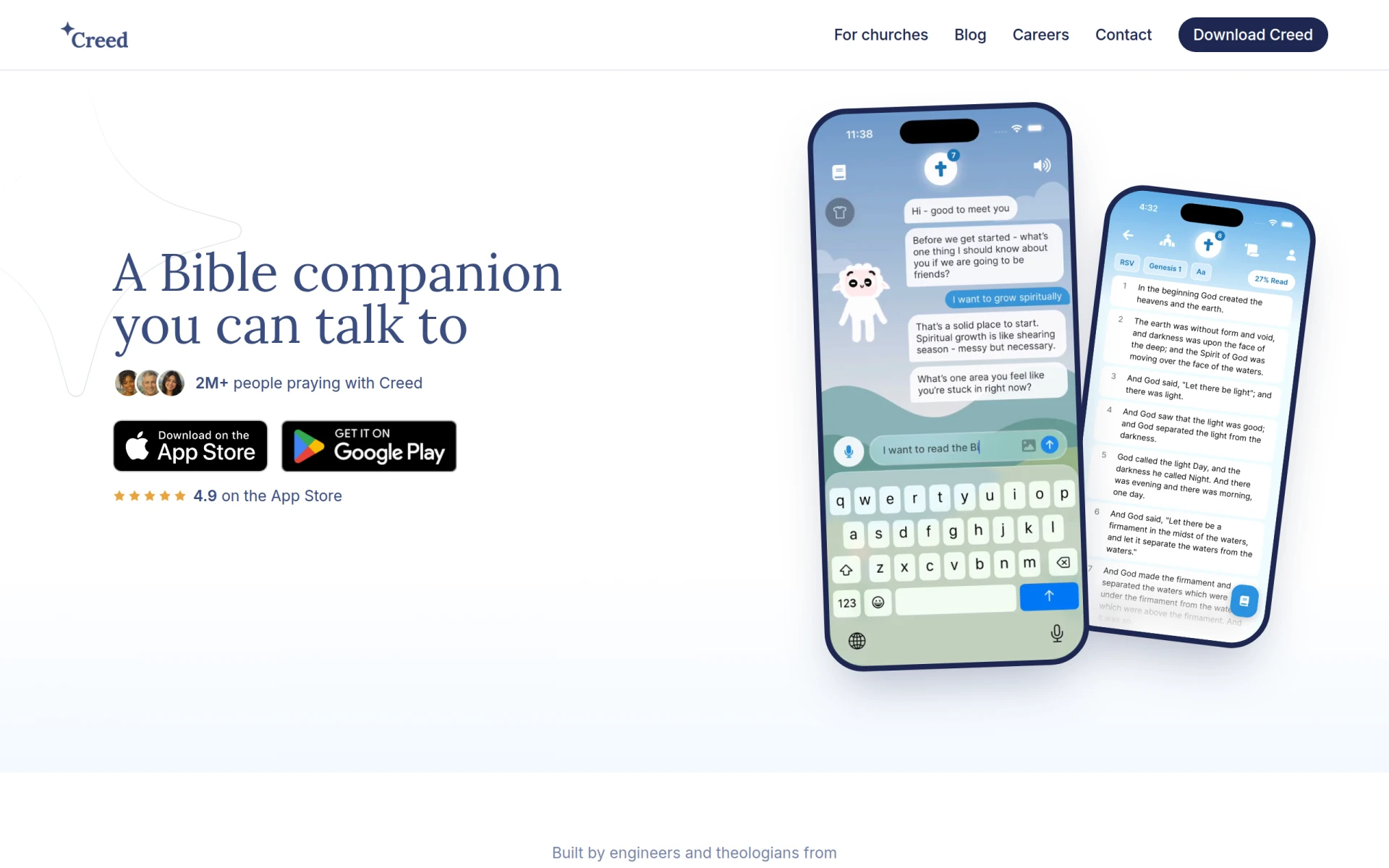
Creed is a Bible study and prayer companion app that helps users engage with Scripture and prayer daily.
 A
A
AI Formatter is a powerful tool for transforming documents using professional templates and AI-powered formatting.
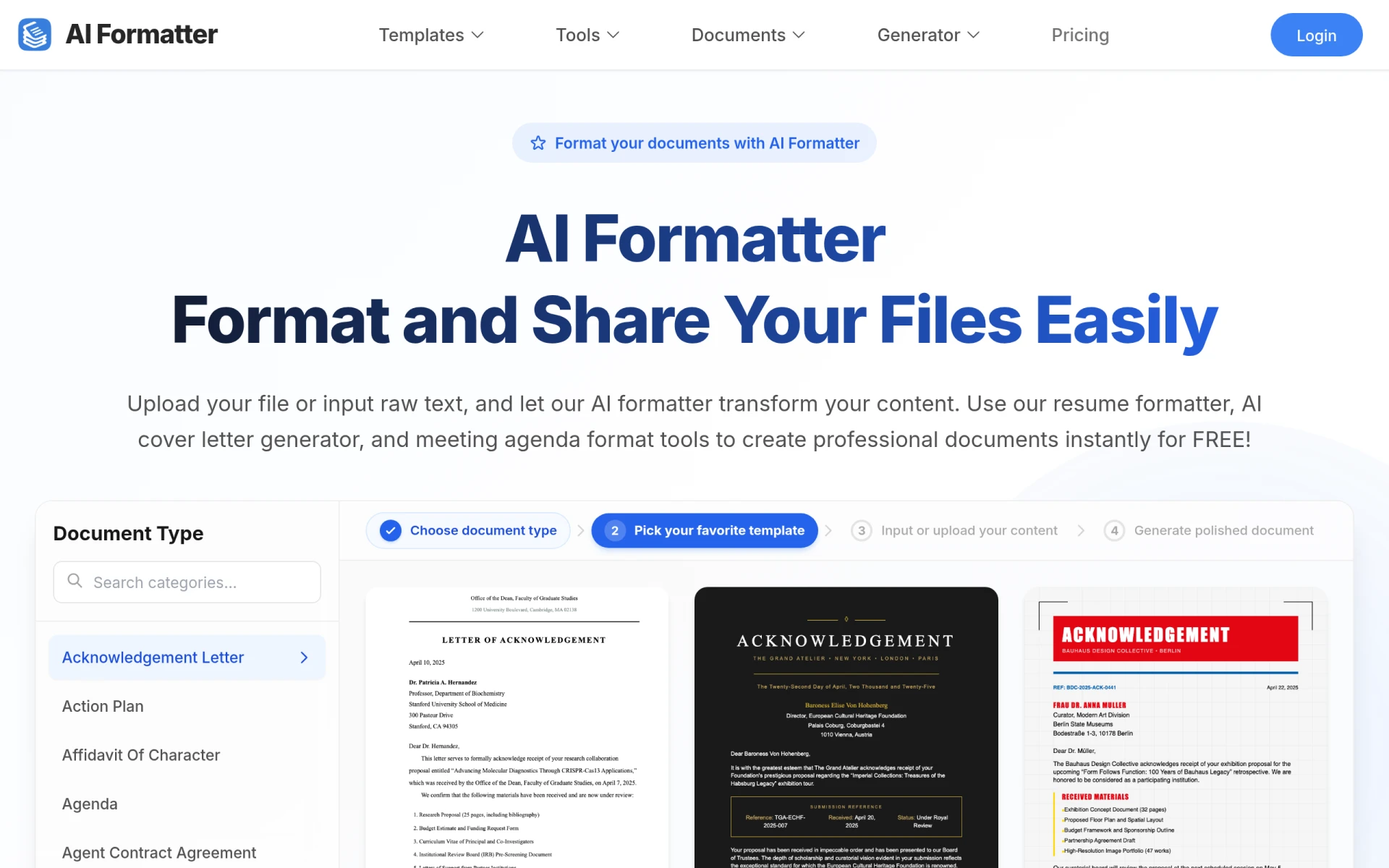
AI Formatter is a web-based application designed to simplify the process of formatting documents. Its primary purpose is to enable users to create professional-looking documents quickly and efficiently by utilizing AI technology and a library of templates. The software addresses common challenges in document formatting, such as time consumption and the need for visually appealing designs. By automating the formatting process, AI Formatter allows users to focus on content rather than layout.
Using AI Formatter provides several practical advantages for users. The primary benefit is time savings, as users can format documents instantly instead of spending hours on manual adjustments. The availability of over 10,000 templates ensures that users can find designs that meet their specific needs. This extensive library also includes templates that are optimized for various purposes, such as job applications, making it easier for users to create documents that stand out.
The AI-powered functionality enables improved document presentation without requiring advanced design skills. Furthermore, the software's focus on professional formatting can help users make a better impression with their documents, whether for job applications or business communications.
AI Formatter is particularly useful in several scenarios:
AI Formatter is ideal for individuals and professionals who require efficient document formatting. This includes job seekers, freelancers, students, and small business owners. However, larger organizations with dedicated design teams may find the tool less essential, as they might prefer customized solutions tailored to their specific branding needs.
AI Formatter offers a subscription model with a basic plan priced at $16.67 per month, which includes 100 credits for document formatting.
In summary, AI Formatter is a practical tool for anyone looking to streamline document formatting processes. Its AI-driven capabilities and extensive template library provide significant time savings and professional results. While it may not be necessary for all users, particularly those in larger organizations, it offers substantial value for individuals and small teams looking to enhance their document presentation efficiently.
Creed is a Bible study and prayer companion app that helps users engage with Scripture and prayer daily.
CreateThatTemplate is a user-friendly tool for designing and customizing templates for various projects and needs.
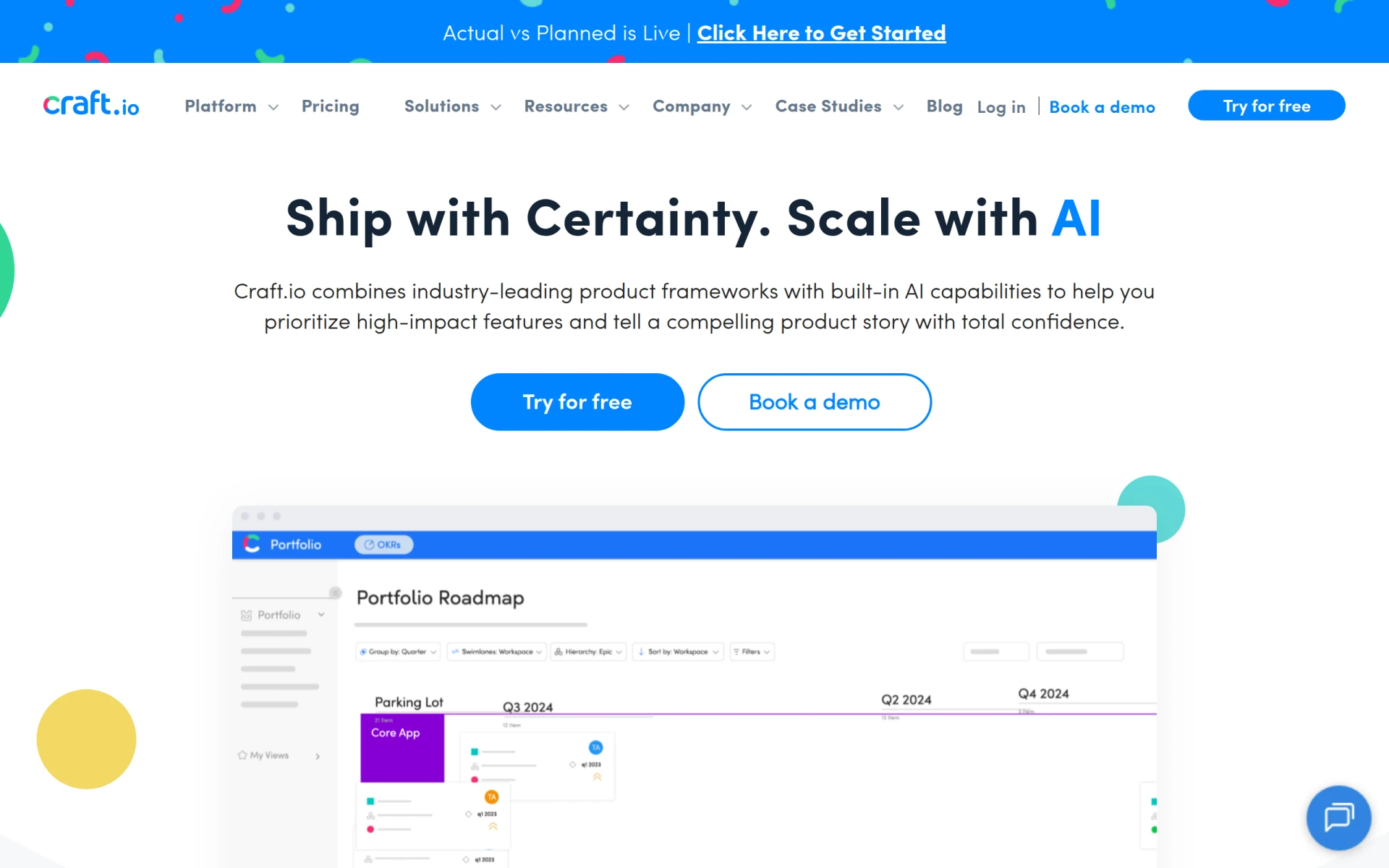
Craft.io is a comprehensive product management platform that helps teams prioritize and plan effectively throughout the product lifecycle.
Audioread converts text from articles, PDFs, and emails into natural-sounding audio for easy listening.
Ayfie is a personal assistant software that helps users manage tasks and improve productivity through intelligent automation.
AIApply is a job application tool that helps users create tailored resumes, cover letters, and auto-apply for jobs quickly.
Weekly roundup of new AI tools, launches, and trending software. No spam — unsubscribe anytime.
No credit card required · Cancel anytime
Weekly roundup of new AI tools, launches, and trending software. No spam — unsubscribe anytime.
No credit card required · Cancel anytime