Overview
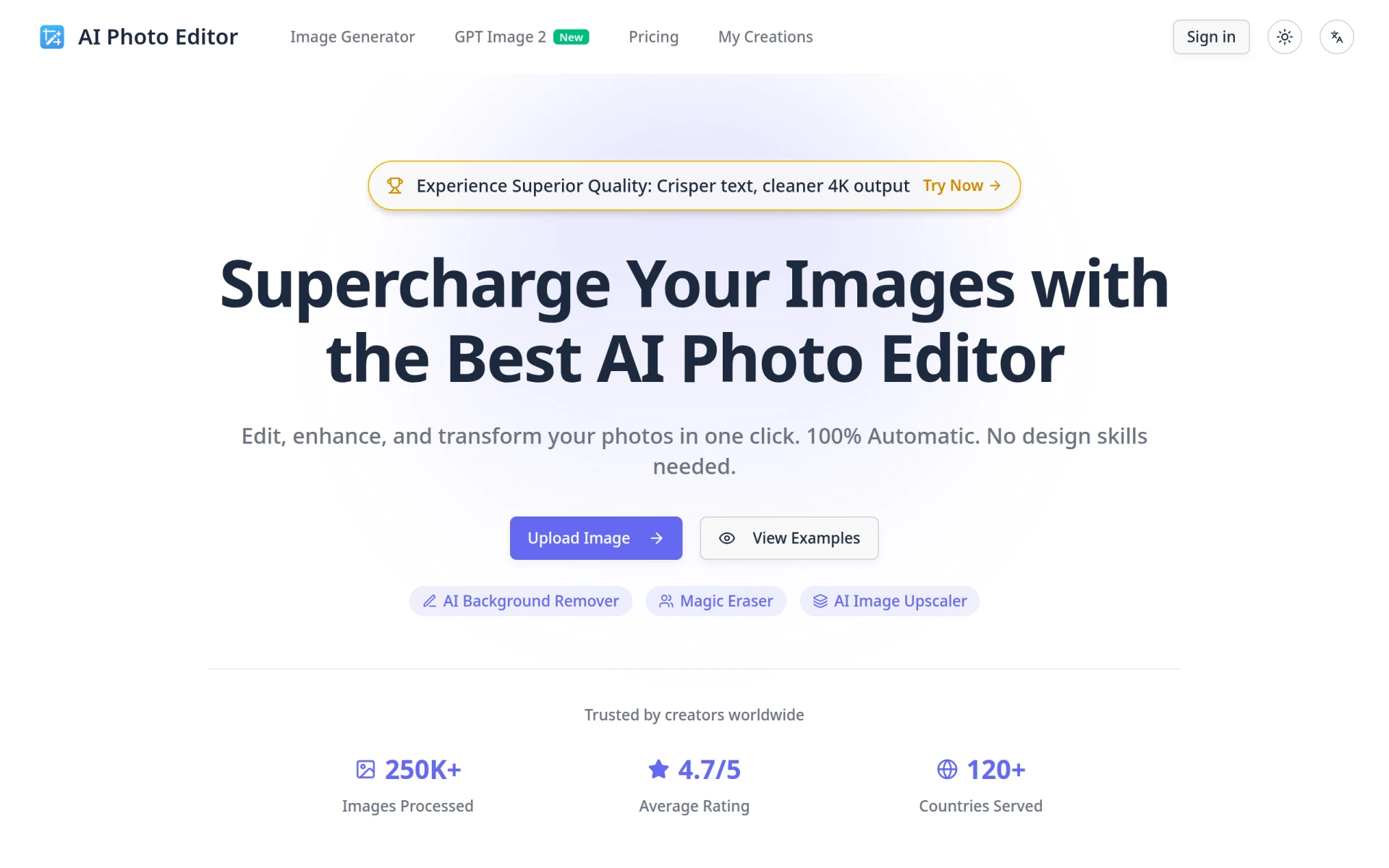
AI Photo Editor is an online platform designed to provide users with a simple and efficient way to edit and enhance images using artificial intelligence. Its primary purpose is to allow users to quickly transform their photos with minimal effort, making it accessible even for those without design experience. This tool effectively addresses common challenges in photo editing, such as removing backgrounds, erasing unwanted objects, and improving image quality through upscaling.
Key Features
- AI Background Remover
- Magic Eraser for object removal
- AI Image Upscaler
- Text to Image generation
- Supports multiple image uploads
- Compatible with PNG, JPG, JPEG, and WEBP formats
- No software download required
- Automatic editing with one-click functionality
- User-friendly interface for all skill levels
- Commercial usage rights included in paid plans
Benefits
The AI Photo Editor offers several practical advantages, such as saving time and resources for individuals and businesses alike. Users can enhance their images in seconds, which is particularly beneficial for content creators and marketers who need high-quality visuals without the hassle of complex software. Additionally, the ability to remove backgrounds and unwanted elements allows for greater creativity and versatility in image usage. The platform's AI-driven technology ensures that even those without design skills can produce professional-looking results.
Common Use Cases
AI Photo Editor is well-suited for various scenarios, including:
- Content creators needing quick edits for social media posts
- E-commerce businesses requiring polished product images
- Bloggers looking to enhance visuals for articles
- Educators creating engaging presentations with improved imagery
- Individuals wanting to enhance personal photos for sharing with friends and family.
Who Should Use It
AI Photo Editor is ideal for content creators, small business owners, social media managers, and anyone seeking an easy-to-use image editing solution. However, it may not be the best fit for professional graphic designers who require advanced features and customizability that more complex software provides.
Pricing Overview
AI Photo Editor offers a free version with limited capabilities, along with paid plans starting at $6.99 per month, which provide additional features and credits for AI-generated images.
Conclusion
AI Photo Editor stands out as a user-friendly and efficient solution for anyone needing quick and effective image editing. While it excels in simplicity and accessibility, those requiring more advanced editing capabilities may need to explore other options. Overall, it provides significant value, particularly for users with basic editing needs who want to achieve high-quality results without a steep learning curve.