Overview
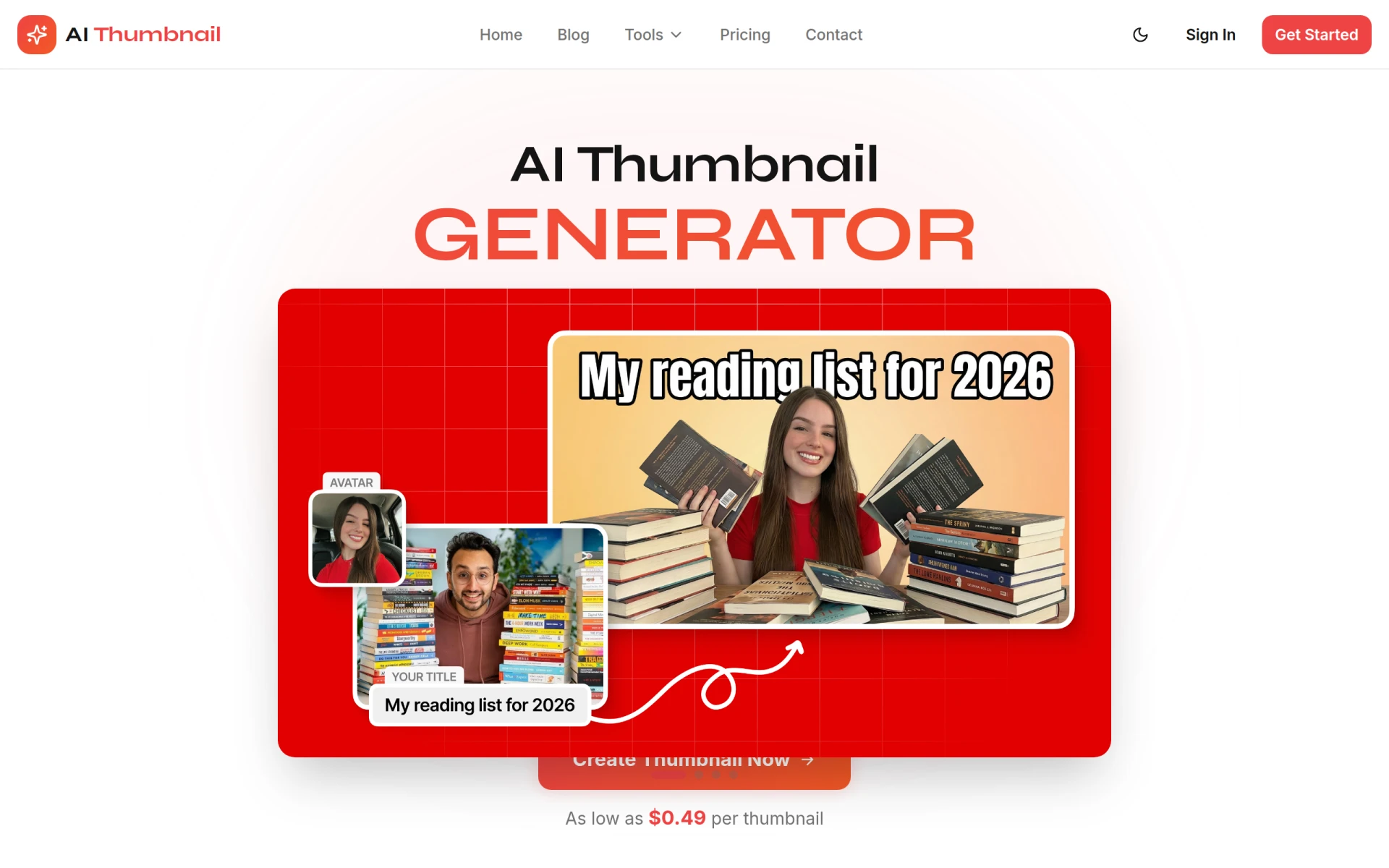
AI Thumbnail is a design tool specifically developed for generating YouTube thumbnails using artificial intelligence. This software aims to simplify the thumbnail creation process, enabling users to produce visually appealing graphics that can enhance click-through rates (CTR) on their videos. By allowing users to incorporate personal branding elements such as colors and text, AI Thumbnail addresses the challenge of creating attractive thumbnails that stand out in a crowded platform. The software is particularly beneficial for content creators looking to improve their video visibility without extensive design skills.
Key Features
- AI-based Thumbnail Creation
- Customizable Design Options
- Integration of Personal Branding
- Quick Generation with Multiple Variations
- User-friendly Interface
- Supports Multiple Image Formats
- No Design Experience Required
- High-Quality Output
Benefits
Using AI Thumbnail provides several practical advantages for users. First, the tool saves time by automating the thumbnail creation process, allowing creators to focus more on content production. Additionally, the ability to customize designs ensures that thumbnails align with a creator's brand identity, which is crucial for maintaining audience engagement. The software's AI capabilities can help in generating unique designs, increasing the likelihood of capturing viewer interest. Furthermore, since the tool offers multiple design variations, users can experiment with different styles to see which resonates most with their audience.
Common Use Cases
AI Thumbnail is ideal for various scenarios, including:
- A YouTuber launching a new channel who wants to create professional-looking thumbnails without prior design knowledge.
- A marketing team looking to generate multiple thumbnail options for different video campaigns quickly.
- Freelancers who need to provide thumbnail design services to clients efficiently.
- Educators who produce instructional videos and require engaging thumbnails to attract viewers.
- Content creators who want to test different visual styles and see which ones yield better engagement metrics.
Who Should Use It
AI Thumbnail is best suited for:
- Content creators on YouTube seeking to enhance their video presentation.
- Social media marketers who need to produce eye-catching visuals for video promotions.
- Small business owners using video marketing as part of their strategy.
- Individuals without graphic design expertise who still want to create appealing thumbnails.
However, it may not be the best fit for professional designers or agencies that require advanced features and customization options not offered by this tool.
Pricing Overview
Pricing information is not available for AI Thumbnail at this time.
Pros and Cons
Pros
- The software is user-friendly, making it accessible to individuals with no design background.
- Quick generation of multiple designs helps streamline the thumbnail creation process.
- Customization options allow for branding consistency across video thumbnails.
- The AI technology used can yield unique design variations that stand out.
- High-quality output meets the demands of professional video content.
Cons
- Limited advanced features may not satisfy professional designers looking for extensive customization.
- Pricing details are unavailable, which may deter potential users from exploring the software further.
- Dependence on AI may not always produce results that align with specific creative visions.
Conclusion
AI Thumbnail presents a convenient solution for YouTube content creators needing to generate eye-catching thumbnails quickly. While it excels in user-friendliness and speed, the software may fall short for users seeking advanced design options. Overall, it serves as an effective tool for enhancing video visibility, particularly for those without extensive design experience.