Overview
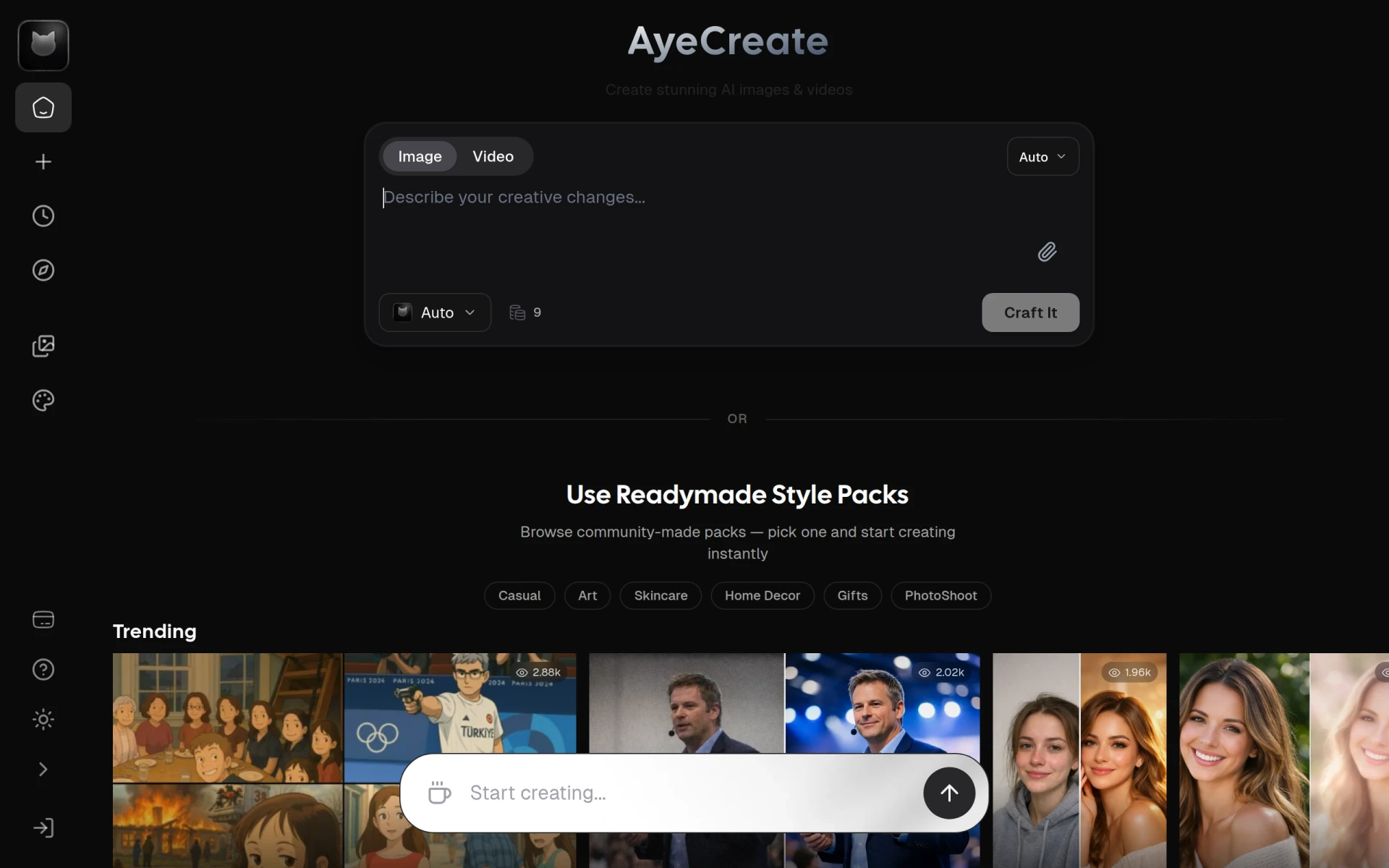
AyeCreate is a versatile AI content creation studio designed for generating images, videos, and editing photos with ease. The primary purpose of AyeCreate is to empower users, including creators and businesses, to produce high-quality visual content rapidly, eliminating the need for extensive design skills. By utilizing multiple popular AI models, AyeCreate addresses the challenges faced by users who require quick and professional visual outputs but may lack advanced design capabilities.
Key Features
- Image Generation: Create stunning images based on text descriptions.
- Video Creation: Generate short videos effortlessly using AI technology.
- Photo Editing: Edit photos with a variety of tools and filters.
- Multiple AI Models: Switch between various AI models like Nanobanna Pro, Sora, Flux, GPT Image, and Kling.
- Readymade Style Packs: Access community-created style packs for quick content creation.
- Workflow Flexibility: Adapt workflows to fit different creative processes.
- User-Friendly Interface: Intuitive design making it accessible for all skill levels.
- Community Support: Engage with a community of creators for inspiration and assistance.
Benefits
AyeCreate provides significant advantages for businesses and individuals looking to enhance their visual content production. The platform enables swift content generation, which can save time and reduce costs associated with hiring professional designers. Users benefit from the ability to produce professional-quality images and videos without needing specialized skills, making it ideal for non-designers. Additionally, the variety of AI models allows users to experiment with different styles and outputs, fostering creativity.
Common Use Cases
AyeCreate is particularly beneficial in various scenarios:
- A marketing team may use it to produce eye-catching visuals for social media campaigns in a fraction of the time.
- Freelancers can generate unique graphics for clients without incurring high design fees.
- Small businesses can create promotional materials quickly, enhancing their marketing efforts.
- Content creators can develop engaging videos and images for platforms like YouTube or Instagram to attract a larger audience.
- Educational institutions might use the tool for creating visual aids and materials for presentations and learning resources.
Who Should Use It
AyeCreate is ideal for:
- Small business owners looking for cost-effective design solutions.
- Marketing teams needing to produce quick visual content.
- Freelancers in creative fields seeking efficient tools.
- Content creators who want to enhance their visual storytelling.
- Non-designers who require high-quality visuals without the complexity of traditional design software.
However, it may not be the best fit for:
- Professional designers who prefer more control over the design process.
- Teams requiring collaboration features that are not highlighted in AyeCreate.
- Users needing extensive customization options for complex projects.
Pricing Overview
Pricing information is not specified on the website. Please visit the AyeCreate website for the latest updates on plans and pricing options.
Conclusion
AyeCreate offers a practical solution for individuals and teams looking to produce visual content quickly and effectively. With its user-friendly interface and access to multiple AI models, it stands as a strong contender in the design tools category. While it excels in providing rapid content generation, users with advanced design needs may find it limits their creative control. Overall, AyeCreate is worth considering for those prioritizing speed and ease of use in their content production efforts.