

Creed
Free
AI
Creed is a Bible study and prayer companion app that helps users engage with Scripture and prayer daily.
 C
C
Calendar0 is an AI-driven appointment scheduling tool that simplifies calendar management directly from your menubar.
 M
M
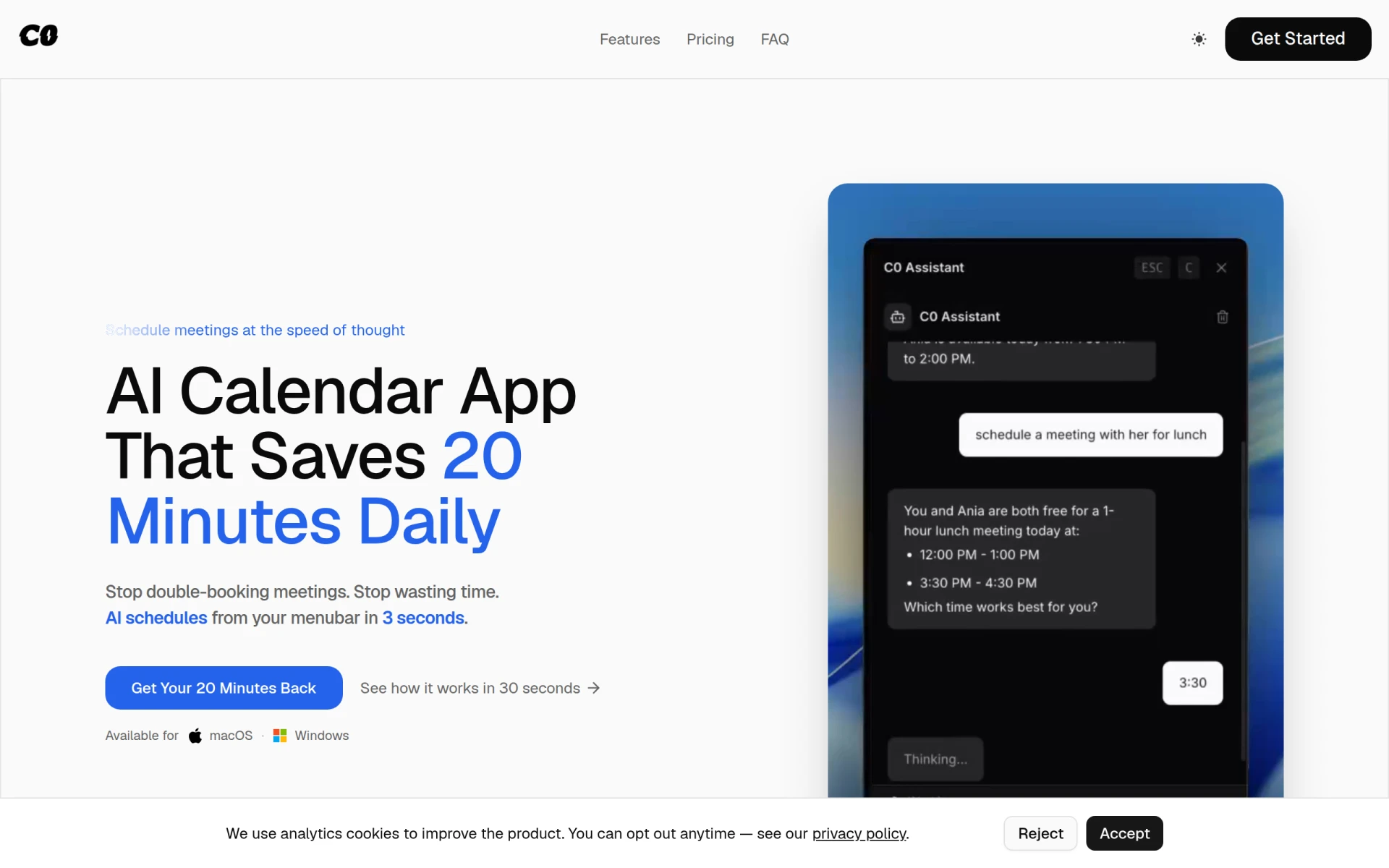
Calendar0 is a productivity tool designed to streamline appointment scheduling and calendar management. It operates from the menubar on macOS and Windows, allowing users to view and manage their calendars without switching windows or using a browser. The primary purpose of Calendar0 is to save users time by enabling quick scheduling and managing of meetings using natural language input. This tool effectively eliminates the hassle of double-booking and reduces the time spent on calendar administration, helping users reclaim valuable minutes each day.
Using Calendar0 can significantly enhance productivity by reducing the time wasted on calendar management. With its intuitive design, users can quickly view their schedules and make changes without navigating through multiple applications. The AI scheduling feature allows for a more natural way to set up meetings, making it easier to coordinate with colleagues. Overall, Calendar0 helps users focus more on their work rather than getting bogged down by administrative tasks.
Calendar0 is ideal for professionals who frequently schedule meetings, such as project managers, sales teams, and freelancers. For example, a project manager can quickly check their availability and schedule a team meeting without losing focus on their tasks. Similarly, sales representatives can easily manage client meetings and follow-ups. The tool is also beneficial for remote teams that rely on video conferencing, as it allows seamless integration with video meeting platforms.
Calendar0 is best suited for individuals and teams that prioritize efficiency in scheduling. It is particularly useful for busy professionals, small business owners, and freelancers who need to manage multiple calendars and appointments. However, it may not be the best fit for users who prefer extensive customization options or those who rely heavily on advanced project management features.
Calendar0 offers a free Starter tier with full calendar features and three AI commands, a one-time Lifetime Access purchase for $49, or a monthly subscription at $4.99. There is no credit card required to start, and a 14-day money-back guarantee is available for the Lifetime plan.
In summary, Calendar0 provides a practical solution for individuals seeking to enhance their calendar management through AI technology. While it excels in simplifying scheduling and providing quick access to calendar information, users should evaluate their specific needs to determine if it aligns with their workflow. Its straightforward pricing and focus on efficiency make it a worthwhile consideration for those looking to optimize their scheduling processes.
Creed is a Bible study and prayer companion app that helps users engage with Scripture and prayer daily.
CreateThatTemplate is a user-friendly tool for designing and customizing templates for various projects and needs.
Craft.io is a comprehensive product management platform that helps teams prioritize and plan effectively throughout the product lifecycle.
Consile is an all-in-one team operations platform that integrates tasks, attendance, leave, and HR functions in a secure workspace.
A comprehensive guide to keyboard shortcuts for Windows, MacOS, and Linux, enhancing productivity and workflow efficiency.
Audioread converts text from articles, PDFs, and emails into natural-sounding audio for easy listening.
Weekly roundup of new AI tools, launches, and trending software. No spam — unsubscribe anytime.
No credit card required · Cancel anytime
Weekly roundup of new AI tools, launches, and trending software. No spam — unsubscribe anytime.
No credit card required · Cancel anytime