
Anavsan
Paid
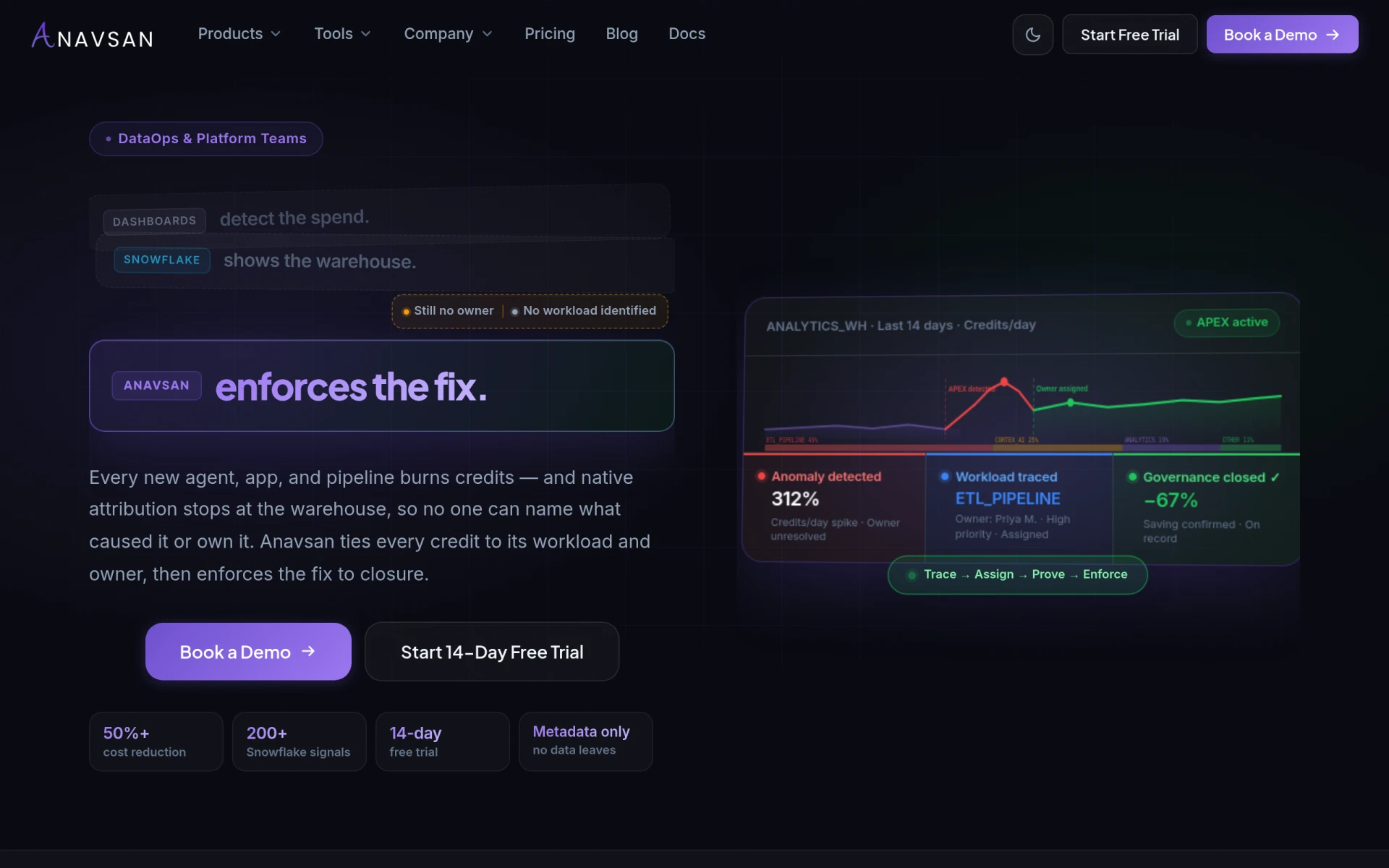
Anavsan is a cost optimization tool for Snowflake that helps organizations track and manage workload credits effectively.
Cards Control is a workflow automation tool designed to help teams manage tasks and processes more efficiently.

Cards Control is a software solution that focuses on workflow automation, enabling teams to efficiently manage tasks and processes within their organizations. Its primary purpose is to simplify complex workflows, allowing users to create, track, and optimize tasks seamlessly. By addressing common challenges such as task overload and inefficient communication, Cards Control helps teams maintain clarity and organization in their operations.
Using Cards Control can lead to practical advantages for teams looking to enhance their workflow management. By automating routine tasks, teams can focus more on high-priority activities that drive business value. The collaboration features foster better communication among team members, which is essential for successful project completion. Additionally, the ability to visualize tasks and their progress helps prevent bottlenecks and encourages accountability within teams.
Cards Control is particularly useful in various scenarios. For instance, project managers can utilize it to create clear project timelines and track deliverables. Marketing teams may find it beneficial for campaign management, enabling them to monitor tasks involved in launching new initiatives. Freelancers can leverage Cards Control to manage client projects efficiently, ensuring deadlines are met without overwhelming their schedules. Furthermore, development teams can use it for tracking software releases and bug fixes, ensuring a streamlined process from start to finish.
Cards Control is ideal for small to medium-sized businesses that require improved task management and workflow automation. Teams that collaborate frequently on projects will find it especially useful. However, larger enterprises with more complex needs may find it lacking in certain advanced features offered by other more robust platforms.
Pricing information is currently unavailable on the official website. Users may need to contact the provider for detailed pricing options or explore a trial version if available.
In summary, Cards Control offers a straightforward solution for teams looking to enhance their workflow management through automation and collaboration. While it presents valuable features that can significantly improve task organization and communication, potential users should assess their specific needs, especially if they operate within larger teams or require advanced functionalities. Overall, Cards Control represents a practical choice for businesses aiming to optimize their workflows without excessive complexity.
Anavsan is a cost optimization tool for Snowflake that helps organizations track and manage workload credits effectively.
CrewLAB is a sports team management software designed to assist coaches with organizing and managing teams effectively.
Crisp is an AI-powered multichannel messaging platform designed to enhance customer interactions through live chat and support solutions.
Creatives Takeover is a startup development platform that assists founders in validating ideas, building MVPs, and launching products.
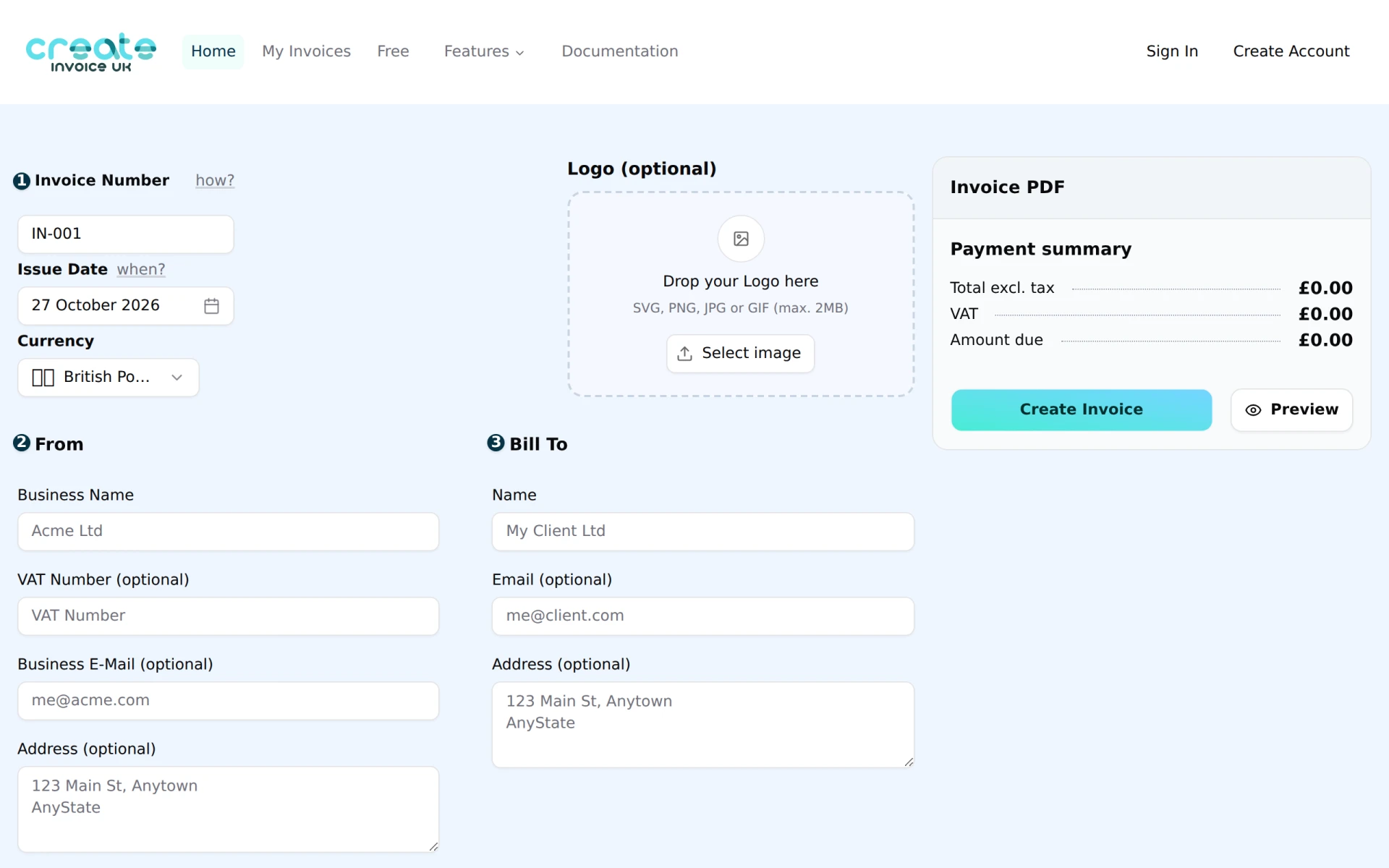
Create Invoice UK is a free tool for generating professional HMRC-compliant invoices quickly and easily.
Cosy Devon Holiday Home Management is a comprehensive platform for managing holiday rentals in Devon, offering tools for bookings and property maintenance.
Weekly roundup of new AI tools, launches, and trending software. No spam — unsubscribe anytime.
No credit card required · Cancel anytime
Weekly roundup of new AI tools, launches, and trending software. No spam — unsubscribe anytime.
No credit card required · Cancel anytime