
Curate Click
Paid
Curate Click helps developers discover and curate the best tools and products through a hand-reviewed collection.
 C
C
Cartographer is an AI tool that generates and updates documentation directly from your codebase, ensuring accuracy and consistency.
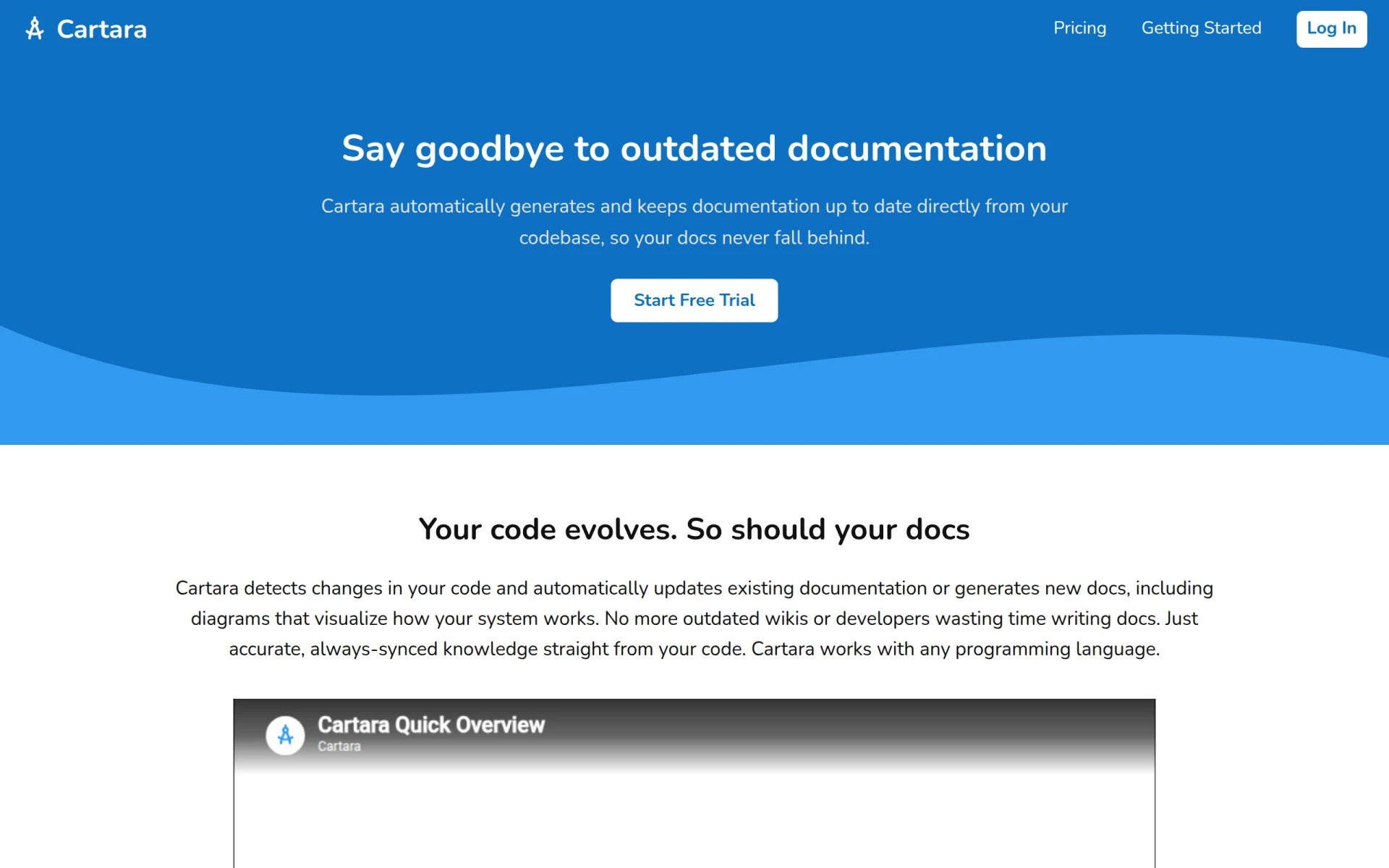
Cartographer is an AI-powered documentation generator designed for developers, allowing them to automatically create and maintain documentation based on their source code. Its primary purpose is to alleviate the challenges associated with outdated and inaccurate documentation that often plagues software development projects. By syncing documentation with code changes, Cartographer helps teams save time, reduce manual errors, and enhance knowledge sharing within the organization.
Cartographer offers practical advantages that can significantly enhance documentation practices within development teams. By automating the documentation process, it minimizes the time developers spend on writing and updating documents, allowing them to focus on coding. The tool ensures that documentation is always in sync with the latest code changes, reducing the risk of miscommunication and errors. Furthermore, the ability to visualize systems through diagrams aids in understanding complex codebases, promoting better onboarding for new team members and facilitating knowledge transfer.
Developers can use Cartographer in various scenarios, such as:
Cartographer is ideal for software development teams of all sizes, particularly those that prioritize maintaining high-quality documentation. It is especially beneficial for teams working in fast-paced environments where code is frequently updated. However, it may not be the best fit for smaller teams or solo developers who might not need extensive documentation support or for those who prefer a more manual approach to documentation.
Cartographer offers several pricing plans tailored to different team sizes and needs, including a Starter plan at $25 per month for up to 5 users, a Plus plan at $50 per month for up to 20 users, and a Professional plan at $125 per month for up to 50 users. There are also tailored enterprise solutions available upon request.
In summary, Cartographer is a robust solution for teams looking to streamline their documentation processes through automation. It effectively addresses common documentation challenges, particularly in dynamic coding environments. While it offers numerous advantages, teams should assess their specific needs and team size to determine if the pricing plans align with their budget and requirements.
Curate Click helps developers discover and curate the best tools and products through a hand-reviewed collection.
CS2 Real-Time Odds API by mwasoft provides developers with access to real-time sports odds for integration into applications.
The collaborative design tool for teams. Design, prototype, and collaborate on UI/UX in real-time.
AI-powered code completion. Write code faster with intelligent suggestions in any programming language.
Atomic Bot is an open-source automation tool designed to simplify the execution of OpenClaw workflows.
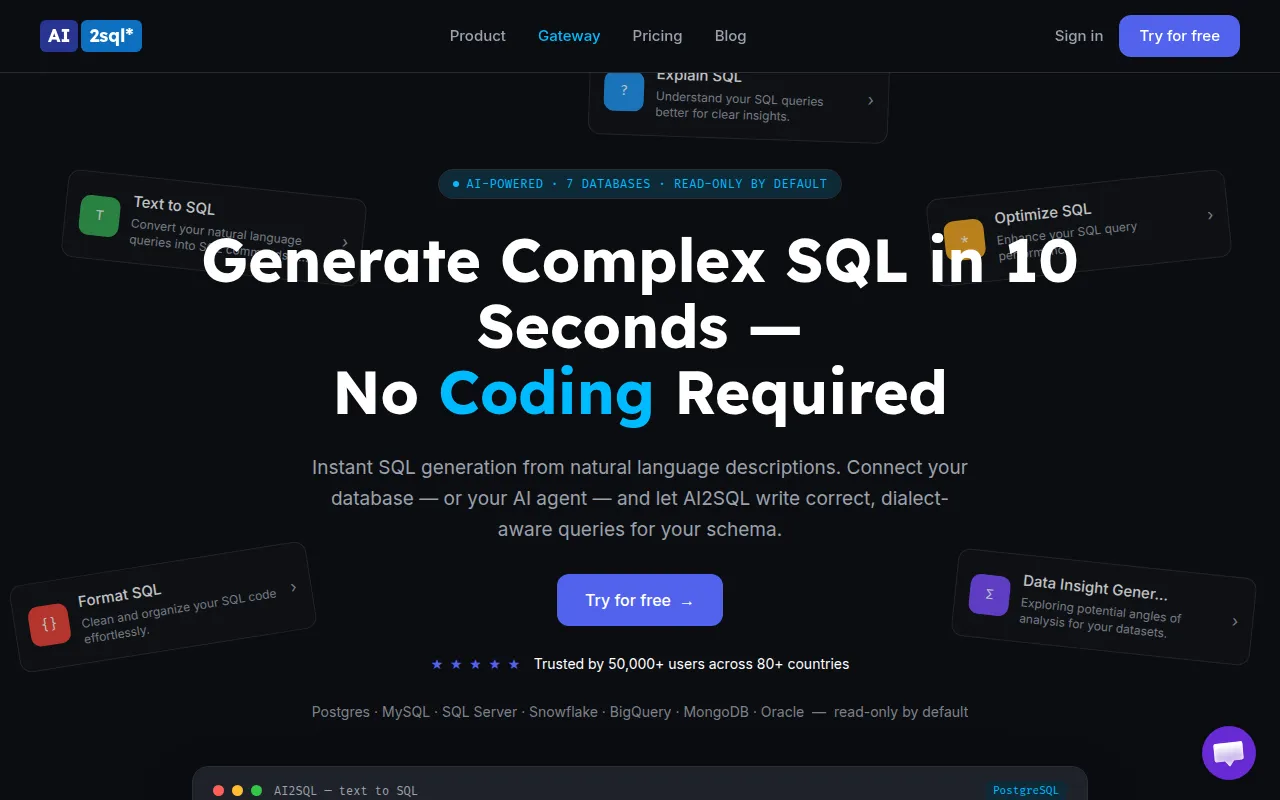
AI2sql is an AI-powered SQL query builder that enables users to generate SQL queries from natural language without prior SQL knowledge.
Weekly roundup of new AI tools, launches, and trending software. No spam — unsubscribe anytime.
No credit card required · Cancel anytime
Weekly roundup of new AI tools, launches, and trending software. No spam — unsubscribe anytime.
No credit card required · Cancel anytime