Anavsan
Paid
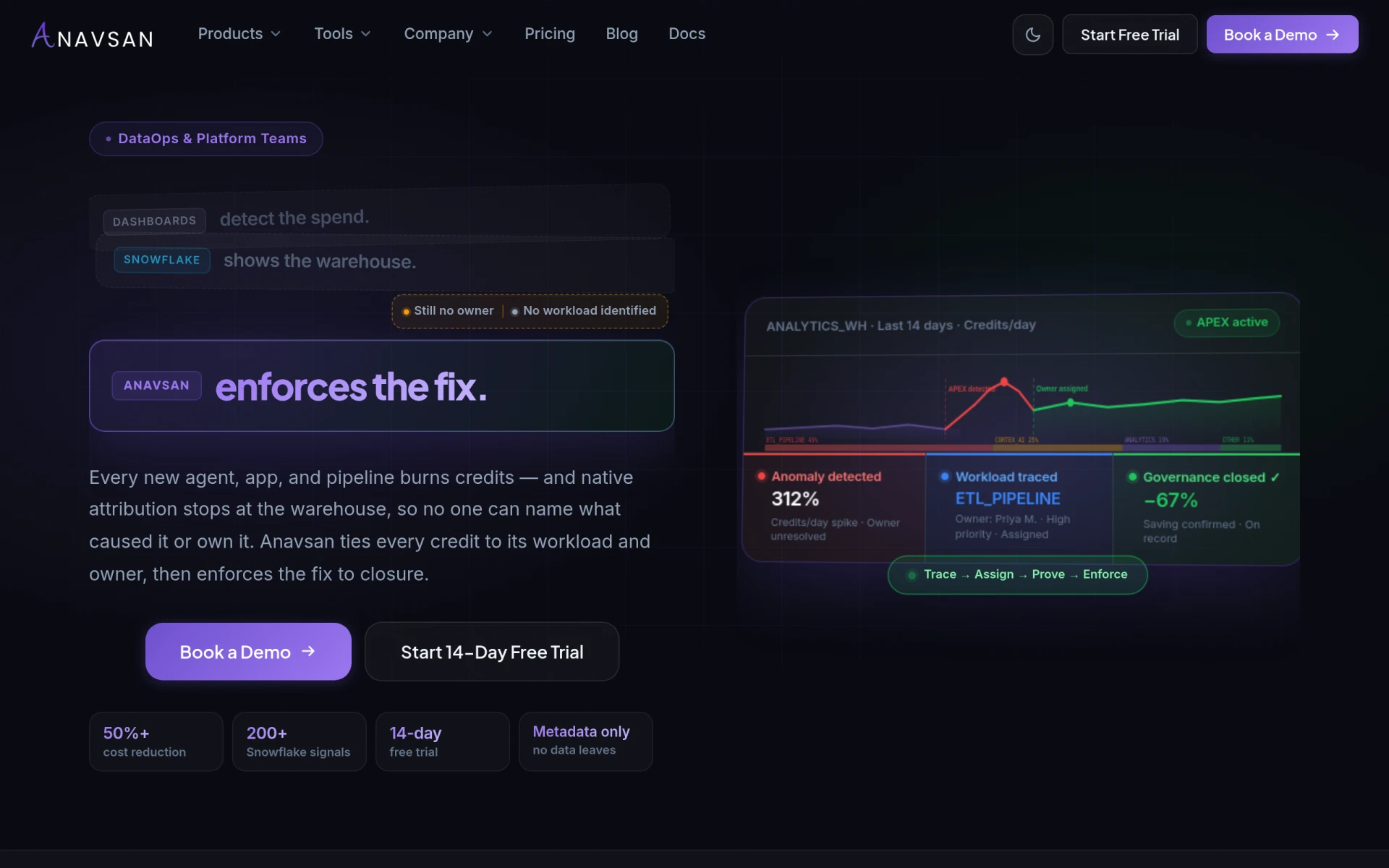
Anavsan is a cost optimization tool for Snowflake that helps organizations track and manage workload credits effectively.
 C
C
CaseGuard Studio is AI-powered software designed for automatic redaction of sensitive information from documents, videos, and images.
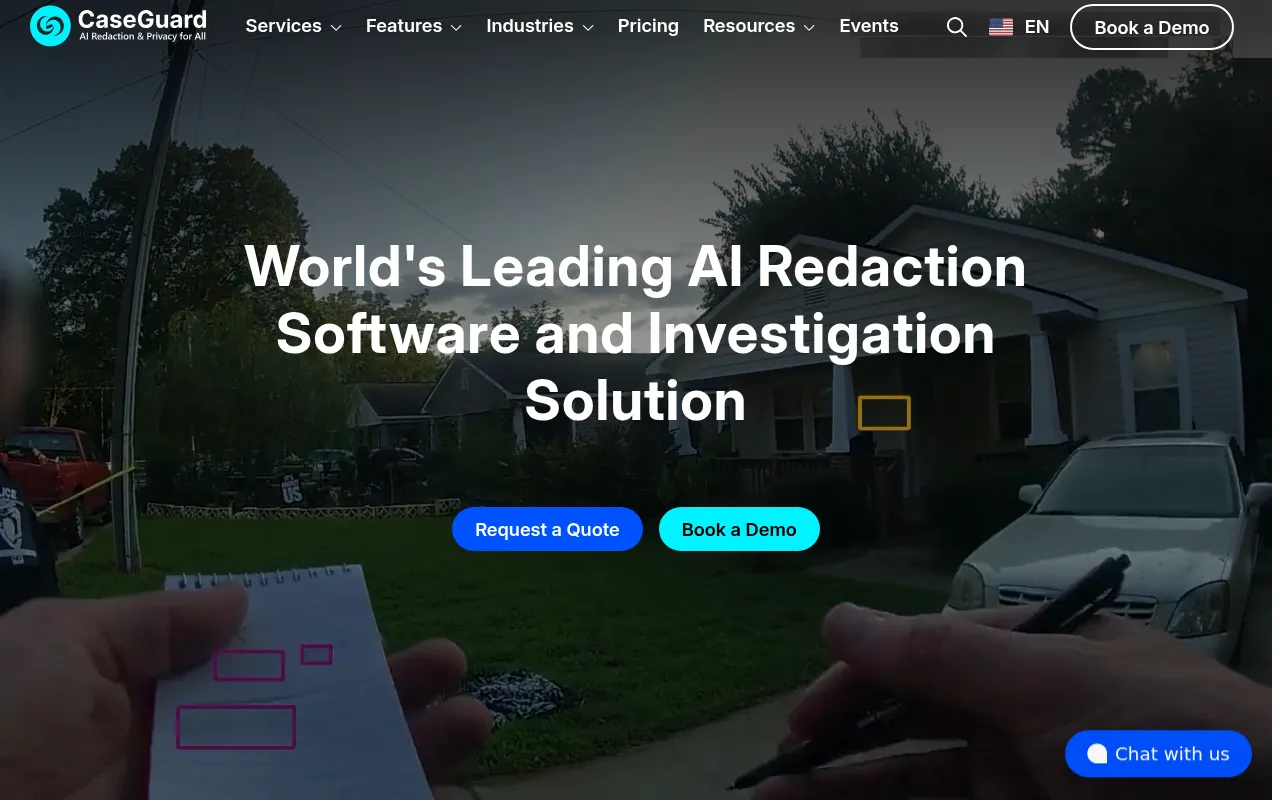
CaseGuard Studio is a specialized software solution focused on AI-driven redaction, transcription, and translation. Its primary purpose is to automate the process of removing personally identifiable information (PII) and protected health information (PHI) from various media types, including documents, videos, audio files, and images. By utilizing advanced artificial intelligence algorithms, CaseGuard Studio addresses the critical need for compliance with data protection regulations, ensuring that sensitive data is handled appropriately and securely.
The software resolves several key challenges faced by organizations, such as the time-consuming and error-prone nature of manual redaction. By automating these processes, CaseGuard Studio significantly reduces the risk of human error while enhancing efficiency and productivity. Organizations can confidently manage sensitive information, knowing that it is adequately redacted before sharing or storing.
CaseGuard Studio offers numerous practical advantages for organizations dealing with sensitive information. Its AI-driven capabilities streamline the redaction process, allowing teams to focus on more strategic tasks rather than manual data handling. With the ability to process large volumes of files quickly, organizations can improve turnaround times, ensuring compliance deadlines are met without sacrificing accuracy. The software's multi-language support further broadens its usability, making it suitable for global operations. Additionally, the reduction of human error in redaction tasks enhances data security, ultimately protecting both the organization and its clients.
Organizations across various sectors can benefit from CaseGuard Studio. For example, law enforcement agencies can use the software to redact sensitive information from body camera footage and case files before public release. Healthcare providers may apply it to ensure patient privacy by redacting health records and related documents. Educational institutions can utilize CaseGuard Studio for managing sensitive student information in compliance with regulations like FERPA. Media companies may find it useful for redacting sensitive information in news footage or interviews. Finally, legal firms can leverage this software to safeguard client confidentiality in legal documents.
CaseGuard Studio is ideal for compliance teams, legal professionals, healthcare organizations, law enforcement agencies, and educational institutions. Teams that manage large volumes of sensitive data and require efficient, reliable redaction tools will find this software particularly beneficial. However, smaller organizations with limited budgets or minimal data redaction needs may not find the software as necessary for their operations.
CaseGuard Studio offers a pricing plan of $279 per user per month, billed annually. This plan includes access to all features with no file size or quantity limits.
In conclusion, CaseGuard Studio stands out as a robust solution for organizations needing efficient AI redaction capabilities. While it serves a specific purpose within the realm of document and media handling, its strengths in automation, multi-language support, and compliance-focused features make it a worthy consideration for businesses dealing with sensitive information. However, potential users should evaluate their specific needs and budget constraints before making a decision to ensure it aligns with their operational requirements.
Anavsan is a cost optimization tool for Snowflake that helps organizations track and manage workload credits effectively.
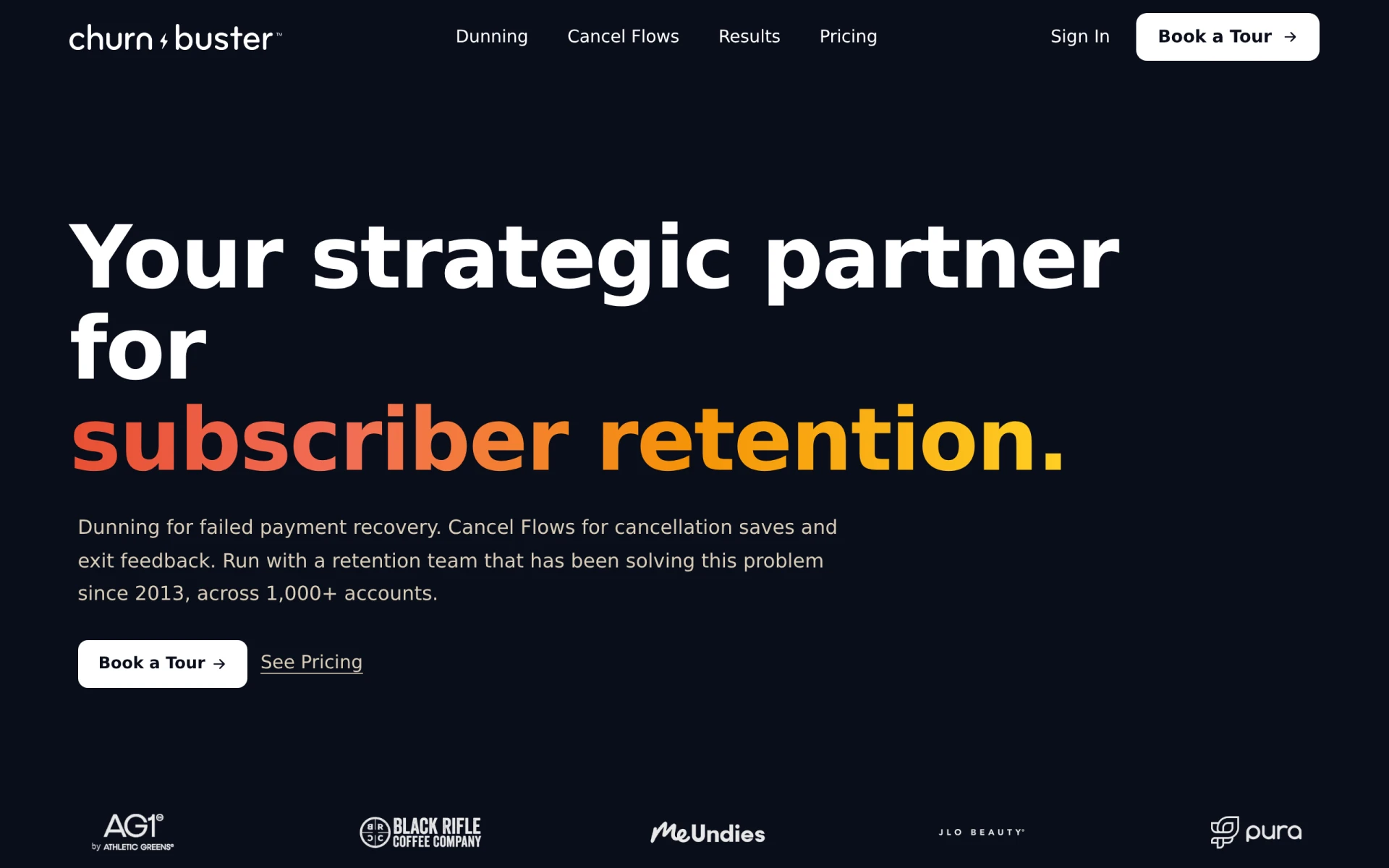
Churn Buster helps subscription businesses recover failed payments and reduce churn through advanced dunning management and cancellation flows.
Chesser Resources offers resource management solutions designed to improve efficiency and collaboration within teams.
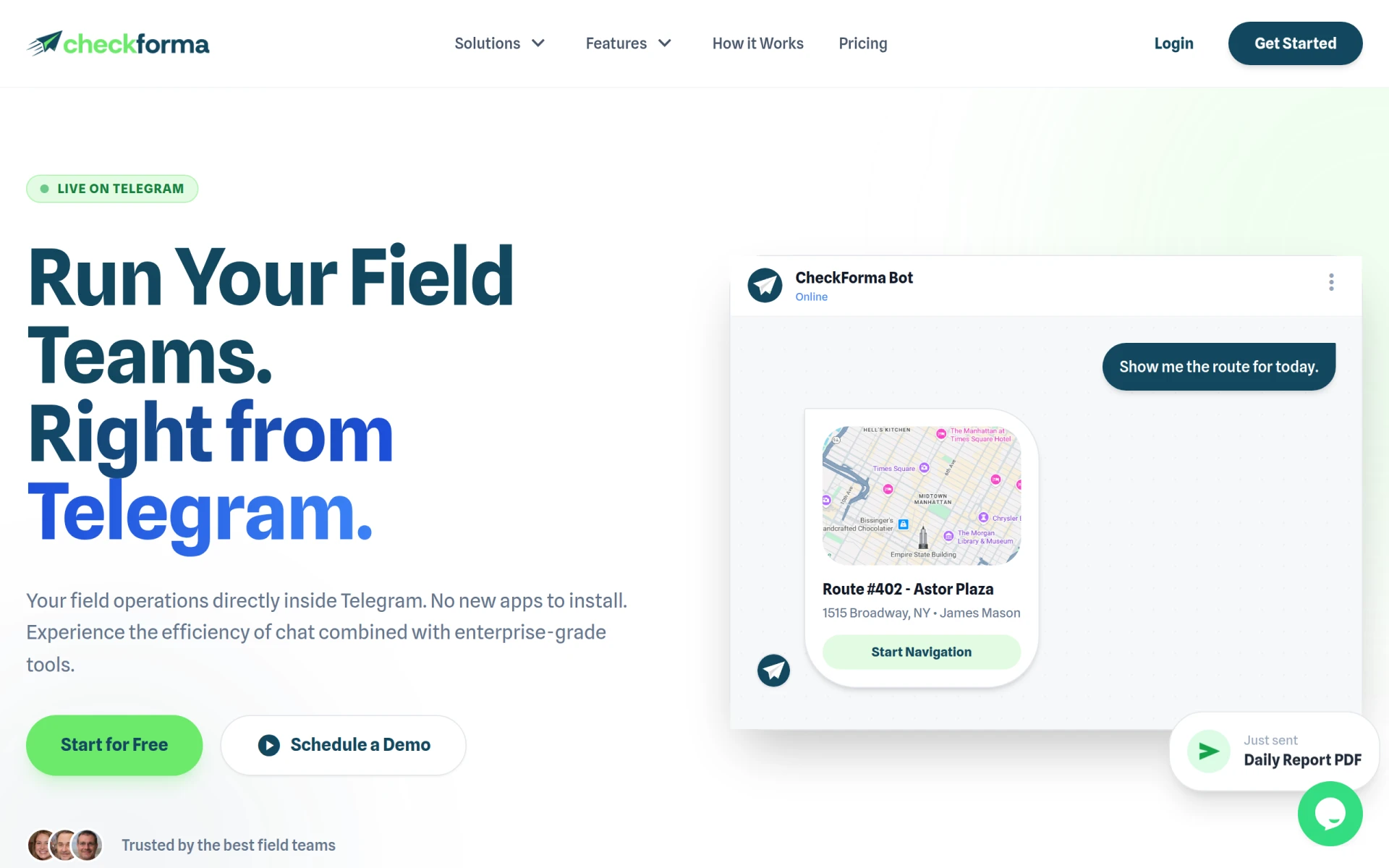
CheckForma is a chat-based field operations management platform that integrates directly with Telegram for efficient team management.
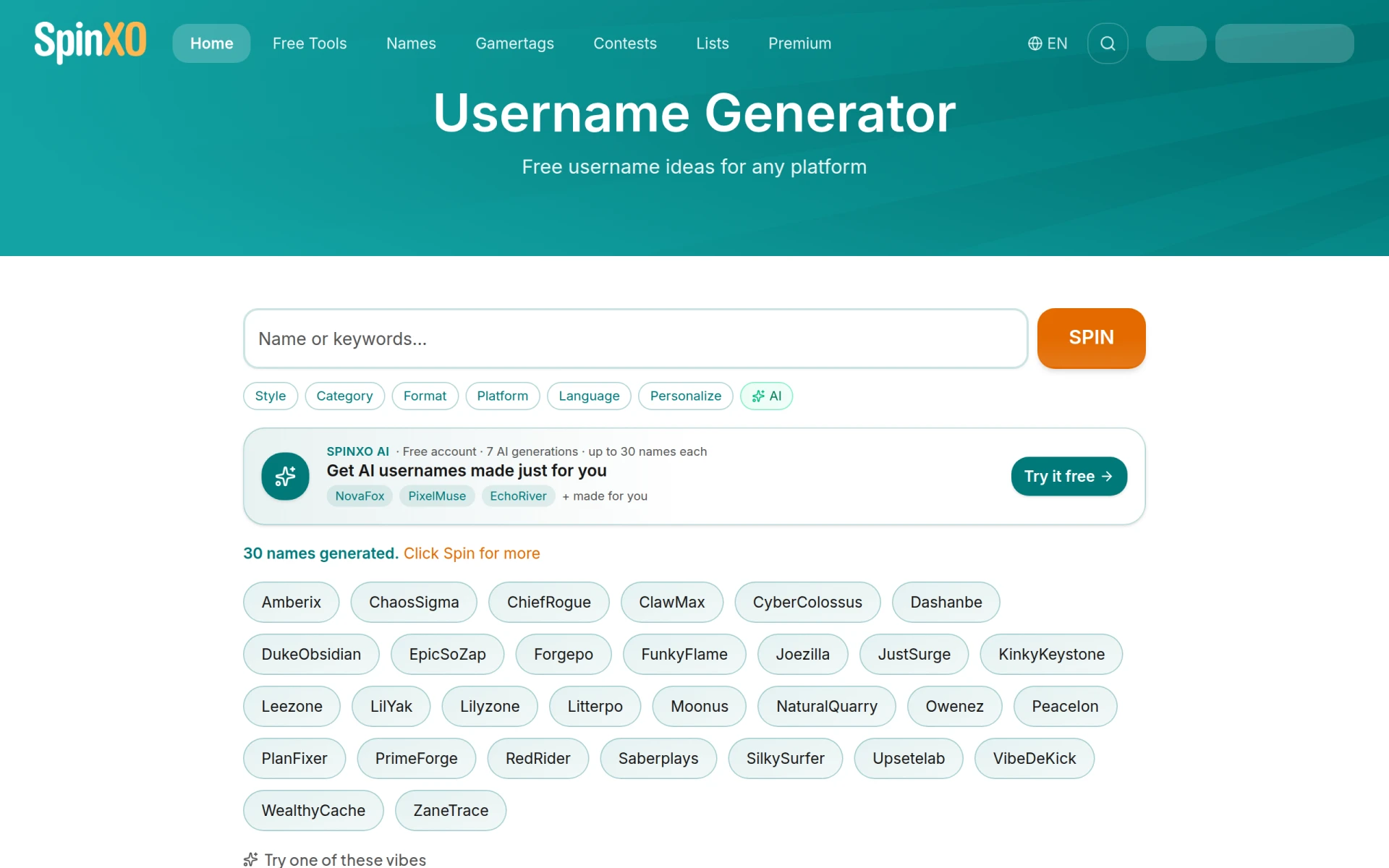
Freemium username, gamertag, and channel-name generator with optional Premium AI. Free web app clearly usable without payment.
Chargeflow is an AI-driven chargeback management platform designed to prevent and recover chargebacks efficiently.
Best Video Conferencing Tools for Telehealth Providers
For telehealth providers seeking effective remote consultation tools to streamline patient interacti
Best Video Conferencing Tools for Healthcare Providers
Healthcare providers seeking efficient video conferencing solutions for patient consultations.
Weekly roundup of new AI tools, launches, and trending software. No spam — unsubscribe anytime.
No credit card required · Cancel anytime
Weekly roundup of new AI tools, launches, and trending software. No spam — unsubscribe anytime.
No credit card required · Cancel anytime