Overview
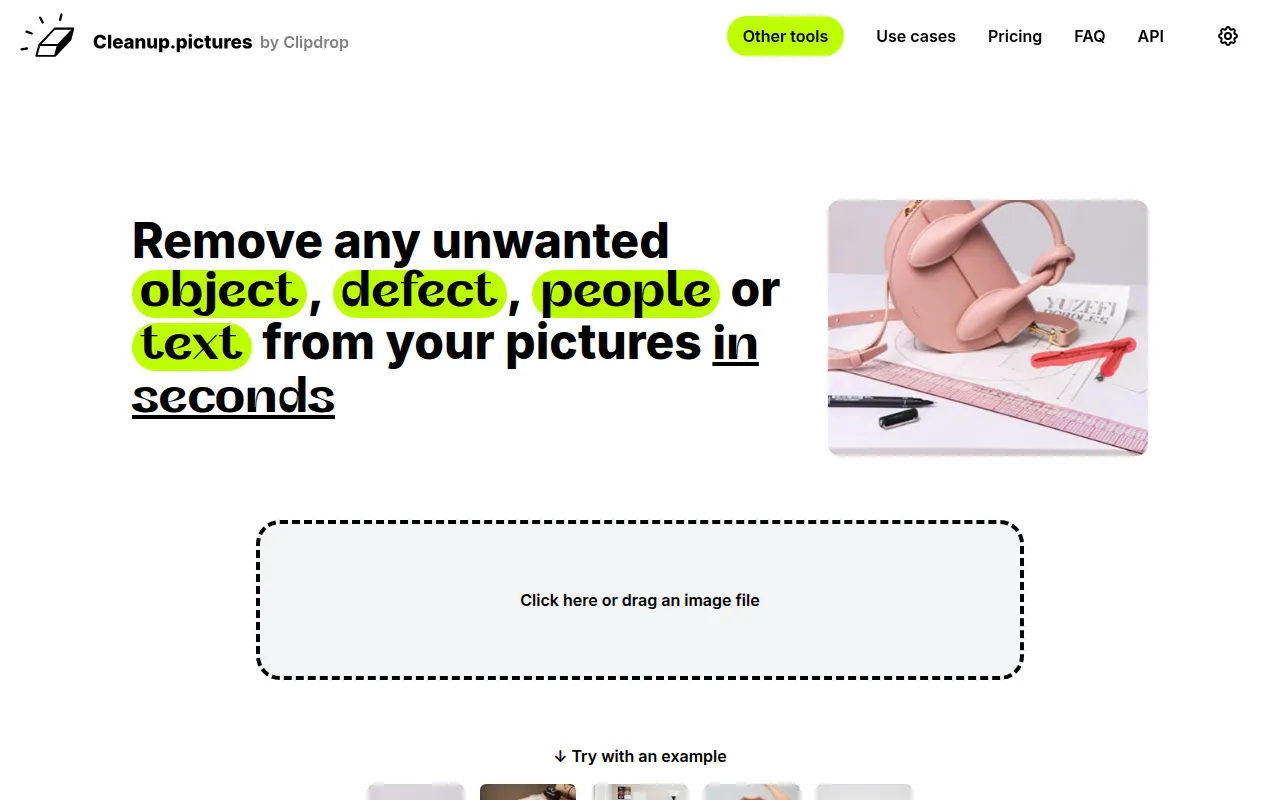
Cleanup.pictures is an online image editing tool designed to help users remove unwanted elements from photographs. The primary purpose of this software is to offer an easy and efficient way to enhance images by eliminating distractions such as objects, people, text, and defects. This tool is particularly useful for individuals and professionals looking to improve the quality of their images without the need for extensive photo editing skills.
The software addresses common issues faced by photographers, marketers, and content creators, providing a solution for cleaning up images that may be cluttered or visually unappealing. By allowing users to remove imperfections, Cleanup.pictures enhances the overall aesthetic and impact of images, making them more suitable for various applications.
Key Features
- Object removal: Easily eliminate unwanted objects from images.
- Background cleaning: Remove distractions from backgrounds for a cleaner look.
- Text and logo removal: Get rid of text or watermarks that detract from images.
- Quick editing: Streamlined process for rapid image enhancements.
- User-friendly interface: Intuitive design suitable for users of all skill levels.
- High-quality output: Maintains image quality after edits.
- Drag and drop functionality: Simple to use by dragging images into the web interface.
- Free to use: Access basic features without any cost.
Benefits
Utilizing Cleanup.pictures offers several practical advantages for users. First, it significantly reduces the time and effort required to edit images, allowing users to focus on other important tasks. The ease of use means that even those without advanced editing skills can achieve professional-looking results. This can be especially valuable for small businesses and freelancers who rely on high-quality visuals for marketing and branding.
Moreover, the ability to remove distractions can lead to better engagement with visual content, ultimately enhancing marketing efforts. By delivering clean and polished images, users can present their work in a more appealing manner, which may lead to increased inquiries and sales.
Common Use Cases
Cleanup.pictures is well-suited for a variety of scenarios. Photographers often use it to remove unwanted tourists from scenic shots or clean up portrait images before presenting them to clients. Creative agencies benefit from the software by quickly preparing images for campaigns, ensuring that brand visuals are consistent and professional.
Real estate professionals can use Cleanup.pictures to enhance property images, removing clutter that may distract potential buyers. E-commerce businesses frequently rely on this tool to ensure product images are clear and appealing, free from any logos or text that could detract from the sale.
Who Should Use It
Ideal users of Cleanup.pictures include photographers, graphic designers, creative agencies, real estate agents, and e-commerce businesses. These users benefit from the software's ability to quickly and effectively enhance images for various applications.
However, it may not be the best fit for users seeking highly specialized or advanced editing capabilities, such as in-depth retouching or advanced color correction. Users who require batch processing or extensive features may find that Cleanup.pictures lacks some advanced options available in more comprehensive software solutions.
Pricing Overview
Cleanup.pictures is free to use for its basic features, making it accessible to a wide range of users. However, specific details on premium features or pricing tiers are not available at this time.
Conclusion
Cleanup.pictures provides a straightforward and effective solution for users looking to enhance their images by removing unwanted elements. With its user-friendly interface and free access to basic features, it is a valuable tool for photographers, marketers, and anyone needing quick image edits. While it excels in simplicity and ease of use, users requiring more advanced features may need to explore other options. Overall, Cleanup.pictures stands out as a practical choice for quick image clean-up tasks.