
Anavsan
Paid
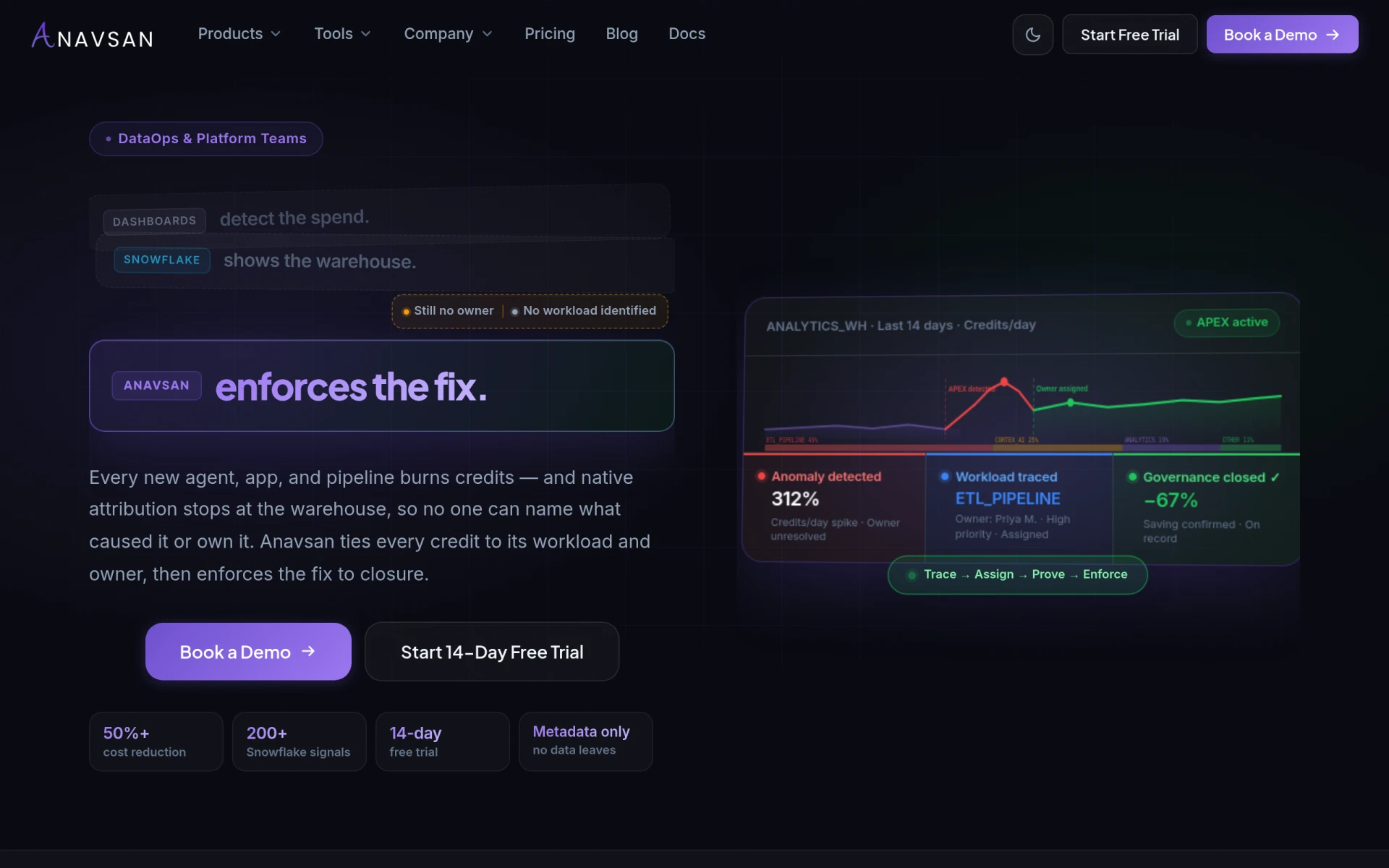
Anavsan is a cost optimization tool for Snowflake that helps organizations track and manage workload credits effectively.
Content Collections is a content management tool designed to help businesses organize and manage their digital assets efficiently.
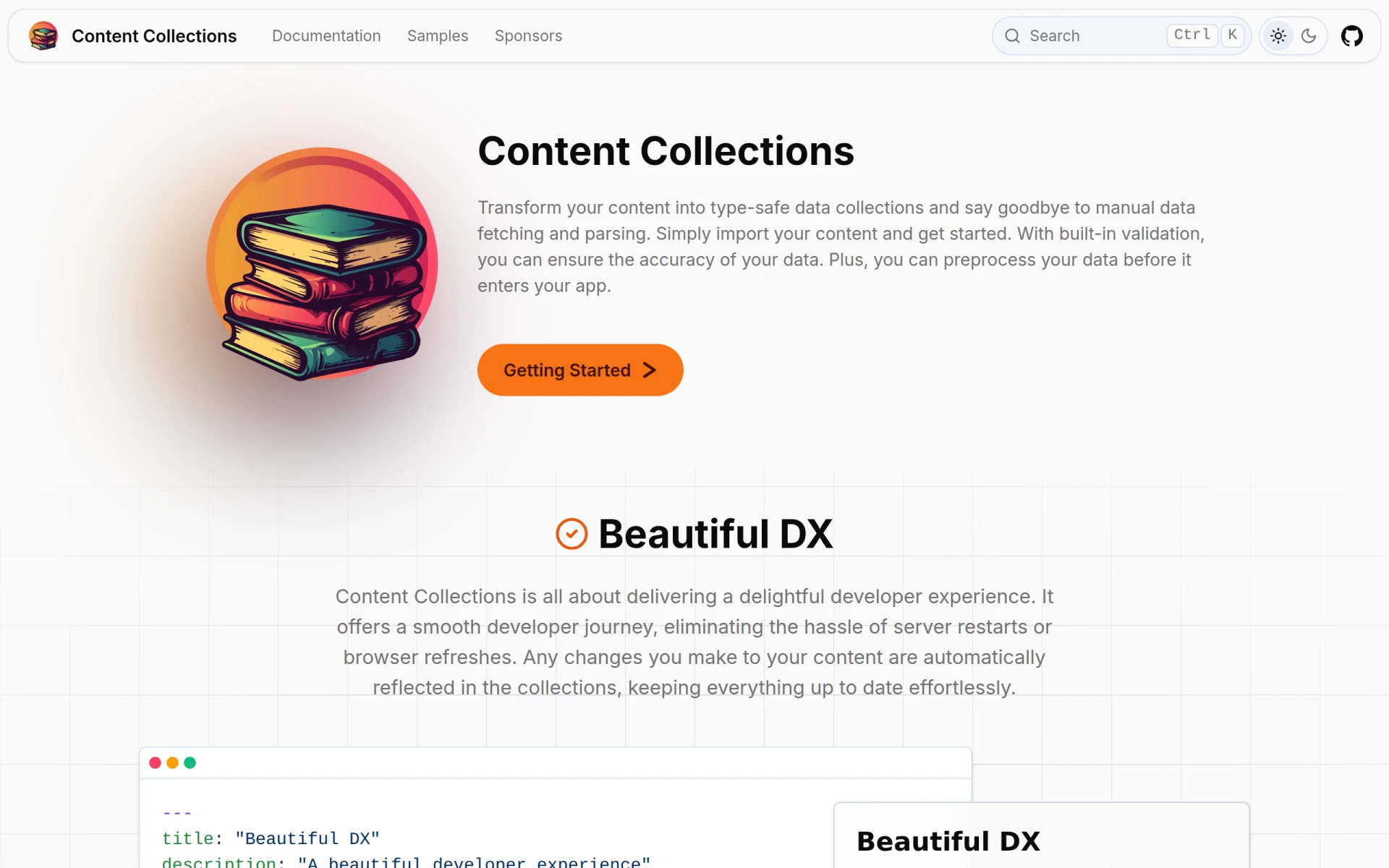
Content Collections is a specialized content management tool aimed at assisting businesses in organizing, storing, and retrieving their digital assets effectively. Its primary purpose is to streamline the management of various types of content, including documents, images, and multimedia files. By providing a structured way to manage these assets, Content Collections addresses common challenges such as data disorganization, accessibility issues, and inefficient retrieval processes.
Content Collections offers several practical advantages for organizations. By improving content organization, it reduces the time spent searching for files, which can enhance overall productivity. The user access control feature ensures that sensitive information is secured, thereby mitigating risks associated with data breaches. Furthermore, the collaboration tools promote teamwork and efficient content development, allowing teams to work together seamlessly. Analytics dashboards provide insights into content performance, enabling data-driven decisions.
Content Collections can be utilized in a variety of realistic scenarios. For example, marketing teams can use it to manage digital assets for campaigns, ensuring that all content is easily accessible and organized. A law firm may leverage this tool to store and manage legal documents securely, with strict access controls. Educational institutions might use it to manage course materials and resources for students and faculty, enhancing collaboration and resource sharing.
Content Collections is ideal for medium to large businesses that handle a significant volume of digital content. Marketing teams, project managers, and content creators will find it particularly beneficial. However, it may not be the best fit for very small businesses or freelancers who do not require extensive content management features.
Pricing information for Content Collections is currently unavailable on the website.
In conclusion, Content Collections serves as a robust solution for businesses seeking an effective way to manage their digital assets. While it offers various features that enhance organization and collaboration, potential users should assess whether its pricing aligns with their budget and needs. Overall, it is a valuable tool for organizations that prioritize efficient content management.
Anavsan is a cost optimization tool for Snowflake that helps organizations track and manage workload credits effectively.
Mercury Crest Capital offers bespoke equity research for global investors, focusing on tailored analysis without institutional biases.
Crypto News Navigator offers real-time cryptocurrency prices, charts, and analytics for over 19,000 digital assets.
CrewLAB is a sports team management software designed to assist coaches with organizing and managing teams effectively.
Crisp is an AI-powered multichannel messaging platform designed to enhance customer interactions through live chat and support solutions.
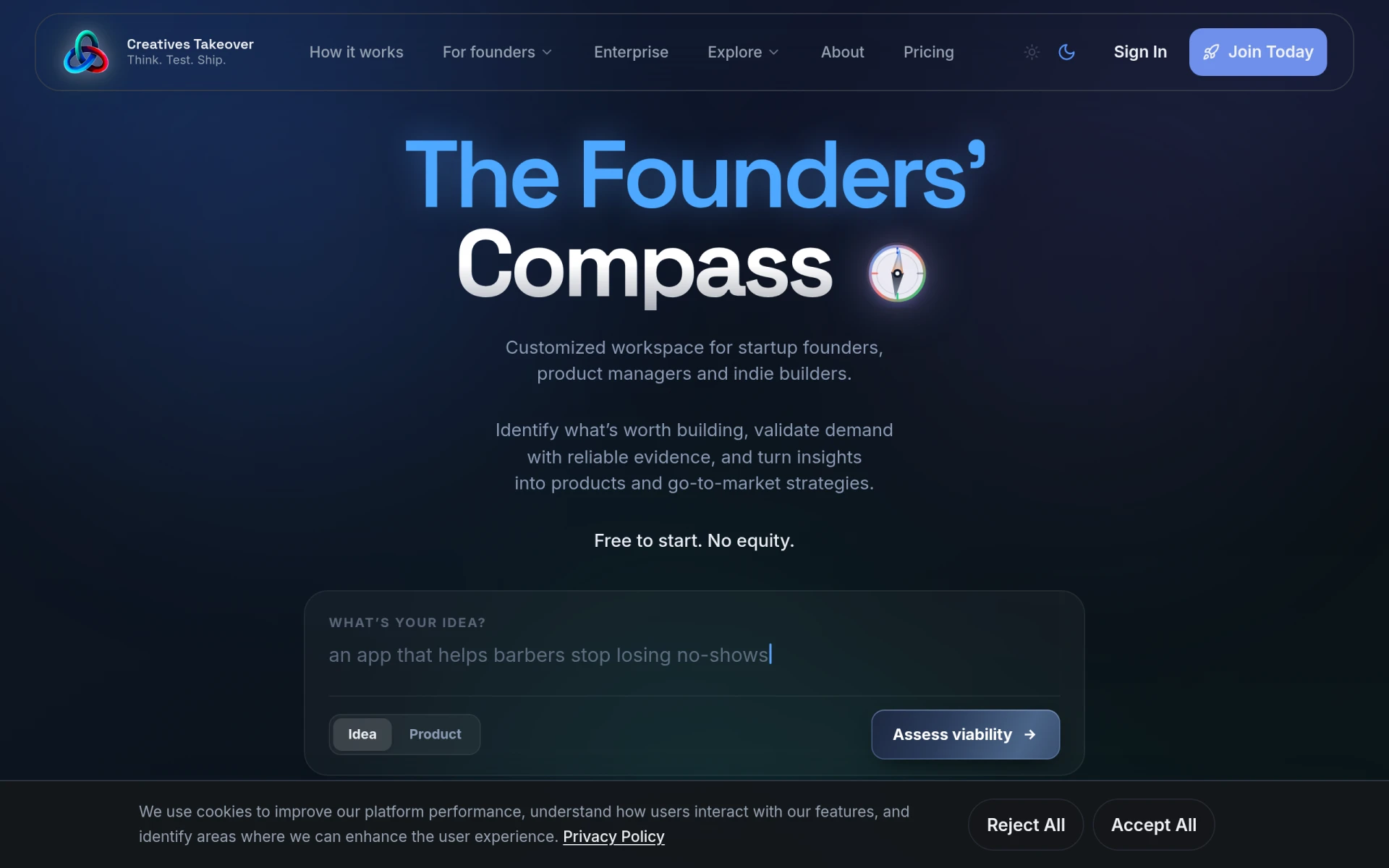
Creatives Takeover is a startup development platform that assists founders in validating ideas, building MVPs, and launching products.
Weekly roundup of new AI tools, launches, and trending software. No spam — unsubscribe anytime.
No credit card required · Cancel anytime
Weekly roundup of new AI tools, launches, and trending software. No spam — unsubscribe anytime.
No credit card required · Cancel anytime