
Anavsan
Paid
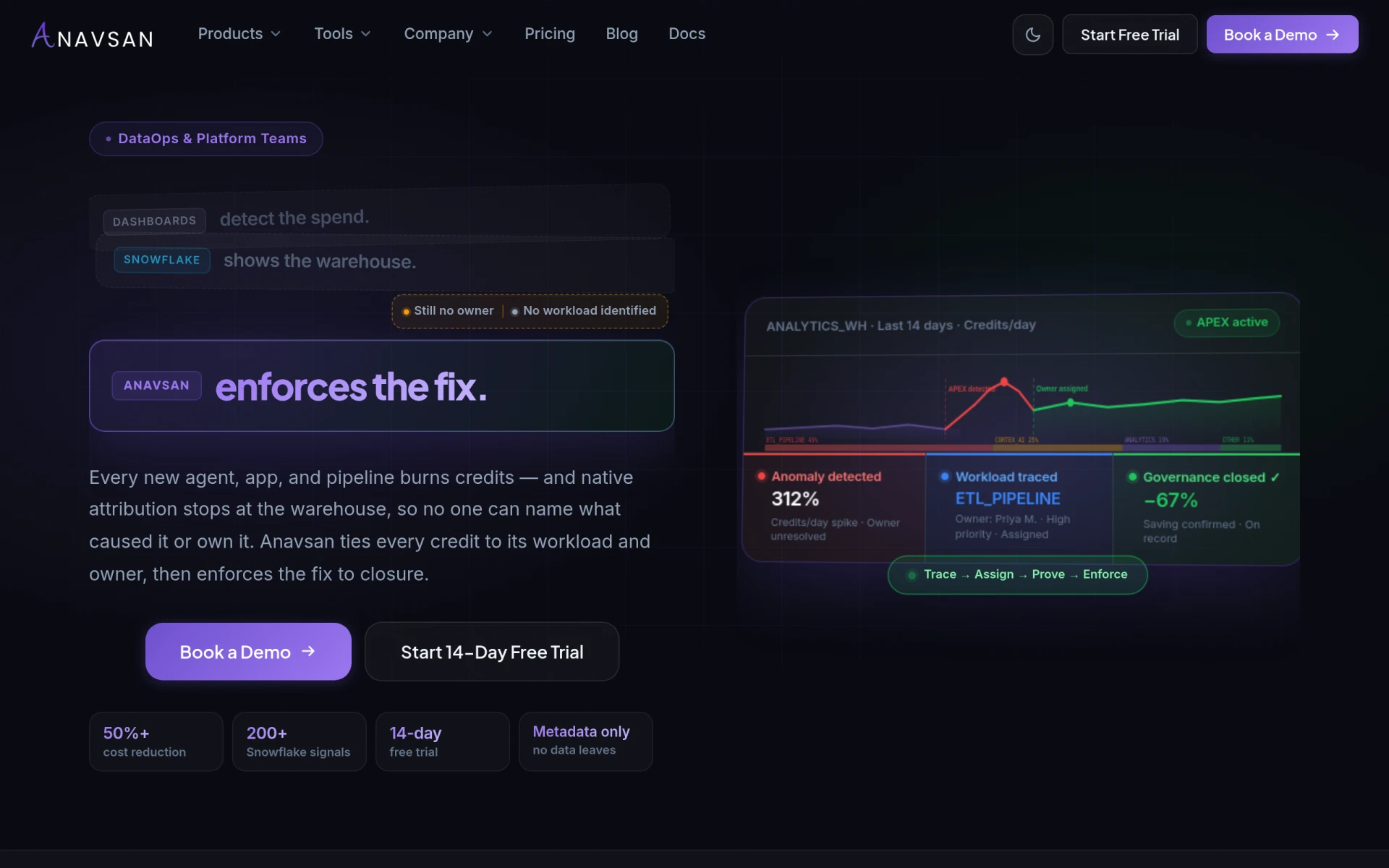
Anavsan is a cost optimization tool for Snowflake that helps organizations track and manage workload credits effectively.
 C
C
Cosy is community management software for Slack that automates onboarding, introductions, and moderation.
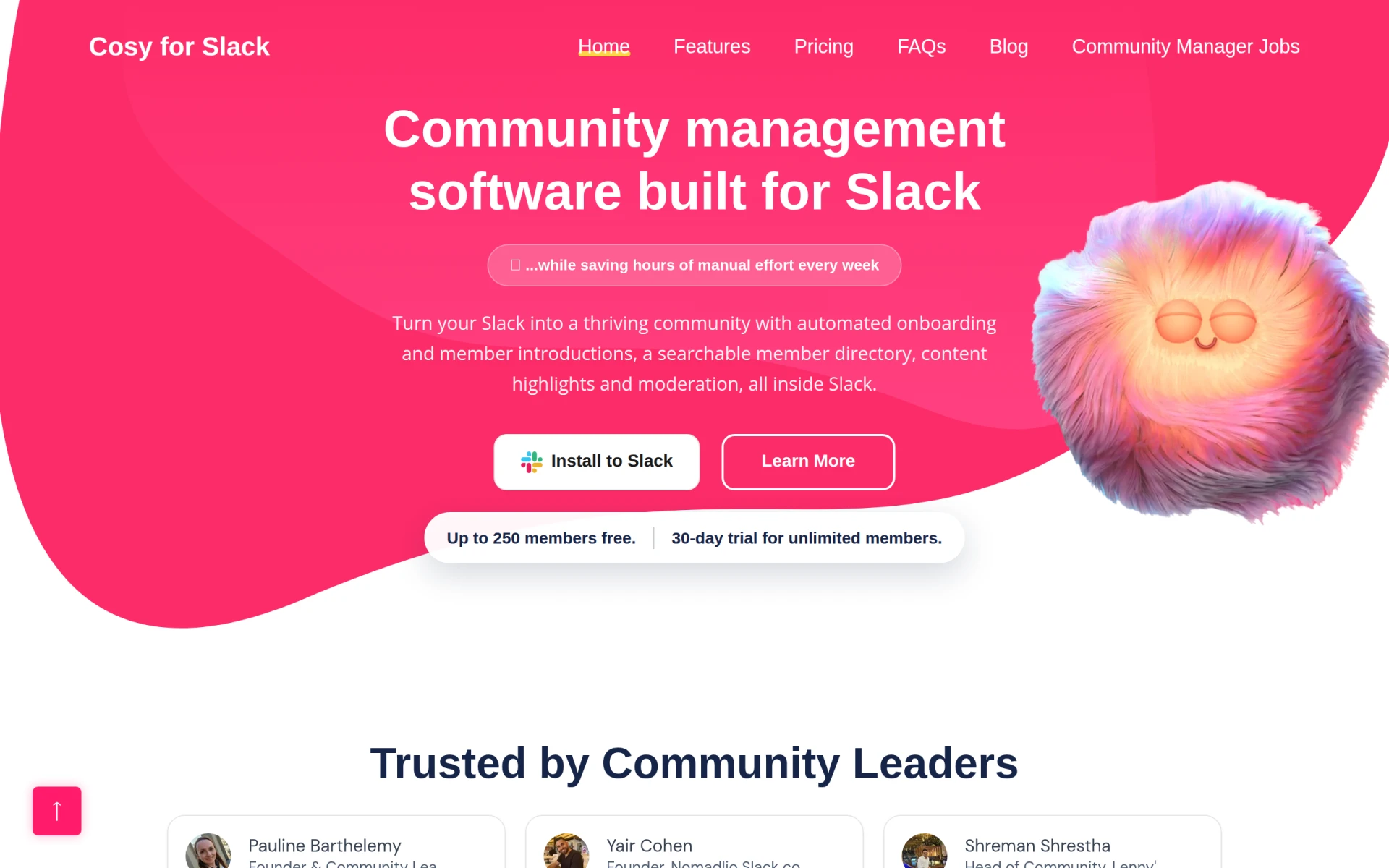
Cosy is a community management software designed specifically for Slack, aimed at enhancing how communities interact and manage their members. Its primary purpose is to automate various community management tasks such as onboarding, introductions, and moderation, allowing community leaders to focus on engagement rather than administrative work. Cosy addresses common challenges faced by community managers, including manual member onboarding, the need for effective moderation, and the necessity of maintaining an organized member directory.
Cosy provides several practical advantages for community managers and leaders. By automating repetitive tasks, it allows users to save significant time each week, enabling them to focus on more strategic initiatives. The tool enhances member engagement through structured introductions and an organized member directory, which helps foster a sense of community. Additionally, its moderation features protect the community from spam and abusive behavior, creating a safe environment for discussions. Overall, Cosy helps streamline community management operations, leading to a more vibrant and engaged community.
Cosy is particularly beneficial in various scenarios. For instance, a tech company using Slack for team collaboration can leverage Cosy to manage its developer community, ensuring new members are smoothly onboarded and connected with existing members. A nonprofit organization can utilize the tool to moderate discussions in their advocacy group, ensuring all voices are heard while maintaining respectful dialogue. Educational institutions can also use Cosy to create a thriving community for students and faculty, fostering connections and collaboration.
Cosy is ideal for community managers, team leaders, and organizations that use Slack as their primary communication platform. It is particularly suited for those who manage large communities and need to automate onboarding and moderation processes. However, it may not be the best fit for smaller teams or organizations that do not rely heavily on Slack for communication, as they may not require the full suite of community management features.
Cosy offers a free plan for up to 250 members and a 30-day trial for unlimited members, after which pricing details may vary based on the number of users or features required.
In summary, Cosy presents a valuable tool for those looking to enhance community management within Slack. It effectively automates many tedious tasks, helping community leaders focus on engagement and growth. While it has its limitations, such as potential unsuitability for smaller teams not utilizing Slack, its strengths in automation and moderation can greatly benefit larger communities seeking to improve their interactions and overall member experience.
Anavsan is a cost optimization tool for Snowflake that helps organizations track and manage workload credits effectively.
Cosy Devon Holiday Home Management is a comprehensive platform for managing holiday rentals in Devon, offering tools for bookings and property maintenance.
CoverLetterExamples provides customizable templates to help users create professional cover letters easily.
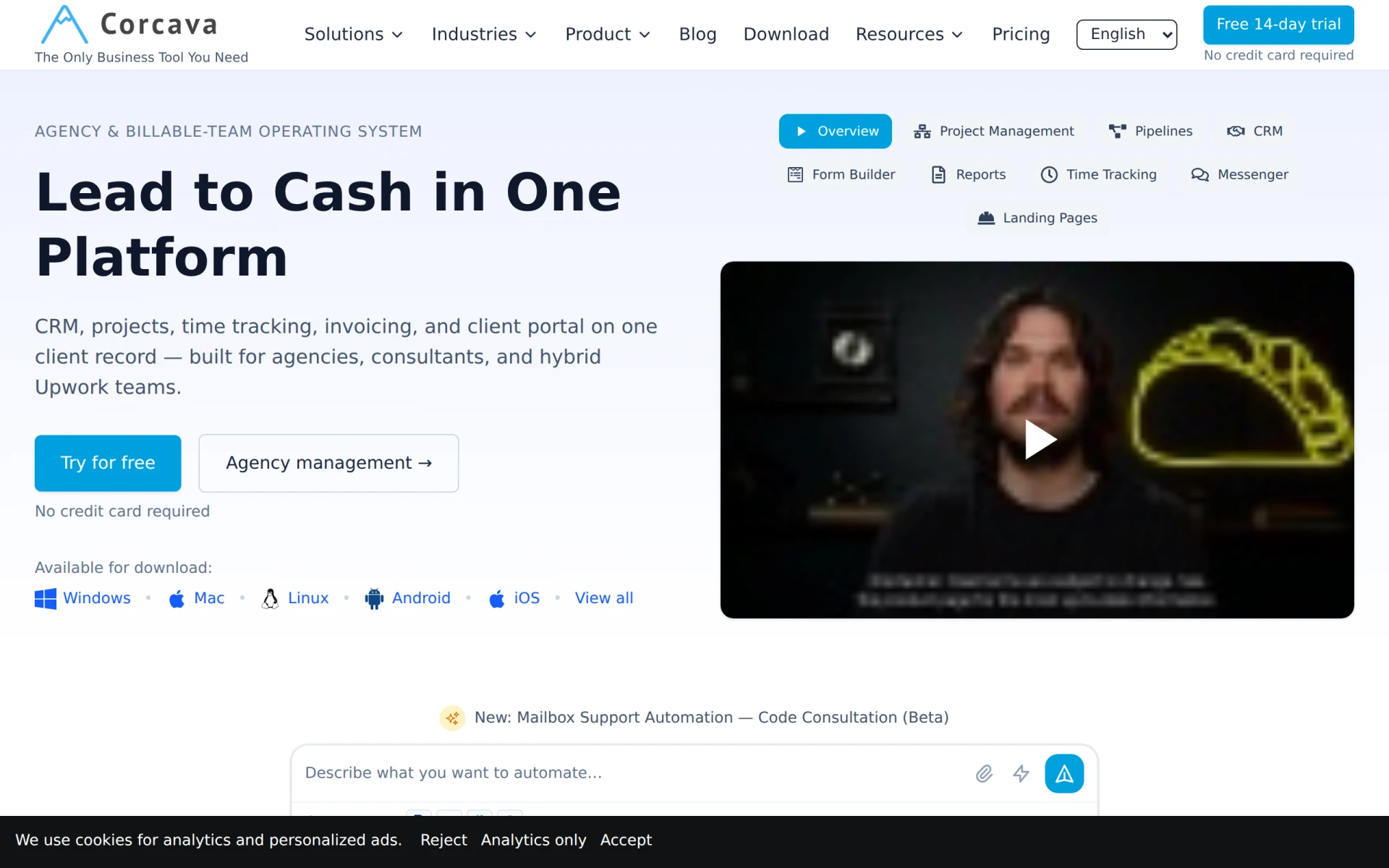
Corcava is an all-in-one CRM solution that integrates project management, time tracking, and invoicing for agencies and consultants.
Corpoladder is a workflow automation tool designed to enhance business processes and improve operational efficiency.
CorporateOne is a corporate management tool designed to enhance business operations and improve organizational efficiency.
Weekly roundup of new AI tools, launches, and trending software. No spam — unsubscribe anytime.
No credit card required · Cancel anytime
Weekly roundup of new AI tools, launches, and trending software. No spam — unsubscribe anytime.
No credit card required · Cancel anytime