Anavsan
Paid
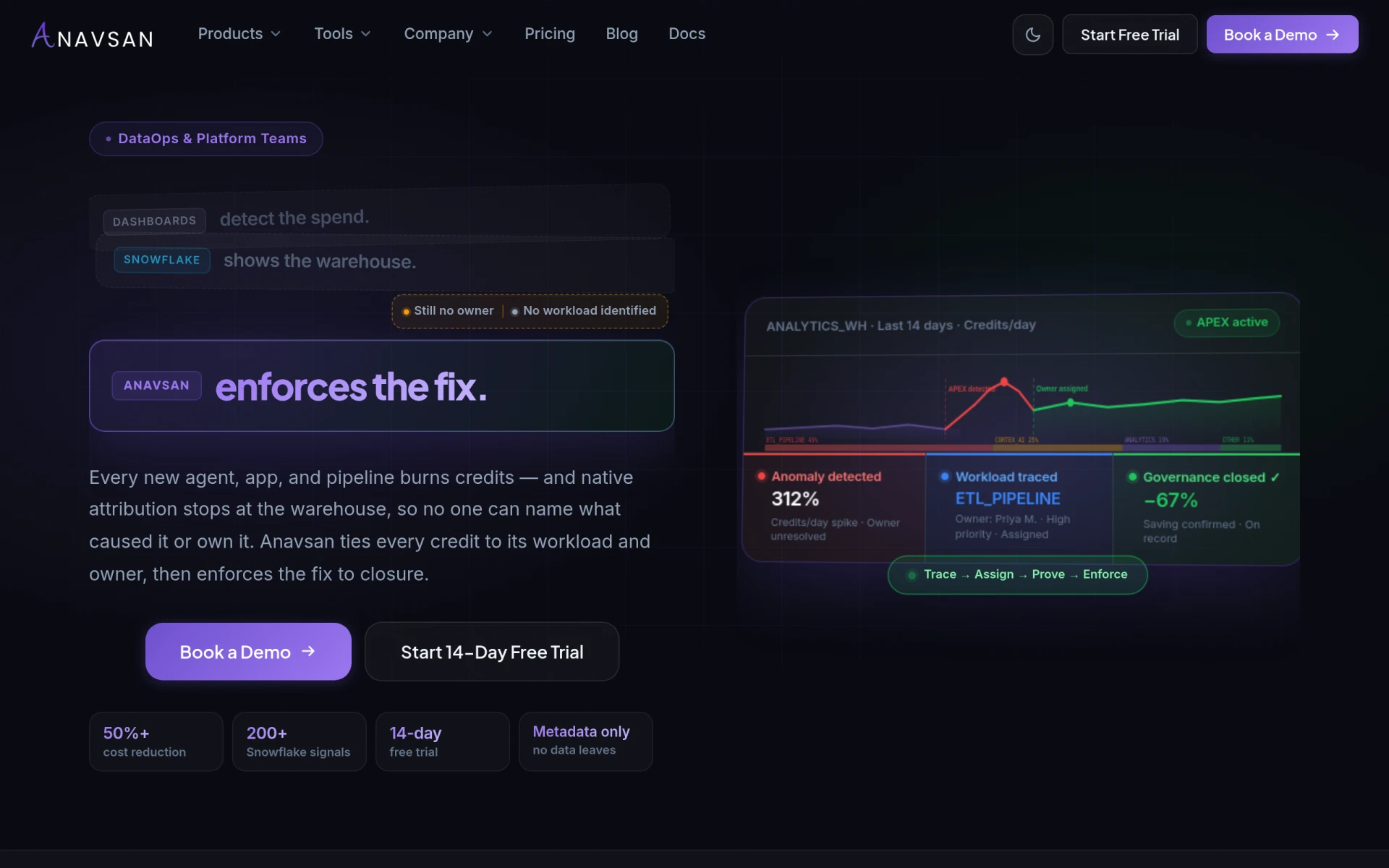
Anavsan is a cost optimization tool for Snowflake that helps organizations track and manage workload credits effectively.
 D
D
Dashworks is an AI assistant that helps teams find answers to workplace questions efficiently.
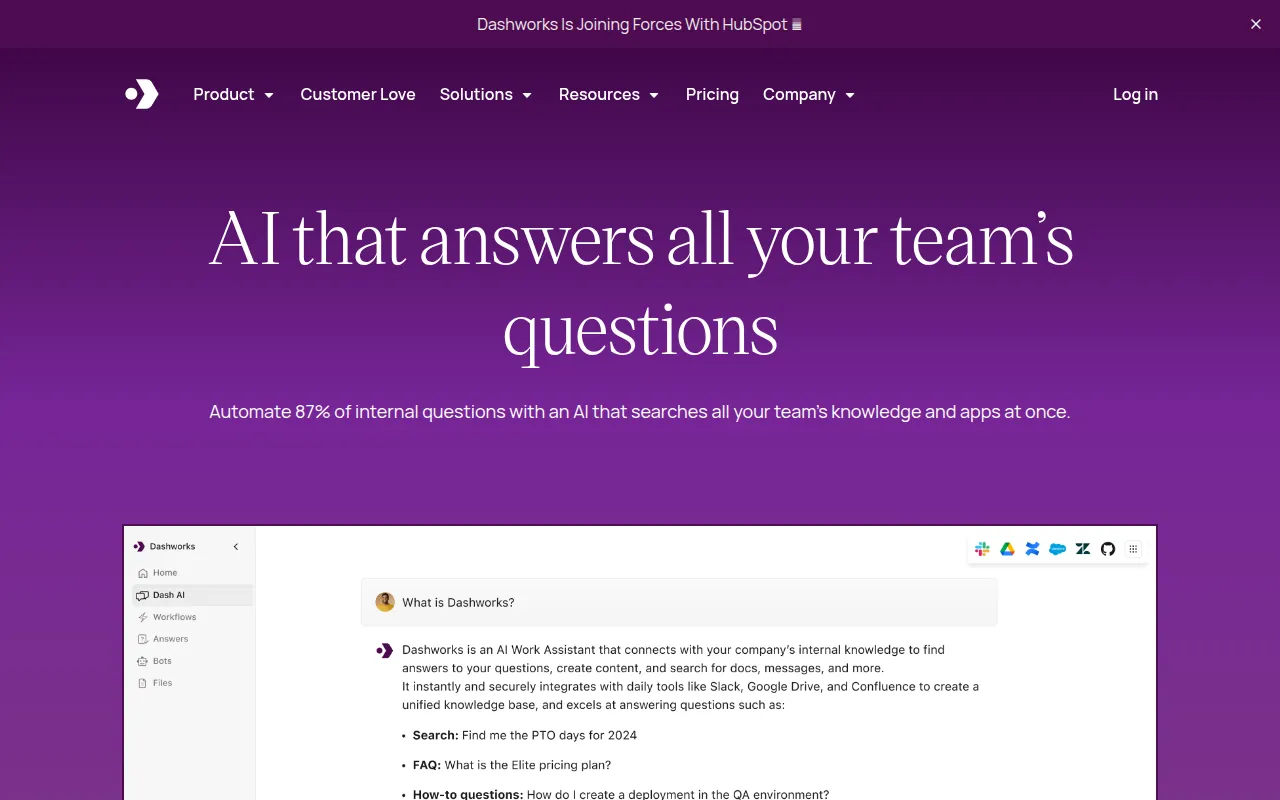
Dashworks is an AI-driven assistant designed to streamline how teams access information and answers within their workplace. It connects to various internal knowledge bases and applications, enabling employees to get quick answers to their questions. By automating the response to a significant portion of internal queries, Dashworks aims to enhance productivity and reduce the time spent searching for information.
The primary purpose of Dashworks is to simplify the way employees interact with their company’s resources. It addresses common workplace challenges such as information overload and lengthy onboarding processes by providing instant access to relevant data. This tool is particularly valuable in environments where employees frequently seek answers to repetitive questions.
Dashworks offers several practical advantages for organizations. By automating responses to frequently asked questions, it significantly reduces the burden on support and sales teams, allowing them to focus on more complex tasks. The tool also accelerates onboarding for new employees, which can lead to faster integration into the company culture and processes. This efficiency can ultimately lead to improved employee satisfaction and retention.
Moreover, Dashworks enhances the accessibility of information, ensuring that employees can quickly find the answers they need without navigating through multiple systems. This capability not only saves time but also fosters a culture of knowledge sharing and collaboration within teams.
Dashworks is particularly useful in various scenarios, including:
Dashworks is best suited for mid-sized to large organizations where information flow is critical to operations. Ideal users include:
However, smaller teams or startups with fewer internal resources may not find the full range of features relevant to their needs. Additionally, organizations with simpler knowledge management requirements might not benefit as much from the tool.
Dashworks offers a flexible pricing model with a 14-day free trial available. The Team Plan is priced at $12 per seat per month, while the Business Plan starts at $15 per seat per month with additional features. Discounts are available for annual subscriptions.
In conclusion, Dashworks serves as a robust AI assistant that addresses common workplace challenges by providing quick access to information. Its ability to automate responses and integrate with various platforms makes it a valuable tool for organizations seeking to enhance productivity and streamline knowledge management. While it offers significant benefits for larger teams, smaller organizations may need to evaluate whether the investment aligns with their specific needs and scale of operations.
Anavsan is a cost optimization tool for Snowflake that helps organizations track and manage workload credits effectively.
ChurnWard is a churn management tool designed to help businesses reduce customer attrition and improve retention strategies.
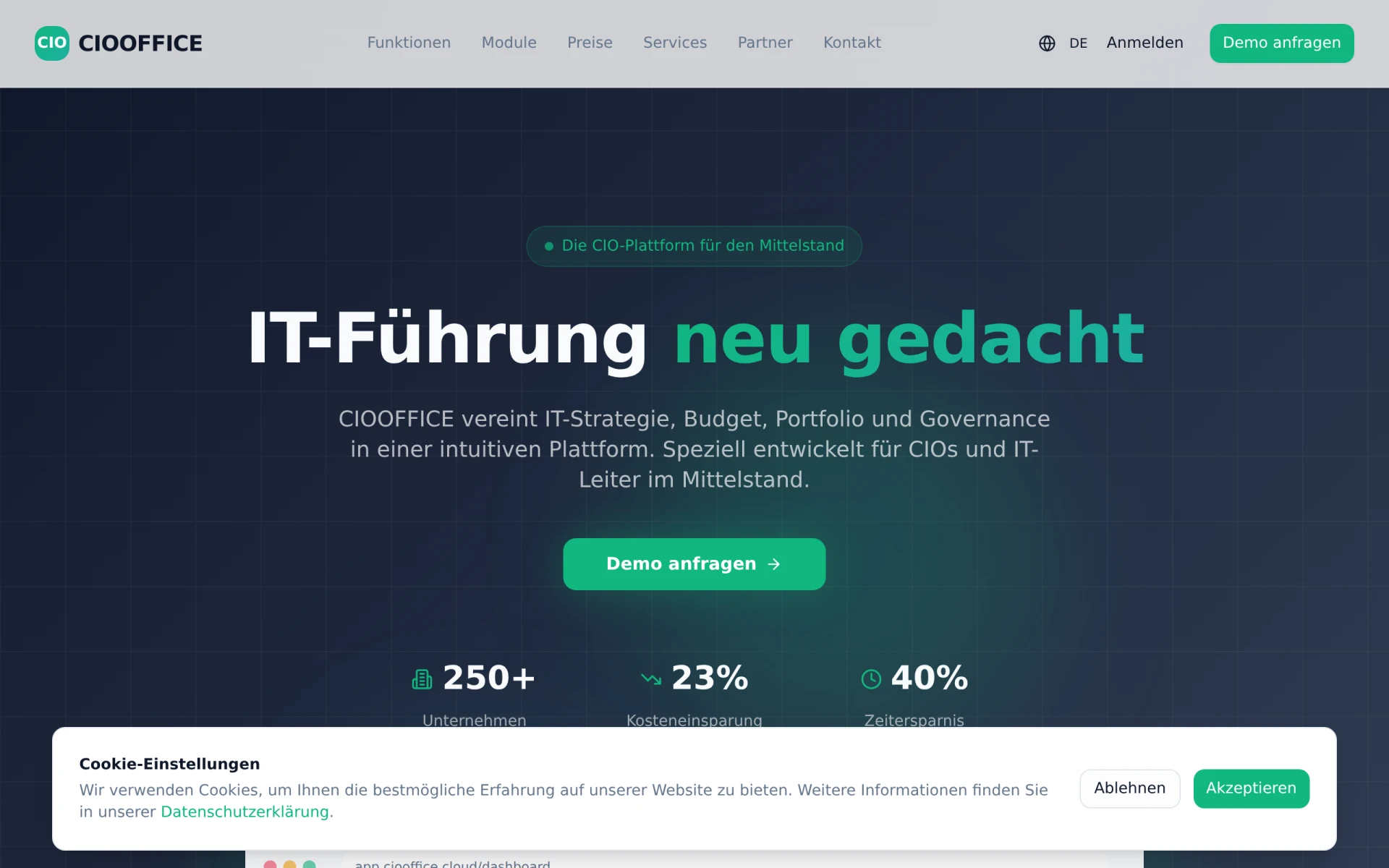
CIOOffice is an integrated software platform designed for IT governance, strategy, budget, and portfolio management tailored for the mid-sized German market.
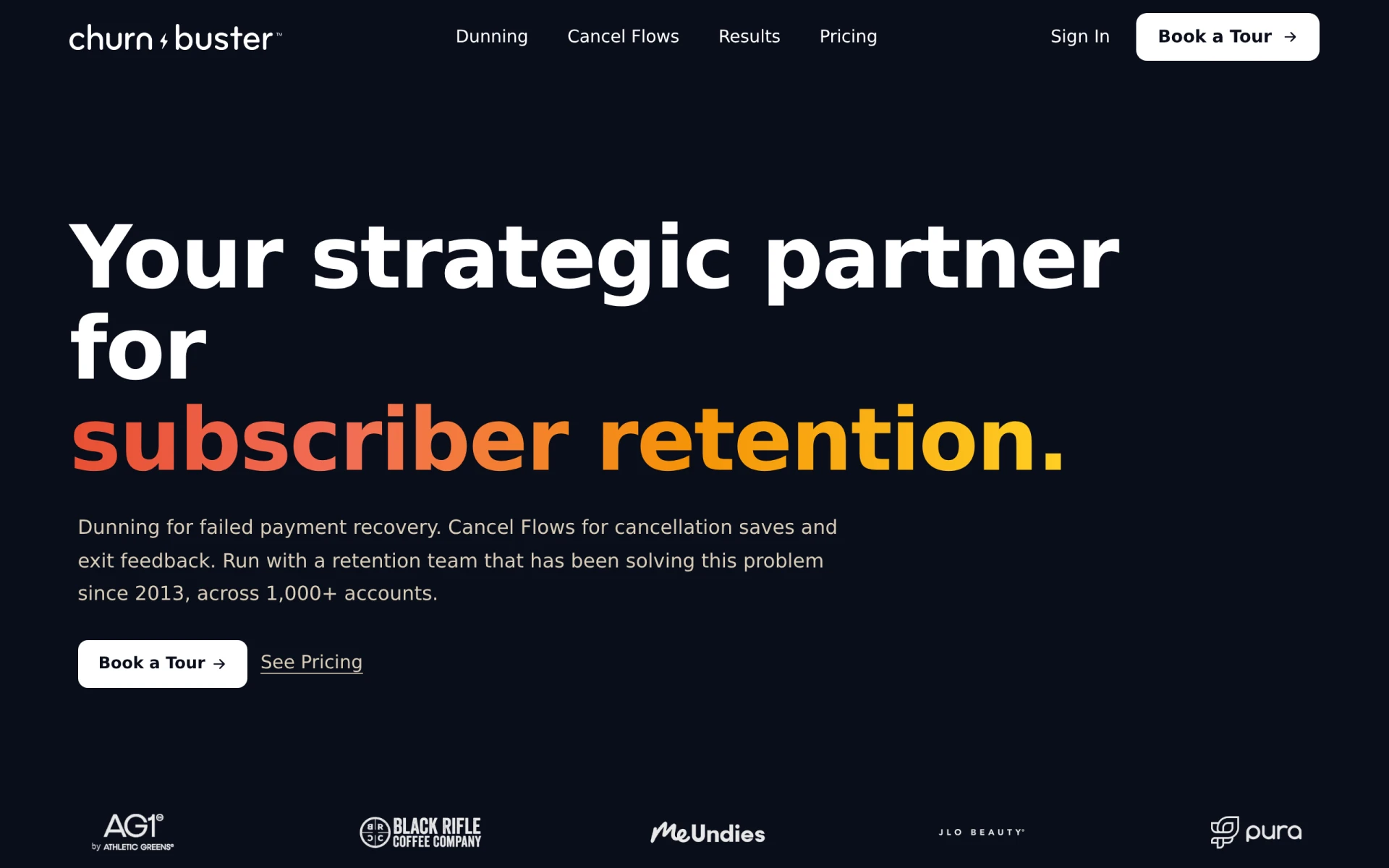
Churn Buster helps subscription businesses recover failed payments and reduce churn through advanced dunning management and cancellation flows.
Chesser Resources offers resource management solutions designed to improve efficiency and collaboration within teams.
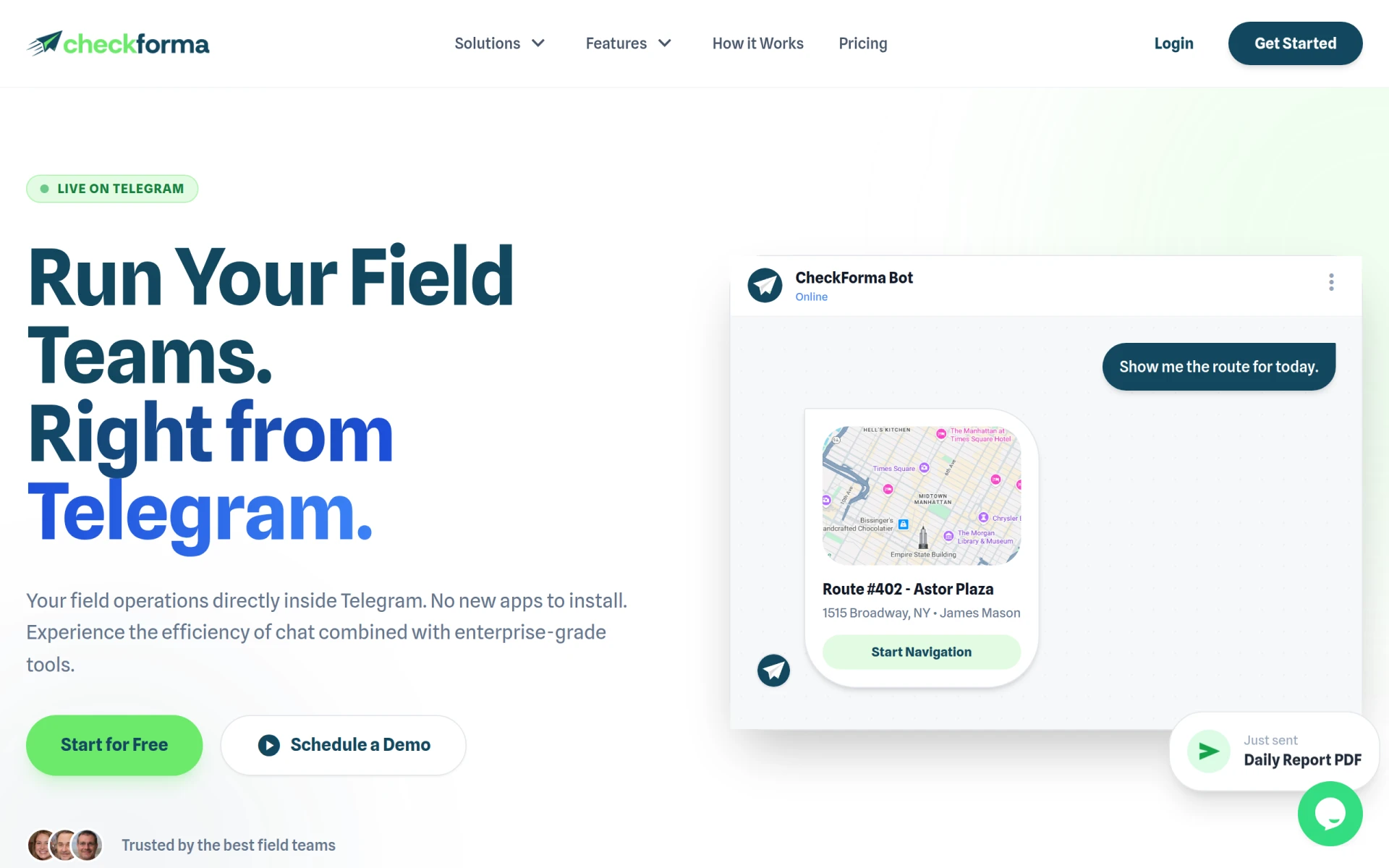
CheckForma is a chat-based field operations management platform that integrates directly with Telegram for efficient team management.
Weekly roundup of new AI tools, launches, and trending software. No spam — unsubscribe anytime.
No credit card required · Cancel anytime
Weekly roundup of new AI tools, launches, and trending software. No spam — unsubscribe anytime.
No credit card required · Cancel anytime