Composio
Freemium
Composio is a developer tool that enables secure access to over 1,500 applications through an easy-to-use SDK.
Dockr is an AI documentation generator that automatically creates and updates documentation based on code changes.
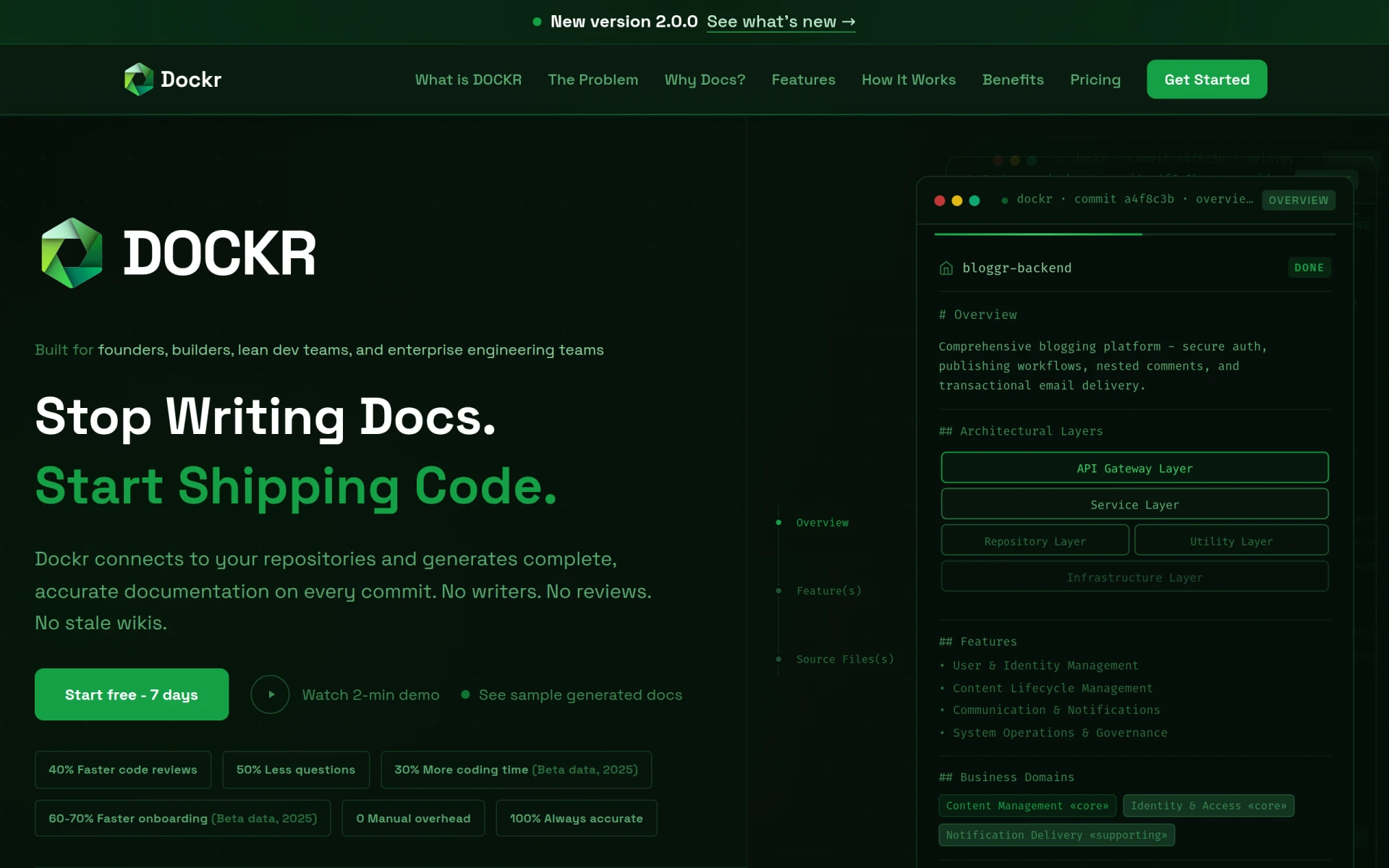
Dockr is a developer tool designed to automate the documentation process for software projects. Its primary purpose is to generate and maintain documentation that accurately reflects the current state of your codebase. This tool addresses common challenges faced by development teams, such as outdated documentation, time-consuming manual updates, and the need for effective onboarding of new team members.
By integrating with your version control repositories, Dockr generates documentation on every commit, ensuring that your documentation is always up-to-date without requiring input from writers or reviews. This reduces the burden on development teams while facilitating smoother communication within teams and with stakeholders.
Dockr provides significant advantages for software development teams, including:
Dockr can be effectively utilized in various scenarios, such as:
Dockr is ideal for:
However, it may not be the best fit for:
Dockr offers usage-based pricing plans tailored to the needs of different teams, with options for both professional and enterprise users. Specific pricing details can be found on their website.
In summary, Dockr serves as an effective solution for automating documentation in software development, providing significant time savings and improved accuracy. While it may not be suitable for every use case, especially in highly regulated environments, it offers substantial benefits for teams looking to enhance their documentation processes and improve overall efficiency.
Composio is a developer tool that enables secure access to over 1,500 applications through an easy-to-use SDK.
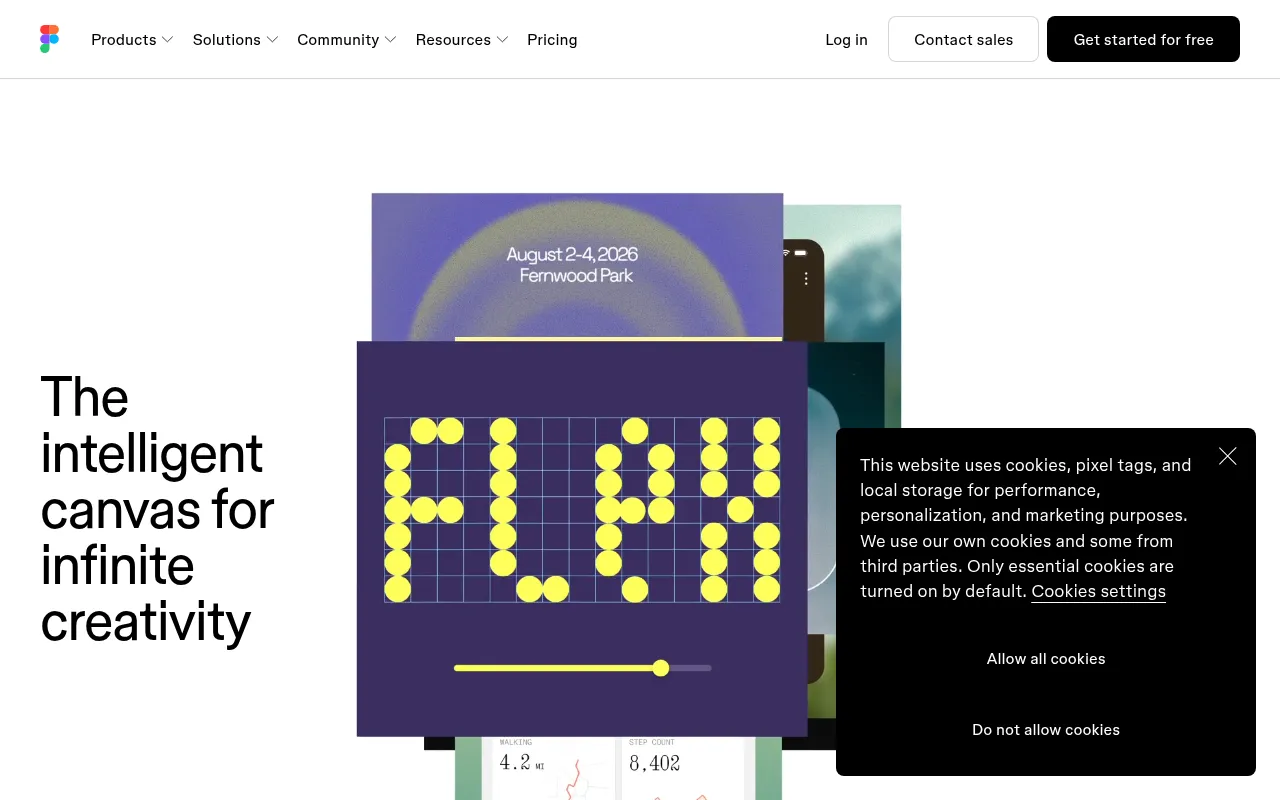
The collaborative design tool for teams. Design, prototype, and collaborate on UI/UX in real-time.
AI-powered code completion. Write code faster with intelligent suggestions in any programming language.
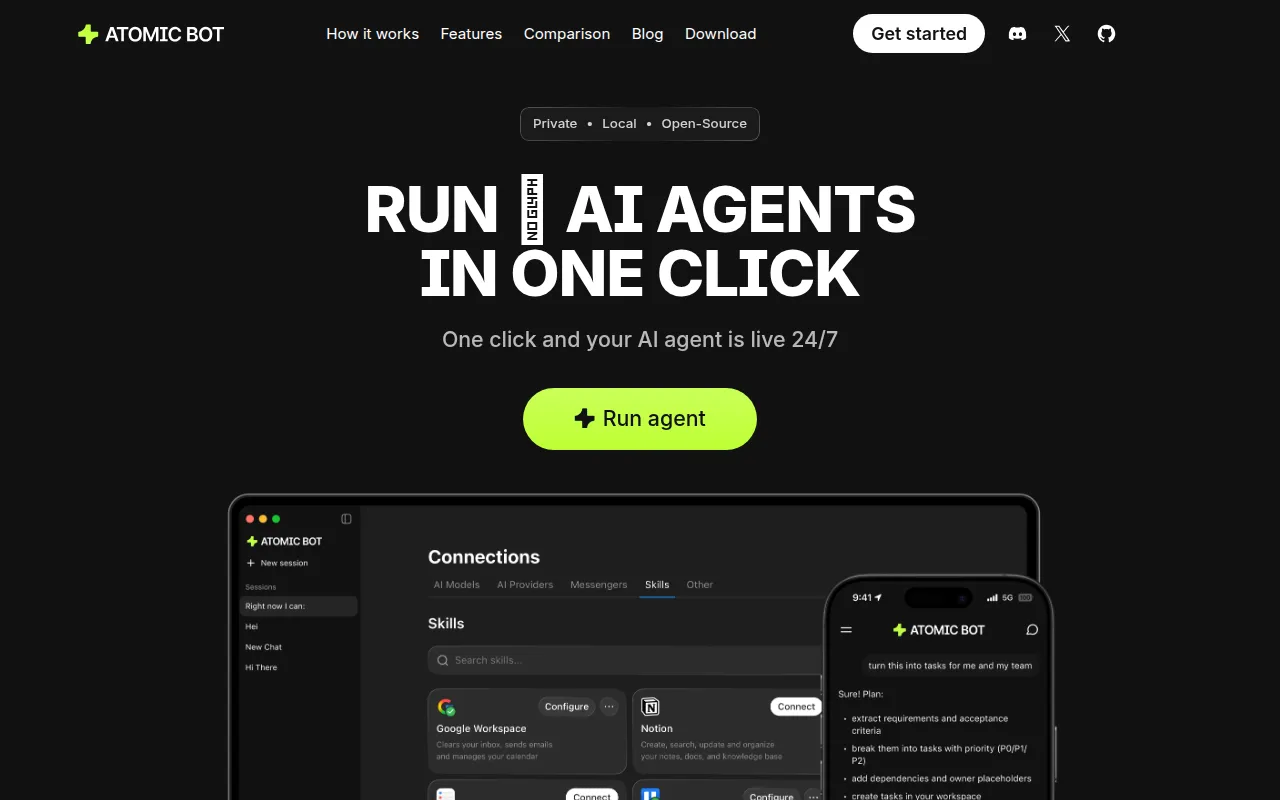
Atomic Bot is an open-source automation tool designed to simplify the execution of OpenClaw workflows.
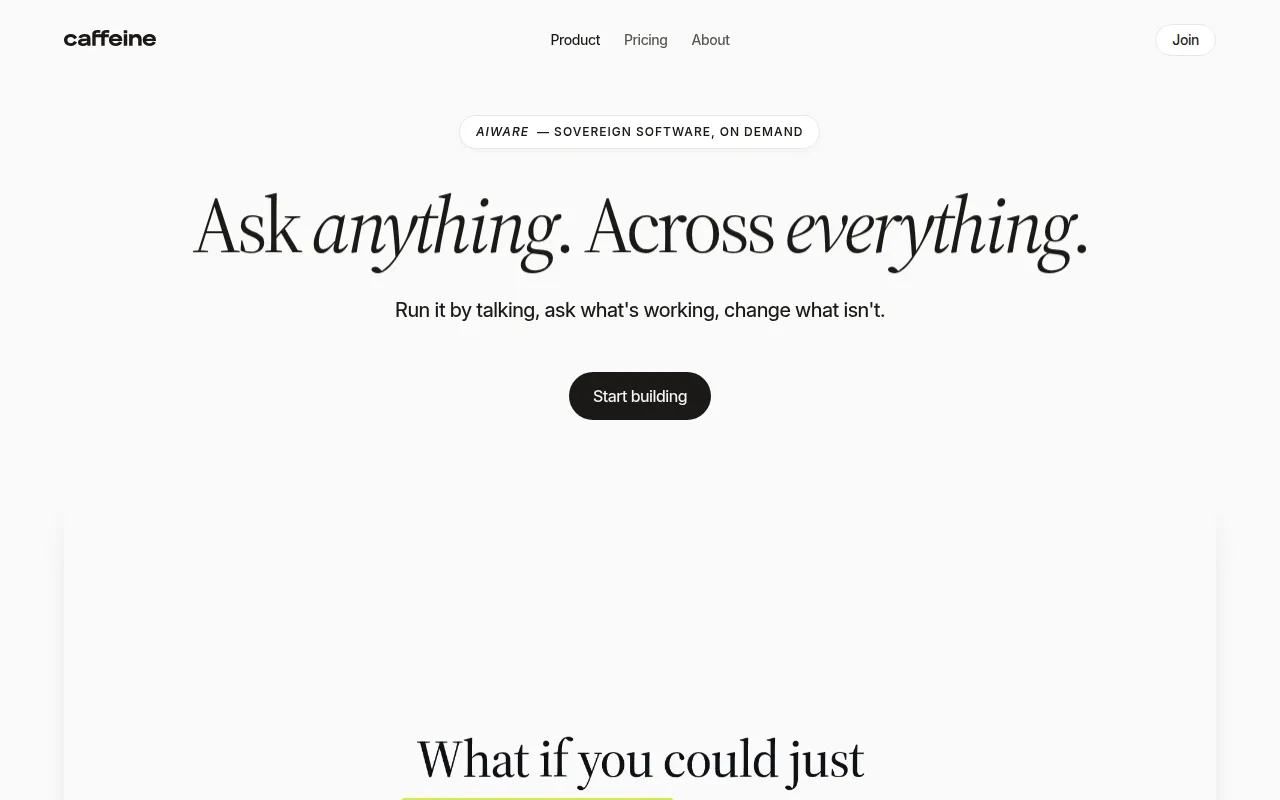
Caffeine is an AI writing tool that enables developers to create applications and websites through a conversational interface.
AI2sql is an AI-powered SQL query builder that enables users to generate SQL queries from natural language without prior SQL knowledge.
Weekly roundup of new AI tools, launches, and trending software. No spam — unsubscribe anytime.
No credit card required · Cancel anytime
Weekly roundup of new AI tools, launches, and trending software. No spam — unsubscribe anytime.
No credit card required · Cancel anytime