
Anavsan
Paid
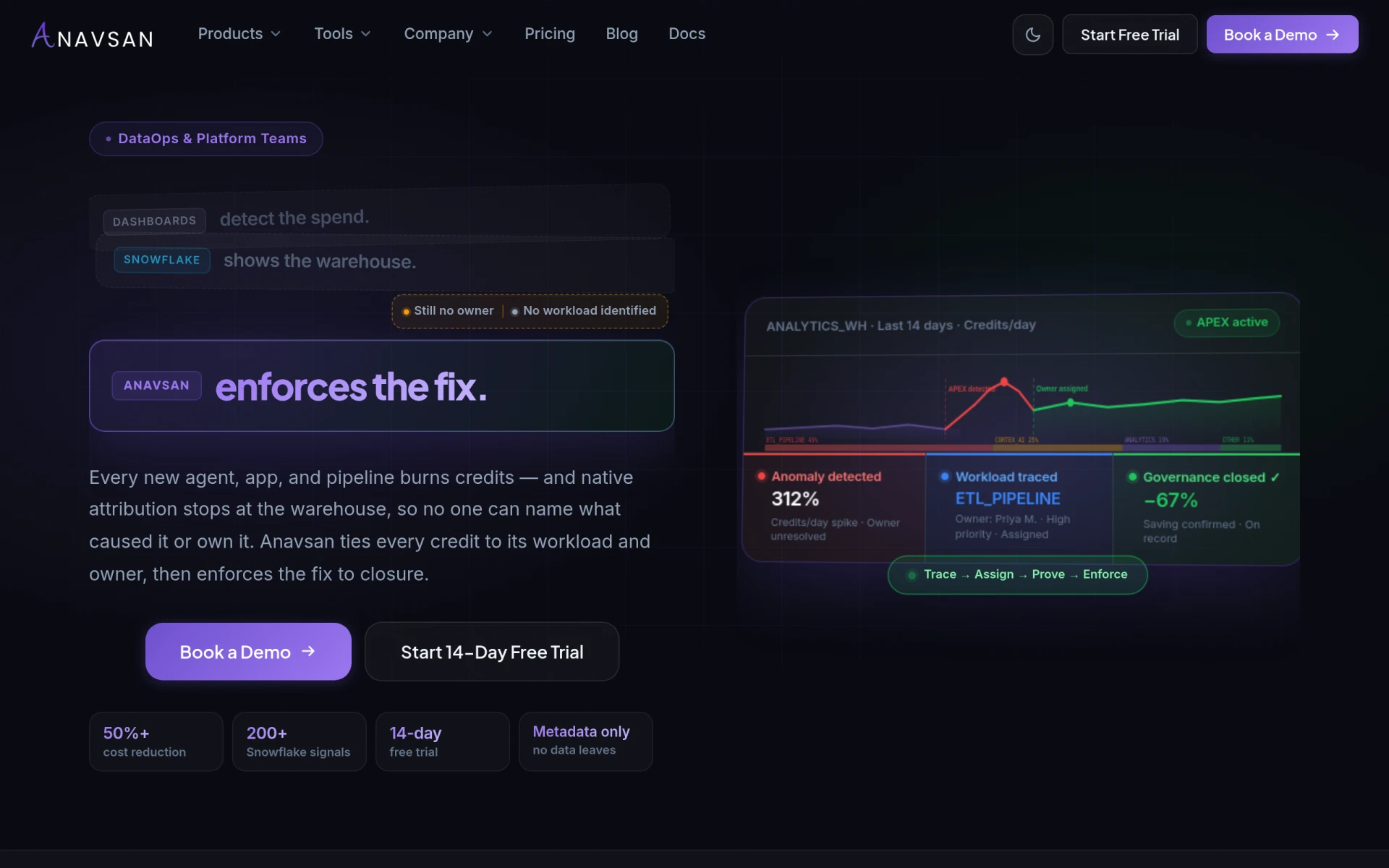
Anavsan is a cost optimization tool for Snowflake that helps organizations track and manage workload credits effectively.
 G
G
GuideMeAR provides real-time augmented reality assistance for effective remote problem-solving and guidance.
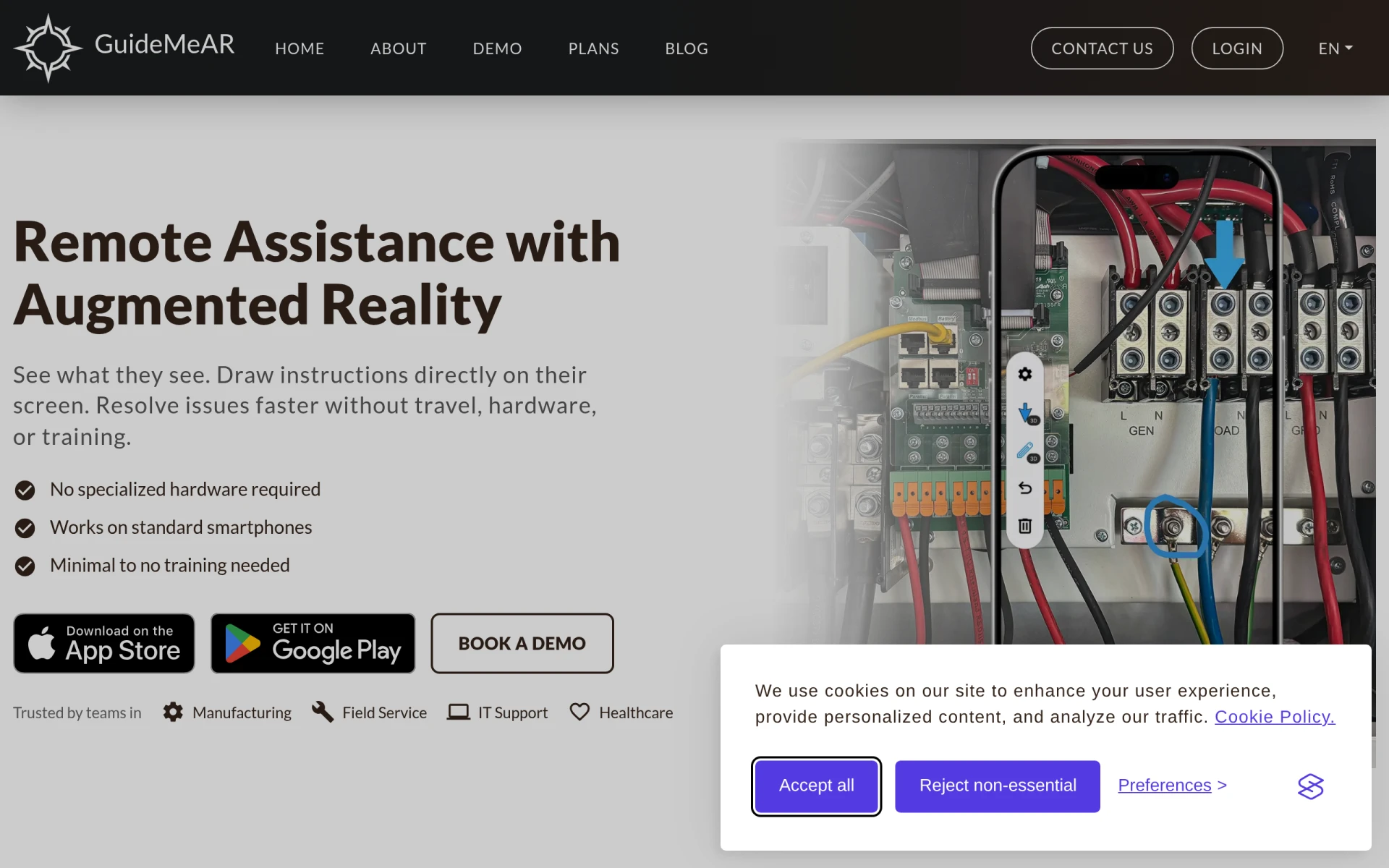
GuideMeAR is a remote assistance tool that leverages augmented reality (AR) to provide real-time guidance for users in various fields. The software enables users to share their camera view with remote experts, allowing the expert to see exactly what the user sees. This eliminates the need for long explanations and helps in quickly identifying issues. It is particularly useful in scenarios requiring immediate support, such as troubleshooting equipment, providing instructions for complex tasks, or guiding users through intricate processes.
The primary purpose of GuideMeAR is to enhance communication and clarity in remote assistance situations. By utilizing AR, the software allows for direct visual guidance, which can significantly reduce the time and resources spent on resolving issues. It addresses challenges commonly faced in remote support, such as miscommunication and the inability to convey instructions effectively.
GuideMeAR offers several practical advantages for businesses and teams that require remote assistance. By facilitating immediate visual support, it accelerates problem resolution, resulting in less downtime and increased productivity. The ability to draw on the user's screen with AR elements simplifies complex instructions, making it easier for users to understand and follow. Furthermore, GuideMeAR can reduce travel costs and time spent on training, as support personnel can assist without needing to be physically present. This not only saves resources but also enables teams to respond to issues more swiftly.
GuideMeAR can be effectively utilized in a variety of scenarios, including:
GuideMeAR is ideal for organizations that rely on quick and efficient remote assistance, such as:
However, it may not be the best fit for businesses that require extensive hardware integrations or those with users uncomfortable with technology, as the reliance on smartphones may pose a barrier.
Pricing information for GuideMeAR is not explicitly available. Interested users should visit the website for detailed pricing structures or to book a demo.
GuideMeAR stands out as a valuable tool for organizations seeking to enhance their remote support capabilities through augmented reality. Its real-time visual guidance can significantly improve communication and problem-solving efficiency. While it is particularly beneficial for field service, IT support, and healthcare applications, potential users should consider their specific needs and technological comfort before implementation. With its focus on ease of use and effective guidance, GuideMeAR can be a worthwhile investment for teams needing efficient remote assistance solutions.
Anavsan is a cost optimization tool for Snowflake that helps organizations track and manage workload credits effectively.
Mercury Crest Capital offers bespoke equity research for global investors, focusing on tailored analysis without institutional biases.
Crypto News Navigator offers real-time cryptocurrency prices, charts, and analytics for over 19,000 digital assets.
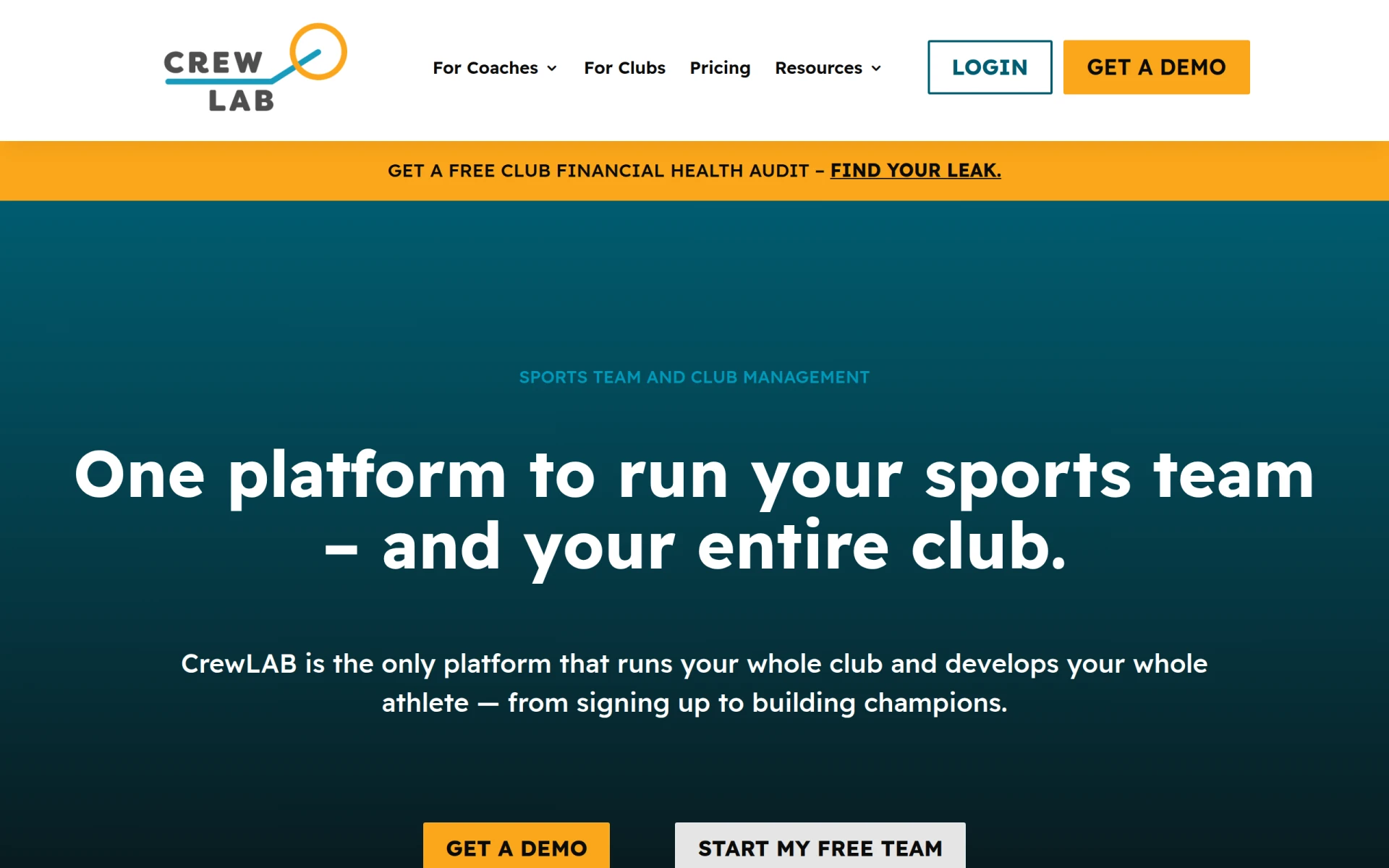
CrewLAB is a sports team management software designed to assist coaches with organizing and managing teams effectively.
Crisp is an AI-powered multichannel messaging platform designed to enhance customer interactions through live chat and support solutions.
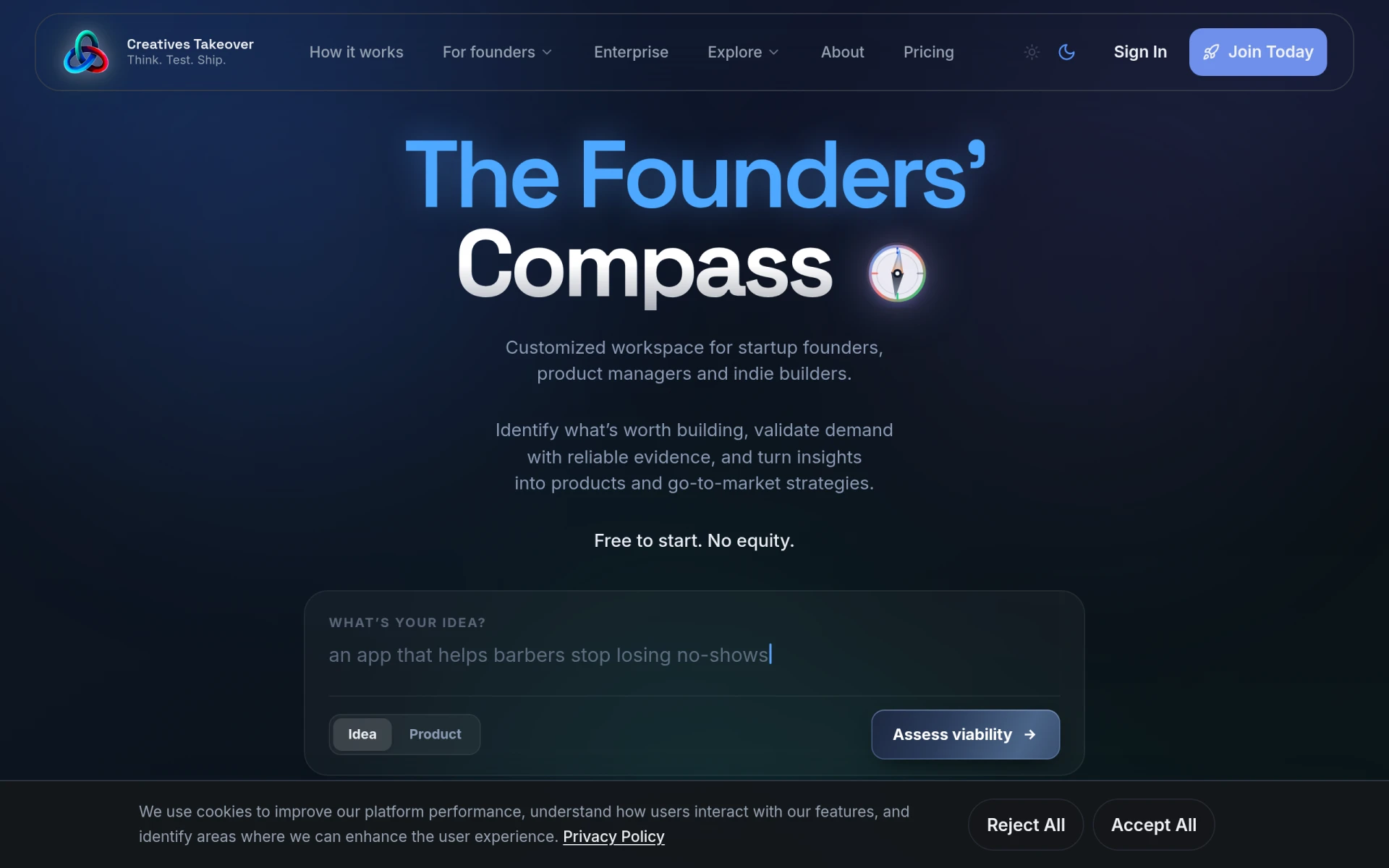
Creatives Takeover is a startup development platform that assists founders in validating ideas, building MVPs, and launching products.
Weekly roundup of new AI tools, launches, and trending software. No spam — unsubscribe anytime.
No credit card required · Cancel anytime
Weekly roundup of new AI tools, launches, and trending software. No spam — unsubscribe anytime.
No credit card required · Cancel anytime