Overview
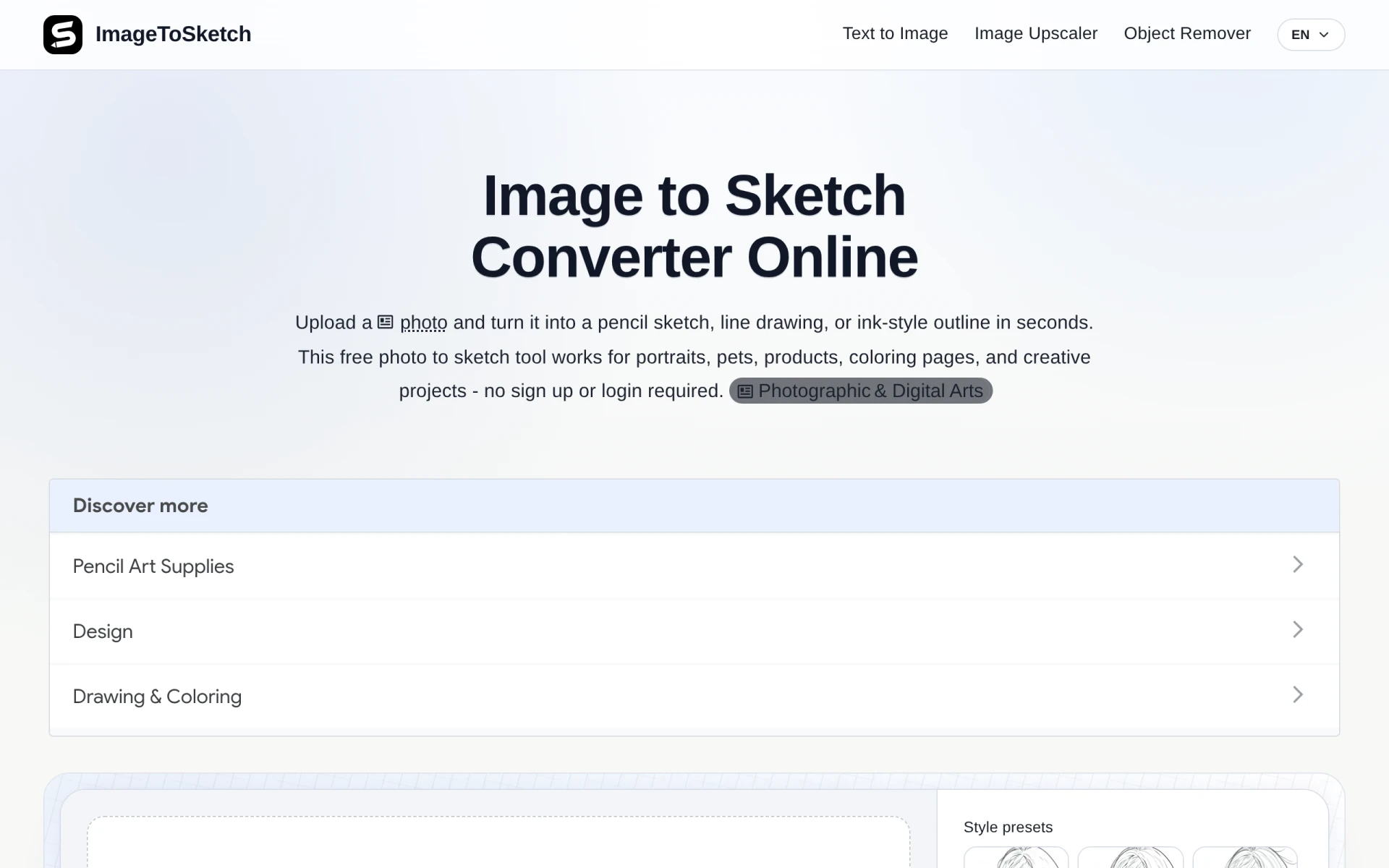
Image to Sketch is a web-based tool designed to transform photos into artistic representations, such as pencil sketches, clean line drawings, and ink-style outlines. This software serves a primary purpose of simplifying the process of creating art from photographs, making it accessible to users with varying skill levels. By eliminating the need for manual drawing skills, it addresses the challenge many face when attempting to recreate images artistically. This tool is particularly useful for individuals and businesses looking to create unique visual content without investing time in learning complex drawing techniques.
Key Features
- Photo upload: Users can easily upload images for conversion.
- Instant conversion: The tool generates sketches in seconds, enhancing user experience.
- Multiple styles: Options for pencil sketches, line drawings, and ink-style outlines are available.
- No sign-up required: Users can access the tool without creating an account.
- User-friendly interface: Intuitive design makes it accessible for all skill levels.
- High-resolution output: Provides clear and detailed sketches suitable for printing.
- Versatile application: Works for various subjects, including portraits, pets, and products.
- Free to use: No hidden costs or subscription fees.
Benefits
The practical advantages of using Image to Sketch lie in its ability to streamline the creative process. Users can quickly create artistic representations without the need for artistic training, which can be particularly beneficial for marketers, educators, or content creators needing unique visuals. The tool saves time, allowing users to focus on other aspects of their projects. Additionally, its free nature means that individuals can experiment with sketch creation without financial commitment, making it accessible to a wide audience. The versatility of application allows for creative projects ranging from social media content to personalized gifts.
Common Use Cases
Image to Sketch can be utilized in various scenarios. For instance, a small business owner might use the tool to create unique visuals for their marketing materials, such as social media posts or advertisements. A teacher could integrate the sketches into educational content to engage students visually. Freelancers in graphic design may leverage the tool to generate quick drafts for client projects, while hobbyists can use it for personal art projects, such as creating custom coloring pages or gifts for friends and family. Its ability to handle multiple image types also means that it can be used across different industries.
Who Should Use It
Ideal users of Image to Sketch include artists seeking a quick way to draft ideas, educators looking for engaging visual aids, and marketers needing unique content for campaigns. It is also beneficial for individuals who want to create personalized art without the skills of a trained artist. However, professional artists seeking advanced control over the sketching process may find the tool less suitable, as it operates on preset styles rather than offering customization options.
Pricing Overview
Image to Sketch is entirely free to use, with no subscription or hidden fees. Users can access all features without any registration requirements.
Conclusion
In summary, Image to Sketch provides a simple and effective solution for anyone looking to convert photographs into artistic sketches without the need for drawing expertise. Its user-friendly interface and free access make it an appealing option for a diverse audience, from casual users to professionals in need of quick artistic representations. While it may not offer the depth of features found in more advanced graphic design software, its ease of use and immediate results make it a valuable tool for generating creative content quickly and efficiently.