Overview
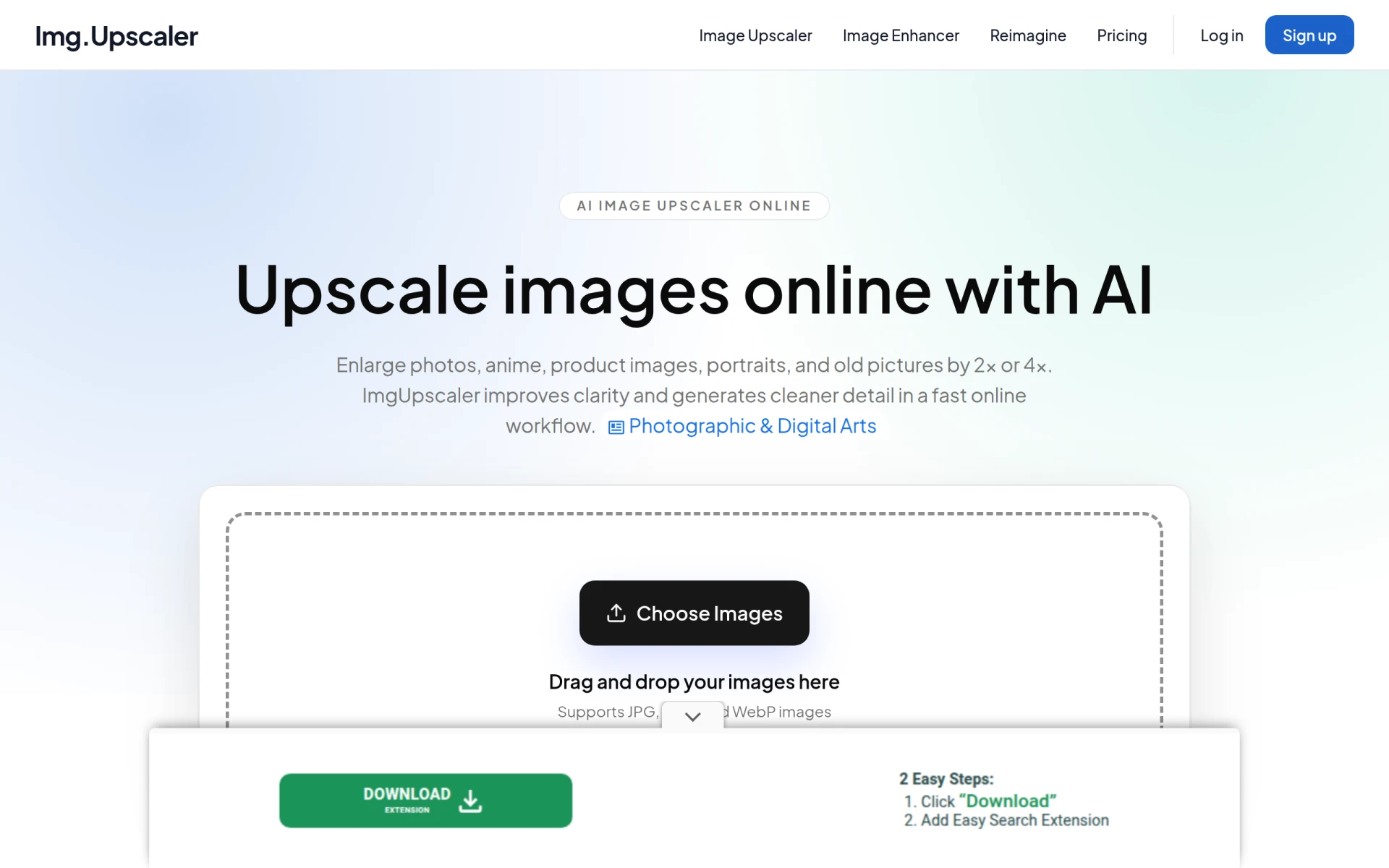
ImgUpscaler is an AI-powered image upscaling tool designed to enhance the quality of images by increasing their resolution without compromising clarity. The primary purpose of this software is to help users enlarge images by 2x or 4x, making it particularly useful for web, print, and creative projects. It addresses common problems such as low-resolution images that appear blurry or pixelated when enlarged, allowing users to create sharper and clearer visuals.
Key Features
- AI-powered image enhancement
- Supports JPG, PNG, and WebP formats
- Free tier with limited credits
- Option to upscale images by 2x or 4x
- Fast online processing
- Batch processing available with desktop app
- User-friendly drag-and-drop interface
- Integration with Reimagine AI for enhanced features
Benefits
ImgUpscaler offers several practical advantages for users looking to improve their images. By utilizing advanced AI algorithms, it significantly enhances the clarity and detail of images, making them suitable for various applications, from e-commerce product images to personal photographs. The fast processing speeds ensure that users can quickly get results without lengthy wait times, while the flexibility of both online and desktop options allows for diverse workflows.
Common Use Cases
ImgUpscaler is ideal for a range of scenarios. For instance, a small business owner might use the tool to enhance product images for their online store, ensuring they look professional and appealing. Graphic designers can utilize the software to upscale images for high-quality prints or presentations. Photographers may find it useful for restoring old photos or improving the resolution of images taken with less advanced cameras. Additionally, marketers can enhance visuals for social media and advertising campaigns, ensuring their content stands out.
Who Should Use It
ImgUpscaler is suited for a variety of users, including small business owners, graphic designers, photographers, and marketers. However, it may not be the best fit for users requiring highly specialized editing features or those who need to work extensively with video content, as it focuses primarily on image upscaling.
Pricing Overview
ImgUpscaler offers a free plan that allows users to upscale images and access basic features. For users needing additional credits or advanced functionalities, paid plans are available, which provide options for batch processing and higher-volume workflows.
Conclusion
In summary, ImgUpscaler provides a valuable solution for anyone needing to enhance image quality quickly and efficiently. While it excels in basic image upscaling and enhancement, users with more advanced editing needs may need to look elsewhere. Overall, it is a user-friendly tool that strikes a good balance between accessibility and functionality, making it worth considering for both personal and professional use.