
Anavsan
Paid
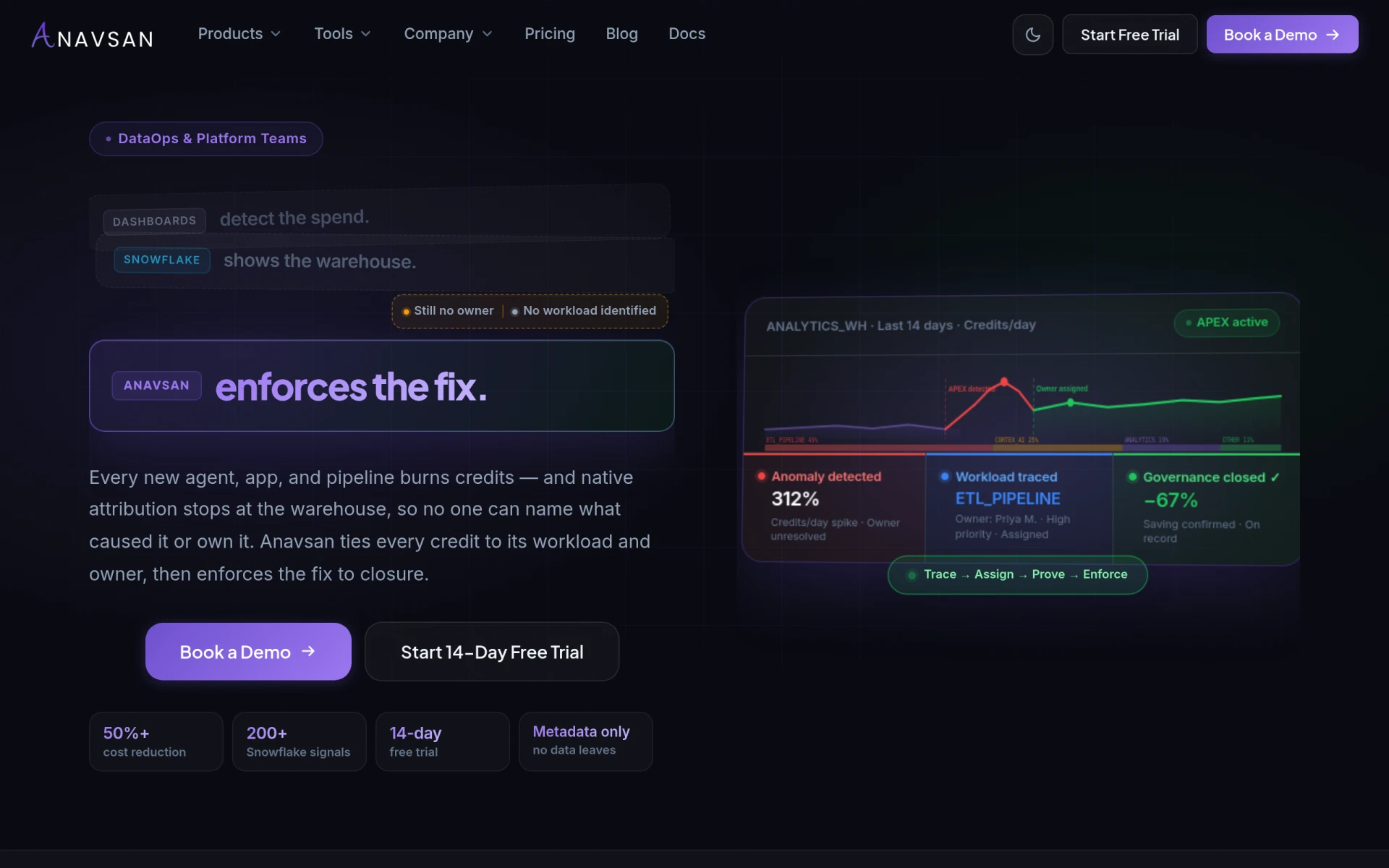
Anavsan is a cost optimization tool for Snowflake that helps organizations track and manage workload credits effectively.
 I
I
Itemery is an AI-powered office inventory management software designed for small and medium businesses.
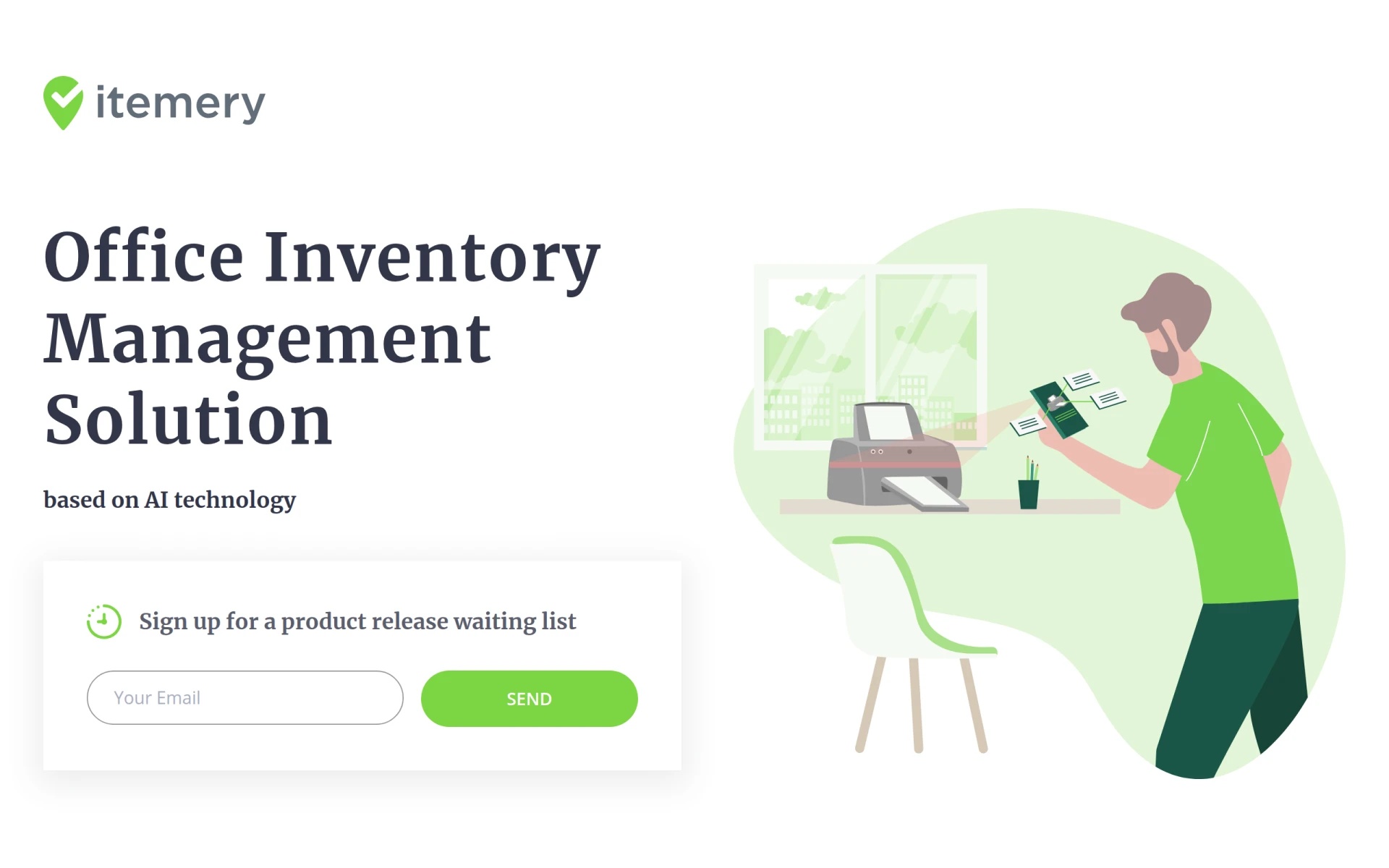
Itemery is a specialized office inventory management software tailored for small and medium-sized businesses. It aims to simplify the process of managing and tracking office inventory through the integration of artificial intelligence technology. By enabling users to efficiently organize their property and inventory, Itemery addresses common challenges faced by businesses, such as mismanaged assets, inefficient tracking, and time-consuming inventory processes.
Itemery offers practical advantages for businesses looking to improve their inventory management processes. By utilizing AI technology, it significantly reduces the time spent on manual data entry and tracking. The mobile app ensures that users can access their inventory information on the go, enhancing flexibility and responsiveness. Furthermore, the integration with Excel allows for a smooth transition from existing systems, making it easier for businesses to adopt the software without extensive training.
A small marketing agency might use Itemery to track office supplies and equipment, ensuring that they have the necessary resources for client projects. A medium-sized IT firm could utilize the software to manage laptops and other hardware, maintaining an accurate log of which items are assigned to which employees. Additionally, a shared workspace might implement Itemery to keep track of communal resources, such as printers and meeting room equipment, ensuring that everything is accounted for and in working condition.
Itemery is ideal for small to medium-sized businesses that require an efficient way to manage office inventory. It is particularly beneficial for companies that deal with a sizable amount of office equipment or supplies. However, larger enterprises with complex inventory management needs or those requiring advanced features may find the software less suitable. Businesses with highly specialized inventory requirements might also need to explore more tailored solutions.
Pricing information for Itemery is not available at this time.
Itemery presents a solid option for small to medium-sized businesses seeking to enhance their inventory management practices. With its AI capabilities and ease of use, it can significantly improve efficiency and organization. However, businesses with larger inventory needs or those requiring advanced features may want to consider other solutions. Understanding your specific requirements is crucial before making a decision about whether to implement Itemery in your organization.
Anavsan is a cost optimization tool for Snowflake that helps organizations track and manage workload credits effectively.
Contracko is an AI-powered contract management platform that helps organizations manage risks, obligations, and deadlines efficiently.
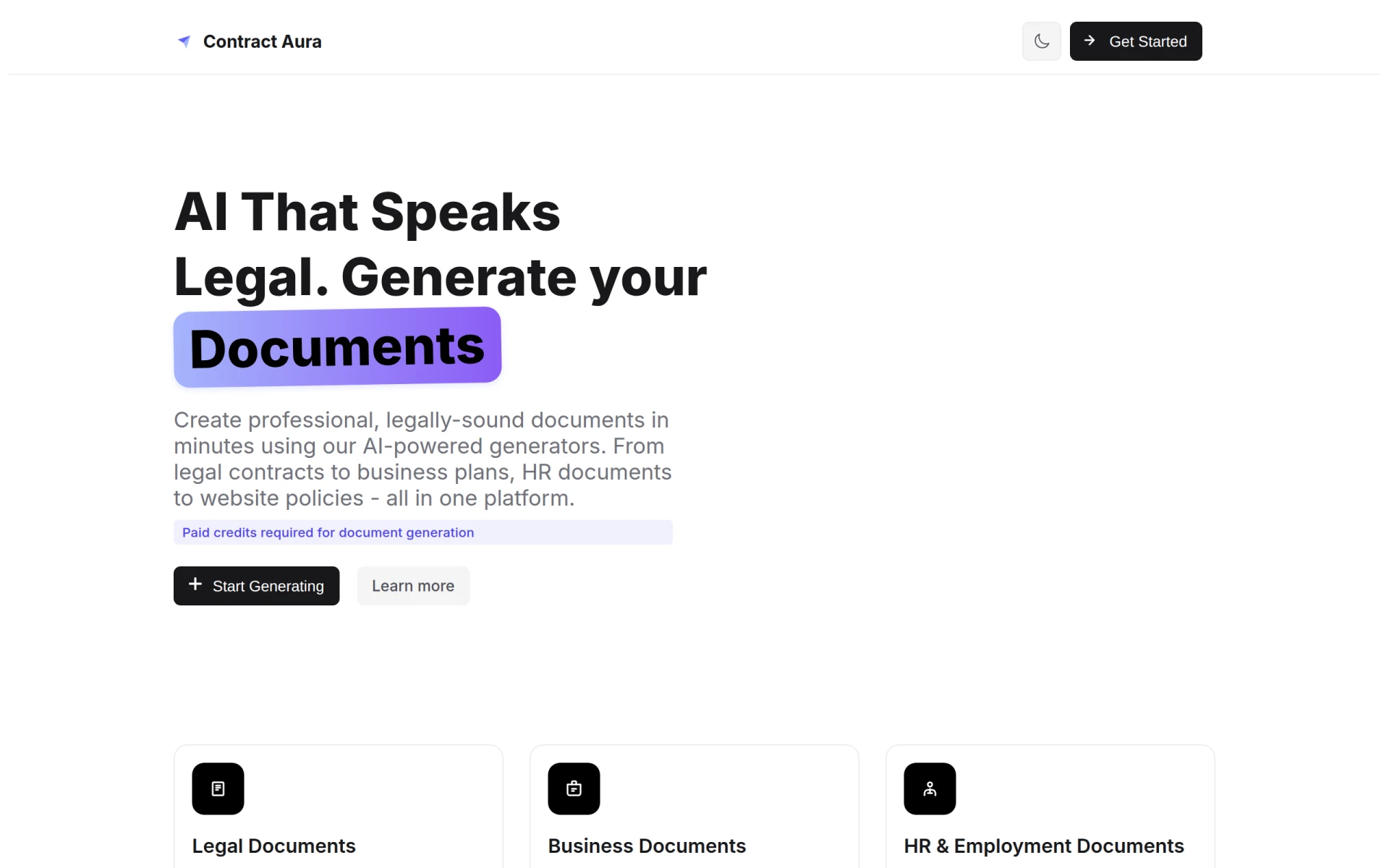
Contract Aura is an AI-driven platform for generating legal and business documents quickly and efficiently.
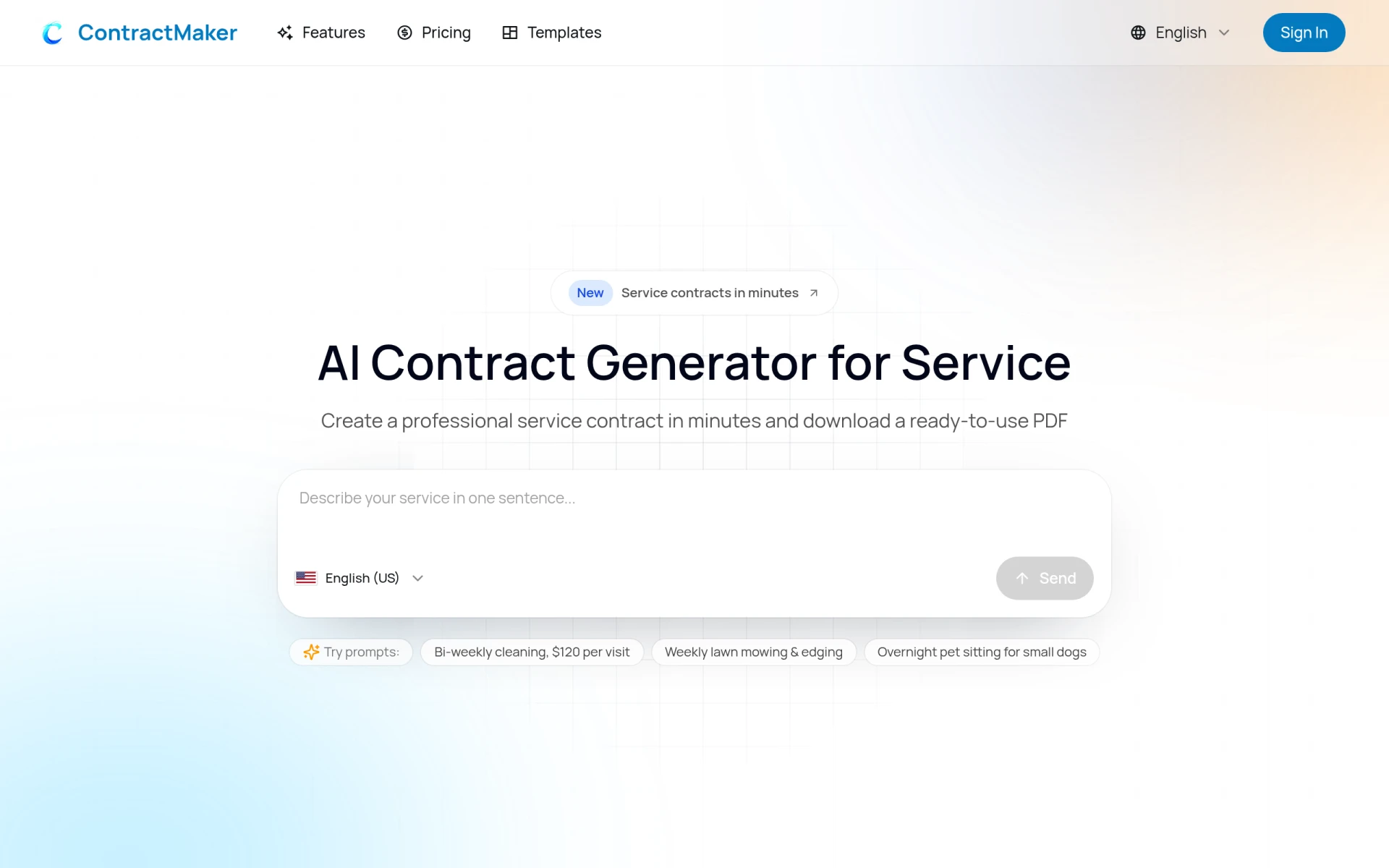
ContractMaker is an AI-driven tool that generates professional service contracts quickly and efficiently.
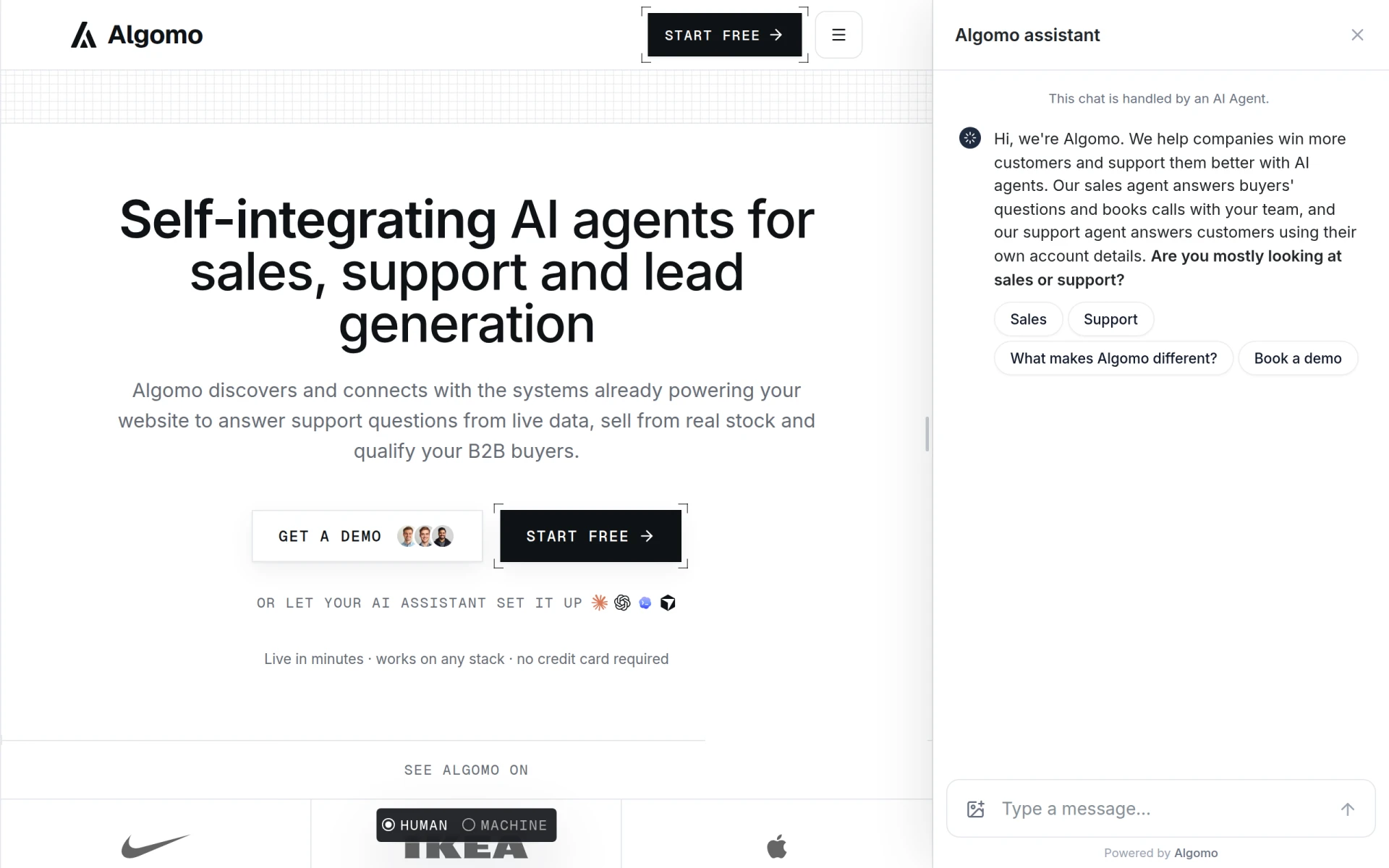
Algomo provides an AI agent for websites, integrating with existing systems to offer support and sales functionalities.
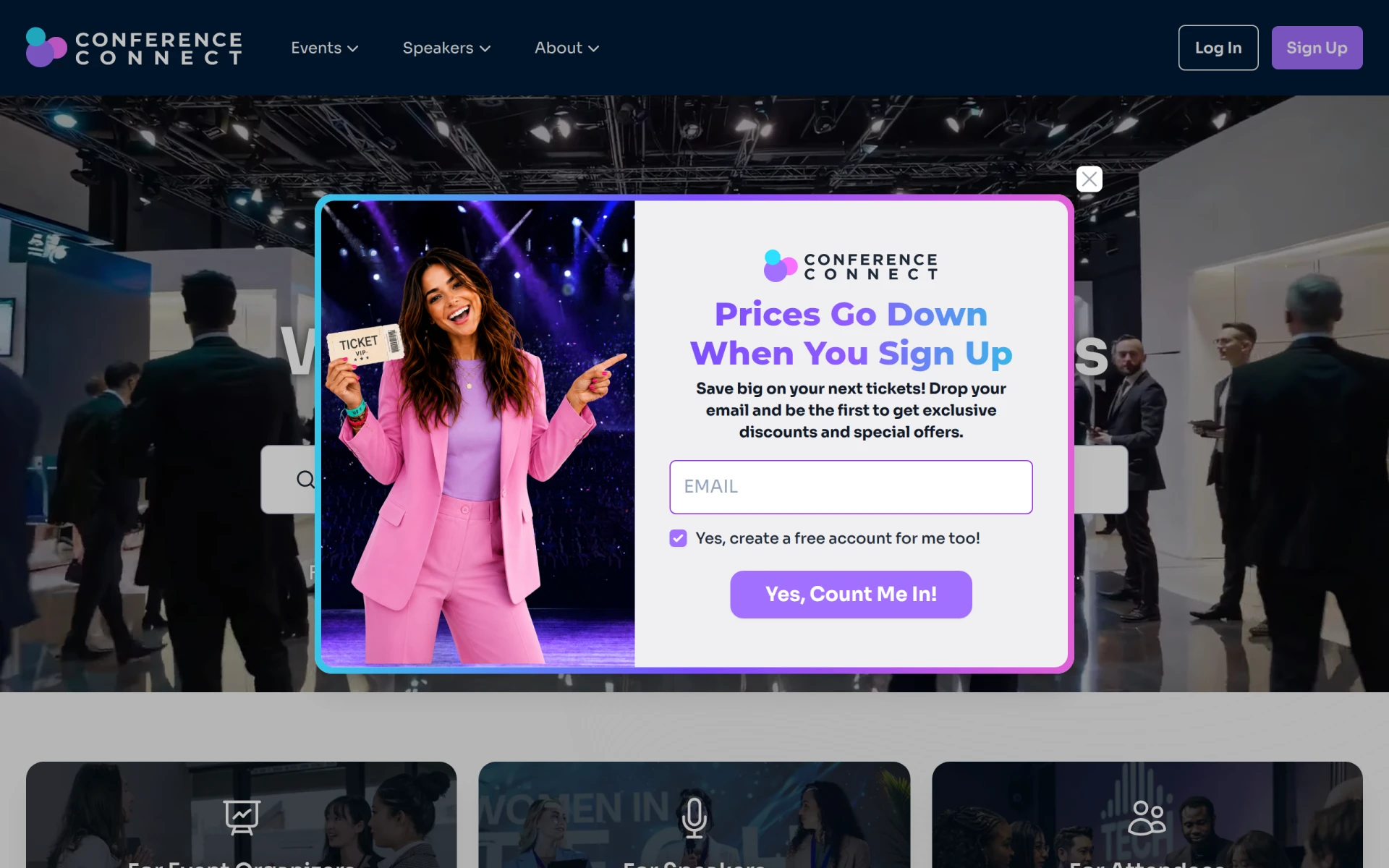
Conference Connect is an event management tool designed to facilitate the organization and execution of conferences and similar events.
Best Financial Management Tools for Small Nonprofits
For nonprofit administrators seeking to streamline budgeting and reporting processes.
Best Analytics Tools for Nonprofit Fundraising
For nonprofit fundraisers aiming to enhance donor engagement strategies.
Best Tools for Automating E-commerce Inventory Management
For e-commerce store owners seeking to optimize inventory management and reduce stockouts.
Weekly roundup of new AI tools, launches, and trending software. No spam — unsubscribe anytime.
No credit card required · Cancel anytime
Weekly roundup of new AI tools, launches, and trending software. No spam — unsubscribe anytime.
No credit card required · Cancel anytime