



Consile
Freemium
Consile is an all-in-one team operations platform that integrates tasks, attendance, leave, and HR functions in a secure workspace.
 J
J
Jace is an AI-powered email assistant that drafts replies, organizes your inbox, and schedules meetings to enhance productivity.
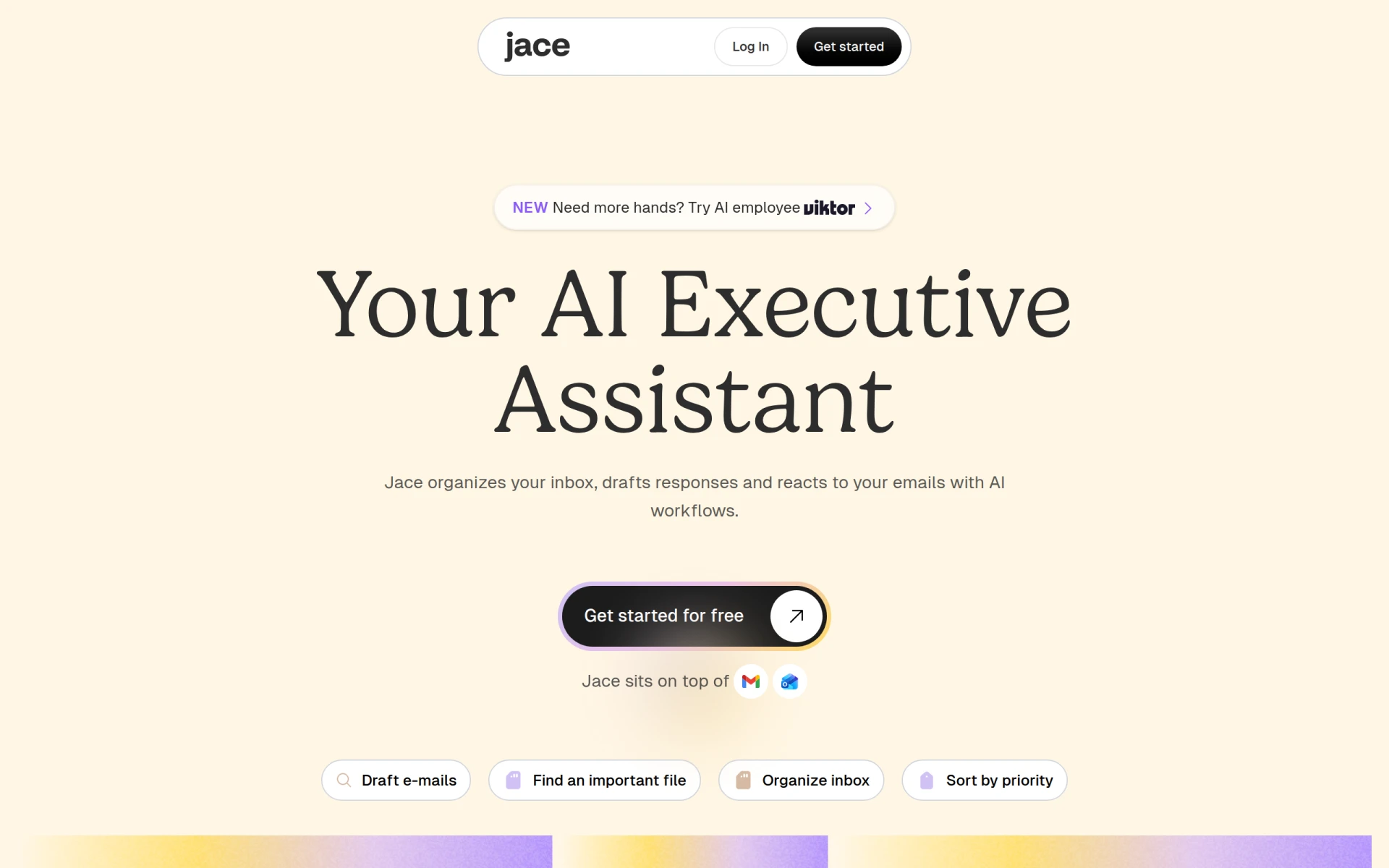
Jace is an AI-driven executive assistant designed specifically for email management. Its primary purpose is to enhance productivity by automating the handling of email communications, thereby reducing the time users spend on their inbox. Jace addresses common problems associated with email overload, such as disorganization and inefficient response times. By allowing users to focus on higher-priority tasks, Jace transforms chaotic email situations into manageable workflows.
Using Jace can result in significant time savings, enabling professionals to reclaim hours previously lost to email management. By automating routine tasks, Jace frees users to concentrate on strategic activities. The ability to draft responses in a consistent voice helps maintain professional communication standards. Moreover, its organization features ensure that important emails are not overlooked, thereby improving overall responsiveness and productivity.
Professionals overwhelmed by a high volume of emails can benefit greatly from Jace's automated organization and drafting capabilities. For example, a marketing manager can use Jace to handle client communications efficiently, allowing more time for campaign strategy development. Similarly, project managers can leverage Jace to coordinate schedules and track project-related emails, ensuring that all stakeholders are kept informed without the stress of manual tracking.
Jace is ideal for busy professionals, including executives, project managers, and team leaders who handle large volumes of email. It is particularly beneficial for those in fast-paced industries where timely responses are crucial. However, it may not be the best fit for individuals who prefer a more hands-on approach to email management or those who have minimal email correspondence.
Jace offers a tiered pricing model, starting with a free trial that provides access to essential features. The Pro Plan, which includes additional credits and capabilities, is priced at $40 per month when billed annually, while the Plus Plan is available for $20 per month with fewer credits and integration options.
Jace presents a compelling solution for professionals seeking to optimize their email management. With its automation capabilities and user-friendly interface, it effectively addresses common email-related challenges. While it offers substantial benefits, potential users should consider their specific needs and whether the tool aligns with their email management style before committing to a subscription.
Consile is an all-in-one team operations platform that integrates tasks, attendance, leave, and HR functions in a secure workspace.
A comprehensive guide to keyboard shortcuts for Windows, MacOS, and Linux, enhancing productivity and workflow efficiency.
Online Whiteboard is a free collaborative tool for brainstorming and visualizing ideas in real-time with teams.
Audioread converts text from articles, PDFs, and emails into natural-sounding audio for easy listening.
Ayfie is a personal assistant software that helps users manage tasks and improve productivity through intelligent automation.
AIApply is a job application tool that helps users create tailored resumes, cover letters, and auto-apply for jobs quickly.
Weekly roundup of new AI tools, launches, and trending software. No spam — unsubscribe anytime.
No credit card required · Cancel anytime
Weekly roundup of new AI tools, launches, and trending software. No spam — unsubscribe anytime.
No credit card required · Cancel anytime








