
Composio
Freemium
Composio is a developer tool that enables secure access to over 1,500 applications through an easy-to-use SDK.
 J
J
Jam simplifies bug reporting by automatically generating ready-to-share reports for developers, saving time and effort.
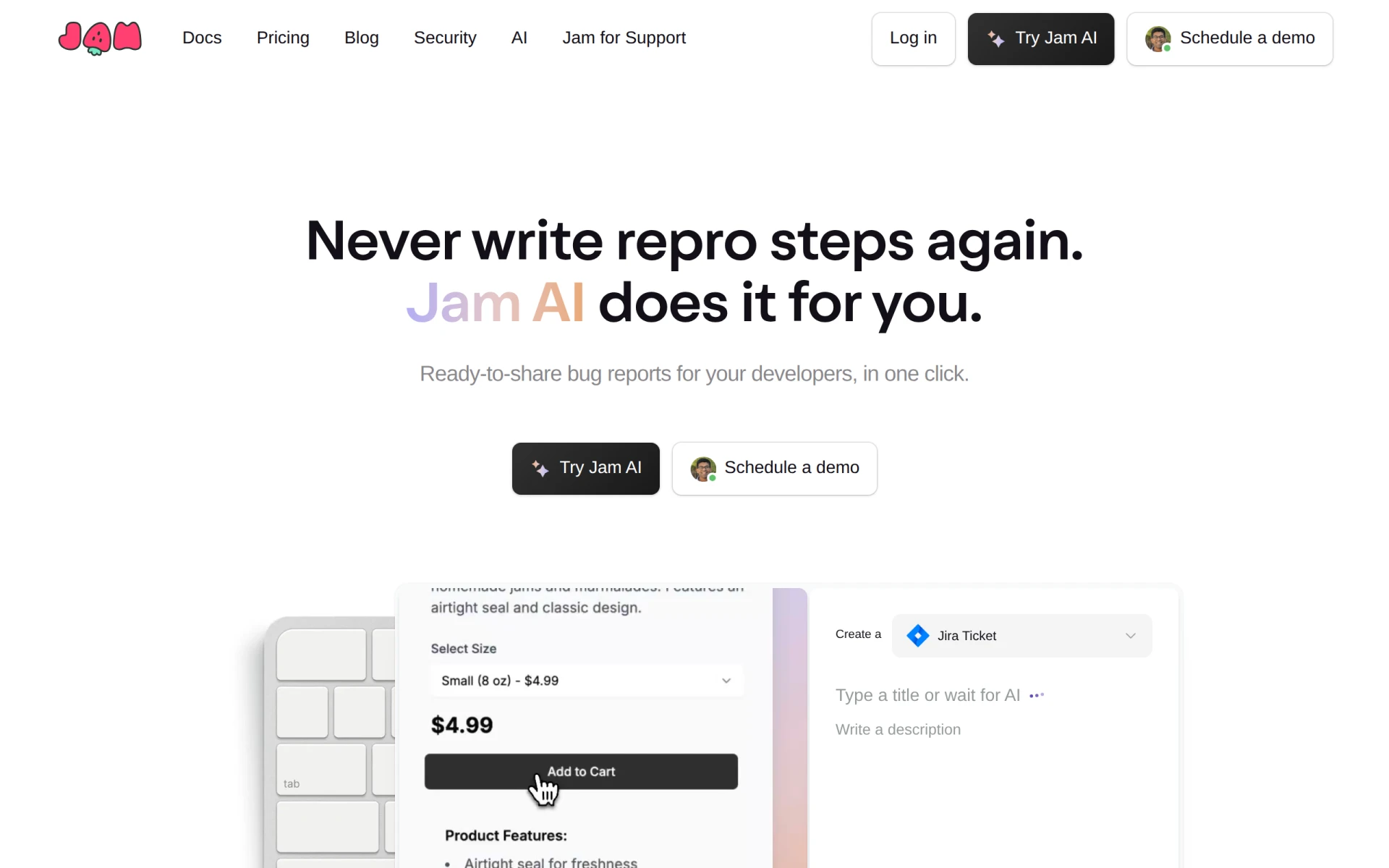
Jam is a bug reporting tool designed to streamline the process of reporting software bugs by automatically generating detailed reports for developers. Its primary purpose is to reduce the time and effort required to document bugs, allowing teams to focus on resolving issues rather than writing repro steps. By capturing essential information such as screen recordings and logs, Jam addresses common pain points in the bug reporting process, including inconsistent reporting and lack of clarity in reproduced steps.
Using Jam can significantly enhance the efficiency of software development teams. By automating the bug reporting process, teams can file bugs faster, resulting in quicker resolutions and fewer disruptions to the development workflow. The tool's AI capabilities ensure that developers receive comprehensive information without the typical guesswork involved in manual reporting. This leads to a clearer understanding of issues, which can improve the overall quality of the software being developed.
Jam is particularly useful in scenarios where development teams are experiencing high volumes of bug reports. For example, during a software release cycle, QA teams can use Jam to quickly document and share bugs with developers. Additionally, remote teams can benefit from the screen recording feature, as it provides visual context that might be missing in written reports. Furthermore, product managers can leverage Jam to track and analyze bug trends over time, informing future development priorities.
Jam is ideal for software development teams, QA professionals, and product managers who require efficient bug tracking and reporting solutions. It is particularly beneficial for teams that use agile methodologies, as it allows for rapid iterations and improvements. However, it may not be the best fit for smaller projects or teams that do not require detailed bug documentation, as the tool's full capabilities shine in larger, more complex environments.
Pricing information for Jam is currently not available, which may require potential users to contact the company directly for details.
In summary, Jam presents a comprehensive solution for bug reporting that combines automation with user-friendly features. While it offers significant advantages in terms of efficiency and clarity, potential users should consider their specific needs and the scale of their projects before adopting the tool. It is a worthy option for teams looking to improve their bug reporting processes and enhance overall productivity in software development.
Composio is a developer tool that enables secure access to over 1,500 applications through an easy-to-use SDK.
Cofondr simplifies non-coding tasks for developers, allowing them to focus on coding and marketing.
CodeMerge is a collaborative development tool designed to streamline code integration and version control for software teams.
Coding Assistant is a developer tool designed to enhance coding efficiency and accuracy through intelligent code suggestions and problem-solving.
ClutchClick offers custom app, website, and AI tool development with a senior-led team for streamlined project delivery.
CloudBurn helps identify and optimize AWS costs through a free, open-source CLI tool for effective resource management.
Top Tools for Automating Financial Reports
For finance managers seeking to streamline financial reporting processes and improve accuracy.
Best Tools for Streamlining Marketing Reports for E-commerce Businesses
For e-commerce marketing managers seeking efficient reporting solutions to enhance insights.
Weekly roundup of new AI tools, launches, and trending software. No spam — unsubscribe anytime.
No credit card required · Cancel anytime
Weekly roundup of new AI tools, launches, and trending software. No spam — unsubscribe anytime.
No credit card required · Cancel anytime