
Creed
Free
AI
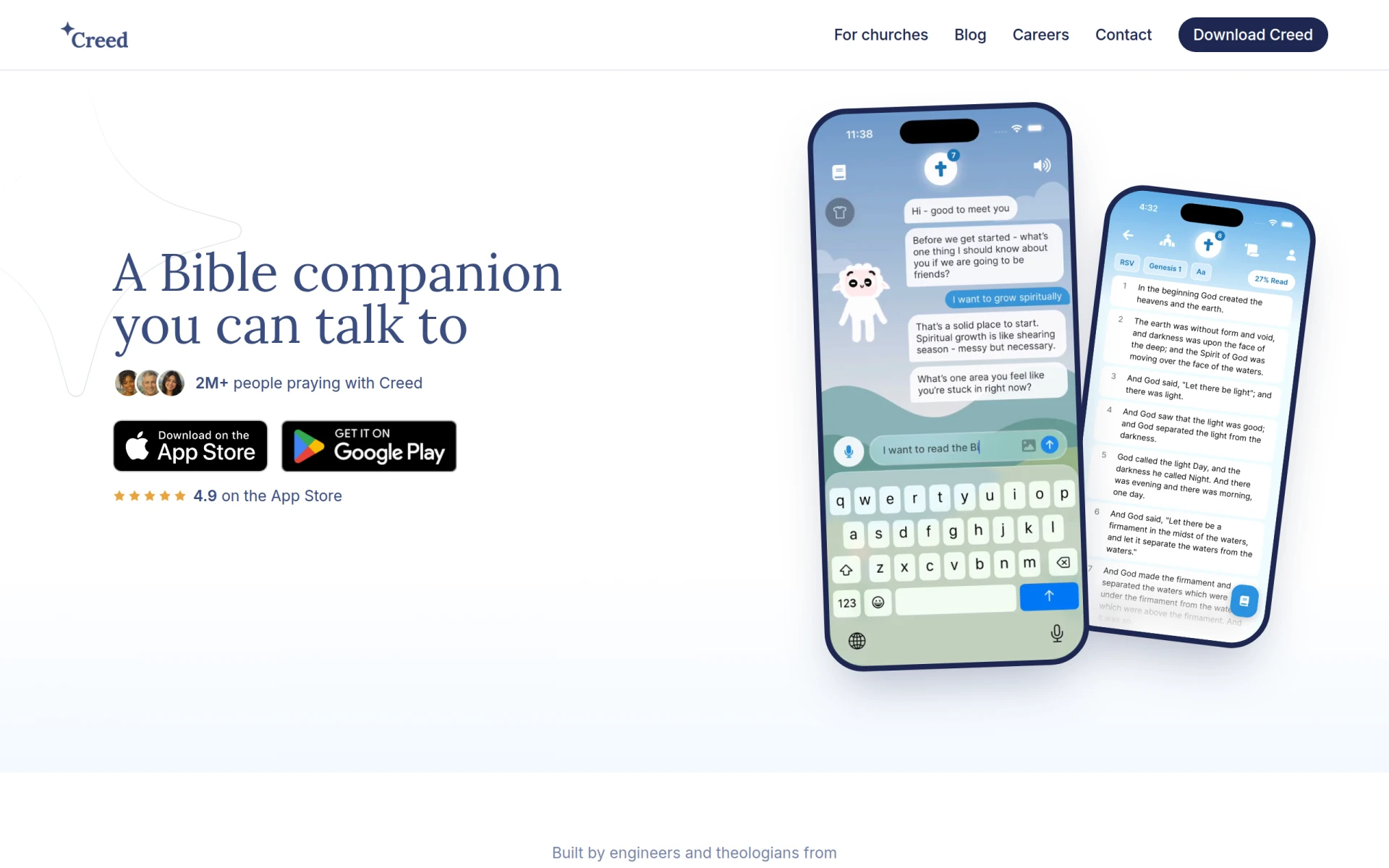
Creed is a Bible study and prayer companion app that helps users engage with Scripture and prayer daily.
 K
K
MyNotifyAssist is an AI-powered productivity app for scheduling reminders and managing tasks on iOS and Android.
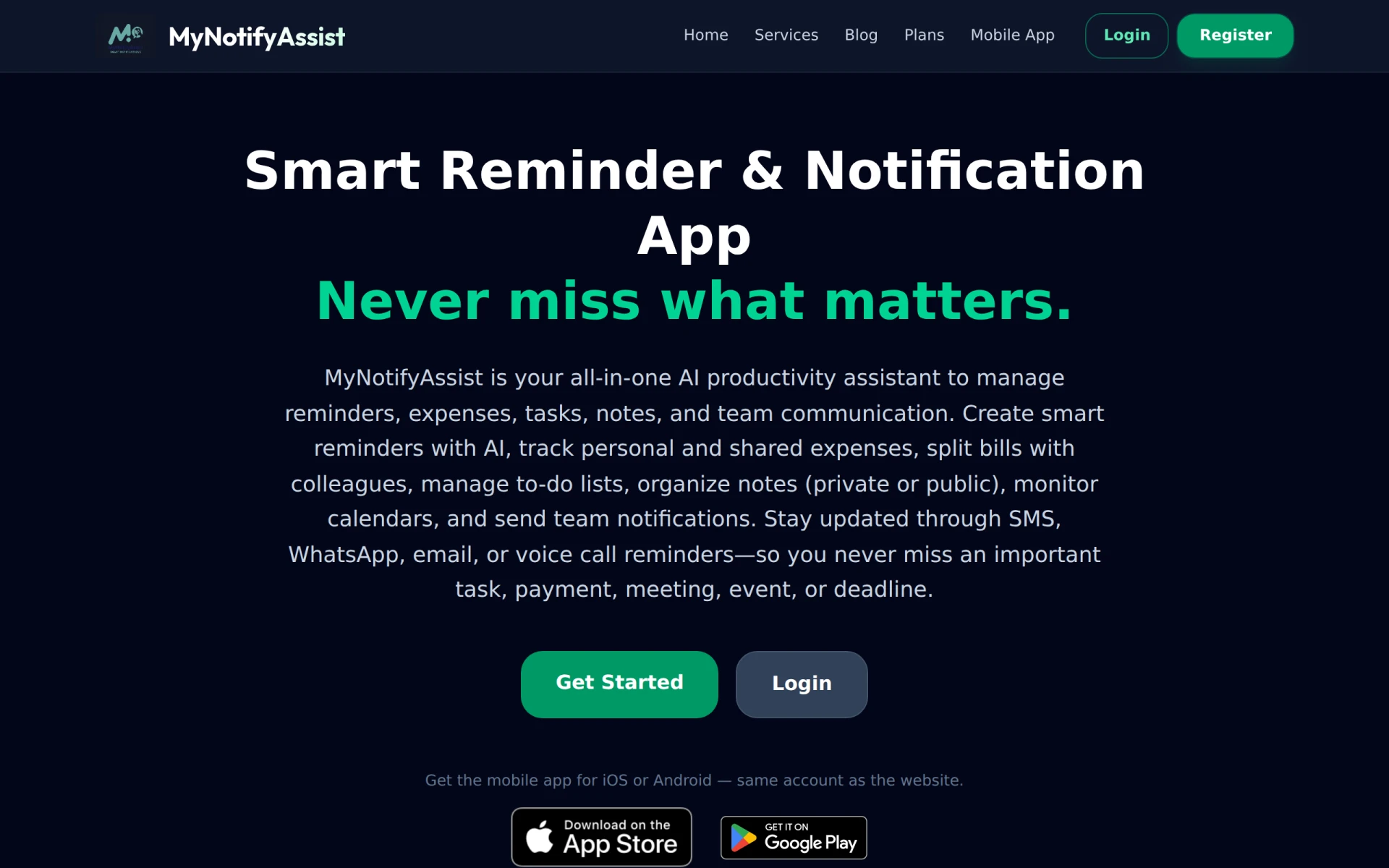
MyNotifyAssist is a comprehensive AI productivity assistant designed to help users effectively manage their schedules and tasks. This app allows users to set reminders through various channels, including SMS, WhatsApp, email, and voice calls. The primary purpose of MyNotifyAssist is to ensure that users stay organized and on top of their commitments by providing timely notifications for important events and tasks. It addresses common problems such as missed appointments, forgotten deadlines, and inefficient task management.
MyNotifyAssist provides practical advantages that enhance productivity for both individuals and teams. By consolidating reminder notifications across multiple platforms, users can avoid the chaos of juggling various apps. The expense management feature allows users to track and split bills seamlessly, which is particularly useful for group activities. Additionally, the app's note-taking functionality fosters better collaboration among team members, enabling shared insights and updates in real-time. Overall, MyNotifyAssist adds significant value by streamlining personal and professional organization.
MyNotifyAssist can be beneficial in several real-world scenarios. For instance, users can set reminders for insurance renewals to avoid lapses in coverage. Healthcare professionals can utilize the app to remind patients about medication schedules. Office workers might rely on it for meeting notifications, ensuring they never miss important discussions. Travelers can set alerts for booking confirmations or departure times, while shoppers can use it to remember their grocery lists and shopping priorities. Personal checklists can help individuals keep track of everyday tasks, ensuring nothing falls through the cracks.
MyNotifyAssist is ideal for busy professionals, students, and anyone who needs help managing their time effectively. It is particularly suited for individuals who appreciate a centralized platform for reminders and task management. However, it may not be the best fit for users looking for advanced project management features or those who prefer a more traditional calendar interface.
Currently, MyNotifyAssist is available as a free app for both iOS and Android users. Further details about premium features or subscription models are not provided.
In conclusion, MyNotifyAssist offers a robust solution for users seeking to enhance their productivity through effective reminder and task management. While it excels in providing a variety of notification channels and expense tracking, it may not cater to those needing highly specialized project management tools. Overall, MyNotifyAssist stands out for its user-friendly interface and comprehensive feature set, making it a worthwhile option for many individuals and teams looking to stay organized.
Creed is a Bible study and prayer companion app that helps users engage with Scripture and prayer daily.
CreateThatTemplate is a user-friendly tool for designing and customizing templates for various projects and needs.
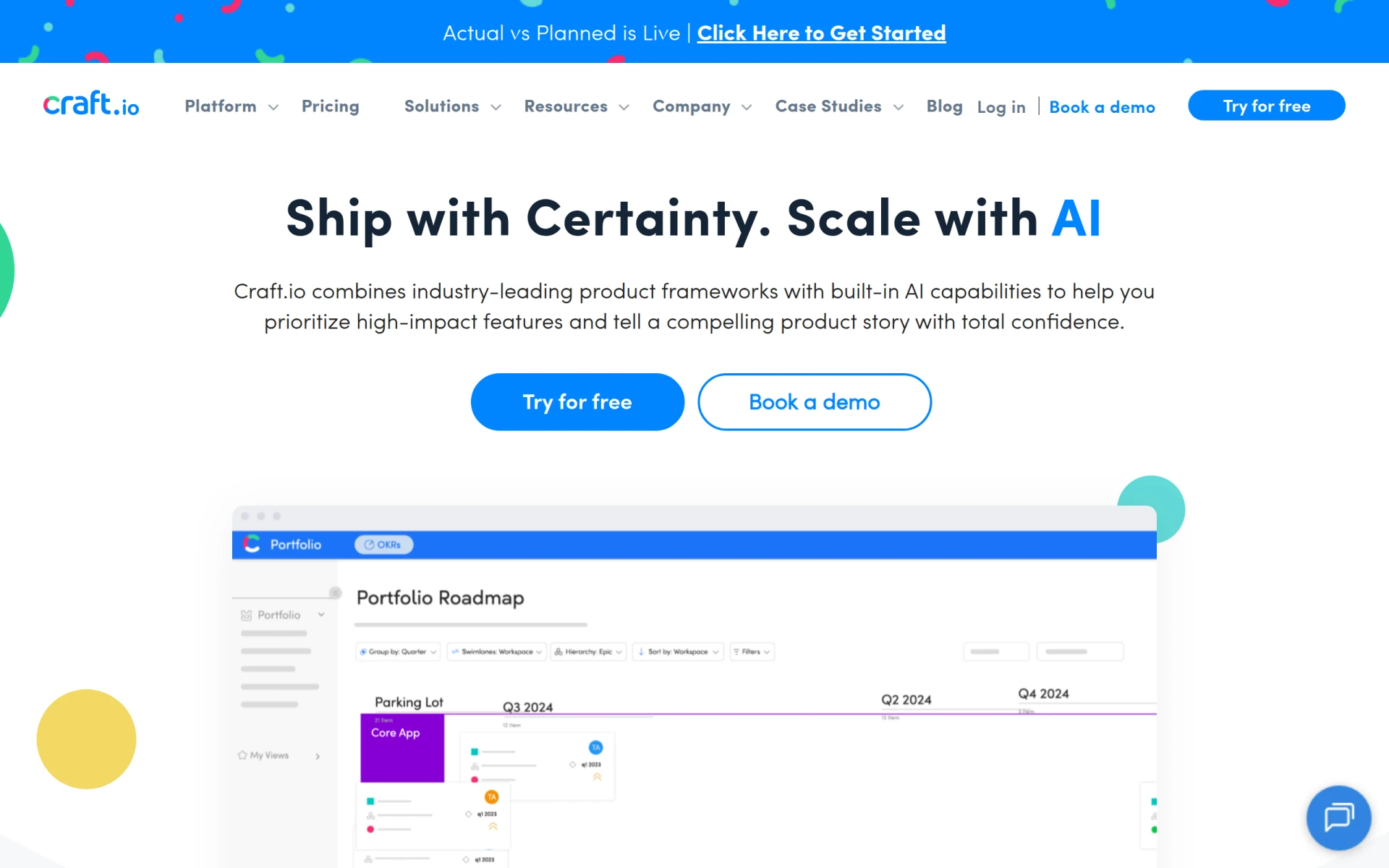
Craft.io is a comprehensive product management platform that helps teams prioritize and plan effectively throughout the product lifecycle.
Consile is an all-in-one team operations platform that integrates tasks, attendance, leave, and HR functions in a secure workspace.
A comprehensive guide to keyboard shortcuts for Windows, MacOS, and Linux, enhancing productivity and workflow efficiency.
Audioread converts text from articles, PDFs, and emails into natural-sounding audio for easy listening.
Weekly roundup of new AI tools, launches, and trending software. No spam — unsubscribe anytime.
No credit card required · Cancel anytime
Weekly roundup of new AI tools, launches, and trending software. No spam — unsubscribe anytime.
No credit card required · Cancel anytime