
Anavsan
Paid
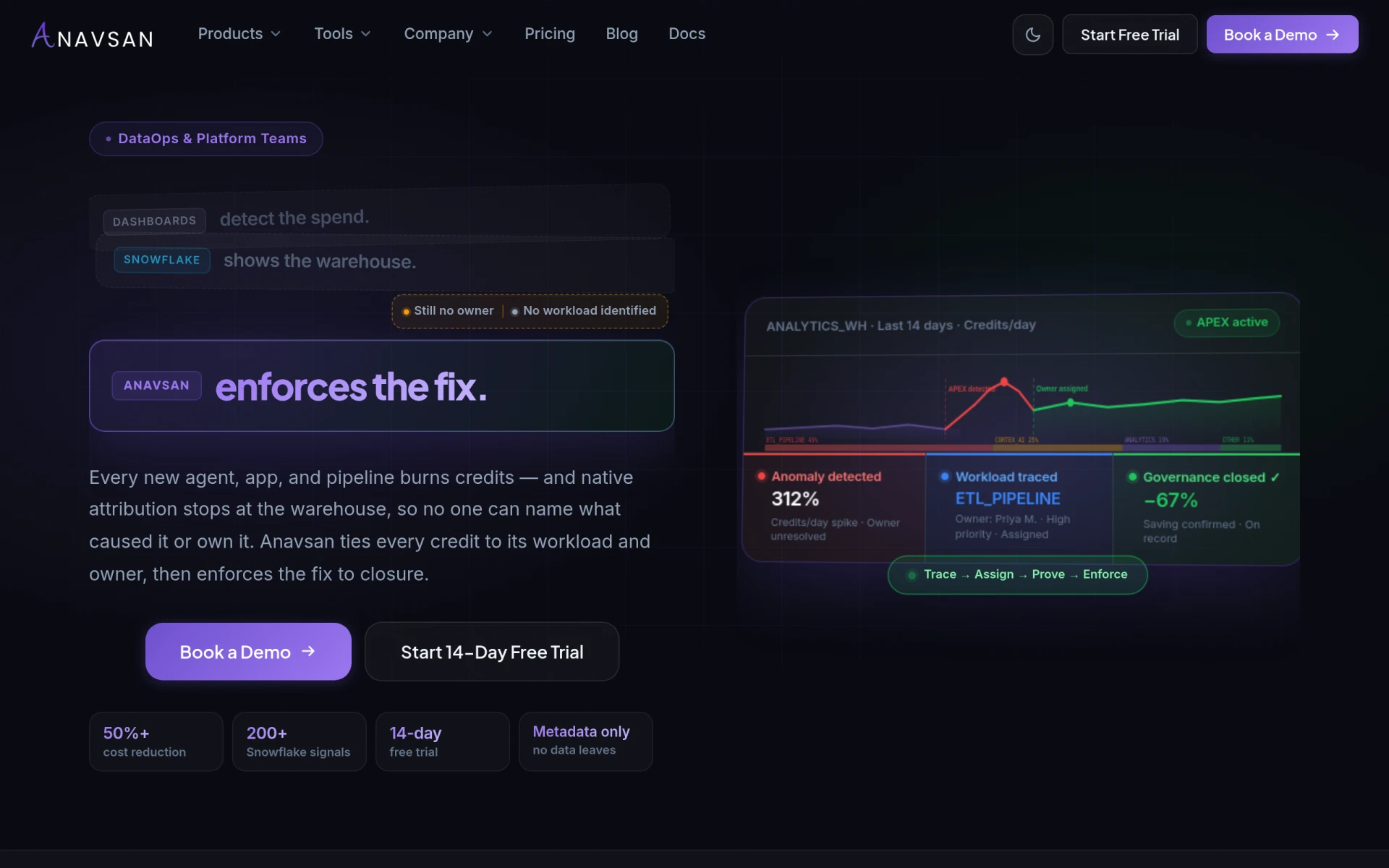
Anavsan is a cost optimization tool for Snowflake that helps organizations track and manage workload credits effectively.
 L
L
Lido is an AI-powered document extraction tool that converts data from PDFs, invoices, and receipts into Excel or CSV formats.
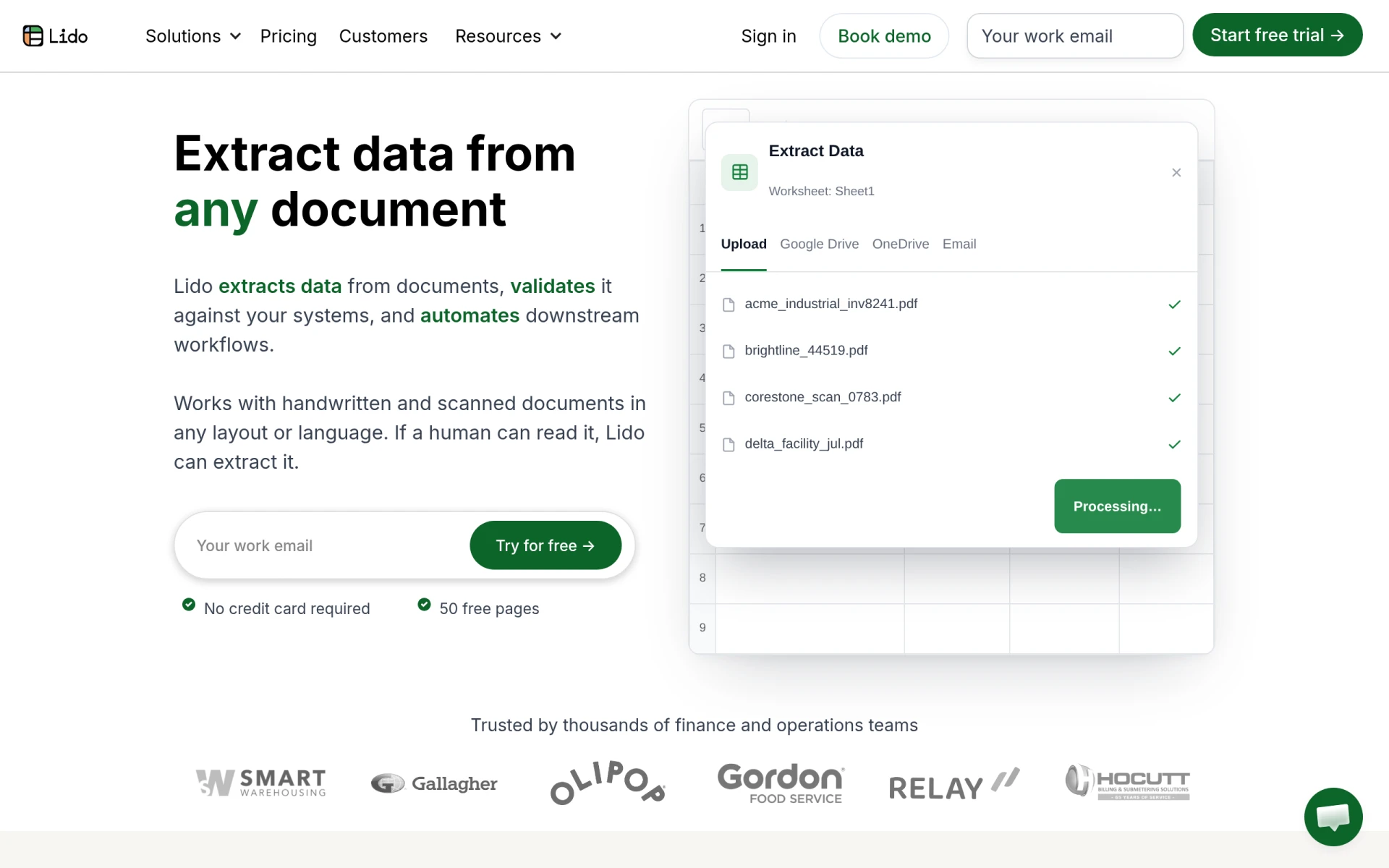
Lido is a specialized software designed to extract data from various document types, including PDFs, invoices, and receipts. Its primary purpose is to automate the process of data extraction and validation, thereby streamlining workflows that involve manual data entry. By converting data from documents into structured formats like Excel or CSV, Lido addresses the common challenges businesses face when handling large volumes of paperwork. This reduces the likelihood of errors and enhances overall efficiency.
Lido offers several practical advantages that can significantly benefit businesses. By automating data extraction, it minimizes the time spent on manual data entry, allowing employees to focus on more strategic tasks. The accuracy of data extraction reduces errors, which can lead to costly mistakes in financial calculations or reporting. Furthermore, Lido's ability to process documents in various languages and layouts makes it a versatile tool for global businesses, enabling seamless operations across different regions.
Lido is particularly effective in several scenarios:
Lido is ideal for businesses of all sizes that deal with high volumes of documents requiring data extraction. This includes accounting firms, logistics companies, research organizations, and administrative teams. However, it may not be the best fit for individuals or small businesses with minimal document processing needs, as the pricing may not justify the benefits for low-volume users.
Lido offers a pricing model starting at $29 per month, which includes a free tier allowing users to extract data from 50 pages. As usage scales, businesses can upgrade to plans that accommodate higher volumes of document processing.
In summary, Lido is a robust AI document extraction tool that efficiently converts data from various document types into usable formats like Excel and CSV. While it provides significant advantages in terms of accuracy and efficiency, businesses should assess their document processing needs to determine if it aligns with their requirements and budget. Lido stands out for its multi-language support and ability to handle handwritten documents, making it a versatile choice for many organizations seeking to automate their data extraction processes.
Anavsan is a cost optimization tool for Snowflake that helps organizations track and manage workload credits effectively.
Contracko is an AI-powered contract management platform that helps organizations manage risks, obligations, and deadlines efficiently.
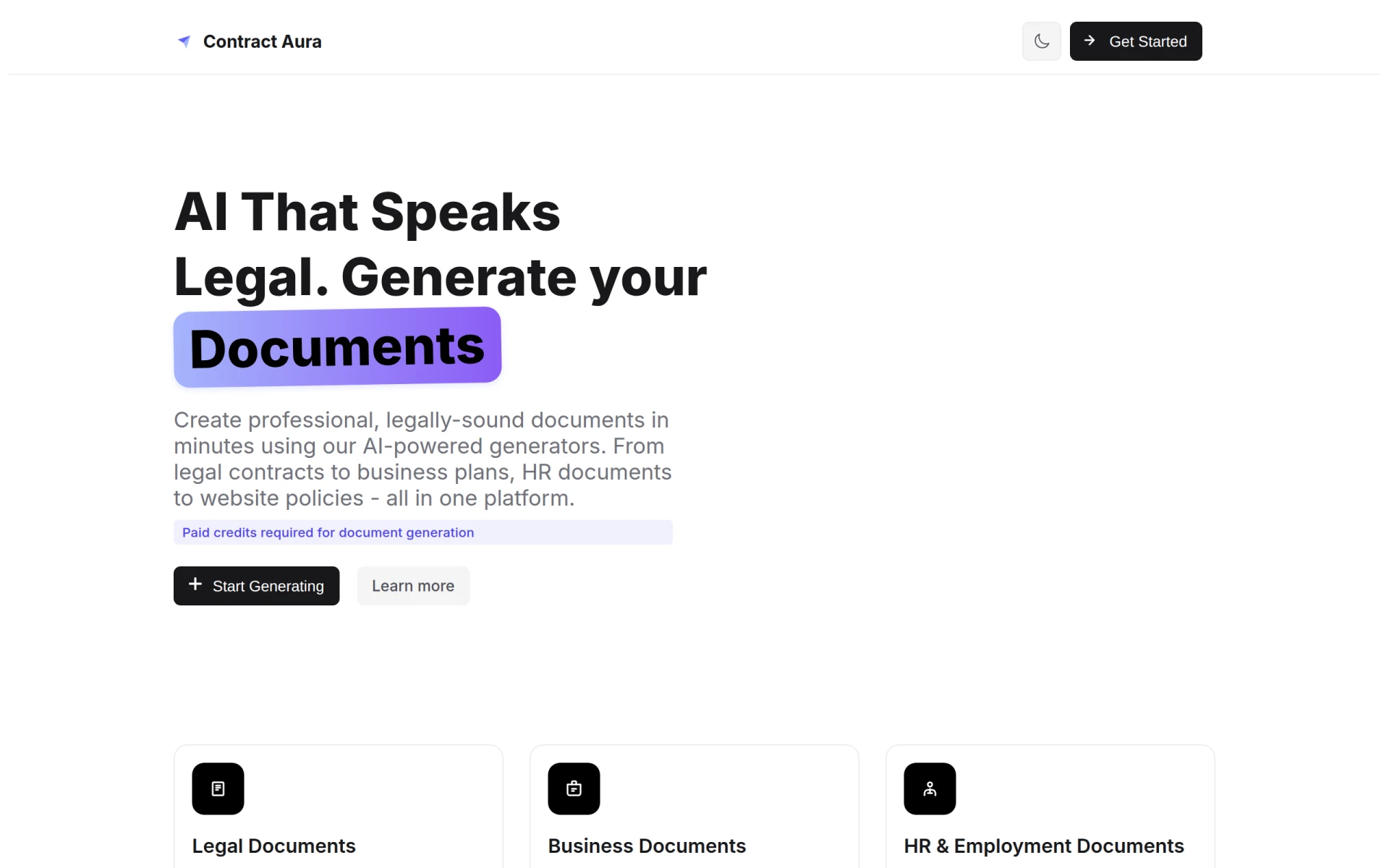
Contract Aura is an AI-driven platform for generating legal and business documents quickly and efficiently.
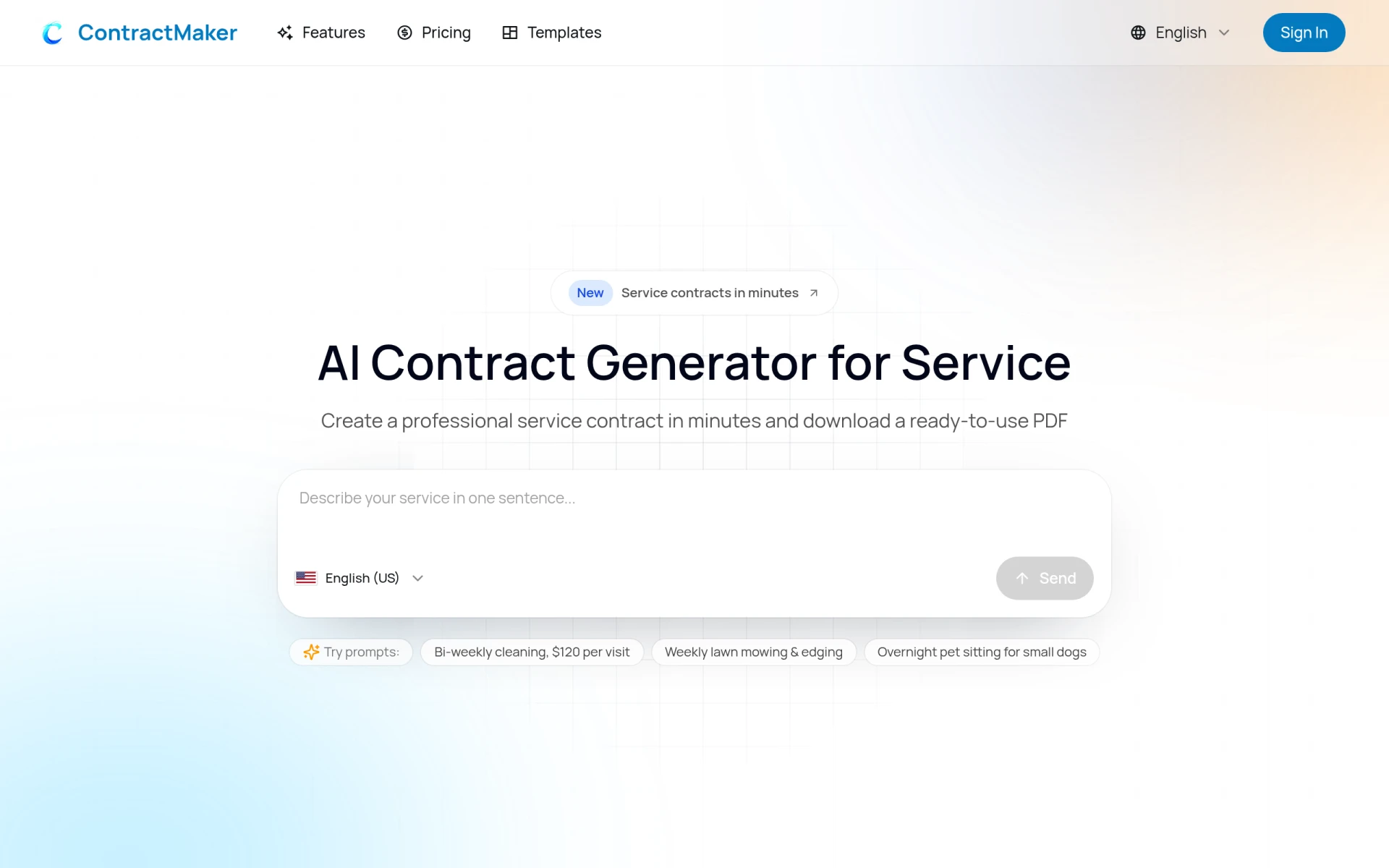
ContractMaker is an AI-driven tool that generates professional service contracts quickly and efficiently.
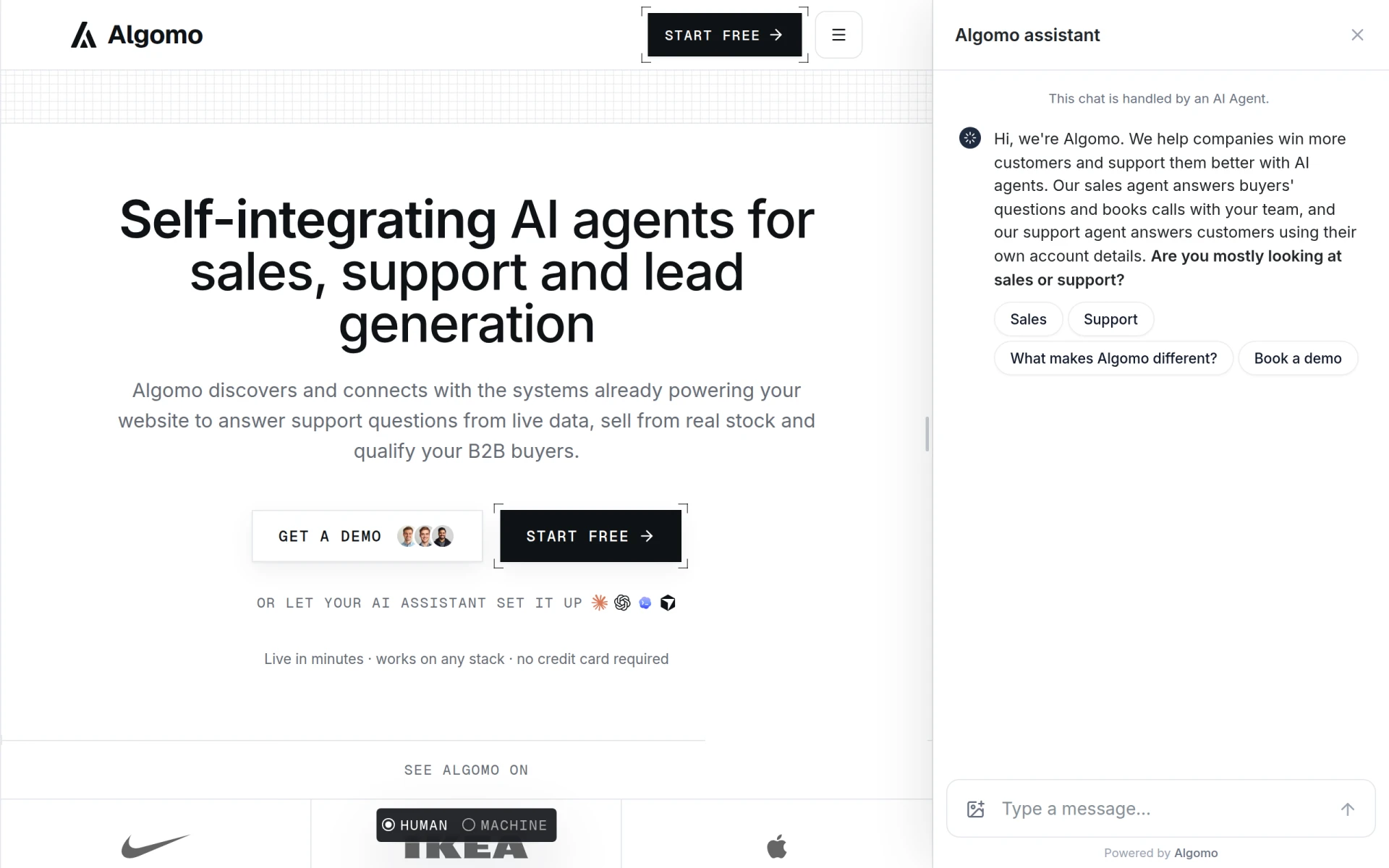
Algomo provides an AI agent for websites, integrating with existing systems to offer support and sales functionalities.
Conference Connect is an event management tool designed to facilitate the organization and execution of conferences and similar events.
Weekly roundup of new AI tools, launches, and trending software. No spam — unsubscribe anytime.
No credit card required · Cancel anytime
Weekly roundup of new AI tools, launches, and trending software. No spam — unsubscribe anytime.
No credit card required · Cancel anytime