CueGrowth
Freemium
CueGrowth is a growth marketing tool designed to enhance user engagement and conversion through tailored marketing strategies.
Lizard Button is an email marketing tool designed to simplify email campaigns and enhance user engagement.
Lizard Button is an email marketing software that focuses on helping businesses create, manage, and analyze their email campaigns effectively. Its primary purpose is to streamline the email marketing process, enabling users to reach their target audience with tailored messages. By offering various tools for designing emails, tracking performance, and automating campaigns, Lizard Button addresses common challenges in email marketing, such as low engagement rates and inefficient workflows.
Using Lizard Button can lead to improved email campaign performance due to its user-friendly design and automation capabilities. The ability to segment email lists allows businesses to target specific audiences with personalized content, resulting in better engagement rates. Furthermore, the performance analytics tools enable users to track the success of their campaigns, providing valuable insights for future marketing strategies. The software's customizable templates and drag-and-drop builder make it accessible for users with varying levels of technical expertise, reducing the time and effort required to create impactful emails.
Businesses can utilize Lizard Button in various scenarios, such as launching new products, promoting special offers, or sending regular newsletters. For instance, a small e-commerce business might use the tool to create a targeted email campaign for a seasonal sale, segmenting their audience by past purchase behavior. Marketing teams can automate follow-up emails for potential leads, ensuring timely communication without manual intervention. Additionally, nonprofit organizations can leverage the platform to engage donors through personalized messaging and updates on their initiatives.
Lizard Button is ideal for small to medium-sized businesses, marketing teams, and freelancers who need an efficient way to manage email campaigns. It is particularly beneficial for users seeking automation features and performance reporting. However, larger organizations with complex marketing needs or those requiring advanced customization options may find it less suitable. Additionally, users unfamiliar with digital marketing concepts may experience a learning curve when first using the platform.
Pricing information for Lizard Button is currently not available on their website. Interested users should visit the official site for the latest updates on pricing plans and options.
Pros:
Cons:
Lizard Button presents a valuable option for businesses seeking to enhance their email marketing efforts. With its focus on user-friendly design, automation, and performance tracking, it addresses many common challenges faced by marketers. However, potential users should consider their specific needs and explore pricing details before making a commitment. Overall, it offers a solid solution for businesses looking to improve their email campaigns without overwhelming complexity.
CueGrowth is a growth marketing tool designed to enhance user engagement and conversion through tailored marketing strategies.
CreativeOps AI is an AI-driven marketing tool designed to optimize creative processes and enhance campaign performance.
CreatiVault is an AI-driven marketing intelligence platform designed for cross-border e-commerce insights.
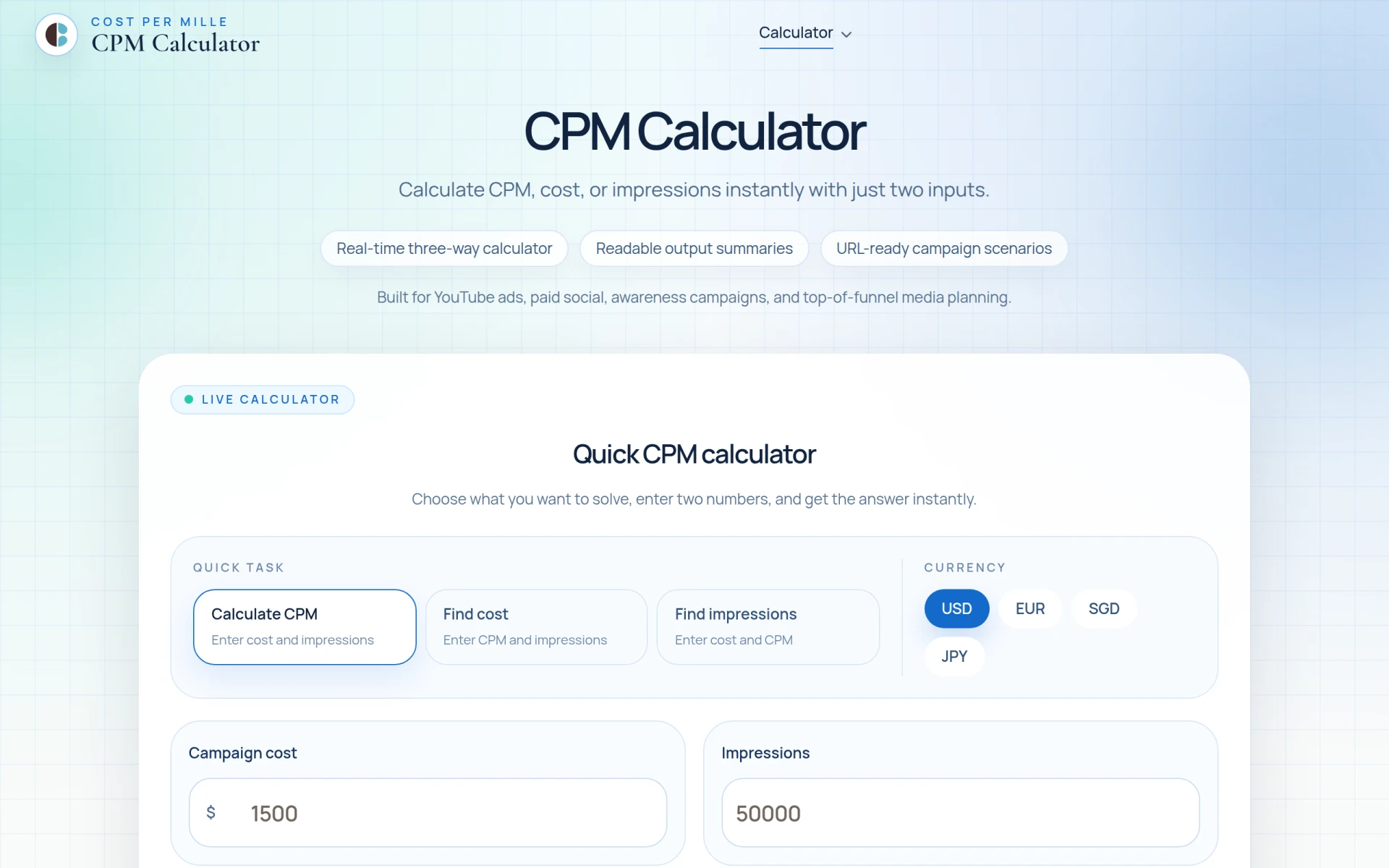
CPM Calculator is a free tool for calculating CPM, cost, and impressions quickly and easily.
CoPilly is an AI writing tool designed to generate human-like comments, DM replies, and connection invites for LinkedIn users.
The easiest graphic design platform. Create stunning designs for social media, presentations, and marketing materials.
Weekly roundup of new AI tools, launches, and trending software. No spam — unsubscribe anytime.
No credit card required · Cancel anytime
Weekly roundup of new AI tools, launches, and trending software. No spam — unsubscribe anytime.
No credit card required · Cancel anytime