



Consile
Freemium
Consile is an all-in-one team operations platform that integrates tasks, attendance, leave, and HR functions in a secure workspace.
 M
M
MinutesLink is a free AI meeting note taker for Zoom and Google Meet, providing automatic transcription and summaries.
 H
H
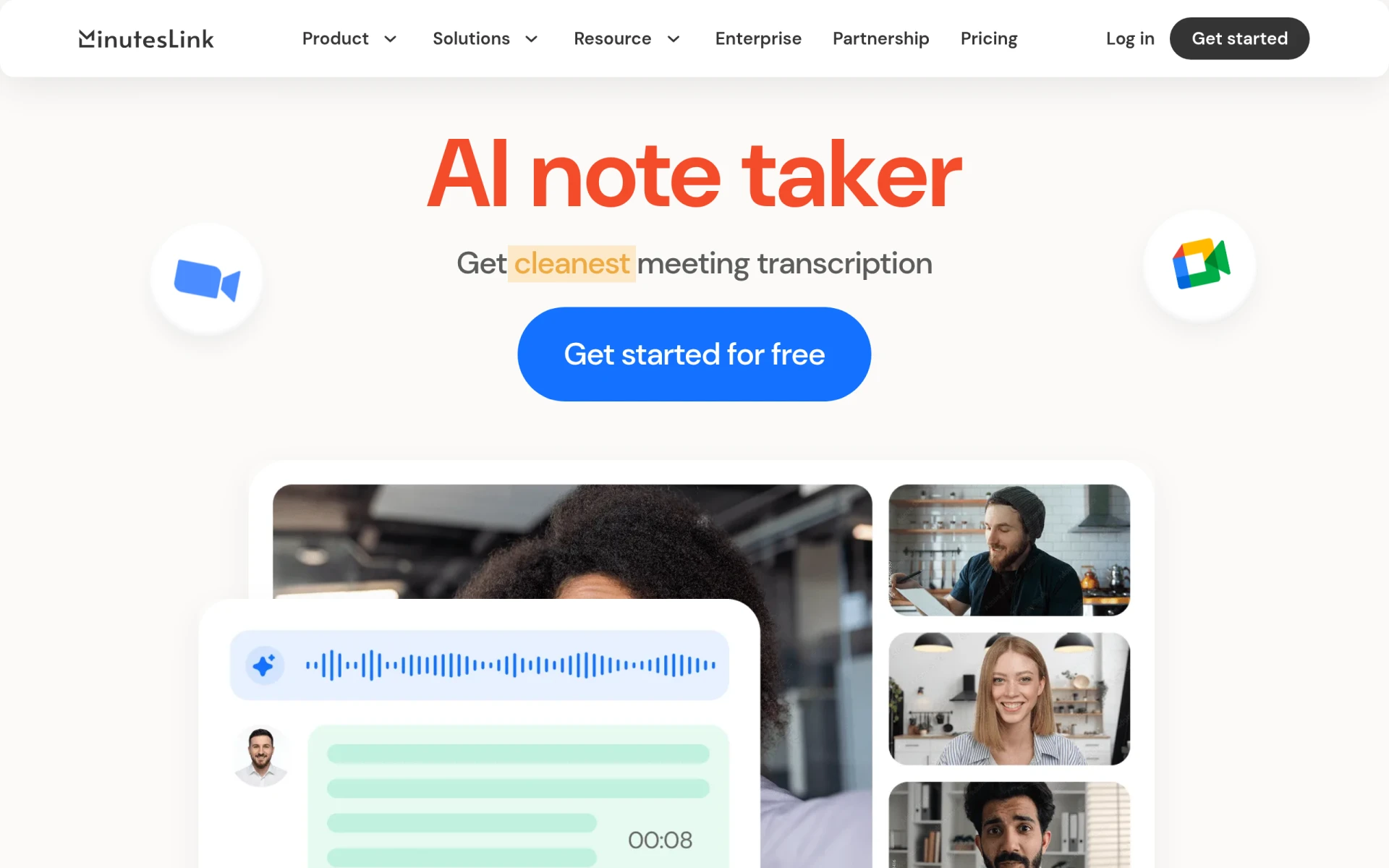
MinutesLink is an AI-powered meeting note-taking tool designed specifically for platforms like Zoom and Google Meet. Its primary purpose is to automate the process of recording, transcribing, and summarizing meetings, allowing users to focus on discussions rather than note-taking. By addressing the common issue of missed details during meetings, MinutesLink helps teams maintain clarity and organization in their communications.
MinutesLink offers practical advantages for businesses that frequently conduct virtual meetings. The automatic transcription feature ensures that no important information is lost, while the AI-generated summaries highlight critical topics and decisions, saving time for participants. Additionally, the ability to track action items enhances accountability and follow-through on meeting outcomes. By keeping all recordings and notes organized, MinutesLink simplifies the process of referencing past discussions, ultimately leading to increased efficiency and productivity.
MinutesLink is particularly useful for teams that rely heavily on virtual meetings, such as remote workforces, project management teams, and sales departments. For example, a project manager can use MinutesLink to ensure all project updates and decisions made during a meeting are accurately captured and easily accessible for future reference. Similarly, sales teams can benefit from clear records of client meetings, helping to follow up on action items and maintain strong relationships with clients.
MinutesLink is ideal for remote teams, small to medium-sized businesses, project managers, and anyone who frequently engages in online meetings. However, it may not be the best fit for users who primarily conduct in-person meetings or those who require specialized features such as advanced analytics or integrated CRM functions.
MinutesLink offers a free plan for individuals and teams, with additional business plan options available. Specific pricing details for the business plans are not disclosed on the website.
MinutesLink presents a practical solution for teams that depend on virtual meetings, offering valuable features like automatic transcription and AI-generated summaries. While it may have limitations regarding pricing transparency and customization, its benefits in terms of organization and time-saving make it a noteworthy option for productivity-focused teams. Users should evaluate their specific needs and consider whether MinutesLink aligns with their meeting workflows before making a decision.
Consile is an all-in-one team operations platform that integrates tasks, attendance, leave, and HR functions in a secure workspace.
A comprehensive guide to keyboard shortcuts for Windows, MacOS, and Linux, enhancing productivity and workflow efficiency.
Online Whiteboard is a free collaborative tool for brainstorming and visualizing ideas in real-time with teams.
Audioread converts text from articles, PDFs, and emails into natural-sounding audio for easy listening.
Ayfie is a personal assistant software that helps users manage tasks and improve productivity through intelligent automation.
AIApply is a job application tool that helps users create tailored resumes, cover letters, and auto-apply for jobs quickly.
Weekly roundup of new AI tools, launches, and trending software. No spam — unsubscribe anytime.
No credit card required · Cancel anytime
Weekly roundup of new AI tools, launches, and trending software. No spam — unsubscribe anytime.
No credit card required · Cancel anytime








