Overview
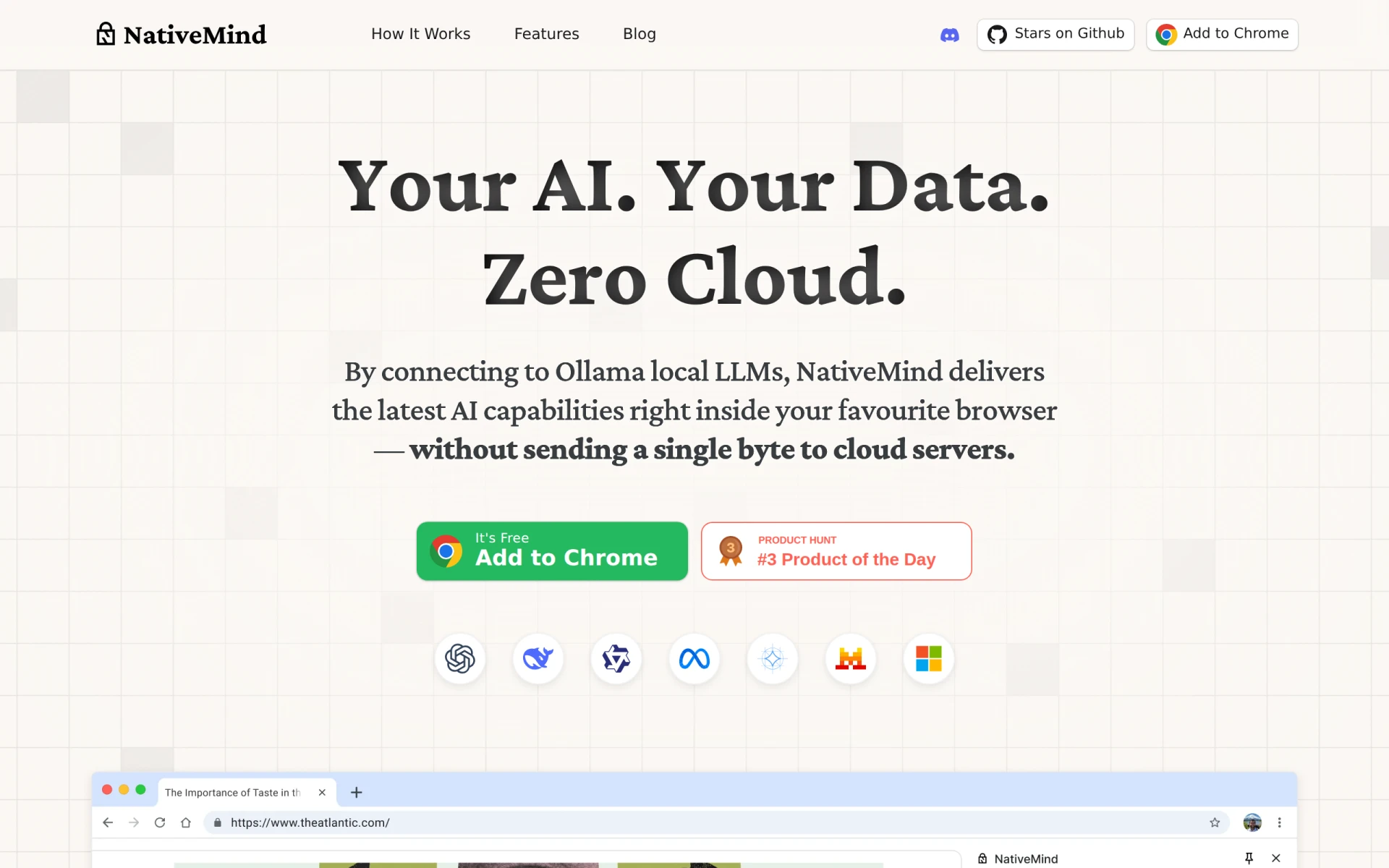
NativeMind is an AI chatbot designed to operate offline, providing users with a private and secure alternative to cloud-based solutions like ChatGPT. Its primary purpose is to facilitate conversational AI interactions without compromising user data. This software addresses concerns around data privacy and dependency on internet connectivity, making it suitable for users who prioritize security and autonomy in their digital interactions.
Key Features
- Offline operation: Use the chatbot without an internet connection.
- Open-source: Access and customize the source code according to specific needs.
- On-device processing: All data is processed locally, ensuring privacy.
- Multi-platform support: Compatible with various operating systems and devices.
- User-friendly interface: Intuitive design for easy navigation and interaction.
- Natural language processing: Understand and respond to user queries effectively.
- Customizable responses: Tailor the chatbot's responses to fit particular contexts or needs.
- Lightweight installation: Quick setup process that does not require extensive resources.
Benefits
NativeMind offers practical advantages such as enhanced data privacy by keeping user interactions local and secure. Its offline functionality means users can access AI capabilities even in areas with limited internet connectivity. The open-source nature allows for adaptability and customization, which can be particularly beneficial for developers and businesses looking to tailor AI solutions to their specific requirements. Furthermore, the lightweight installation ensures that users can quickly implement the software without extensive technical knowledge or resources.
Common Use Cases
NativeMind is ideal for individuals and organizations that require secure, offline chatbot solutions. For example, a healthcare provider can use it to assist patients with inquiries without risking sensitive data exposure. Educators might implement it in classrooms to facilitate learning without internet distractions. Developers can leverage its open-source code to create specialized chatbots for specific applications. Small businesses might adopt it for customer service, providing instant responses without the need for continuous internet access.
Who Should Use It
NativeMind is best suited for tech-savvy users, developers, and organizations that prioritize data privacy and require a customizable chatbot solution. It may not be the best fit for users who prefer fully managed cloud solutions or those who lack technical expertise to customize the software effectively.
Pricing Overview
Pricing information for NativeMind is not readily available on the official website.
Pros
NativeMind ensures user data remains private by processing information locally. The software can be used offline, which is beneficial in various settings. It is open-source, allowing for extensive customization and flexibility. The user-friendly interface makes it accessible for a wide range of users. Its lightweight installation means it can be set up quickly without requiring significant resources.
Cons
NativeMind may require technical expertise for customization and setup. Users might find limited support options compared to commercial solutions. The offline nature might restrict access to real-time updates or additional features that require internet connectivity. Some users may prefer a more extensive feature set available in cloud-based alternatives.
Conclusion
In summary, NativeMind serves as a strong option for users seeking a secure, offline AI chatbot solution. Its emphasis on privacy, open-source flexibility, and ease of use makes it appealing for developers and organizations with specific needs. However, potential users should consider their technical capabilities and the limitations associated with offline functionality before making a decision.