Consile
Freemium
Consile is an all-in-one team operations platform that integrates tasks, attendance, leave, and HR functions in a secure workspace.
 N
N
NovaVoice is an AI-powered voice assistant designed to enhance productivity by enabling fast dictation and voice command execution across applications.
 S
S
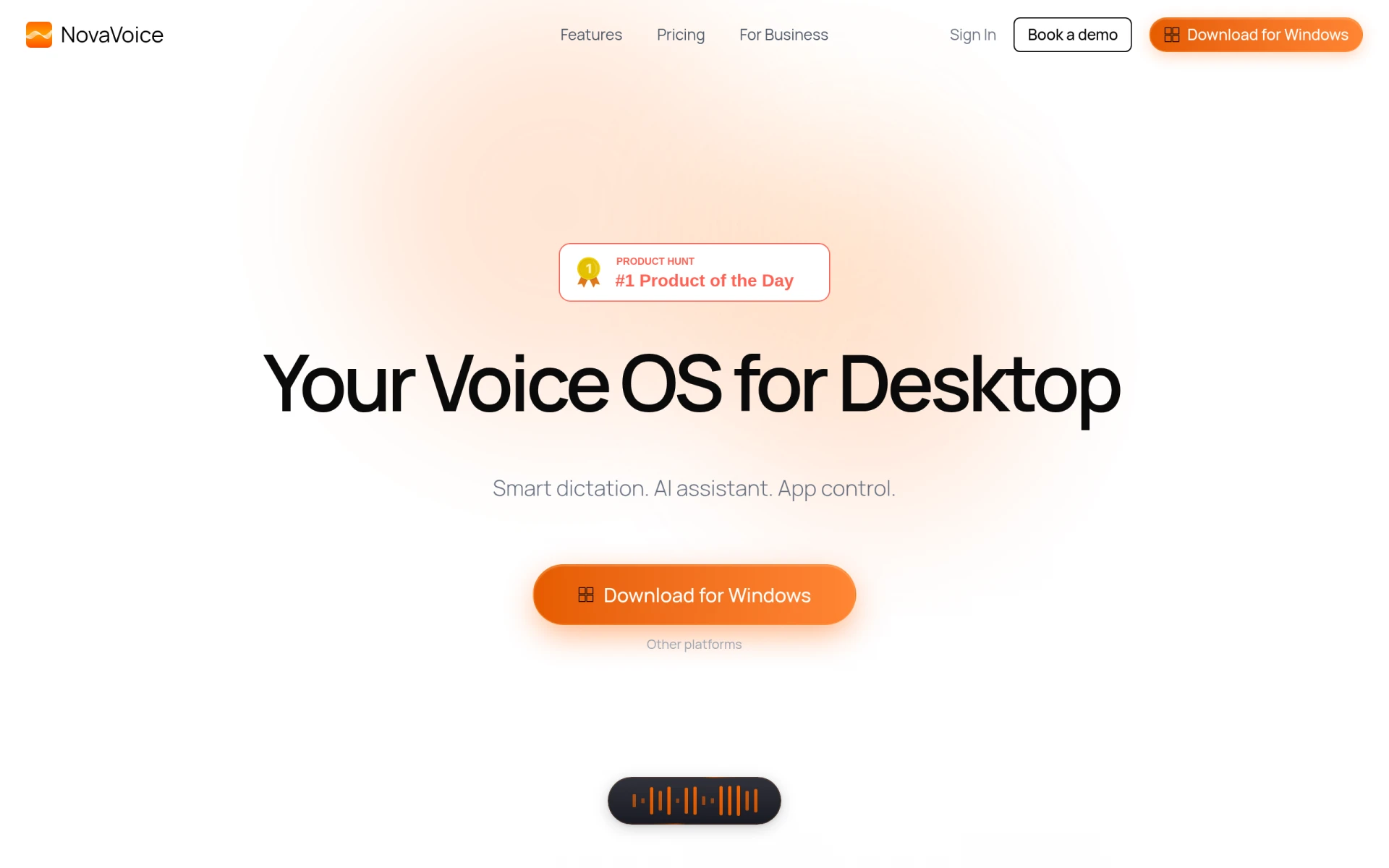
NovaVoice is a voice-powered productivity tool that acts as an AI voice assistant, designed to help users dictate text rapidly and execute commands across various applications using voice input. Its primary purpose is to improve the efficiency of writing and communication by leveraging advanced AI technology. NovaVoice addresses common challenges associated with typing speed and the need for context-aware formatting, allowing users to dictate text up to four times faster than traditional typing methods.
The main advantage of using NovaVoice is the substantial increase in writing speed it offers, allowing users to dictate at speeds of over 200 words per minute compared to the average 45 words per minute when typing manually. This speed boost can lead to improved productivity and efficiency, especially for professionals who spend significant time on writing tasks. Additionally, the context-aware formatting feature reduces the time spent on editing and formatting text, enabling users to focus on content creation rather than the mechanics of writing. The ability to control applications via voice commands also streamlines workflows, reducing the need for manual navigation.
NovaVoice is particularly beneficial for professionals who frequently engage in writing, such as:
Ideal users of NovaVoice include writers, marketers, and professionals across various industries who require efficient text creation and communication. It may not be the best fit for individuals who prefer traditional typing methods or those who work primarily in environments without voice-activated tools. Additionally, users who are uncomfortable with voice recognition technology may find it less effective.
Pricing details for NovaVoice are currently not available on the website, and users are encouraged to sign up for updates regarding pricing and plans.
NovaVoice presents a compelling solution for those looking to enhance their writing productivity through voice dictation and command execution. Its rapid dictation capabilities and context-aware features make it an attractive option for various users, particularly in writing-intensive roles. However, the absence of clear pricing information and potential learning curves may warrant consideration before making a commitment. Overall, NovaVoice is a valuable tool for anyone seeking to improve their communication efficiency through innovative technology.
Consile is an all-in-one team operations platform that integrates tasks, attendance, leave, and HR functions in a secure workspace.
A comprehensive guide to keyboard shortcuts for Windows, MacOS, and Linux, enhancing productivity and workflow efficiency.
CrystalSound offers advanced noise cancellation and screen recording tools designed to enhance virtual meetings and focus.
Audioread converts text from articles, PDFs, and emails into natural-sounding audio for easy listening.
Ayfie is a personal assistant software that helps users manage tasks and improve productivity through intelligent automation.
AIApply is a job application tool that helps users create tailored resumes, cover letters, and auto-apply for jobs quickly.
Weekly roundup of new AI tools, launches, and trending software. No spam — unsubscribe anytime.
No credit card required · Cancel anytime
Weekly roundup of new AI tools, launches, and trending software. No spam — unsubscribe anytime.
No credit card required · Cancel anytime