Overview
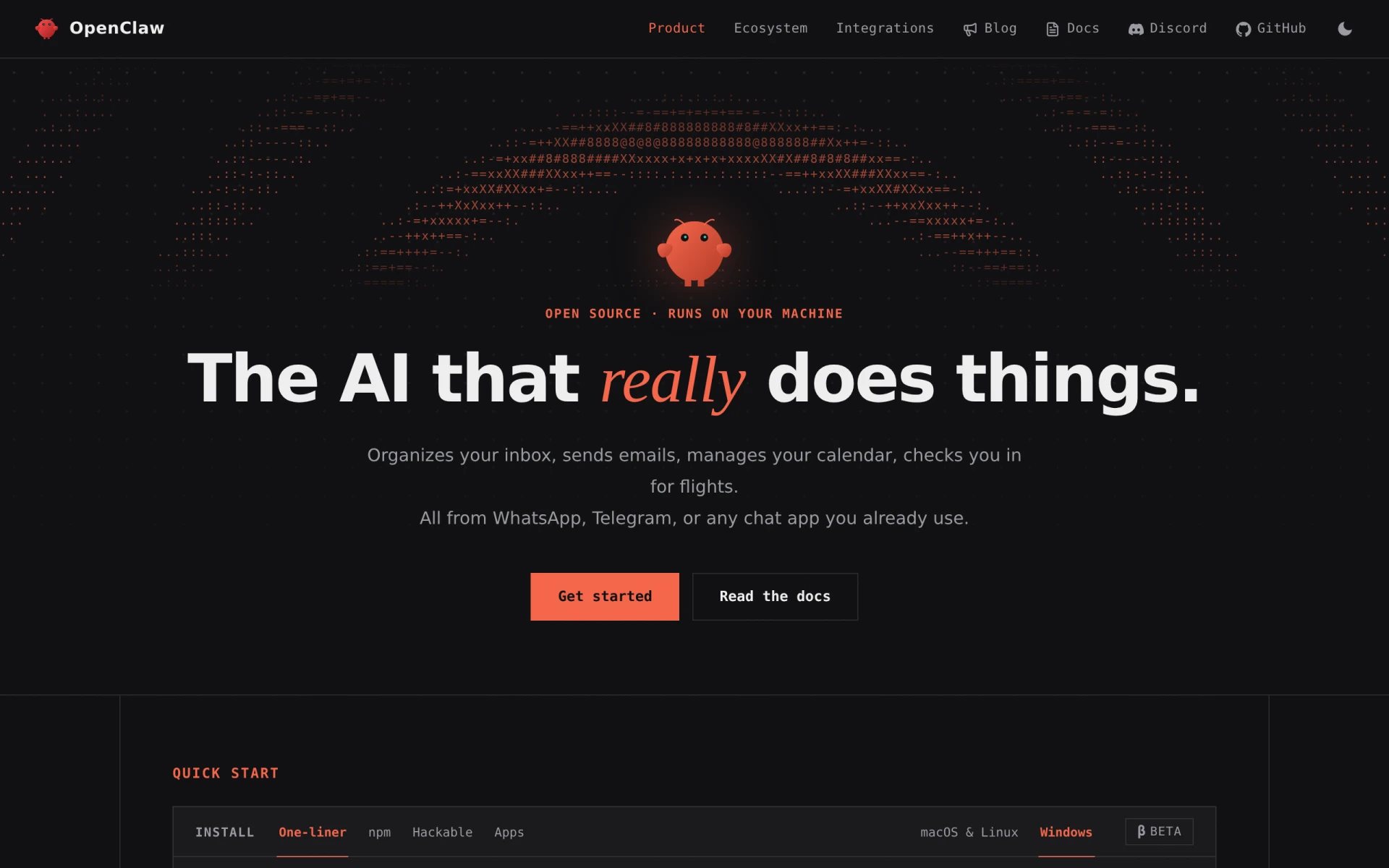
OpenClaw is an open-source AI assistant designed to function seamlessly on your personal machine while integrating with the chat applications you already use. Its primary purpose is to provide users with a personalized AI assistant experience that enhances communication and productivity. By utilizing OpenClaw, users can streamline their daily tasks, access information quickly, and improve their interaction with digital tools, all without compromising their data privacy. This software serves to alleviate common issues such as information overload, inefficiency in communication, and the need for quick assistance without relying on external servers or services.
Key Features
- Open-source platform allowing for user customization
- Local installation to ensure data privacy
- Integration with popular chat applications
- Natural language processing for understanding user queries
- Task automation capabilities for routine functions
- Multi-user support for collaborative environments
- Real-time response generation to enhance communication
- Support for various programming languages for extensibility
Benefits
OpenClaw provides practical advantages by offering a personalized assistant that runs locally, ensuring users maintain control over their data. The integration with existing chat applications minimizes the need for users to switch contexts, thus enhancing workflow efficiency. With natural language processing capabilities, OpenClaw allows for more intuitive interactions, making it easier for users to obtain information or automate tasks. This software can significantly reduce time spent on repetitive tasks and facilitate better communication among team members.
Common Use Cases
OpenClaw is particularly beneficial for individuals who frequently use chat applications for work or personal purposes. For instance, a project manager could use OpenClaw to automate status updates and gather team input through their preferred messaging platform. Similarly, a developer might utilize it to quickly access documentation or automate code reviews without leaving their chat interface. Additionally, team collaborations can be enhanced by using OpenClaw to compile and distribute meeting notes or reminders efficiently.
Who Should Use It
OpenClaw is ideal for tech-savvy individuals, teams, and organizations that prioritize data privacy and customization in their AI tools. It is particularly suitable for developers, project managers, and professionals in collaborative environments. However, it may not be the best fit for users seeking a fully managed solution with extensive support, as its open-source nature requires a degree of technical knowledge for setup and maintenance.
Pricing Overview
As an open-source tool, OpenClaw is typically free to use, but users may need to consider potential costs related to setup or customization.
Conclusion
OpenClaw presents a valuable solution for those looking for a personalized AI assistant that respects data privacy and integrates with existing workflows. While it offers a range of features suited for collaborative and individual use, the technical requirements may pose a barrier for some users. Overall, OpenClaw is a worthwhile consideration for users who prefer flexibility and control in their software solutions.