



Consile
Freemium
Consile is an all-in-one team operations platform that integrates tasks, attendance, leave, and HR functions in a secure workspace.
 P
P
PDF.ai allows users to interact with PDFs using AI, enabling question asking, summarization, and data extraction.
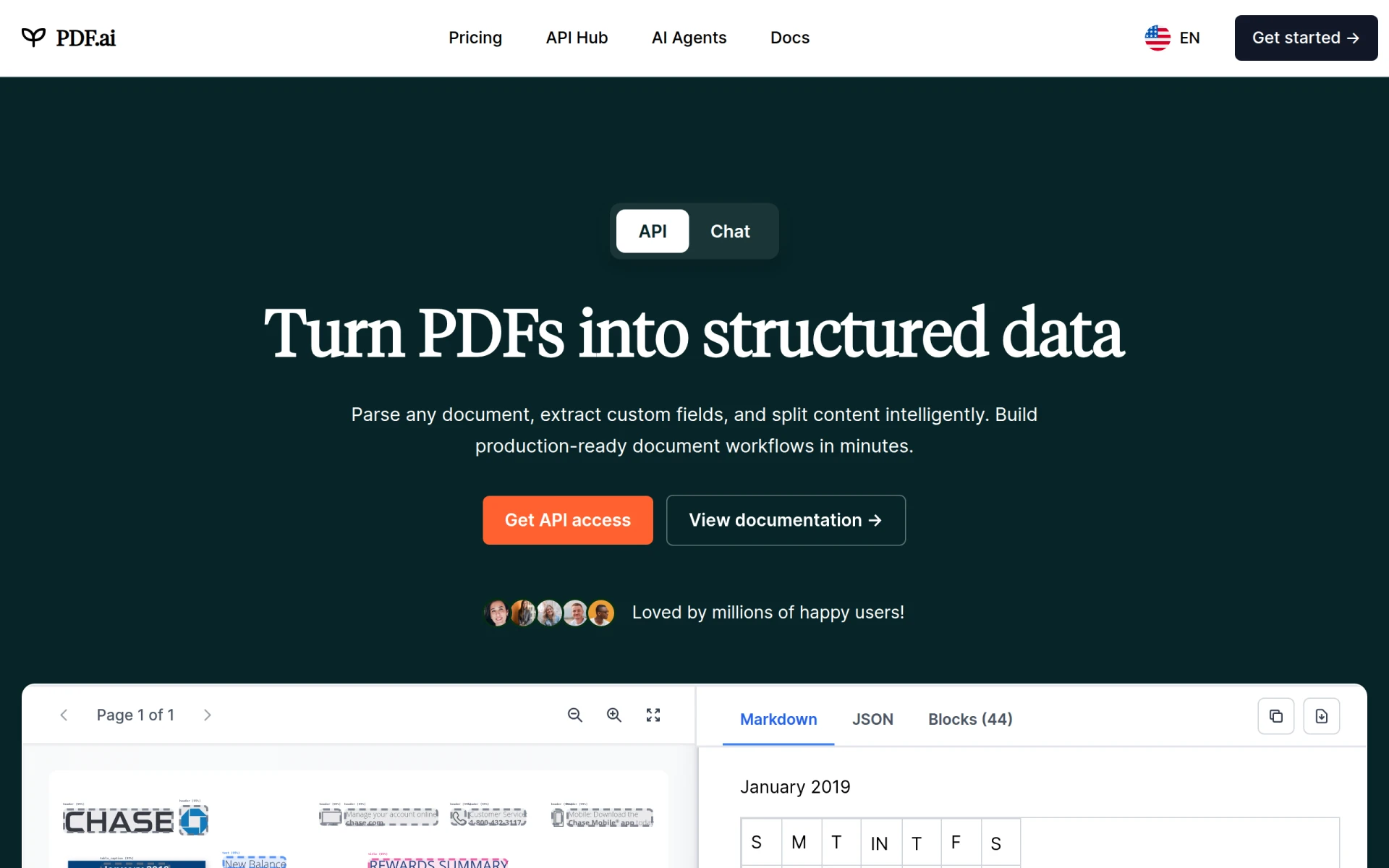
PDF.ai is a productivity tool designed to facilitate interaction with PDF documents through artificial intelligence. Its primary purpose is to enable users to ask questions, obtain summaries, and extract specific information from PDFs seamlessly. By leveraging AI technology, PDF.ai addresses common challenges associated with handling PDF files, such as the difficulty in quickly finding relevant information or summarizing lengthy documents.
The practical advantages of PDF.ai include improved efficiency in document handling and enhanced accessibility to information within PDFs. For businesses and individuals who frequently work with PDF files, this tool can significantly reduce the time spent searching for specific information or summarizing lengthy content. The ability to integrate PDF.ai into existing workflows further adds value by streamlining processes and enabling data-driven decision-making.
PDF.ai is particularly beneficial in several realistic scenarios. For instance, legal professionals can use it to quickly summarize contracts and identify key clauses without reading the entire document. Researchers may leverage it to extract relevant data from academic papers, while project managers could ask specific questions about project documentation to gather insights. Additionally, students can utilize PDF.ai to summarize lecture notes or textbooks, making study sessions more efficient.
PDF.ai is ideal for professionals such as researchers, legal analysts, project managers, and students who regularly interact with PDF documents and require quick access to specific information. However, it may not be the best fit for users who infrequently work with PDFs or those who prefer traditional methods of document interaction without AI assistance.
Pricing information for PDF.ai is currently unavailable on their website.
In summary, PDF.ai is a valuable tool for those who frequently work with PDFs, offering a unique way to interact with documents through AI. While it presents several strengths, including summarization and data extraction, potential users should weigh these benefits against the current lack of transparent pricing and the potential for inaccuracies in AI-generated responses. Ultimately, PDF.ai can enhance productivity for its ideal users, but it may not suit everyone.
Consile is an all-in-one team operations platform that integrates tasks, attendance, leave, and HR functions in a secure workspace.
A comprehensive guide to keyboard shortcuts for Windows, MacOS, and Linux, enhancing productivity and workflow efficiency.
Online Whiteboard is a free collaborative tool for brainstorming and visualizing ideas in real-time with teams.
Audioread converts text from articles, PDFs, and emails into natural-sounding audio for easy listening.
Ayfie is a personal assistant software that helps users manage tasks and improve productivity through intelligent automation.
AIApply is a job application tool that helps users create tailored resumes, cover letters, and auto-apply for jobs quickly.
Weekly roundup of new AI tools, launches, and trending software. No spam — unsubscribe anytime.
No credit card required · Cancel anytime
Weekly roundup of new AI tools, launches, and trending software. No spam — unsubscribe anytime.
No credit card required · Cancel anytime








