Overview
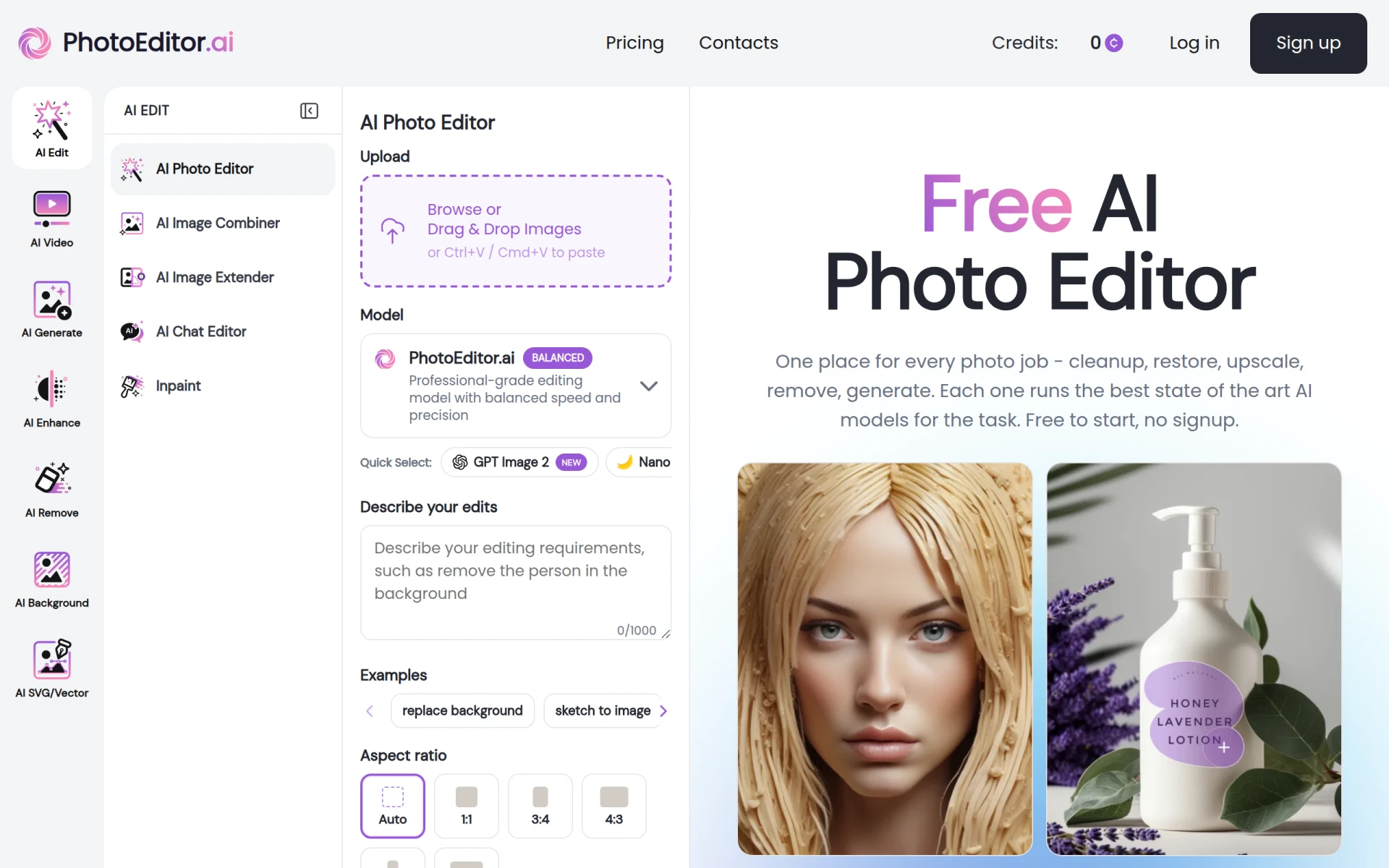
Photo Editor AI is a versatile online platform that provides a comprehensive suite of AI-powered tools designed for photo editing and image generation. Its primary purpose is to simplify the editing process, allowing users to enhance images, create new visuals from scratch, and perform various manipulations quickly and effectively. The software addresses common problems faced by users such as the need for advanced editing capabilities without the complexity often associated with professional-grade software.
Key Features
- AI Cleanup
- Background Removal
- Photo Restoration
- Image Generation from Text
- Photo Upscaling to 4K and 8K
- Object Remover
- Inpainting for Generative Fill
- Style Transfer
- Image Combiner
- SVG/Vector Editing
- Portrait Generation
- Dance Generator
- Magic Eraser
- Text Remover
- Image Extender
- Chat Editor
Benefits
Photo Editor AI enhances productivity by enabling users to make substantial edits in a fraction of the time it would take with traditional software. Its AI capabilities allow for precise edits that can improve image quality significantly, making it an ideal choice for both casual users and professionals who need quick results. The platform is free to use without requiring sign-up, which lowers the barrier for entry and encourages experimentation with its wide array of tools. Users can create high-quality images and restore old photos seamlessly, which adds considerable value for those working with visual content.
Common Use Cases
Photographers can use Photo Editor AI to enhance their portfolios with high-quality edits. Social media managers might find the background removal and image generation features particularly useful for creating eye-catching posts. Graphic designers can utilize the SVG editing tools to create vector graphics quickly. Additionally, those looking to restore old photographs will benefit from the photo restoration capabilities. The platform also serves hobbyists and casual users who want to improve their personal images without needing extensive editing skills.
Who Should Use It
Photo Editor AI is ideal for small business owners, freelancers, social media marketers, and photographers who require an efficient and user-friendly editing tool. It is suitable for users who prioritize ease of use and accessibility over advanced features that may be found in more complex software. However, professional graphic designers or those needing detailed control over every aspect of their editing may find the tool lacking in advanced customization options.
Pricing Overview
Photo Editor AI offers a free version with access to most tools, along with a paid Starter plan priced at $9/month and a Pro plan at $15/month, which includes additional features and credits for advanced capabilities.
Conclusion
Photo Editor AI stands out as a user-friendly solution for anyone needing quick and effective photo edits. While it may not have the extensive customization options found in more advanced software, its AI-driven tools make it accessible to a wide range of users. The free access model allows users to explore its capabilities without commitment, making it a worthwhile option for those looking to enhance their images efficiently.