Overview
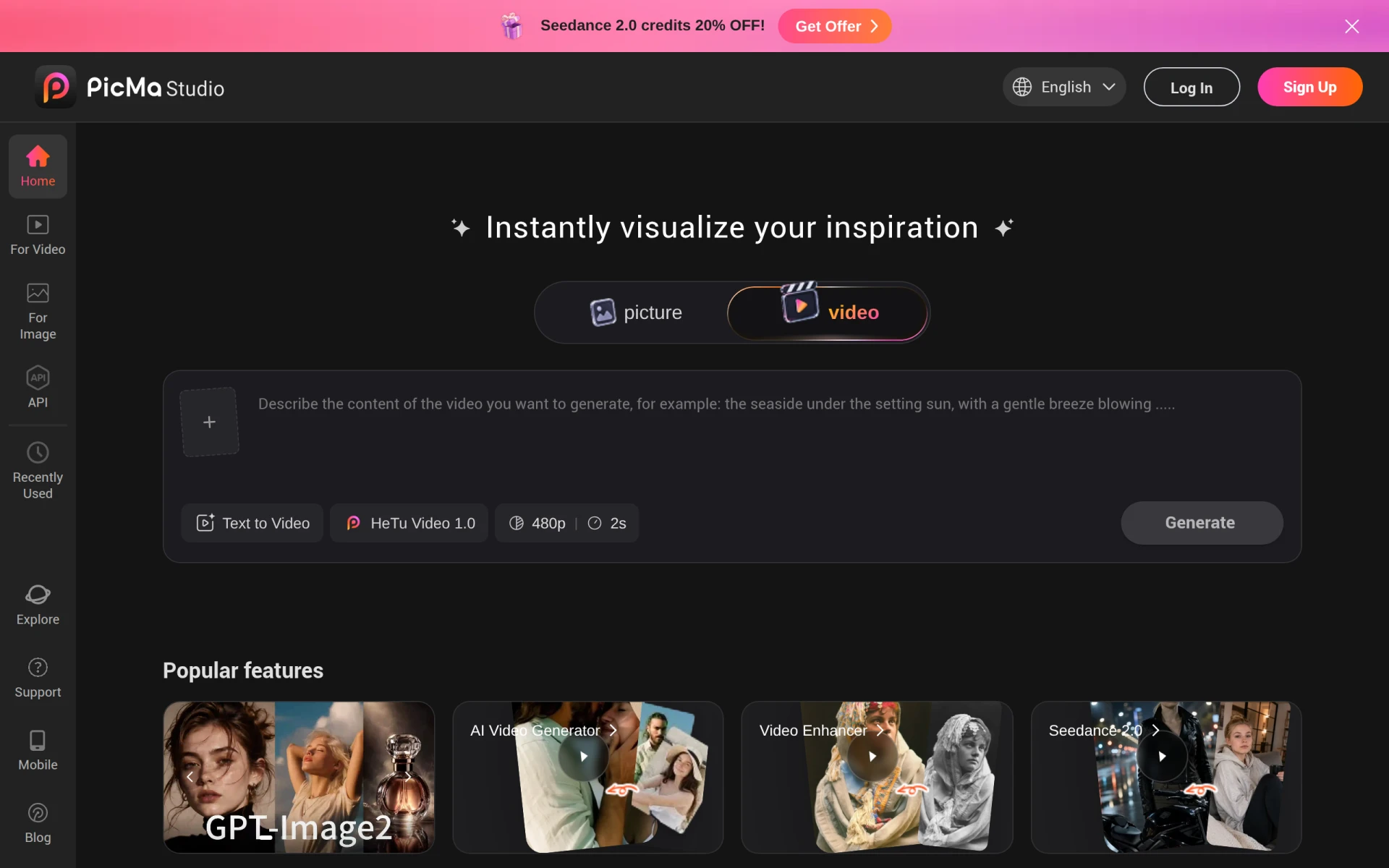
PicMa Studio is an advanced AI photo editing tool designed to enhance and modify images with ease. Its primary purpose is to provide users with a comprehensive suite of photo editing features that leverage AI technology to improve the quality and appearance of images. PicMa Studio addresses common challenges faced by photographers and graphic designers, such as time-consuming editing processes and the need for high-quality enhancements that can be achieved quickly and efficiently.
Key Features
- AI Photo Enhancement
- Background Removal
- Color Correction
- Image Retouching
- Batch Processing
- Noise Reduction
- Image Resizing
- Custom Filters
- Text Addition
- Layer Management
- Support for Various File Formats
- User-Friendly Interface
- Cloud Storage Integration
- Real-Time Preview
- One-Click Editing
- Multi-Language Support
Benefits
The practical advantages of using PicMa Studio include significant time savings due to its automated features, which allow users to complete editing tasks more quickly than traditional methods. The AI-driven enhancements ensure high-quality results, making it suitable for both professional and amateur users. Additionally, the intuitive interface simplifies the editing process, allowing users to focus on their creative vision without getting bogged down by complex tools.
Common Use Cases
PicMa Studio is ideal for photographers needing quick edits before client presentations or social media postings. Graphic designers can use it to create stunning visuals for marketing materials, while small business owners may rely on it for product photography enhancements. Freelancers can benefit from its batch processing capabilities to handle multiple images efficiently. Content creators often use it to improve visual quality and engagement on social media platforms.
Who Should Use It
PicMa Studio is best suited for photographers, graphic designers, social media managers, and marketing professionals looking for efficient image editing solutions. However, it may not be the best fit for users requiring extensive manual control over complex editing tasks or those with very specific editing needs that demand specialized software.
Pricing Overview
Pricing information for PicMa Studio is not available at this time.
Conclusion
In summary, PicMa Studio offers a robust set of features for AI-driven photo editing, making it a valuable tool for various users. While it excels in automation and ease of use, potential users should consider whether its capabilities align with their specific editing requirements. Overall, it presents a compelling option for those seeking efficiency in their photo editing workflow.