Composio
Freemium
Composio is a developer tool that enables secure access to over 1,500 applications through an easy-to-use SDK.
 P
P
Pie automates testing by simulating real user interactions to catch bugs before they reach end users.
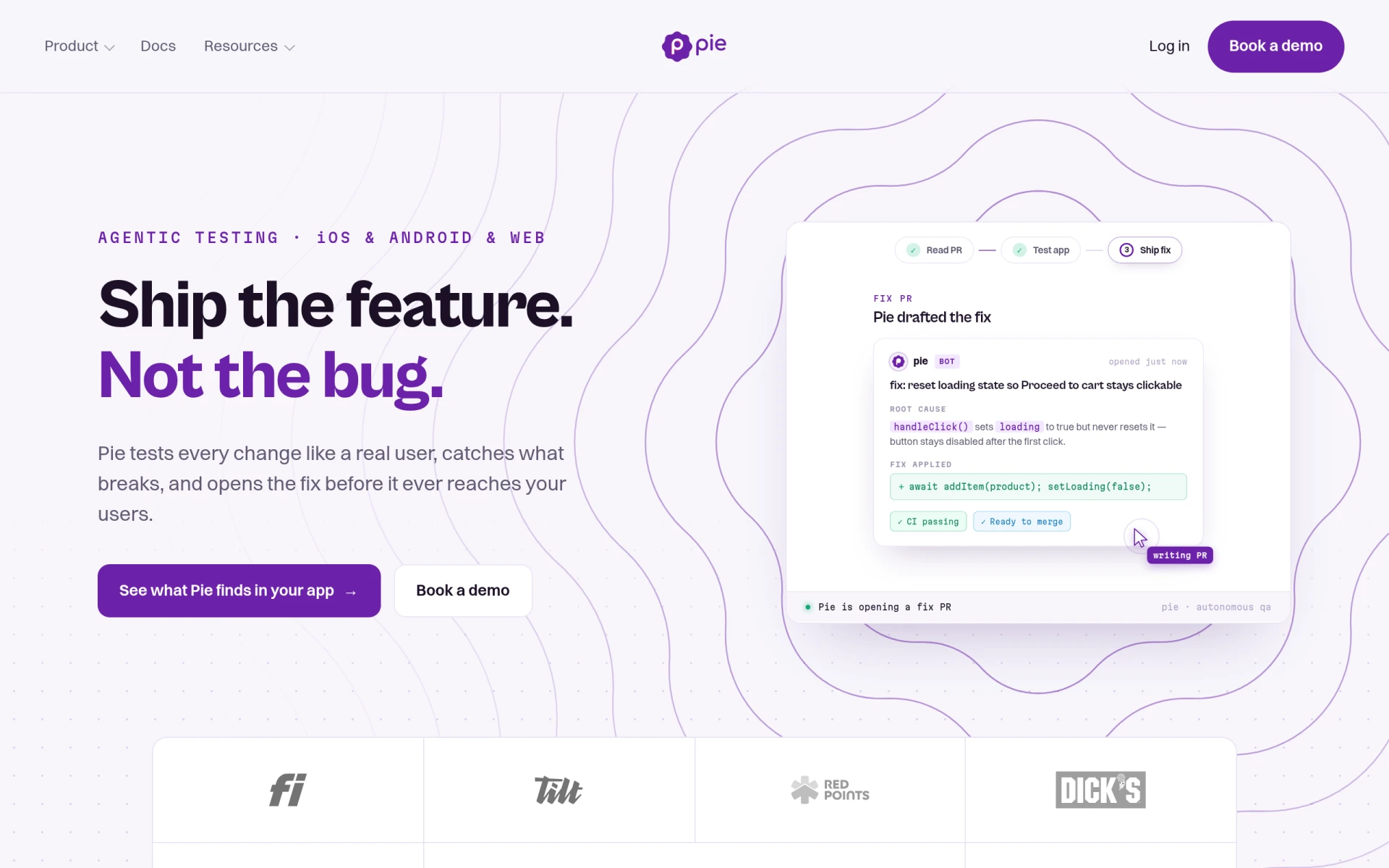
Pie is a software tool designed to enhance the quality assurance process for applications by performing automated testing that mimics real user behavior. Its primary purpose is to identify issues in software changes before they are released to users, thus ensuring a smoother user experience and maintaining the integrity of applications. By catching bugs early, Pie addresses common problems faced by developers and QA teams, such as late-stage bug discovery, which can lead to costly last-minute fixes and negatively impact user satisfaction.
Using Pie offers several practical advantages for development teams. By automating the testing process, teams can save significant time and resources typically spent on manual testing. The real-time detection of bugs allows for immediate action, reducing the cycle time for fixes and ensuring that users receive a stable product. Additionally, the integration capabilities with existing tools streamline workflows, enabling teams to maintain productivity while enhancing software quality. Overall, Pie delivers substantial business value by minimizing disruption and improving release confidence.
Pie is particularly useful in the following scenarios:
Pie is ideal for software development teams, QA professionals, and organizations that prioritize software quality and user experience. It caters to small to medium-sized businesses as well as larger enterprises looking to streamline their testing processes. However, teams with minimal software development activity or those relying solely on manual testing methods may not find Pie to be the best fit, as its benefits are maximized in environments with frequent code changes and deployments.
Details regarding Pie's pricing are not publicly available on their website, and interested users are encouraged to book a demo for a comprehensive understanding of costs.
In summary, Pie offers a robust solution for automated testing that focuses on real-world usage scenarios to catch bugs before they impact users. While it demonstrates significant strengths in enhancing testing efficiency and software quality, potential users should consider their specific needs and resources before choosing Pie. Overall, it serves as an effective tool for teams committed to delivering high-quality software products.
Composio is a developer tool that enables secure access to over 1,500 applications through an easy-to-use SDK.
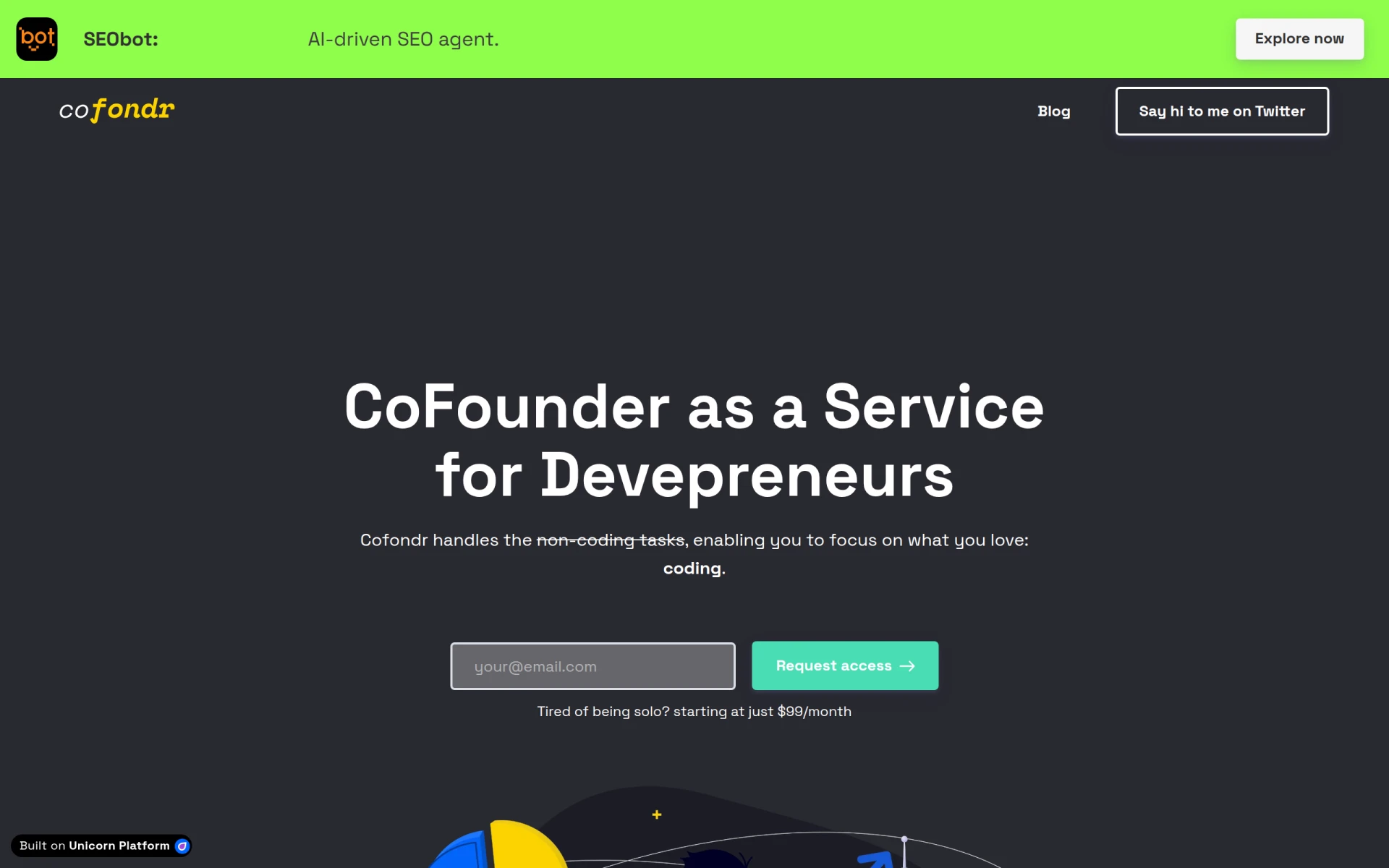
Cofondr simplifies non-coding tasks for developers, allowing them to focus on coding and marketing.
CodeMerge is a collaborative development tool designed to streamline code integration and version control for software teams.
Coding Assistant is a developer tool designed to enhance coding efficiency and accuracy through intelligent code suggestions and problem-solving.
ClutchClick offers custom app, website, and AI tool development with a senior-led team for streamlined project delivery.
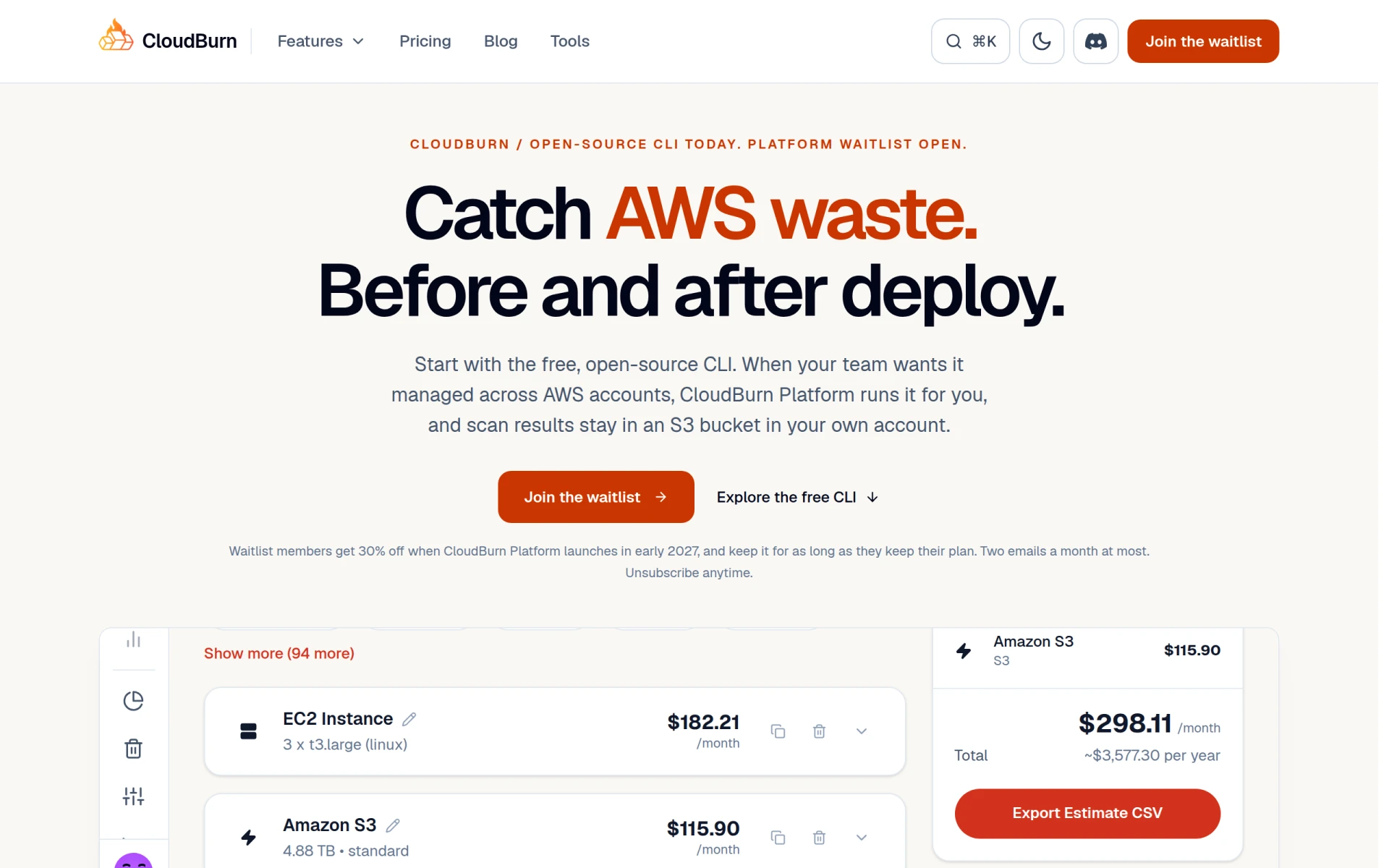
CloudBurn helps identify and optimize AWS costs through a free, open-source CLI tool for effective resource management.
Weekly roundup of new AI tools, launches, and trending software. No spam — unsubscribe anytime.
No credit card required · Cancel anytime
Weekly roundup of new AI tools, launches, and trending software. No spam — unsubscribe anytime.
No credit card required · Cancel anytime