



Consile
Freemium
Consile is an all-in-one team operations platform that integrates tasks, attendance, leave, and HR functions in a secure workspace.
 P
P
Pismo is an AI writing assistant for Mac and Windows designed to enhance writing efficiency and clarity across various applications.
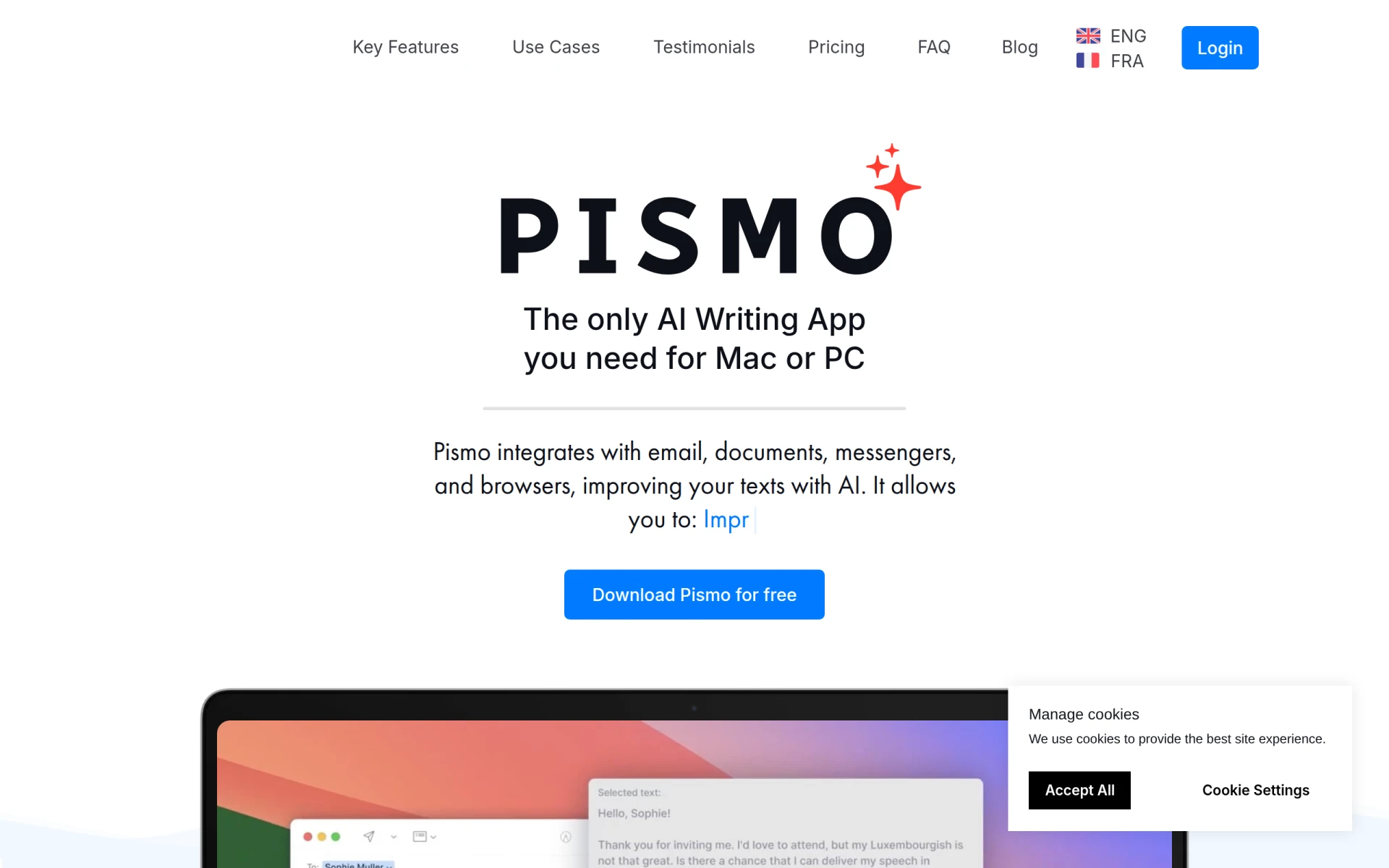
Pismo is a versatile AI writing assistant tailored for both Mac and Windows users. Its primary purpose is to enhance writing quality and streamline the writing process by providing AI-powered suggestions in real-time. Pismo solves common writing challenges such as grammar errors, tone adjustments, and content length alterations, making it a valuable tool for anyone looking to improve their written communication.
Pismo provides practical advantages such as enhanced writing quality through real-time suggestions, which can lead to clearer communication in professional and personal contexts. The AI-driven features save time and reduce frustration associated with rewriting and editing. Its multi-language support allows users to engage with a global audience, making it a great tool for marketers and content creators. Furthermore, Pismo’s cross-platform availability ensures that users can access its features regardless of their device.
Pismo is ideal for professionals who frequently write emails, reports, or any form of written communication. For instance, a marketing team can use Pismo to craft compelling content for campaigns, while students can utilize it to improve their essays and assignments. Freelancers may also benefit from Pismo by enhancing their proposals and client communications. Developers can use it to refine documentation or coding comments, ensuring clarity in technical writing.
Pismo is best suited for content creators, marketing teams, educators, and professionals who need to produce clear and effective written communication. However, it may not be the best fit for users looking for a fully integrated writing platform that includes project management features or those who prefer a more traditional writing software setup without AI assistance.
Pismo offers a straightforward pricing model at €8 per month with a 30-day money-back guarantee. An annual subscription is available for €75, providing a 22% discount for users who commit to a yearly plan.
In summary, Pismo serves as a practical AI writing assistant that enhances the quality and efficiency of written communication. It is particularly beneficial for users across various fields, including marketing, education, and freelance work. While it excels in providing real-time writing support, users seeking a more comprehensive writing suite may need to consider additional solutions. Overall, Pismo presents a valuable option for anyone looking to elevate their writing capabilities without the hassle of switching between multiple applications.
Consile is an all-in-one team operations platform that integrates tasks, attendance, leave, and HR functions in a secure workspace.
A comprehensive guide to keyboard shortcuts for Windows, MacOS, and Linux, enhancing productivity and workflow efficiency.
Online Whiteboard is a free collaborative tool for brainstorming and visualizing ideas in real-time with teams.
Audioread converts text from articles, PDFs, and emails into natural-sounding audio for easy listening.
Ayfie is a personal assistant software that helps users manage tasks and improve productivity through intelligent automation.
AIApply is a job application tool that helps users create tailored resumes, cover letters, and auto-apply for jobs quickly.
Weekly roundup of new AI tools, launches, and trending software. No spam — unsubscribe anytime.
No credit card required · Cancel anytime
Weekly roundup of new AI tools, launches, and trending software. No spam — unsubscribe anytime.
No credit card required · Cancel anytime








