Overview
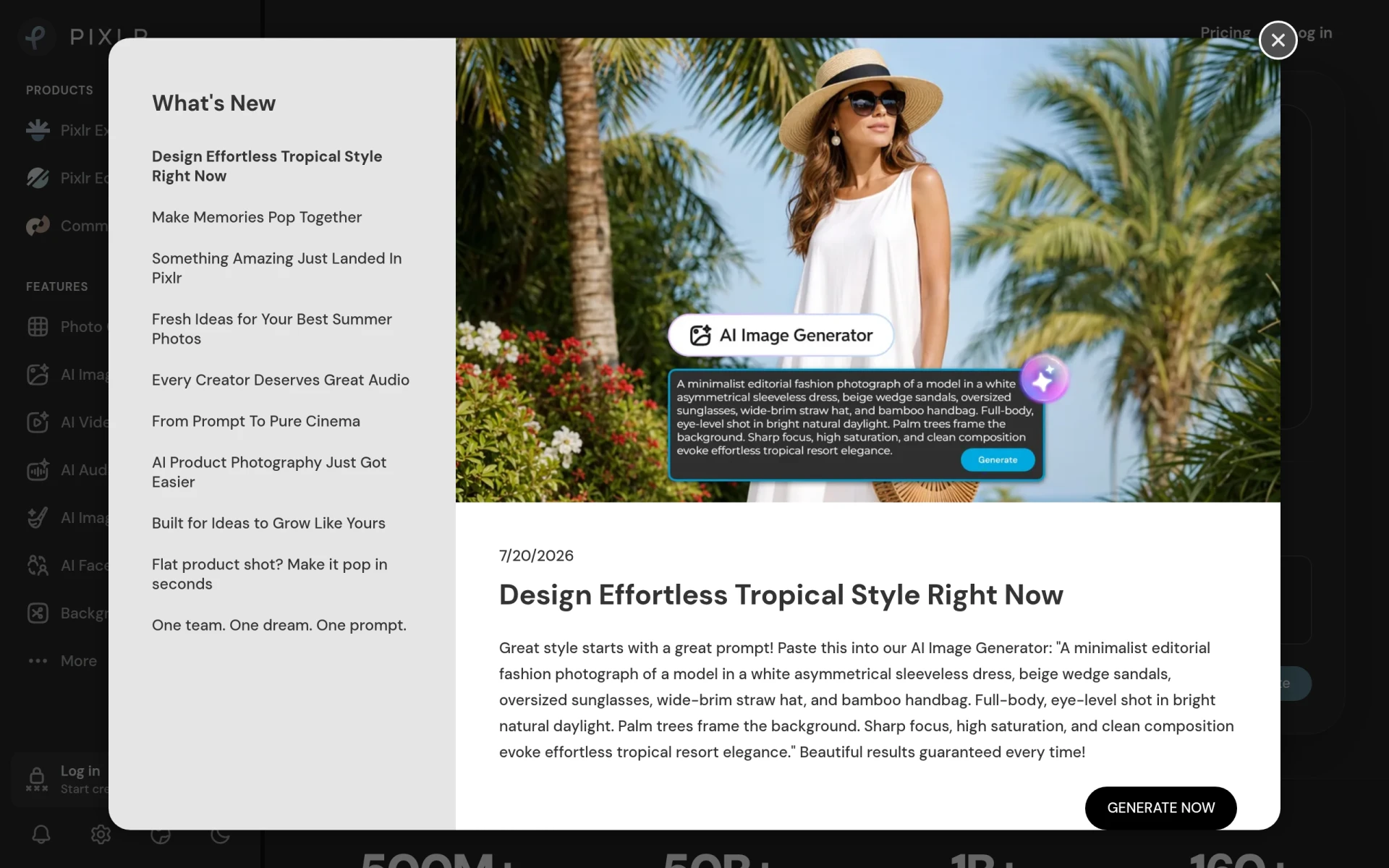
Pixlr is a cloud-based photo editing tool that leverages artificial intelligence to provide users with an intuitive and feature-rich platform for editing images and generating graphics. Its primary purpose is to simplify photo editing for users of all skill levels, from beginners to professionals, allowing for quick enhancements and creative designs without the need for extensive software installations. Pixlr addresses various common problems such as the complexity of traditional photo editing software, the need for quick fixes on-the-go, and the demand for advanced tools that can produce high-quality results without extensive training.
Key Features
- AI Image Editing: Utilize artificial intelligence for automatic enhancements and corrections.
- Background Removal: Easily remove backgrounds from images with a single click.
- Face Swapping: Swap faces in photos seamlessly using advanced AI algorithms.
- Collage Maker: Create stunning collages from multiple images effortlessly.
- Filters and Effects: Apply a wide range of filters and effects to enhance images.
- Layering: Work with multiple image layers for complex designs and edits.
- Mobile Compatibility: Access Pixlr from any device with internet connectivity.
- User-Friendly Interface: Intuitive design that caters to both beginners and experienced users.
- Image Formats: Support for various image formats including JPEG, PNG, and more.
- Collaboration Tools: Share projects easily with team members for collaborative editing.
Benefits
Pixlr offers practical advantages such as saving time on photo edits, providing a cost-effective solution for businesses and individuals, and enabling creative freedom with its diverse tools. Users can quickly improve their images and produce professional-looking graphics without the learning curve associated with more complex software. The integration of AI not only enhances the editing process but also ensures that users achieve high-quality results efficiently.
Common Use Cases
Pixlr can be effectively used in various situations such as:
- A small business owner quickly editing product photos for an online store.
- A social media manager creating eye-catching graphics for campaigns.
- A student designing a project presentation with compelling visuals.
- A photographer performing quick touch-ups on images before sharing.
- A marketer producing promotional materials without needing advanced design skills.
Who Should Use It
Pixlr is ideal for small business owners, marketing teams, freelance graphic designers, educators, and social media professionals. However, it may not be the best fit for users requiring extremely advanced features found in professional-grade software like Adobe Photoshop or users who prefer offline editing tools.
Pricing Overview
Pixlr offers a free version with limited features and a subscription model for those seeking advanced functionalities. Specific pricing details were not available in the scraped content.
Conclusion
In summary, Pixlr stands out as a versatile and user-friendly online photo editing tool that caters to a wide range of users. Its AI-powered features, ease of use, and accessibility make it a valuable resource for anyone looking to create and enhance images without the need for complex software. While it may not replace professional-grade solutions for advanced users, it certainly provides ample capabilities for everyday editing and design tasks.