Overview
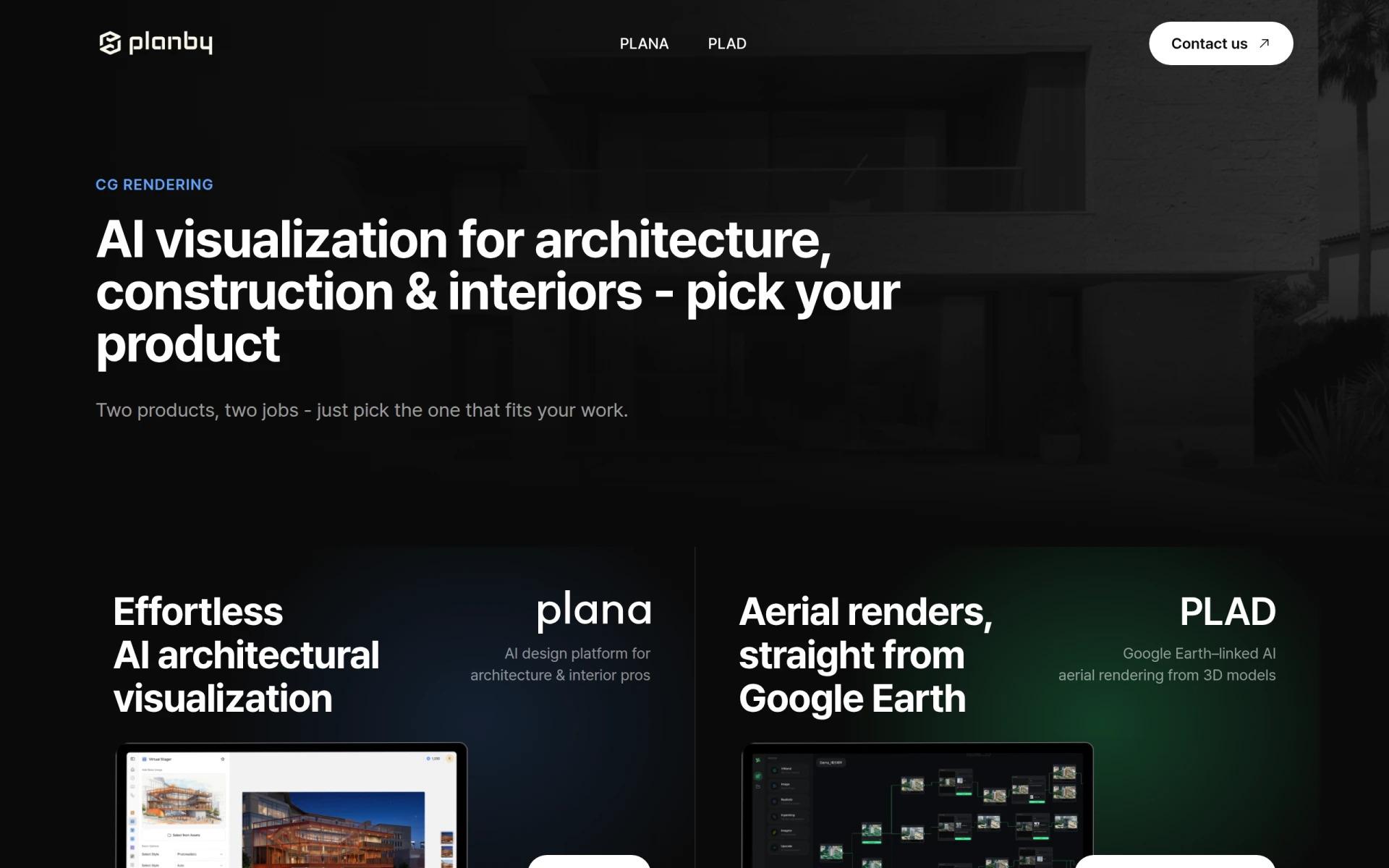
Planby is an innovative software solution designed for architectural and interior design professionals, facilitating AI-driven visualization for various project needs. The primary purpose of Planby is to streamline the process of creating high-quality renderings, whether for interior spaces or aerial views linked to geographical data. By utilizing advanced artificial intelligence, Planby addresses common challenges faced in architectural visualization, such as time-consuming manual rendering processes and the need for accurate, visually appealing outputs.
Key Features
- Interior Rendering: Generate realistic interior designs effortlessly.
- Aerial Rendering: Create aerial views using Google Earth data linked with 3D models.
- AI-Powered Visualization: Leverage AI technology for quick and accurate renderings.
- User-Friendly Interface: Navigate the software with ease, regardless of technical expertise.
- Customization Options: Tailor renderings to meet specific project requirements.
- Fast Rendering Times: Achieve high-quality outputs in a fraction of the time compared to traditional methods.
- Integration with Google Earth: Access aerial views directly for enhanced project context.
- Free Demo: Experience the software before committing to a purchase.
Benefits
Planby delivers significant advantages for its users. By automating the rendering process, architects and designers can save considerable time, allowing them to focus on other critical aspects of their projects. The software’s AI functionality ensures that renderings are not only fast but also of high quality, enhancing client presentations and decision-making. Furthermore, the integration with Google Earth provides unique geographical contexts that can help in site planning and design proposals.
Common Use Cases
Planby is particularly useful in several scenarios. For instance, an interior designer may use the interior rendering feature to visualize a client's living space before any physical changes are made, ensuring satisfaction with the design. A construction firm might leverage the aerial rendering capabilities to present site development plans to stakeholders, providing a clear picture of how the project will integrate with the surrounding environment. Additionally, landscape architects can utilize the software to generate comprehensive visualizations that incorporate both architecture and natural elements.
Who Should Use It
Planby is ideal for architects, interior designers, construction companies, and landscape architects who require high-quality visualizations for their projects. It is particularly beneficial for professionals who prioritize efficiency and quality in their design workflows. However, it may not be the best fit for casual users or hobbyists who do not require advanced rendering capabilities or for industries outside of architecture and construction.
Pricing Overview
Pricing information for Planby is currently not available on the website. Users are encouraged to request a free demo or contact the company for detailed pricing options.
Conclusion
In summary, Planby offers a robust solution for architectural visualization, combining AI technology with practical features suited for professionals in the field. While it excels in providing quick and high-quality renderings, potential users should consider their specific needs and whether the software's capabilities align with their project requirements. As always, evaluating alternatives and exploring demos can help ensure the best fit for your design endeavors.