Overview
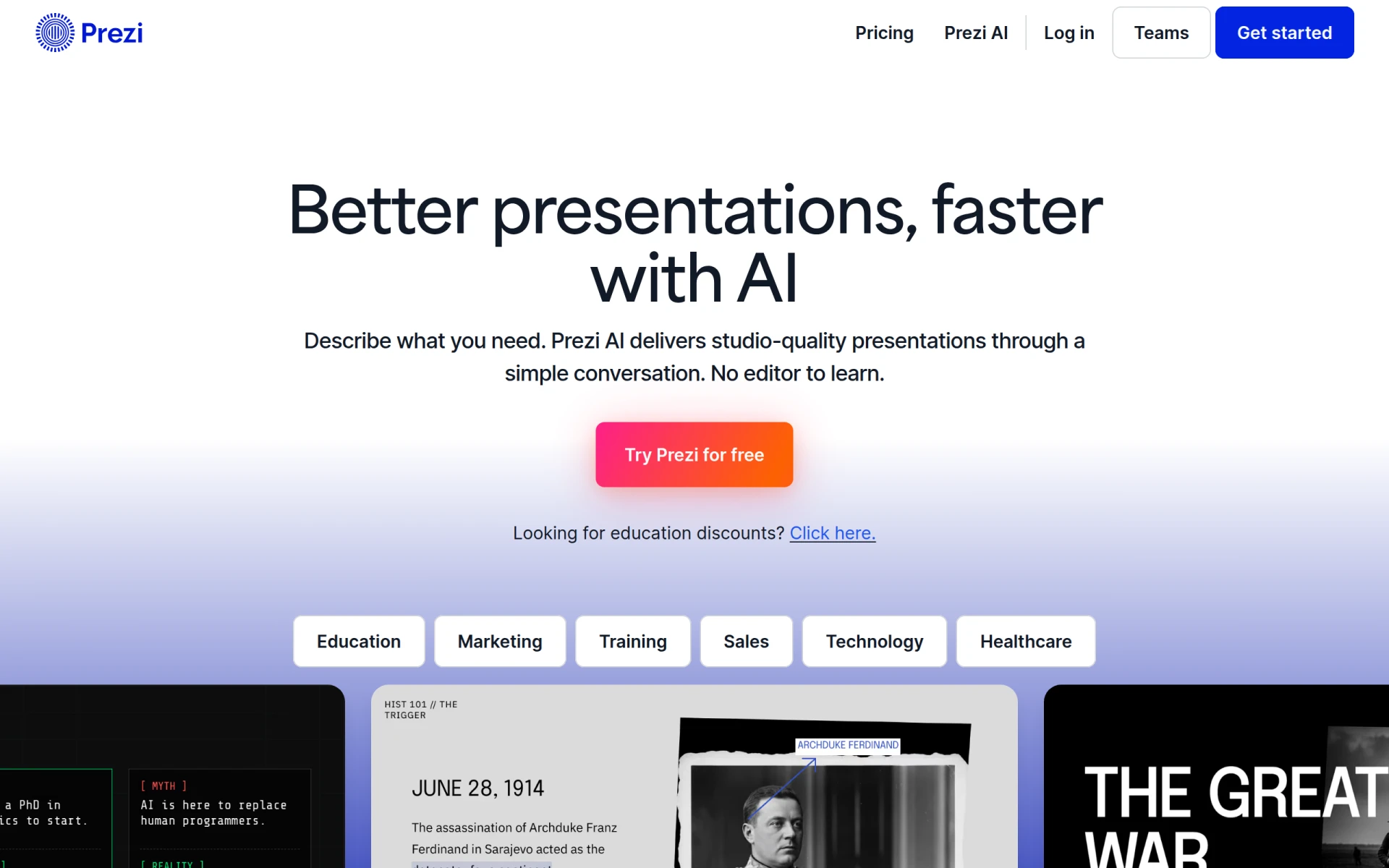
Prezi is an innovative presentation maker that leverages artificial intelligence to help users create visually engaging and interactive presentations. Its primary purpose is to enhance the way individuals and teams communicate ideas, making presentations more dynamic compared to traditional slide-based formats. Prezi addresses common challenges such as audience engagement, presentation design, and ease of use, allowing users to focus on content rather than formatting.
Key Features
- AI Presentation Design: Automatically generates presentation layouts based on user input.
- Interactive Zooming Interface: Allows users to navigate through content in a non-linear fashion.
- Brand Kit: Customize presentations with company logos and colors for consistent branding.
- Reusable Templates: Access a library of templates to speed up the presentation creation process.
- Integration with Video Conferencing Tools: Works seamlessly with Zoom, Microsoft Teams, and Webex for virtual presentations.
- Collaborative Features: Enables real-time collaboration among team members on presentation projects.
- Infographic Creation: Offers tools for creating visually appealing infographics to convey data effectively.
- Analytics Dashboard: Provides insights into viewer engagement and presentation performance.
Benefits
Prezi offers several practical advantages for users looking to enhance their presentation skills. The AI-driven design capabilities reduce the time and effort required to create polished presentations. Its interactive format captures audience attention more effectively than traditional slide decks. The ability to collaborate in real-time fosters teamwork and encourages input from multiple stakeholders, which can lead to more comprehensive and engaging presentations. Additionally, the analytics features enable users to refine their content based on audience engagement metrics.
Common Use Cases
Prezi is well-suited for various scenarios, including:
- Educators using it to create interactive lectures that keep students engaged.
- Sales teams presenting product features and benefits in a compelling manner during client meetings.
- Marketing professionals showcasing campaign strategies and results to stakeholders.
- Corporate trainers delivering training sessions with engaging visual aids.
- Consultants developing visually rich reports for presentations to clients.
Who Should Use It
Prezi is ideal for educators, corporate trainers, sales professionals, and marketing teams who need to craft compelling presentations. Its engaging format can be particularly useful in environments where audience attention is crucial. Conversely, users who prefer traditional slide formats or those who require extensive customization options may find it less suitable.
Pricing Overview
Pricing information for Prezi is not explicitly stated on the website; users should visit the official site for the latest details on subscription plans and educational discounts.
Pros and Cons
Pros
- The AI presentation design feature significantly reduces the time needed to create presentations.
- The interactive zooming interface engages audiences and enhances storytelling.
- Real-time collaboration tools facilitate teamwork and collective input.
- A wide range of templates and themes allows for quick customization.
- Integration with popular video conferencing tools makes virtual presentations more effective.
Cons
- Some users may find the learning curve steep when first adapting to the zooming interface.
- Limited offline functionality can be a drawback for those needing access without internet.
- The focus on visual engagement may not suit all types of content-heavy presentations.
Conclusion
Prezi stands out as a powerful tool for creating engaging presentations that leverage AI to enhance the user experience. While it offers numerous benefits, including time-saving design features and interactive formats, it may not be the best fit for every user, especially those who prefer traditional presentation methods. Ultimately, its value lies in its ability to transform standard presentations into engaging experiences that captivate audiences.