



Consile
Freemium
Consile is an all-in-one team operations platform that integrates tasks, attendance, leave, and HR functions in a secure workspace.
 Q
Q
Quadratic is an AI-powered spreadsheet tool that connects to your data, enabling fast and clear insights through natural language queries.
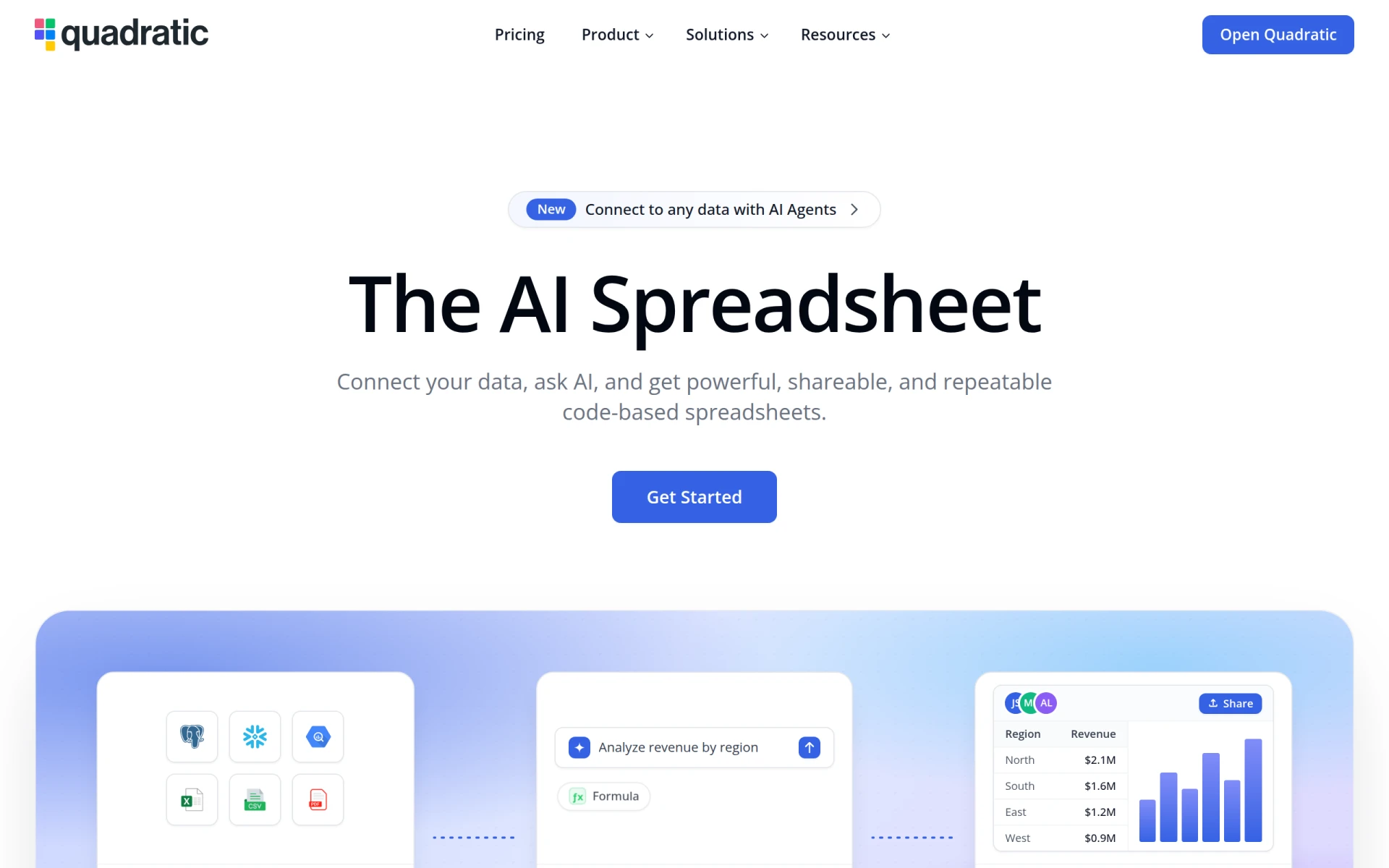
Quadratic is an innovative AI-powered spreadsheet tool designed to streamline the process of data analysis and visualization. Its primary purpose is to enable users to connect to various data sources and generate insights quickly and efficiently using natural language queries. Users can ask questions in plain English, and Quadratic leverages artificial intelligence to write the necessary formulas, generate charts, and produce shareable results. This tool addresses common challenges faced by data analysts and business users, such as the complexity of traditional spreadsheets and the steep learning curve associated with data manipulation.
Quadratic offers significant benefits for businesses looking to enhance their data analysis capabilities. By simplifying data interactions through natural language, it reduces the time required for users to derive insights. The automated formula generation and chart creation allow users with limited technical skills to engage with complex data without needing extensive training. Furthermore, the capability to connect to multiple data sources ensures that users can access their information in one centralized location, facilitating better decision-making.
Quadratic is ideal for business analysts, marketers, sales professionals, and educators who need to analyze data quickly and efficiently. It is particularly beneficial for users who prefer a straightforward, code-free interface for data manipulation. However, advanced data scientists or users requiring highly customizable solutions may find it less suitable, as it is primarily designed for ease of use rather than complex data modeling.
Quadratic offers a tiered pricing model, including a free plan for individuals and paid plans for teams and businesses. The Pro plan is priced at $18 per user per month when billed annually, while the Business plan costs $36 per user per month, also billed annually.
Quadratic stands out as a user-friendly AI spreadsheet tool that simplifies data analysis for a wide range of users. It effectively bridges the gap between complex data tasks and users with varying levels of expertise, making it a valuable asset for businesses looking to enhance their data-driven decision-making processes. While it may not cater to advanced data science needs, its strengths in accessibility and efficiency make it a compelling choice for many organizations.
Consile is an all-in-one team operations platform that integrates tasks, attendance, leave, and HR functions in a secure workspace.
A comprehensive guide to keyboard shortcuts for Windows, MacOS, and Linux, enhancing productivity and workflow efficiency.
Online Whiteboard is a free collaborative tool for brainstorming and visualizing ideas in real-time with teams.
Audioread converts text from articles, PDFs, and emails into natural-sounding audio for easy listening.
Ayfie is a personal assistant software that helps users manage tasks and improve productivity through intelligent automation.
AIApply is a job application tool that helps users create tailored resumes, cover letters, and auto-apply for jobs quickly.
Weekly roundup of new AI tools, launches, and trending software. No spam — unsubscribe anytime.
No credit card required · Cancel anytime
Weekly roundup of new AI tools, launches, and trending software. No spam — unsubscribe anytime.
No credit card required · Cancel anytime








